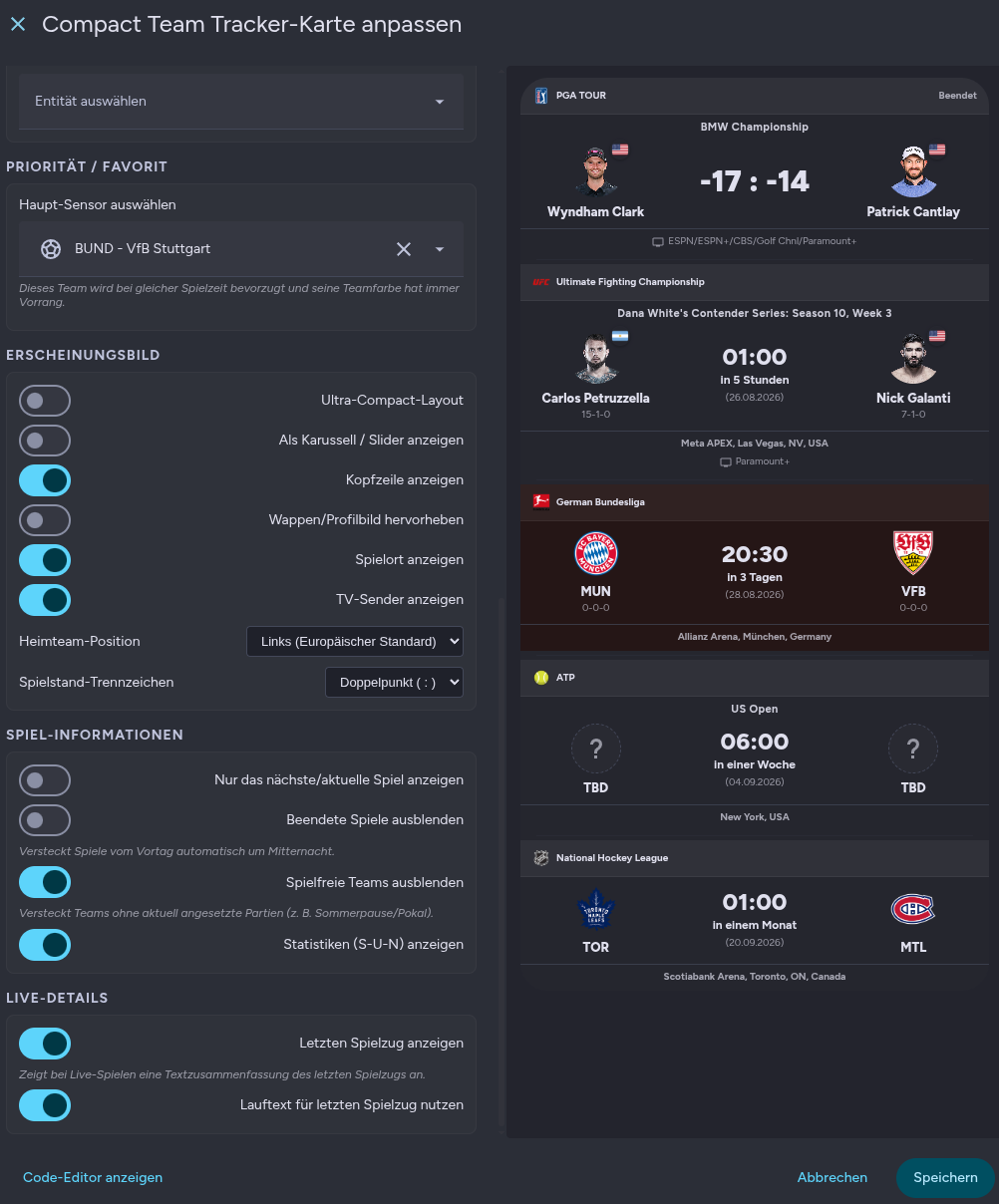
I wanted to share a project (my first one) I’ve been working on (with ai support): the Compact Team Tracker Card.
While I love the data provided by the ha-teamtracker integration, I found the default card a bit too bulky for my minimalist dashboard. My goal was to create a “UI-first” version that keeps all the essential information while significantly reducing the footprint.
Credits
This card is a frontend enhancement and wouldn’t be possible without the fantastic work of vasqued2 and their ha-teamtracker integration. This card requires that integration to be installed and configured first.
Key Features in v2.0.5:
Space-Efficient Design: Optimized for dense dashboards.
Ultra-Compact Layout: An optional one-line mode for the ultimate minimalist look.
Smart Visibility: Automatically hides finished matches from previous days at midnight to keep your view fresh.
Multi-Entity Support: Display and manage multiple teams within a single card.
Priority Sensor: Choose a “main” team to be prioritized when multiple games start simultaneously.
Full Visual Editor: No YAML required. Configure everything via the native Home Assistant UI.
Okay, I've now tested it on a fresh HA installation and am encountering the same issue as you. For now, you can create the map in the code editor and define the entities there; see my example:
I'll take a closer look at the problem over the next few days.
EDIT:
There seems to be a problem loading the dropdown menu. If you click the dropdown menu in the visual editor on any standard dashboard card, it will then work on my card as well.
Is there a way to show the previous game as well? For example, once the Mets game was done the score was gone, but I'd like to have the previous game show for some time before the next one, seeing the score in the morning for example.
Is the “Hide finished matches” option turned off?
If so, the reason the games aren't visible is likely the Team Tracker integration itself. I'm not exactly sure how the MLB schedule is displayed there. In the Bundesliga, all games remain visible until the end of the matchday.
Would it be possible to add an option to limit the number of matches so only the first x appear so the card size would stay the same even with more than x teams set up? Or maybe make it scrollable and respect home assistant's size settings?
Was glad to see this, as the full card does take up a lot of real estate. Looks great. Is there any way to flip the home and away positions like you can in the full card?
I have another suggestion to kind of build on this update. Now that home/away positioning is configurable, I would generally know where the game is being played (with a few exceptions). What about an option to include the TV network info in the small banner on the bottom instead of the detailed game location info? Maybe there are other data points that could be options to include in that spot (with limit to select only 1 choice to keep this “compact” card compact).
I’ve been thinking about the suggestion. I’ll include the following options in the next release:
You can use a toggle to show or hide the location
You can use a toggle to display the TV schedule (if available)
If someone doesn’t need the location, they can hide it and make the map even more compact.
No additional data points are planned for now. As you said, it’s meant to be a compact card, and I don’t want to overload the editor too much.
Individual Sports & Motorsport Engine: Added dynamic support for UFC/MMA, Tennis, Golf (PGA), and Racing (F1/NASCAR) with custom headshot/flag badge rendering and tournament/event layouts.
Granular Match Filtering: Split the off-season and match filtering controls into dedicated options for past completed matches and unscheduled/off-season teams.
Visual Glow & Customization: Introduced a global logo drop-shadow toggle and added options for TV network/broadcast badges and location display.
Full Changelog
Sports & Layout Expansions
Added dynamic headshot URL generation for athlete portraits using ESPN athlete IDs.
Added country flag badge positioning in the top-right corner of athlete headshots.
Integrated dedicated single-competitor event/racing layout rendering rank/position instead of team scores.
Added tournament event name banners for individual sports (e.g., PGA/Golf, UFC Fight Nights).
Display & Styling Refinements
Restructured name rendering to allow multi-line wrapping and eliminated ellipsis (...) clipping.
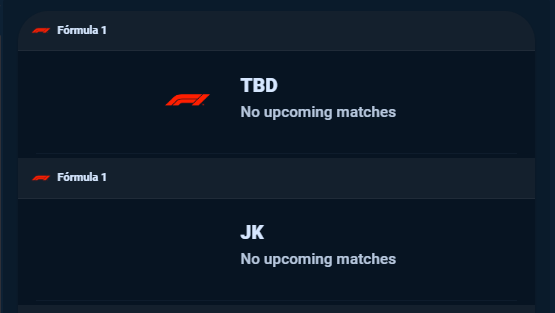
Filtered out placeholder characters (such as *) in abbreviation fields, falling back to full athlete names.
Added a dedicated fallback placeholder for TBD / unassigned opponents to eliminate broken image icons.
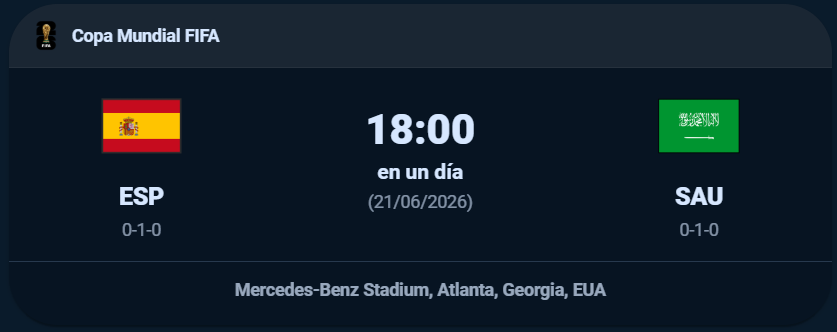
Redesigned the Ultra-Compact live match indicator into a centered vertical pill.
Configuration & Switch Additions
Added logo_shadow switch to apply a glow/drop-shadow across all team crests and headshots.
Added show_tv_network toggle to display broadcasting channels and streams.
Added show_location switch to manage venue and match location visibility.
Split filter settings into only_today (hide past games) and hide_offseason (hide unscheduled teams).
It looks like the Team Tracker integration isn’t providing any information—or perhaps ESPN doesn’t have any data—about the events.
Yes, there will always be a logo that’s harder to see because of the contrast. With large logos, you can add a glow effect. But with the small ones in the header, that’s not something you can do very cleanly.
 Credits
 Key Features in v2.0.5:
 Screenshots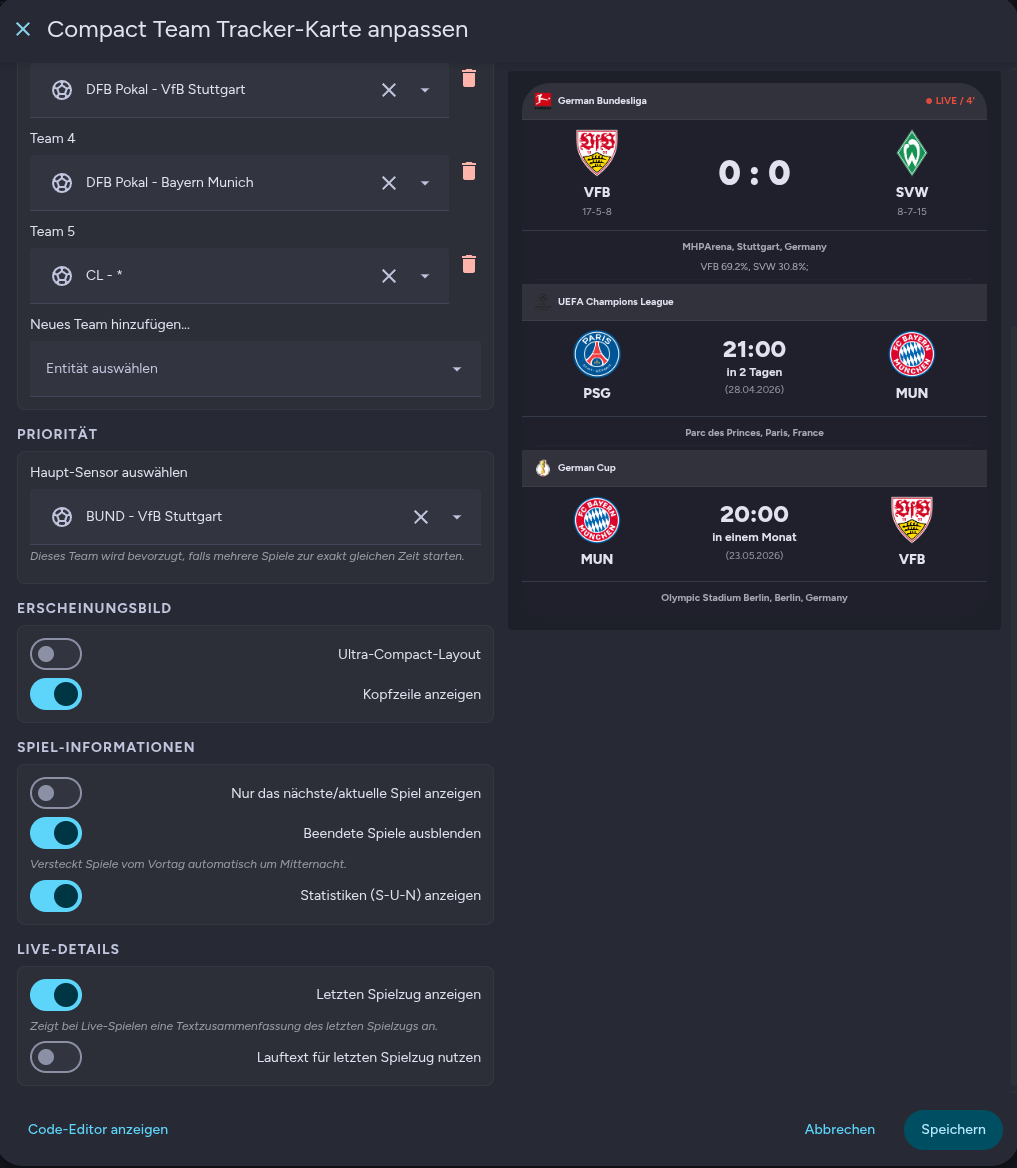
 Installation
 Repo & Feedback
 GitHub: Compact Team Tracker Card
 on GitHub.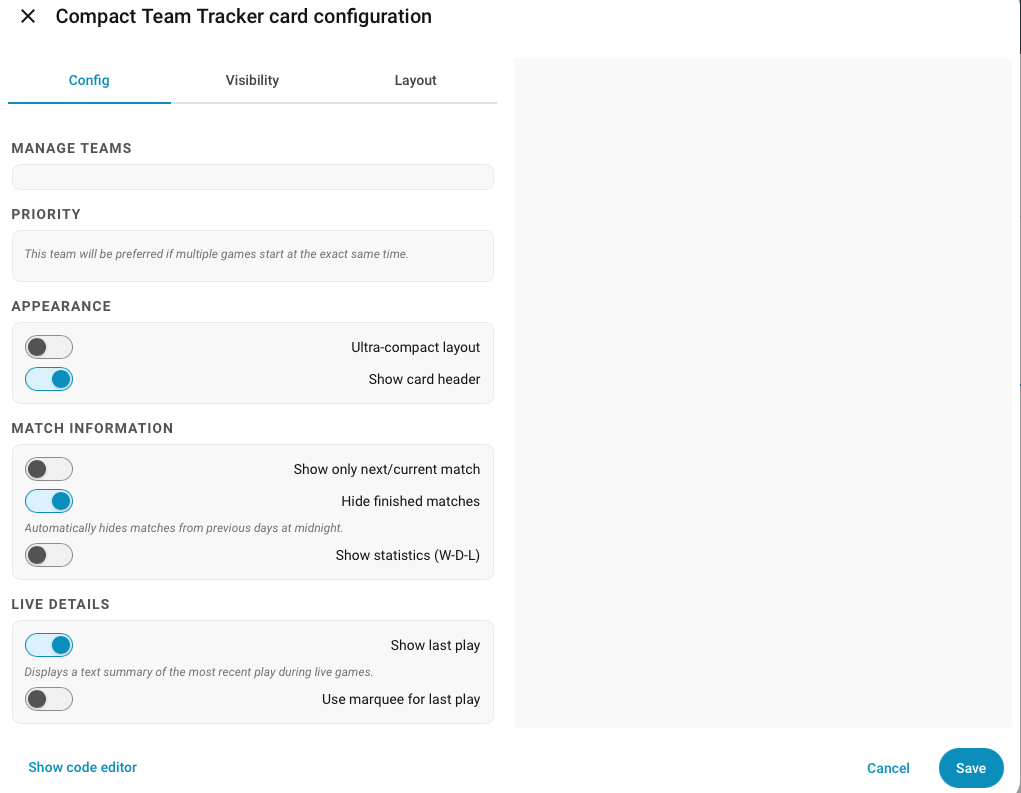




 Full Changelog
 Sports & Layout Expansions
 Display & Styling Refinements
 Configuration & Switch Additions