Connect ZBT-2 Thread to Home Assistant Container

It took me the better part of a day to figure out how to get this shiny new ZBT-2 to work as a Thread device for Home Assistant, installed in a container.

Below is what I did to get it to work, hopefully saves this you a few headaches.

My environment

My environment consists of a Ubuntu 22.04 server on a NUC, with Home Assistant running in a Docker container.
The Home Assistant container uses docker host networking.
IPv6 was already enabled on my Ubuntu system (but it turned out there was more to it).

Flashing the ZBT-2

The ZBT-2 comes without firmware, so you have to flash it first.
I connected the ZBT-2 to my Macbook, and visited this site and installed the Openthread firmware.

Installing Openthread

I connected the ZBT-2 to my NUC, and a new device appeared, you can find it in /dev/serial/by-id.
Next step is to run the Openthread Border Router. Start it as a docker container with the following command:

docker run \
           --name otbr \
           --network host \
           --restart unless-stopped \
           -d \
           -v /<your thread path>:/data \
           --device=/dev/serial/by-id/usb-Nabu_Casa_ZBT-2_<your device>-if00:/dev/ttyACM5 \
           --device=/dev/net/tun:/dev/net/tun \
           --cap-add=NET_ADMIN \
           -e TZ=Europe/Amsterdam \
           --env-file=/<your thread path>/otbr-env.list \
           openthread/border-router:latest

Make sure to use host networking and add the privileged option.
In my case, the otbr container already showed some ttyACMx devices. Number 5 was not in use, that is why I chose ttyACM5. And of course, fill in your device name as found in /dev/serial/by-id .

Content of the file otbr-env.list:

OT_RCP_DEVICE=spinel+hdlc+uart:///dev/ttyACM5?uart-baudrate=460800
OT_INFRA_IF=eno1
OT_THREAD_IF=wpan0
OT_LOG_LEVEL=7
OT_REST_LISTEN_ADDR=0.0.0.0
OT_REST_LISTEN_PORT=8981
OT_WEB_LISTEN_ADDR=0.0.0.0
OT_WEB_LISTEN_PORT=8980

Note 1: the /dev/ttyACM5, it must match what is in the docker run command.
Note 2: the OT_INFRA_IF - in my case the interface for my local network is eno1, yours may be different.
Note 3: By default the port for the REST interface is 8081. That is in use on my Ubuntu system, so I chose another port (8981).

After starting this container, look at the logs:

docker logs otbr

It should give a lot of information.

Installing Matter

Next step: install the Matter container:

docker run -d \
           --name matter-server \
           --restart=unless-stopped \
           --security-opt apparmor=unconfined \
           -v /<your matter path>:/data \
           --network=host \
           ghcr.io/matter-js/python-matter-server:stable

Check the logs:

docker logs matter-server

there might be an error message:
CHIP_ERROR [chip.native.DIS] Failed to advertise records: src/inet/UDPEndPointImplSockets.cpp:417: OS Error 0x02000065: Network is unreachable
It is save to ignore if you have another network interface in your environment (like I have).

Allow IPv6 forwarding

On my Linux system IPv6 is by default enabled, but forwarding is not.
As per this link, download this script. There is an interface in that script (wlan0), I had to change that to eno1 - the primary interface on my NUC.
Run the script, it should complete without errors.

Configure Home Assistant

First, add the Thread integration.

Second, add the Open Thread Border Router integration.
When asked for an URL, enter

http://127.0.0.1:<your port number>

The port number is by default 8081, I changed it to 8981 in my OTBR configuration.

Third, add the Matter integration. Accept the proposed Websocket url.

Fourth, go to settings → integrations → Thread → settings and make your newly installed border router the preferred border router.

Configure your mobile device with Home Assistant

On your mobile go to settings → integrations → Thread → settings and send credentials to phone.

If you are using an Android phone, you may have to do this:
Settings → Companion App → Troubleshooting → Sync Thread credentials
Run sync twice, the message should read “Home Assistant and this device use the same network ”

Add Matter devices

My first device I added was a light bulb.
On your mobile, go to settings → integrations → devices → add device → matter device → it is new → scan qr code on the Matter device.

I sat back and after some time a new device appeared in Home Assitant and it works!

I hope this helps you getting started as well if you don’t use HA-OS.

UPDATES:
20260131: web UI is now enabled in the image, added configuration for that
20260131: --privileged no longer needed, replaced by --cap-add

Sietse

6 Likes

Just ordered myself a ZBT-2 to get a Matter Thread GW for all the new IKEA stuff :slight_smile: . Thanks for the guide above - will revert back if all works out for me.
I can confirm that your setup works great @vogon1 !
Thank you for sharing! Just bought (too many) Ikea devices again :slight_smile:

Good to hear, thanks for reporting!

thanks a lot mate, saved me a ton of time!

1 Like

hi. i just got the zbt-2 and few ikea products and want to get them working with matter. these are my first matter devices.

here is my setup.

  • raspberry pi5
──── ls -alh /dev/serial/by-id/usb-Nabu_Casa_ZBT-2_DCB4D90C2590-if00
lrwxrwxrwx 1 root root 13 Dec 31 18:44 /dev/serial/by-id/usb-Nabu_Casa_ZBT-2_DCB4D90C2590-if00 -> ../../ttyACM0
  • docker-compose for home-assistant, otbr, matter-server
    – my network is br0 instead of eth0. wlan0 is talking to the home router. so i think my settings are correct.
  home-assistant:
    container_name: home-assistant
    image: ghcr.io/home-assistant/home-assistant:stable
    network_mode: host
    privileged: true
    restart: unless-stopped
    volumes:
      - './home-assistant/config:/config'

  matter-server:
    image: ghcr.io/matter-js/python-matter-server:stable
    container_name: matter-server
    depends_on:
      - otbr
    network_mode: host
    security_opt:
      - apparmor:unconfined
    volumes:
      - './matter-server/data:/data'
    restart: unless-stopped

  otbr:
    container_name: otbr
    image: openthread/border-router:latest
    devices:
      - /dev/serial/by-id/usb-Nabu_Casa_ZBT-2_DCB4D90C2590-if00:/dev/ttyACM0
    environment:
      OT_RCP_DEVICE: spinel+hdlc+uart:///dev/ttyACM0?uart-baudrate=460800
      OT_INFRA_IF: br0
      OT_THREAD_IF: wpan0
      OT_REST_PORT: 8981
      OT_REST_LISTEN_PORT: 8981
    network_mode: host
    privileged: true
    restart: unless-stopped

when i try to pair a matter device. i am getting

failed to save thread network credential, error: thread network credentials doesn not match with any of the active thread networks around

nevermind. looks like i have to restart the home-assistant container. they are working now.

i am going to delete everything and start over and make sure all the steps are done correctly and still works… :stuck_out_tongue:

I am a little bit struggling with the setup. I am using the same config as @ha-apprentice and when i want to send the credentials to the phone the phone tells me there are no credentials. And there i am stuck because the pairing always now tells me i the device i want to pair needs a thread border router.
Maybe anyone has an idea?

I am having the same issue; so I would be interested too; If I figure something out, I will come back and tell

1 Like

reporting back…
so i ended up breaking my entire matter-server/otbr to the point where the previously paired devices dont work and unable to "send credentials to the phone.

i went thru chatgpt and i THINK (not 100% sure yet, still need to reproduce it from 0 to 100% later) we need to run a factory reset. here are the steps i took

docker compose stop home-assistant
sudo rm -f home-assistant/config/.storage/thread.datasets

docker compose exec otbr ot-ctl factoryreset
docker compose exec otbr ot-ctl ifconfig up
docker compose exec otbr ot-ctl dataset init new
docker compose exec otbr ot-ctl dataset commit active
docker compose exec otbr ot-ctl thread start
docker compose exec otbr ot-ctl br enable
docker compose exec otbr ot-ctl state

avahi-browse -rt _meshcop._udp

docker compose start home-assistant

docker compose stop home-assistant otbr

sudo systemctl stop avahi-daemon
sudo rm -rf /var/run/avahi-daemon/*
sudo systemctl start avahi-daemon

docker compose start otbr

# wait 20sec

avahi-browse -rt _meshcop._udp

docker compose start home-assistant

# wait 2-3min

at this point you should see ONE border router network and the “send cred to phone” button avaiable.

NOTE: your phone is connected to the app via http://local-ip-address:8123 according to chatgpt. i have caddy setup for reverse proxy so i think that wasted few hours. ended up switching back to using local IP. once everything is working again. i switch back to using https://sub-domain.duckdns.org so it works when i am not home. :stuck_out_tongue:

@Kuro_Usagi i think you have to run avahi-browse -rt _meshcop._udp on the host (raspberry pi) for the “send credentials to phone” to show up. if the first try failed. run it again and click send to phone. thats how i got it to work again.

First of all, thanks for sharing such a detailed procedure, you saved me a ton of time, which I readily wasted by missing the IPv6 Forwarding and spending hours trying to understand why my devices wouldn’t work :sweat_smile: so here’s a quick reminder for anyone in the same situation, that section is absolutely mandatory, although short and easy to miss.

I just wanted to contribute that you shouldn’t need the privileged option on the Open Thread Border Router container. On their docs, using the link you shared in the IPv6 Forwarding section, they recommend using --cap-add=NET_ADMIN on the container instead, allowing it specific privileges instead of full access. I deployed my container that way and can confirm it works.

Using the privileged option is also what caused your container to already have all the /dev/ttyACMx devices available (hence you having to use ttyACM5.) If you were certain of the number of your ZBT-2 antenna on the host, you could skip completely the part where you mounted the device in the docker run command but I’d still recommend to continue mounting it and stop using the privileged option instead, as there’s unnecessary extra risk in using it. Hope this helps make the setups based on the procedure a bit safer :wink:

Thanks for figuring out the privileged stuff.

There is one step I would like to take: make the ‘–network host’ go away from the otbr container, and fix the port using the ‘-p port1:port2’ construct. After a whole day trying to get things to work, I didn’t have the energy to figure that out.

So if someone finds a solution for that, I will adjust my initial post with this new information.

i tried removing privileged: true and adding --cap-add=NET_ADMIN and down/up the otbr container and was getting

otbr  | s6-svlisten1: fatal: /run/s6-rc/servicedirs/otbr-agent failed permanently or its supervisor died
otbr  | s6-rc: warning: unable to start service otbr-agent: command exited 1
otbr  | s6-rc: info: service legacy-cont-init: stopping
otbr  | s6-rc: info: service legacy-cont-init successfully stopped
otbr  | s6-rc: info: service fix-attrs: stopping
otbr  | s6-rc: info: service fix-attrs successfully stopped
otbr  | s6-rc: info: service s6rc-oneshot-runner: stopping
otbr  | s6-rc: info: service s6rc-oneshot-runner successfully stopped
otbr exited with code 5 (restarting)

i reverted it back and it works fine. not sure if i did it correctly. here is my current working docker-compose.yaml -

  otbr:
    container_name: otbr
    image: openthread/border-router:latest
    devices:
      - /dev/serial/by-id/usb-Nabu_Casa_ZBT-2_9C139EAC8D34-if00:/dev/ttyACM0
    environment:
      OT_RCP_DEVICE: spinel+hdlc+uart:///dev/ttyACM0?uart-baudrate=460800
      OT_INFRA_IF: br0
      OT_THREAD_IF: wpan0
      OT_LOG_LEVEL: 7
      OT_REST_LISTEN_PORT: 8981
      OT_REST_PORT: 8981
    network_mode: host
    privileged: true
    restart: unless-stopped
    volumes:
      - './otbr/data:/data'

I believe the syntax for docker compose would be something like

otbr:
  [...]
  cap_add:
    - NET_ADMIN

Was this how you set it up? My setup is using Ansible, I’ll share the task below, just keep in mind the options are not named the same as for docker compose.

Anyway, I believe I had the same error that you shared, with the agent exiting with error code 1, and I saw in this GitHub Issue that it could be related to the firmware, which I believed I had setup correctly. Still, I reflashed the antenna using my laptop and link provided in the OP, and after this I was successful. I just assumed it was a quirk of my setup and not a necessary step, but maybe you can test and check if it solves your case as well.

- name: ZBT2 Device Path
  ansible.builtin.stat:
    path: /dev/serial/by-id/usb-Nabu_Casa_ZBT-2_<Antenna_ID>-if00
  register: zbt2
- name: Start OTBR container
  docker_container:
    name: otbr
    image: openthread/border-router:latest
    detach: true
    restart_policy: unless-stopped
    restart: false
    state: started
    interactive: true
    capabilities:
      - NET_ADMIN
    tty: true
    network_mode: "host"
    volumes:
      - <path>:/data
    devices:
      - "{{ zbt2.stat.lnk_source }}"
      - /dev/net/tun
    env:
      TZ: "Europe/Berlin"
      OT_RCP_DEVICE: "spinel+hdlc+uart://{{ zbt2.stat.lnk_source }}?uart-baudrate=460800"
      OT_INFRA_IF: "<NIC>"
      OT_THREAD_IF: "wpan0"
      OT_LOG_LEVEL: "7"
      OT_REST_PORT: "8981"
      OT_REST_LISTEN_PORT: "8981"

I was thinking the same, that it must be possible to stop using the host network, but with a batch of new lights and me needing to setup the scenes to have a functioning living room again, I left this to be tested another day. I’ll update if I make progress.

just verified in my docker-compose.yml removing privileged: true and it works… BUT i had to add the device /dev/net/tun like you have in your ansible (which i didnt have before). now it works fine. i will go with this option. thanks.

diff -

diff --git a/docker/docker-compose.yml b/docker/docker-compose.yml
index fa6ef87..3e29701 100644
--- a/docker/docker-compose.yml
+++ b/docker/docker-compose.yml
@@ -113,8 +113,11 @@ services:
   otbr:
     container_name: otbr
     image: openthread/border-router:latest
+    cap_add:
+      - NET_ADMIN
     devices:
       - /dev/serial/by-id/usb-Nabu_Casa_ZBT-2_9C139EAC8D34-if00:/dev/ttyACM0
+      - /dev/net/tun:/dev/net/tun
     environment:
       OT_RCP_DEVICE: spinel+hdlc+uart:///dev/ttyACM0?uart-baudrate=460800
       OT_INFRA_IF: br0
@@ -123,7 +126,7 @@ services:
       OT_REST_LISTEN_PORT: 8981
       OT_REST_PORT: 8981
     network_mode: host
-    privileged: true
+    # privileged: true
     restart: unless-stopped
     volumes:
       - './otbr/data:/data'

current working docker-compose.yaml -

  otbr:
    container_name: otbr
    image: openthread/border-router:latest
    cap_add:
      - NET_ADMIN
    devices:
      - /dev/serial/by-id/usb-Nabu_Casa_ZBT-2_9C139EAC8D34-if00:/dev/ttyACM0
      - /dev/net/tun:/dev/net/tun
    environment:
      OT_RCP_DEVICE: spinel+hdlc+uart:///dev/ttyACM0?uart-baudrate=460800
      OT_INFRA_IF: br0
      OT_THREAD_IF: wpan0
      OT_LOG_LEVEL: 7
      OT_REST_LISTEN_PORT: 8981
      OT_REST_PORT: 8981
    network_mode: host
    restart: unless-stopped
    volumes:
      - './otbr/data:/data'

side note: i love that you have this in ansible… i went with a single docker-compost.yaml file because its easier to see all the docker stuff …

1 Like

I tried to make it work without the network_mode=host part but I don’t think it’s possible. The OTBR container starts successfully, but then it doesn’t report any traffic at all on the logs.

Even the OTBR docs use the host network mode, and considering also the IP Forwarding requirements, I think it’s not possible to set the required firewall rules and communicate with the Thread devices and with the Matter controller without them both being at the host level.

Absolutely brilliant write up. I followed this to the letter and got my ZBT-2 working with Matter via Docker in less than an hour. Thanks for putting yourself through the work and sharing the outcome. This is what the HA community is all about!

Quick question. Is it possible to configure the webui to a different port? I believe the default is 8081 but I’m using that for another container.

1 Like

The production version of OTBR does (unfortunately) not contain the gui. You would have to build the container yourself in dev mode.

1 Like

No problem. Everything’s working in HA so no need, more of a curiosity. Thanks again.

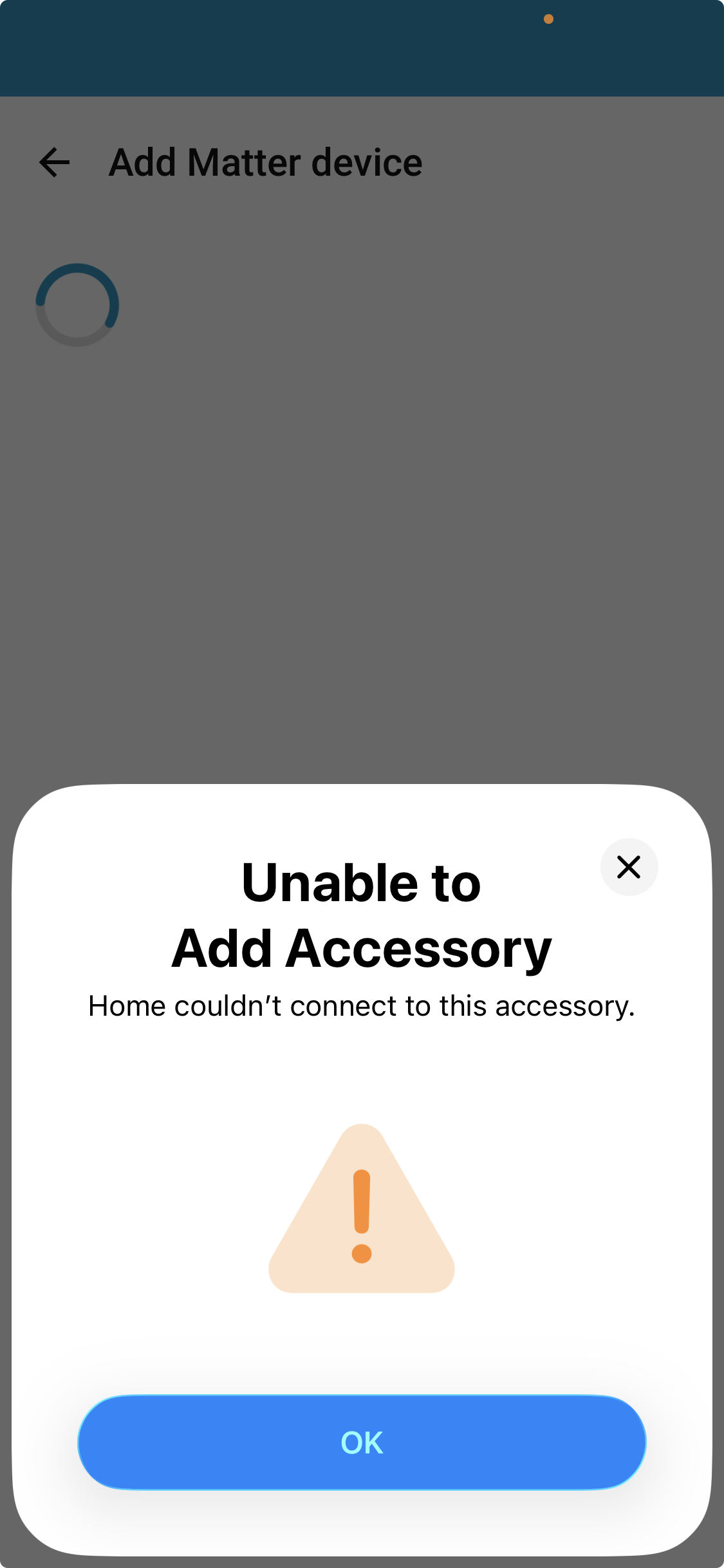
Really good instructions, despite these I wasn’t able to connect any devices to the setup. It turns out that I needed to go to companion app Troubleshooting section to sync Thread credentails as per this message:

After that action I was able to connect the Matter device to the HA.