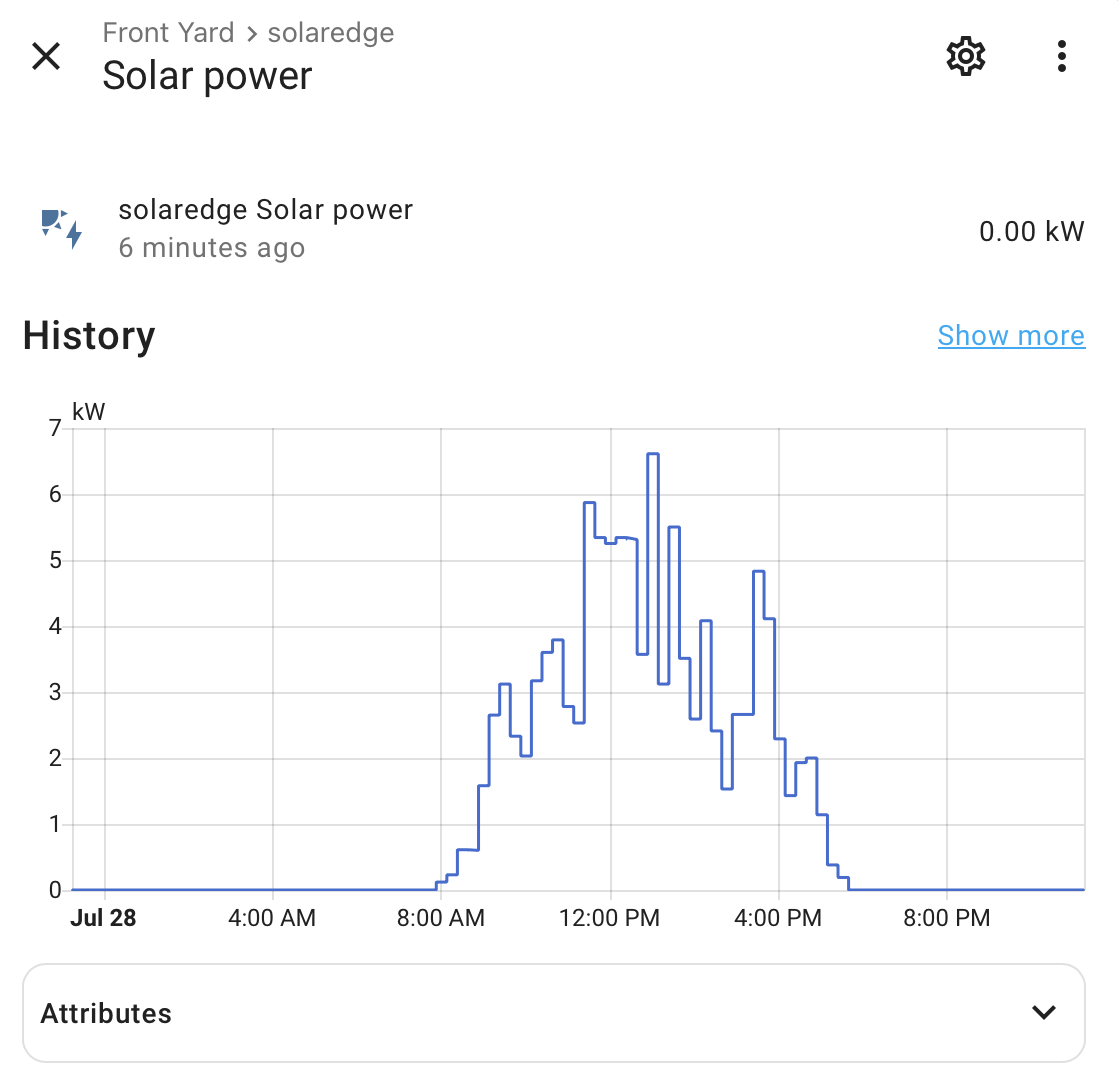
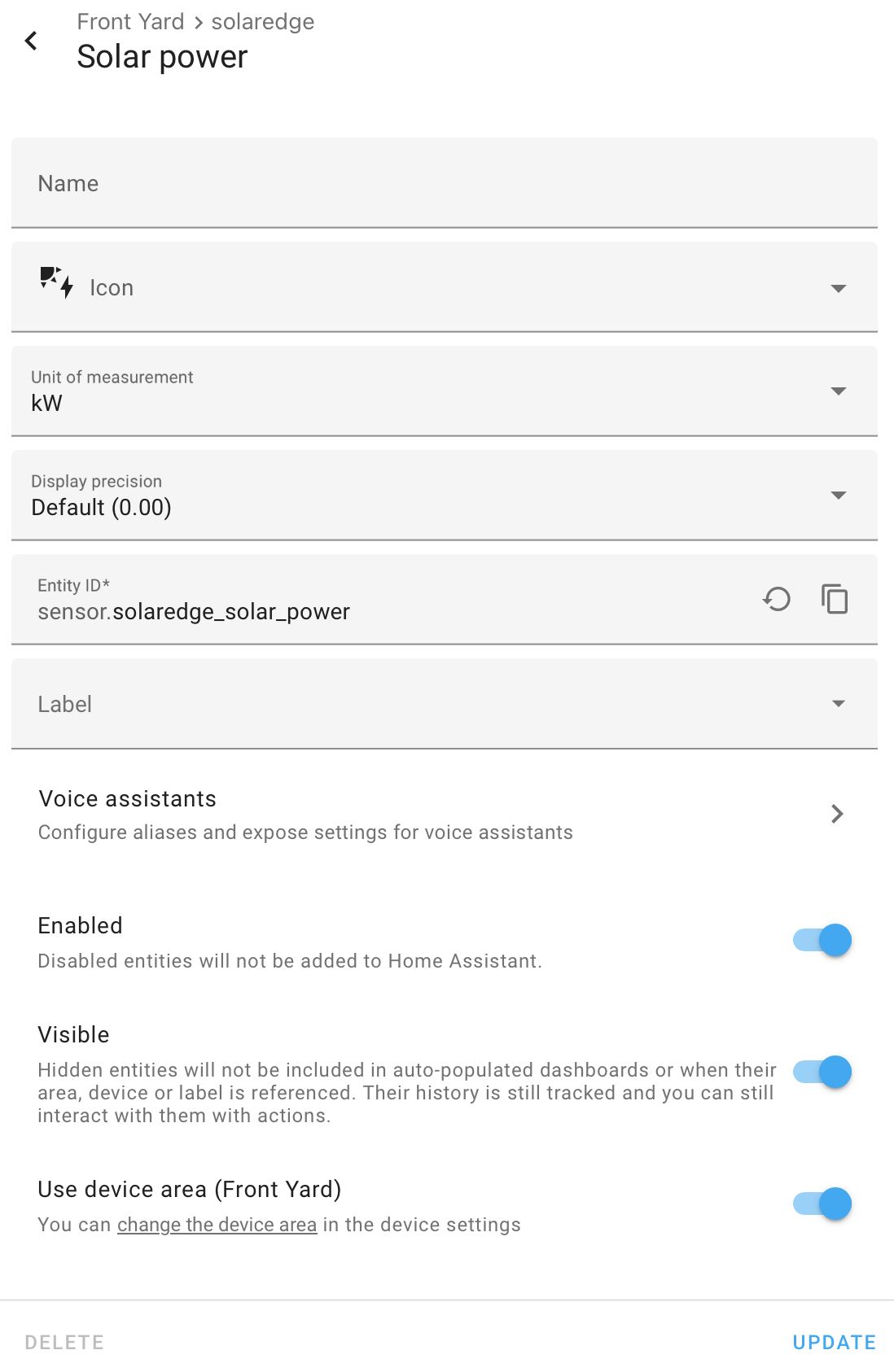
I have been having a lot of issues with Solaredge integration lately since my inverter was upgraded. Grid and battery data (through Modbus are fine, accurate compared to online dashboard) but my solar production is off by hours and the total amount is much higher than the app. I have found an entity in the integration that looks almost identical to the production curve (See photo) in the app. I cannot select this in the energy dashboard though. I tried to create an integration
sensor:
  - platform: integration
    source: sensor.solaredge_solar_power
    name: energy_spent
    unit_prefix: k
    round: 2
    max_sub_interval:
      minutes: 5

utility_meter:
  solar_panel_production_daily:
    source: sensor.energy_spent
    name: EnergySpent1
    cycle: daily
This however doesnt allow me to select anything. I’d be grateful if anyone could help!