I wanted to see and start my sauna from Home Assistant rather than reaching for Harvia’s own app, and the climate entity on its own didn’t give me much to look at. So I built a card for it. It’s called sauna-card, and there’s a matching badge too.
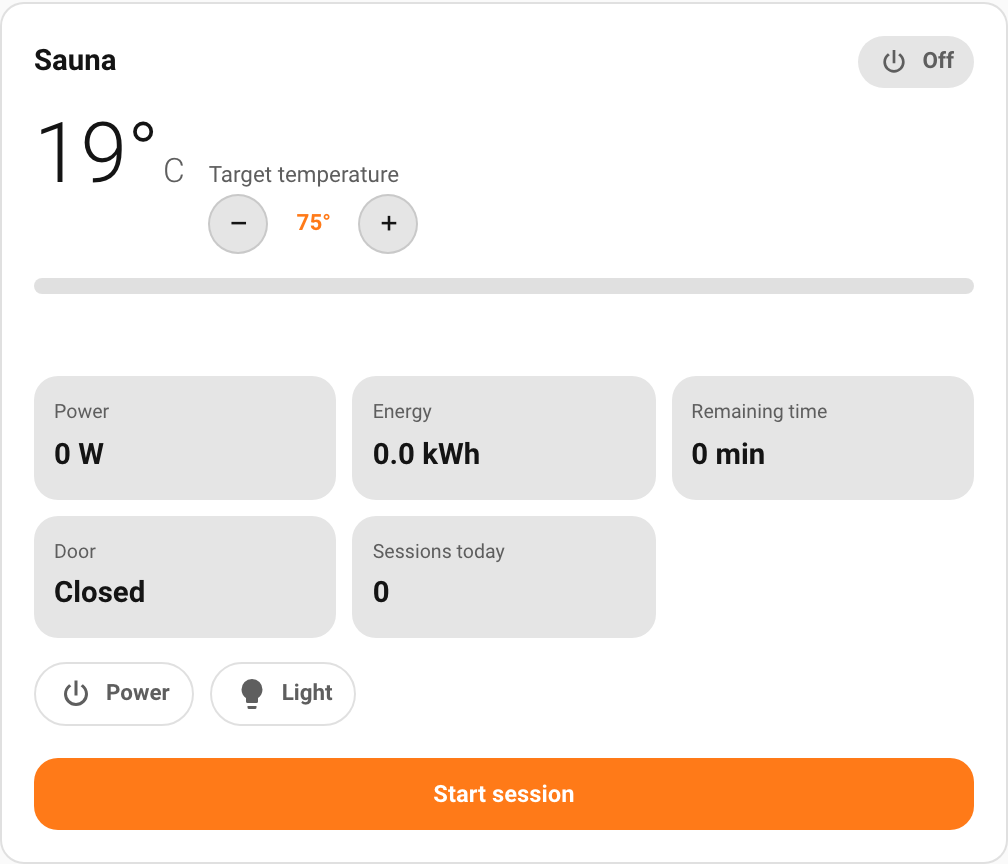

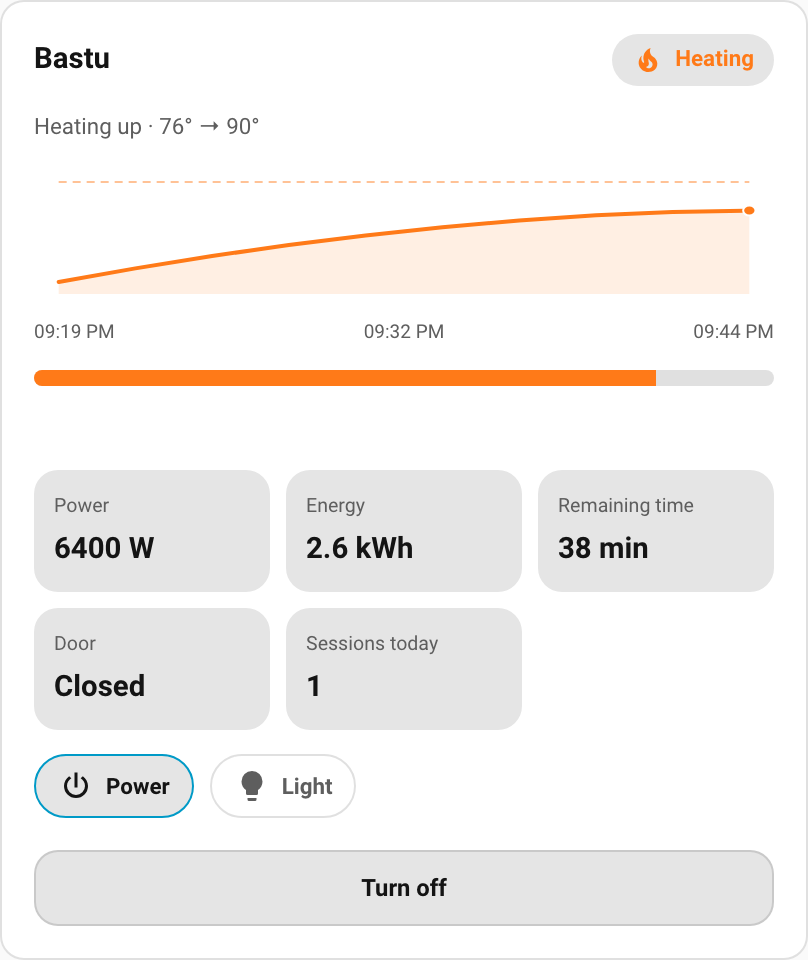
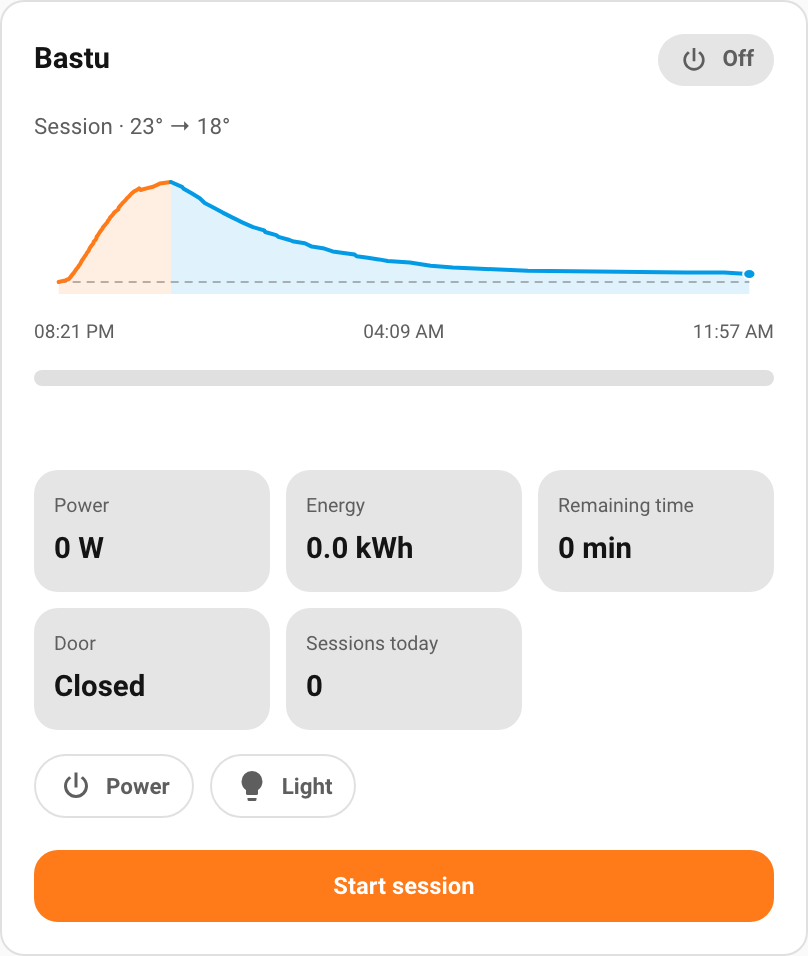
What it does:
- Show and control in one card: current and target temperature with a stepper, start/stop a session, and toggle power, light, fan and steamer. Full disclosure: I haven’t actually tested the light, fan or steamer myself (no such hardware here), so test reports and/or donations are gladly accepted. Only half joking

- Three layouts: a status dashboard (default), a 270° thermostat dial, and a compact one. All theme-first: they use your Home Assistant theme variables, no hard-coded colours.
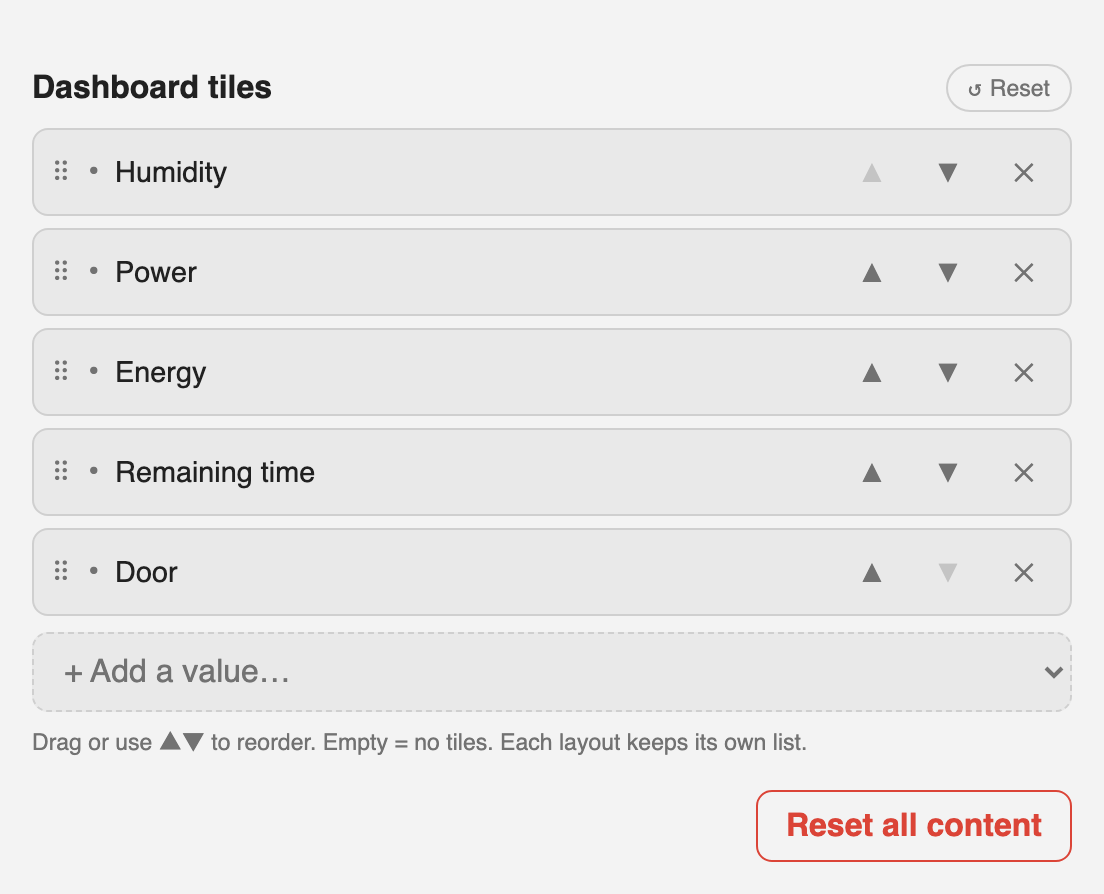
- You pick what each layout shows from the values the integration exposes: temperatures, humidity, remaining time, power, energy, sessions, door/heating/steam, the aux switches, diagnostics. Each layout keeps its own selection.
- A live temperature graph while it runs: a rising heat-up curve toward the target, a falling cool-down afterwards, or the whole session as one two-tone arc.
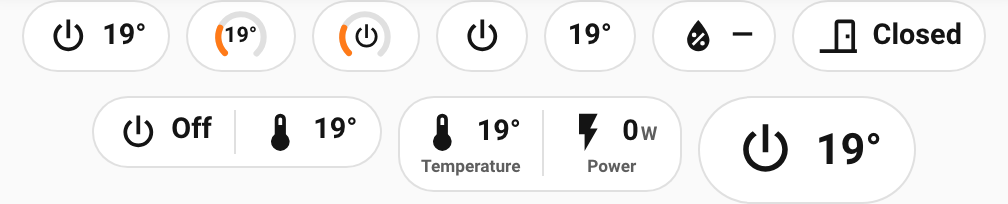
- A companion badge for badge rows, with the same value catalog and six appearances.
- Auto-detection: it finds your Harvia device on its own, no entity IDs to type. (On HA 2026.6+, picking a Harvia climate entity in the card picker suggests the card directly.)
- Four languages out of the box: Swedish, Finnish, English and German, following your HA locale, with a per-card override. Adding more is easy and the rest back-fill from English. See the contributing docs, and PRs are very welcome.
It’s built on top of WiesiDeluxe’s ha-harvia-sauna integration, which does the actual talking to the heater and has worked great for me, so you’ll need that set up first. The card is built around a small adapter contract, so if you run a different sauna integration and would like to see it supported, that’s exactly the kind of contribution the design is meant for. Open a PR.
Install via HACS as a custom repository: GitHub - krissen/sauna-card: Home Assistant Lovelace card to show and control Harvia sauna heaters (Xenio, Fenix). Modular, multilingual, HACS. · GitHub (category: Dashboard), then add the card from the dashboard and pick a layout.
Feedback welcome, especially on the layouts and the graph, and on which values you’d want surfaced that aren’t there yet.