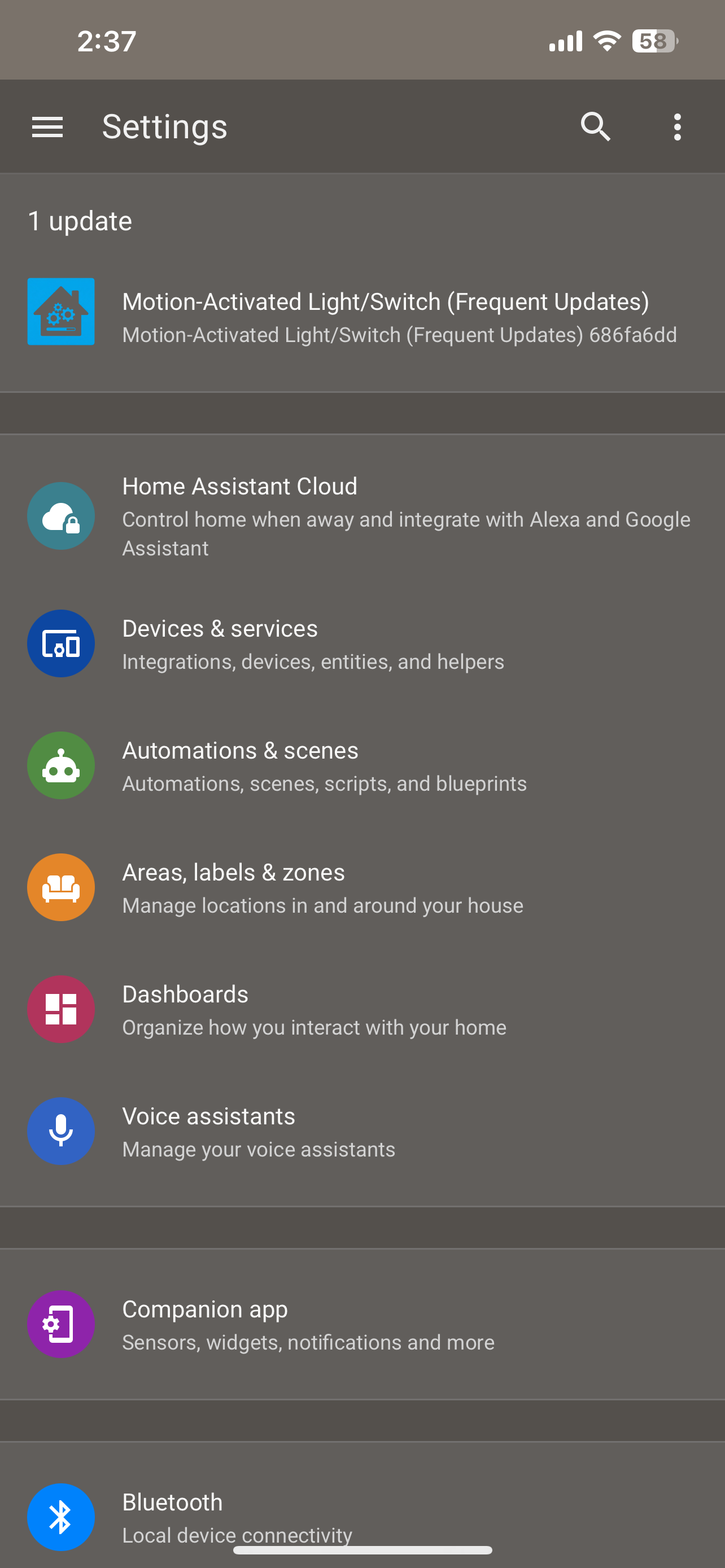
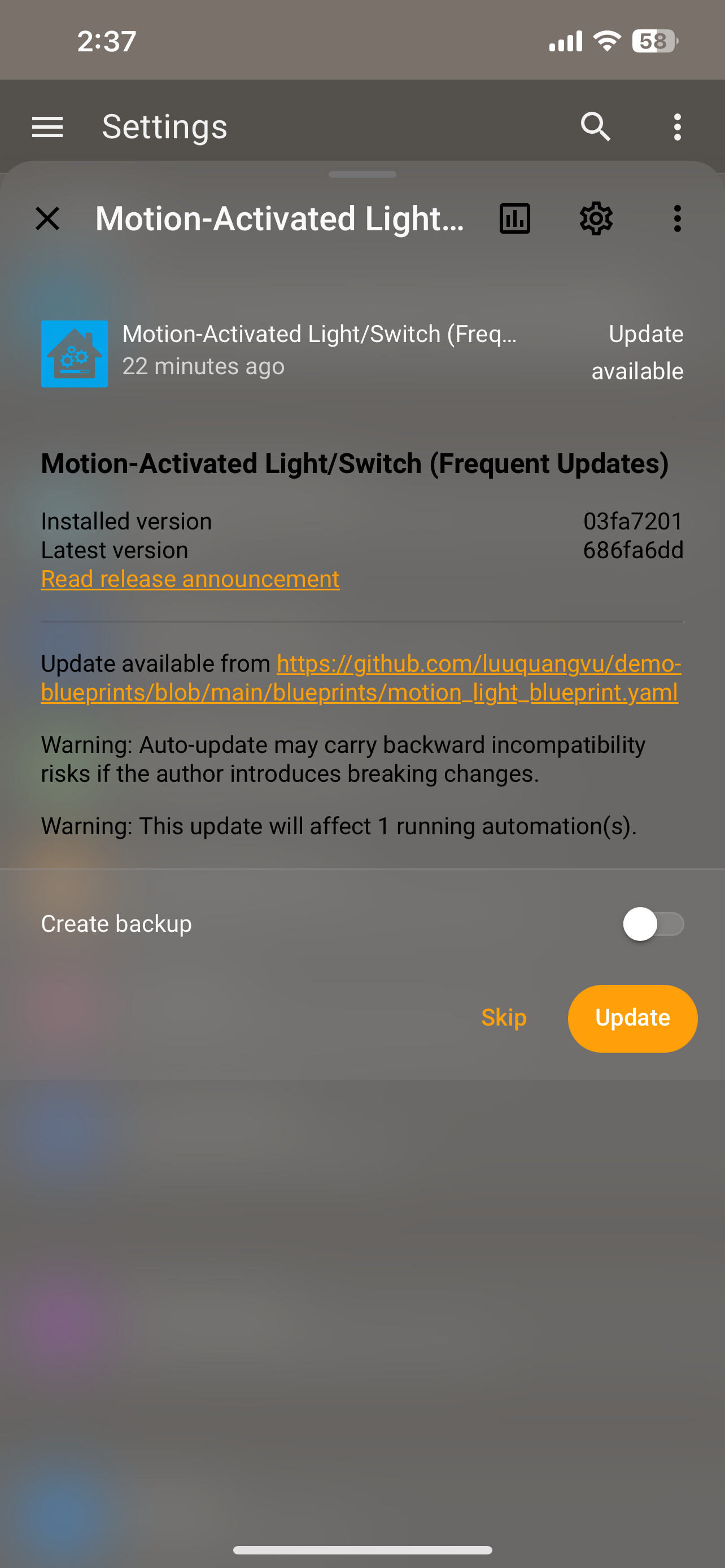
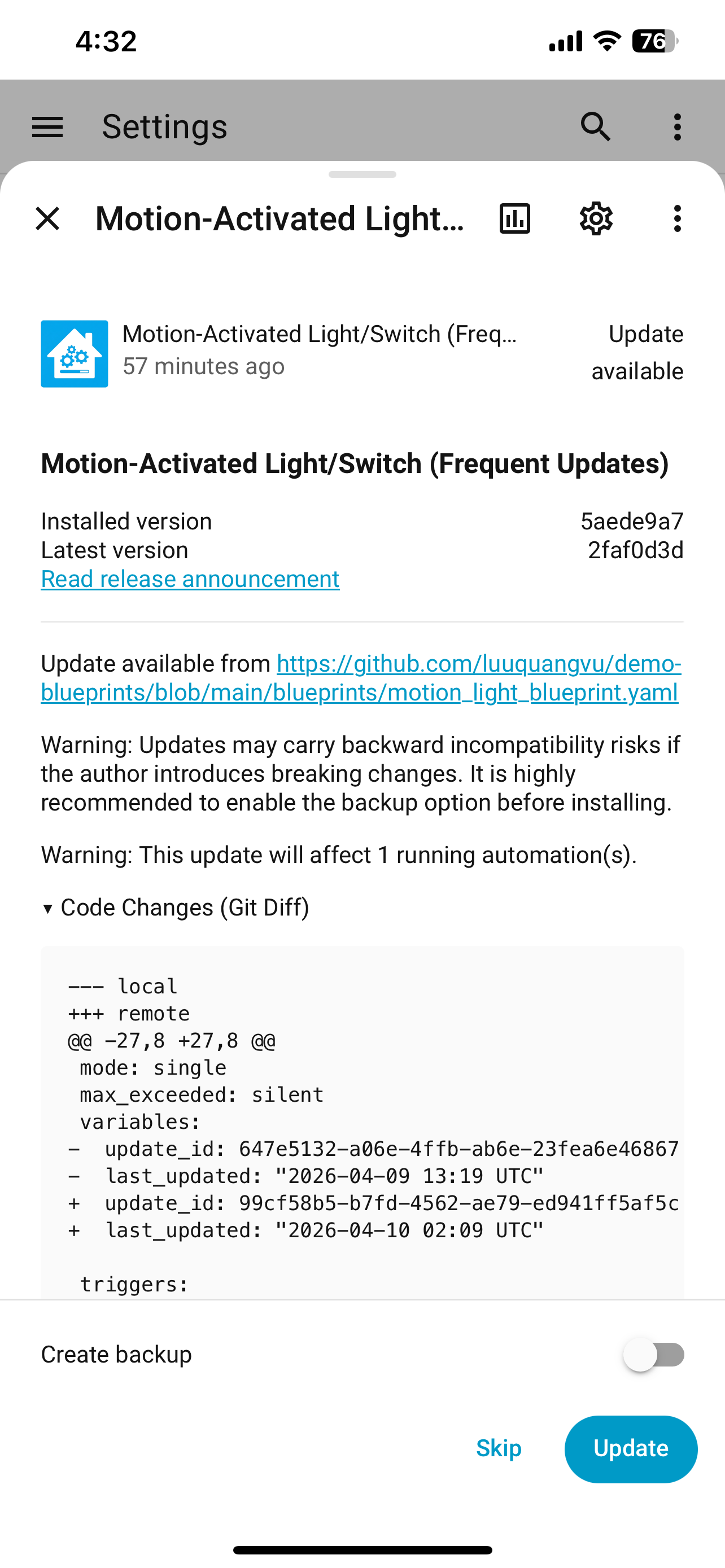
Tired of manually checking and updating blueprints? Blueprints Updater is a Home Assistant integration that allows you to automatically track and update your installed blueprints (Automations, Scripts, and Template Entities) from their original source URLs. It works just like a native update entity, providing notifications and a one-click update button when a new version of a blueprint is detected.
Highlight Features
- Automated Periodic Scanning: Scans your local
blueprints/directory every X hours (configurable). - Advanced URL Support:
- GitHub: Automatically converts standard blob URLs to raw file URLs.
- Gist: Supports GitHub Gists natively.
- HA Community Forum: Directly parses forum topics to extract the latest YAML blueprint code.
- Advanced Filtering: Choose to update all blueprints, only specific ones (Whitelist), or exclude specific ones (Blacklist).
- Auto-Update Support: Optional feature to automatically download and apply updates as soon as they are detected.
- Improved Reload Logic: Automatically reloads
automation,script, andtemplatedomains after an update to ensure immediate effect. - Safety First: Validates remote YAML content before updates. If the remote file has syntax errors, the update is blocked to protect your local configuration, and informative error messages are provided.
- Manual Refresh: Trigger an immediate scan via the
blueprints_updater.reloadaction in Developer Tools. - Dynamic Discovery: Automatically detects and adds new blueprints as
updateentities without requiring a restart.
Installation
Option 1: Using HACS (Recommended)

- Open HACS in Home Assistant.
- Search for Blueprints Updater.
- If not found, click the three dots in the top right corner and select Custom repositories.
- Add
https://github.com/luuquangvu/blueprints-updaterwith category Integration. - Search for Blueprints Updater and click Download.
- Restart Home Assistant.
Option 2: Manual Installation
- Download the latest release and extract the files.
- Copy the
custom_components/blueprints_updaterfolder into your Home Assistantconfig/custom_components/directory. - Restart Home Assistant.
Setup & Configuration
- Go to Settings > Devices & Services.
- Click Add Integration and search for Blueprints Updater.
- Enable Auto-Update: (Optional) If enabled, blueprints matching your criteria will be updated automatically without manual intervention.
- Choose your Update Interval (default is 24 hours).
- Select your Filter Mode:
- Update All: Tracks all blueprints found in your directory.
- Whitelist: Only tracks blueprints you explicitly select from the list.
- Blacklist: Tracks all blueprints except the ones you select.
- Once added, the integration will scan your blueprints. If updates are found, they will appear as
updateentities in your dashboard.
Manual Refresh (Hot Reload)
If you add a new blueprint file or want to check for updates immediately without waiting for the scheduled scan:
- Go to Developer Tools > Actions.
- Search for the
blueprints_updater.reloadaction. - Click Perform Action.
The integration will instantly scan your blueprints directory and create any new entities or update statuses.
GitHub: luuquangvu/blueprints-updater
Give it a try and let me know what you think. Thank you very much!