I’ve been working on local Home Assistant support for the Hombli Smart Christmas Light RGB, a 20-metre Wi-Fi string with 200 RGBIC LEDs.
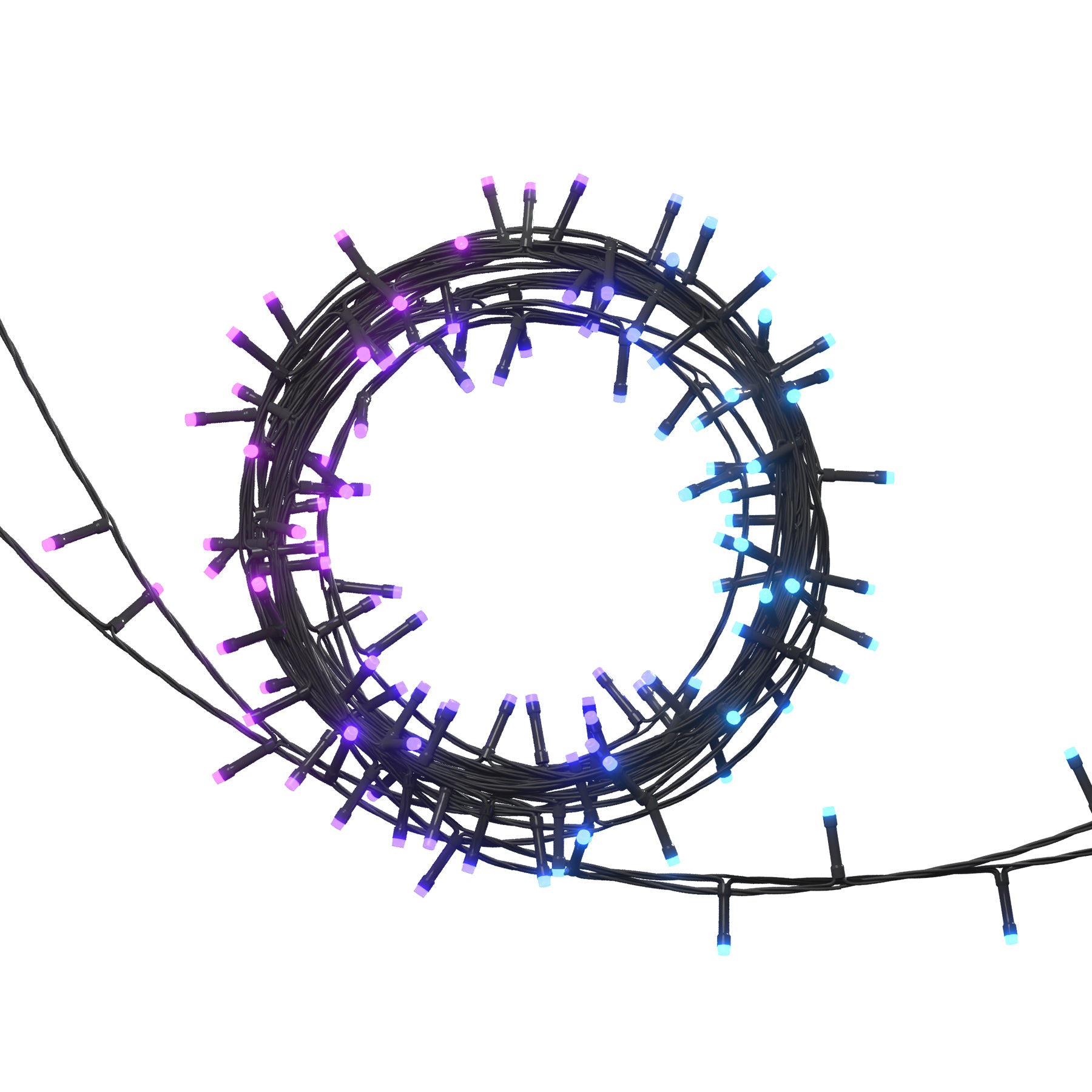
Official product: Hombli Smart Christmas Light RGB
The result is now available as a Home Assistant Marketplace custom integration. View the GitHub repository and full documentation.
What it provides
- Fully local control through LocalTuya
- All 57 built-in Hombli scenes/effects
- Native Home Assistant scene selector
- Animation-speed and scene-brightness controls
- Active-scene highlighting
- One-shot random-scene button
- Random scene cycling every 30 seconds
- Sections dashboard containing every scene
- Animated LED preview based on recordings of the physical string
- No Tuya cloud key stored by this integration
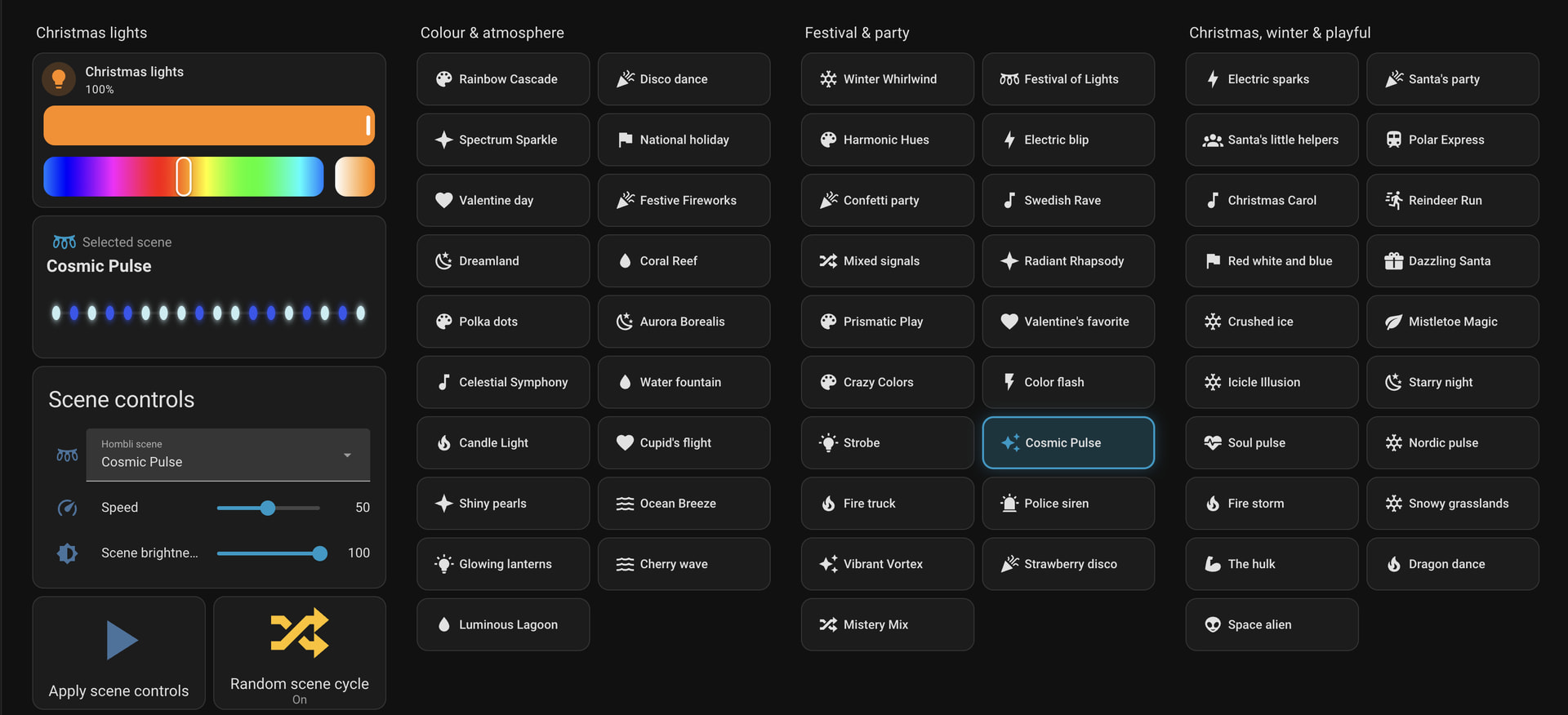
The supplied dashboard puts normal light controls, the selected-scene preview, speed and brightness controls, random scene cycling, and all 57 effects into one Sections view.
The original Hombli app scene library was used to identify and test every effect. The DP25 codes and LED-preview patterns were captured from the physical controller rather than inferred from generic Tuya documentation.
Requirements
- Home Assistant
- Home Assistant Marketplace
- LocalTuya, with the light controller already configured
- Button Card for the supplied dashboard and animated preview
The integration reuses LocalTuya’s connection. During setup it only asks for the existing Tuya device ID; the local key remains inside LocalTuya.
Installation
- Open Marketplace → Integrations.
- Search for Hombli Christmas Lights.
- Install the integration.
- Restart Home Assistant.
- Go to Settings → Devices & services → Add integration.
- Select Hombli Christmas Lights and enter the device ID already used by LocalTuya.
The optional dashboard configuration is included in the repository.
Compatibility
This was developed for the Hombli Smart Christmas Light RGB controller using Tuya protocol 3.3 and these datapoints:
- DP20: power
- DP21: operating mode
- DP25: built-in scene
- DP103: animation speed
- DP105: scene brightness
Related Tuya RGBIC strings may use similar firmware, but please verify their datapoints before sending values.
Marketplace status
Version 2.1.2 is released and has passed Marketplace and Home Assistant hassfest validation.
Hombli Christmas Lights is now officially included in the default Home Assistant Marketplace catalogue. The inclusion request was merged on 19 November 2026.
Version 2 and later use the Marketplace integration exclusively; pre-2.0 package users should follow the migration instructions in the repository.
Feedback, compatibility reports and contributions are welcome—especially from anyone using the same Hombli model or a related Tuya RGBIC controller.