Hey everyone! 
I built a custom integration called Mood Lights and wanted to share it with the community.

 Why not just use Scenes?
Scenes work, but they have some pain points:
-
You can reconfigure them in Live mode, but the lights actually toggle at that time. → I needed a softer way to create moods for different vibes without annoying people.
-
There’s no quick way to “undo” a scene and go back to how your lights were before.
-
You have to set everything up front — no option to leave certain attributes untouched.
 What Mood Lights does differently
 Restore your lights automatically
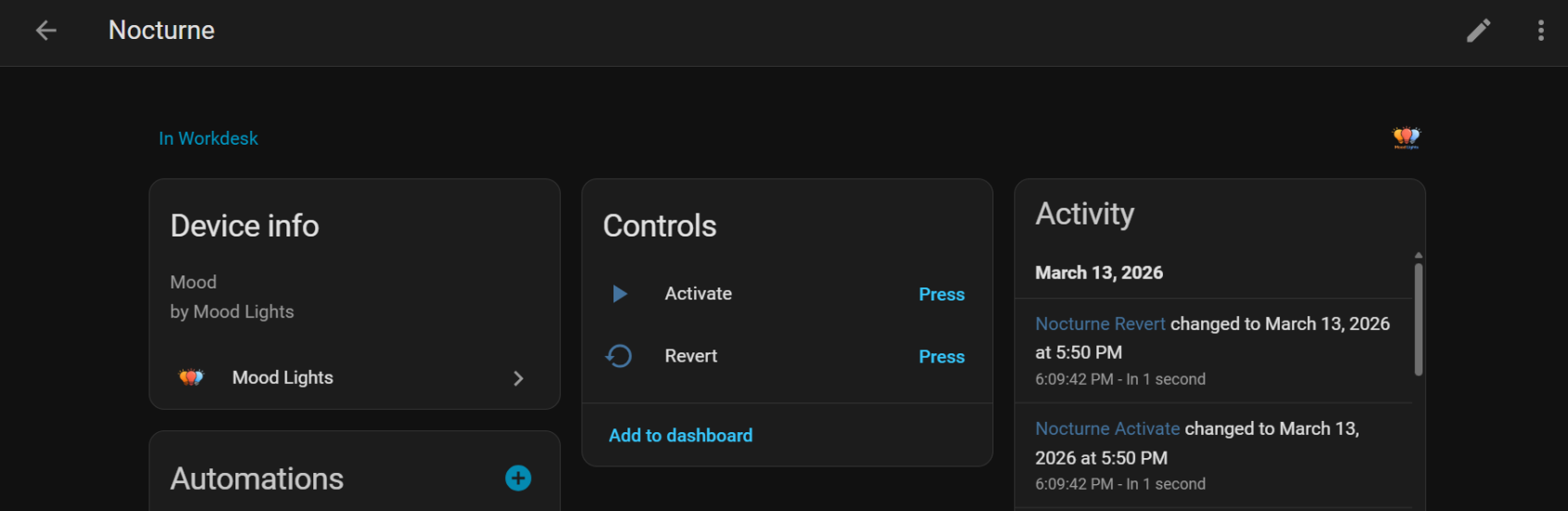
- When you activate a mood, it snapshots your current light states first.
- One tap to go back to exactly how things were before.
- No automations needed.
 Fully reconfigurable from the UI
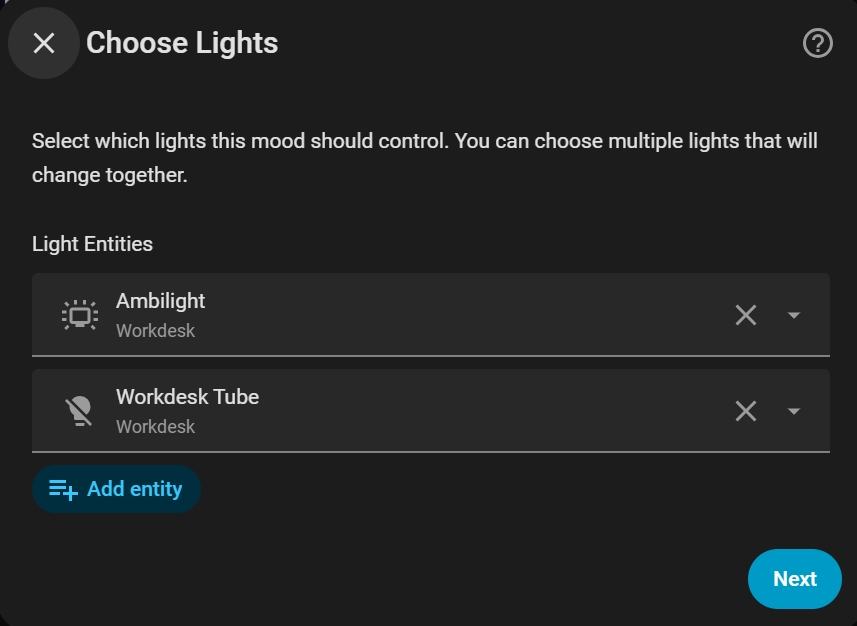
- Change the name, swap lights in/out, tweak brightness or colors anytime.
- No need to delete and recreate.
 Only change what you want
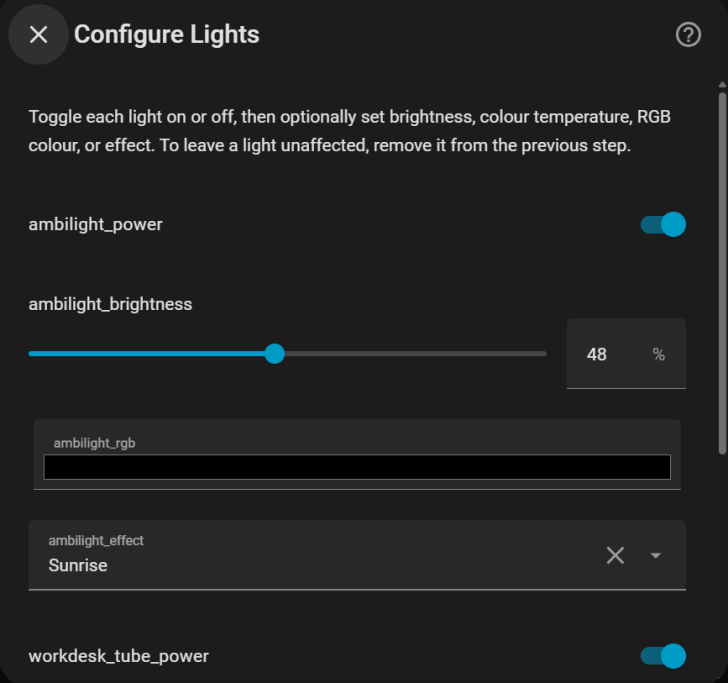
- Set brightness on one light, color temperature on another, and leave everything else alone.
- If a field is left blank, that attribute stays untouched.
 Per-light control
- Each light gets its own settings based on what it supports.
- Brightness-only bulbs won’t show color pickers.
- Lights with effects get an effect dropdown.
 Effect support
- If your lights support effects (like Rainbow, Candle, etc.), you’ll see a dropdown to pick one.
- Select “None” to clear it.
 Turn lights off too
- Want some lights off as part of your mood? Just toggle them off.
- Mix on/off states however you want.
 Exposes Actions
- Trigger built-in options like applying moods or generating snapshots from automation workflows.
- You can also use
button.pressactions.
 Installation
Install via HACS:
- Open the link below and click the blue button
 GitHub: GitHub - pranjal-joshi/moodlights: Easy mood-based light management for Home Assistant · GitHub
 Disclaimer
I’ve used AI as a co-pilot for rapid prototyping.
Would love to hear your feedback or feature ideas. Cheers! 
Feel free to ‘Star’ this project on GitHub if you like it! 
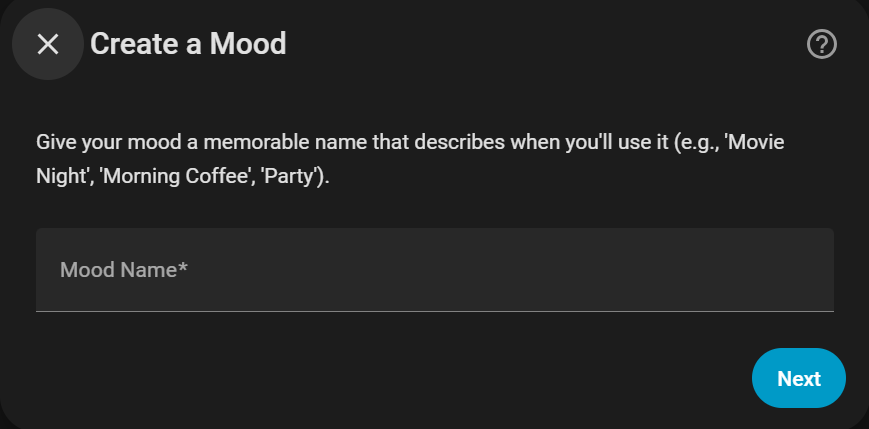
Here are some screenshots you may want to take a look at before actually getting started.