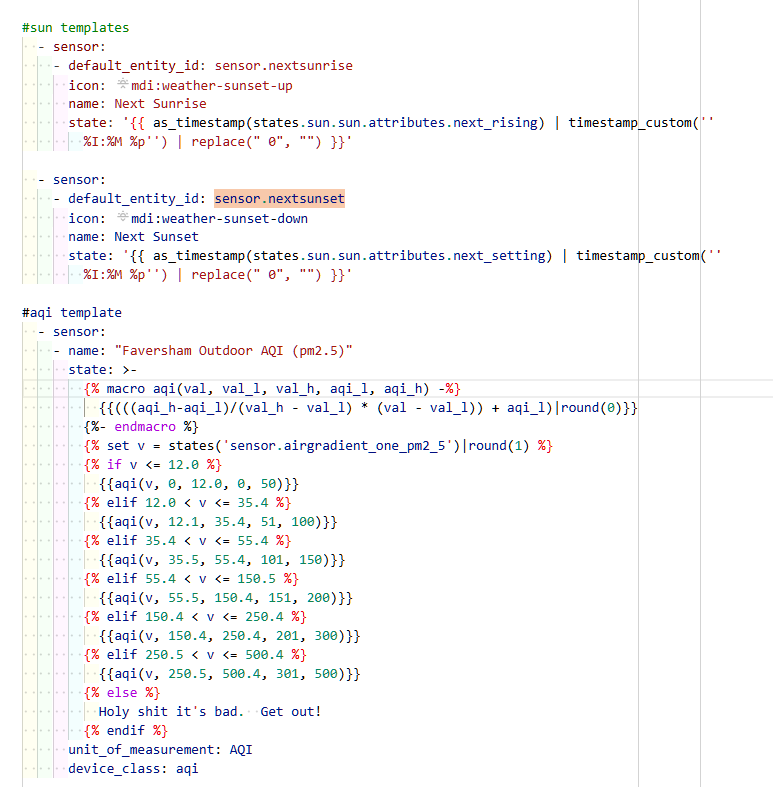
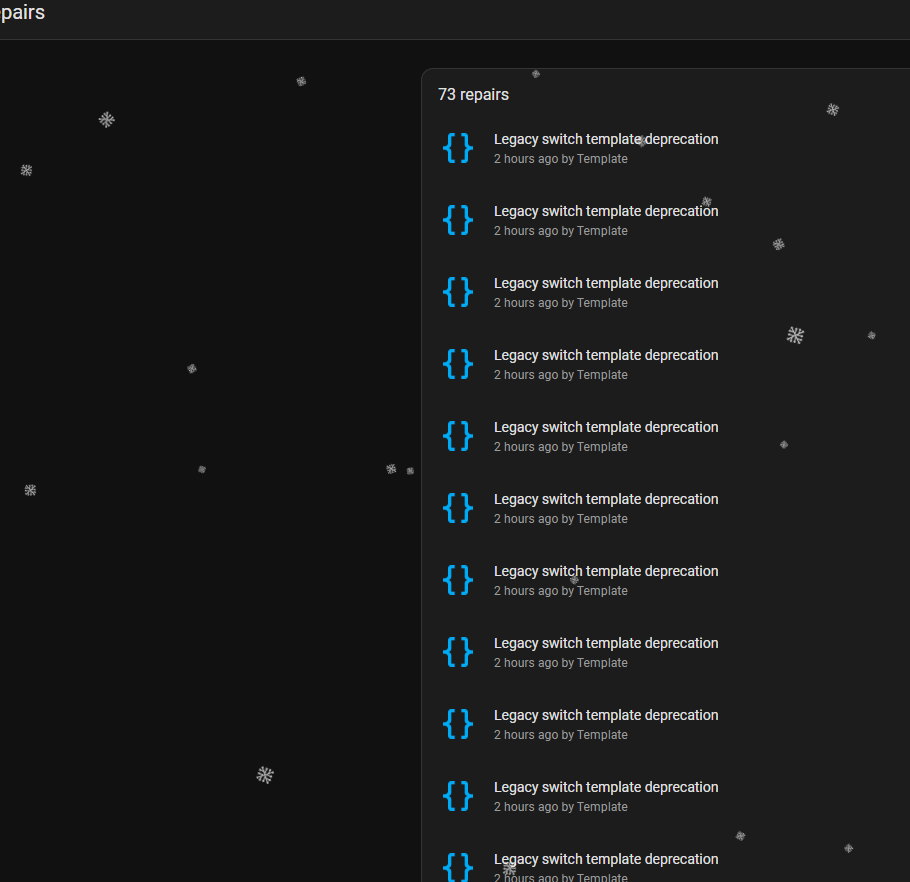
I have no idea if this will help anyone or not but here goes anyway…
First let’s imagine that you don’t use any !include in your configuration.yaml. So everything is contained in that one file.
if you have the old style templates in your configuration.yaml file will look like this:
binary_sensor:
  - platform: template
    sensors:
      my_first_binary_sensor:
        friendly_name: Some Name
        value_template: "{{ my template }}"
        icon_template: "{{ my icon template }}"
      my_second_binary_sensor:
        friendly_name: Some Other Name
        value_template: "{{ my next template }}"

sensor:
  - platform: template
    sensors:
      my_first_sensor:
        friendly_name: Some Sensor Name
        value_template: "{{ my template }}"
      my_second_sensor:
        friendly_name: Some Other Sensor Name
        value_template: "{{ my next template }}"
        icon_template: "{{ my icon template }}"

cover:
  - platform: template
    covers:
      my_first_cover:
        friendly_name: Some Cover Name
        value_template: "{{ my template }}"
      my_second_cover:
        friendly_name: Some Other Cover Name
        value_template: "{{ my next template }}"
        icon_template: "{{ my icon template }}"

etc
etc
to convert those to the new style templates you simply (and I mean simply…) do this:
(NOTE: default_entity_id: isn’t required. you only need it if you want to keep the same entity_id as the old sensor. Without it tyhe new entity _id will be the same as the name but all lower case with an underscore instead of spaces)
template:
  - binary_sensor:
      - default_entity_id: binary_sensor.my_first_binary_sensor
        name: Some Name
        state: "{{ my template }}"
        icon: "{{ my icon template }}"
      - default_entity_id: binary_sensor.my_second_binary_sensor:
        name: Some Other Name
        state: "{{ my next template }}"

  - sensor:
      - default_entity_id: sensor.my_first_sensor
        name: Some Sensor Name
        state: "{{ my template }}"
      - default_entity_id: sensor.my_second_sensor
        name: Some Other Sensor Name
        state: "{{ my next template }}"
        icon: "{{ my icon template }}"

  - cover:
      - default_entity_id: cover.my_first_cover
        name: Some Cover Name
        state: "{{ my template }}"
      - default_entity_id: cover.my_second_cover
        name: Some Other Cover Name
        state: "{{ my next template }}"
        icon: "{{ my icon template }}"

etc
etc
if you use !includes then you configuration.yaml will look like this before (for example):
binary_sensor: !include binary_sensors.yaml

sensor: !include sensors.yaml

cover: !include covers.yaml
then in the included yaml files:
binary_sensors.yaml:
  - platform: template
    sensors:
      my_first_binary_sensor:
        friendly_name: Some Name
        value_template: "{{ my template }}"
        icon_template: "{{ my icon template }}"
      my_second_binary_sensor:
        friendly_name: Some Other Name
        value_template: "{{ my next template }}"
sensors.yaml:
  - platform: template
    sensors:
      my_first_sensor:
        friendly_name: Some Sensor Name
        value_template: "{{ my template }}"
      my_second_sensor:
        friendly_name: Some Other Sensor Name
        value_template: "{{ my next template }}"
        icon_template: "{{ my icon template }}"
covers.yaml:
  - platform: template
    covers:
      my_first_cover:
        friendly_name: Some Cover Name
        value_template: "{{ my template }}"
      my_second_cover:
        friendly_name: Some Other Cover Name
        value_template: "{{ my next template }}"
        icon_template: "{{ my icon template }}"
then to use the new style templates using one single included file your configuration.yaml will look like this (for example):
binary_sensor: !include binary_sensors.yaml

sensor: !include sensors.yaml

cover: !include covers.yaml

template: !include templates.yaml
then in templates.yaml:
  - binary_sensor:
      - default_entity_id: binary_sensor.my_first_binary_sensor
        name: Some Name
        state: "{{ my template }}"
        icon: "{{ my icon template }}"
      - default_entity_id: binary_sensor.my_second_binary_sensor:
        name: Some Other Name
        state: "{{ my next template }}"

  - sensor:
      - default_entity_id: sensor.my_first_sensor
        name: Some Sensor Name
        state: "{{ my template }}"
      - default_entity_id: sensor.my_second_sensor
        name: Some Other Sensor Name
        state: "{{ my next template }}"
        icon: "{{ my icon template }}"

  - cover:
      - default_entity_id: cover.my_first_cover
        name: Some Cover Name
        state: "{{ my template }}"
      - default_entity_id: cover.my_second_cover
        name: Some Other Cover Name
        state: "{{ my next template }}"
        icon: "{{ my icon template }}"
If you use packages or directories then it’s very much the same but I don’t have time to do the conversion examples in this post.