I have managed to get the device online but I cannot visit the page. Is there something wrong I am doing?
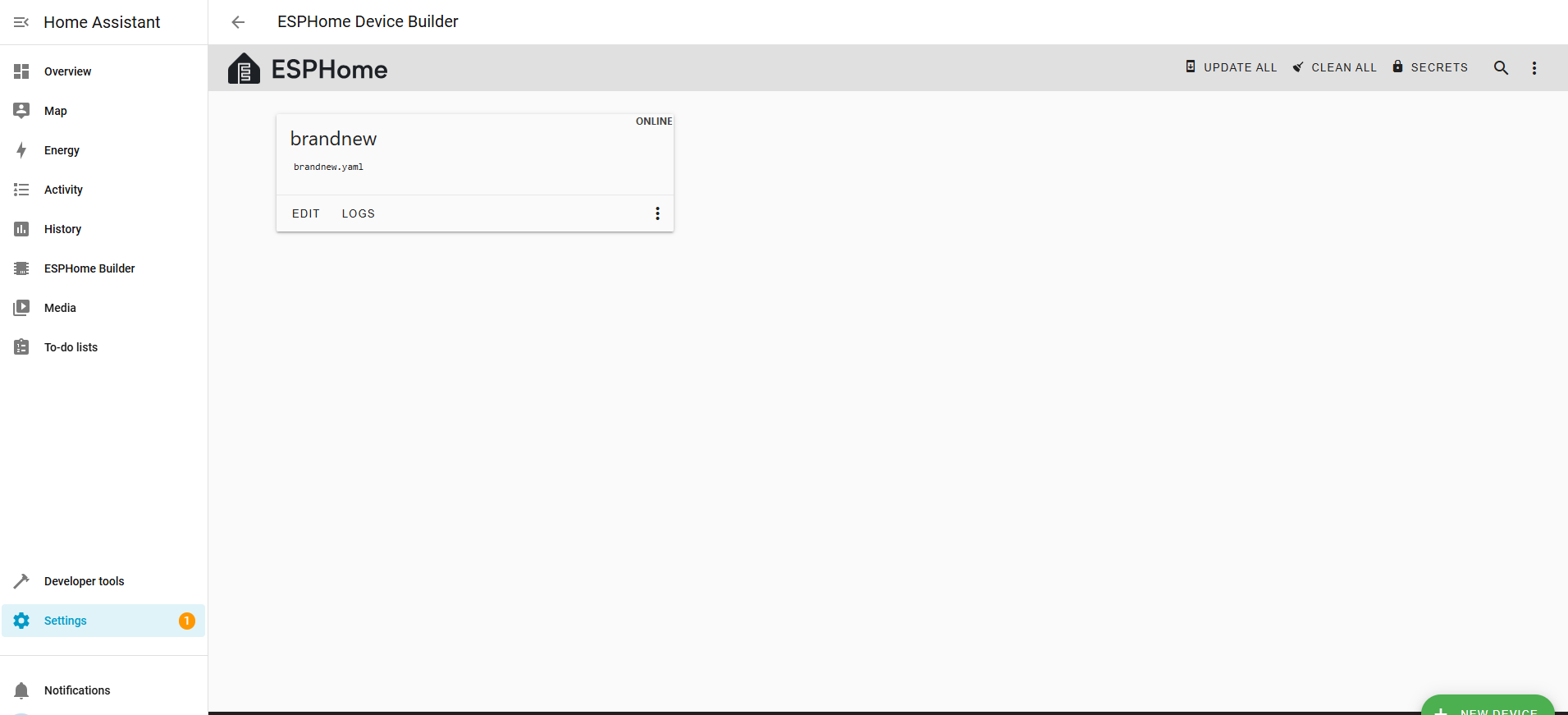
What page?
Web server or captive portal? What are you looking for?
on the web server please
Did you add web server to the yaml?
Did you try and connect to the IP of the node?
- Post your yaml, the ESPHome compile log and a bit of the run log [suitably formatted for readability by using the </> options in your reply]
We can then look for what is needed to get you going towards your web page.
- Are you following the tutorials on the ESPHome website?
I deleted and started with a new device again, called it freshkit. Still same issue of seeing device online with a static ip but cant web browse to it`esphome:
name: freshkit
friendly_name: freshkit
esp32:
board: esp32-s3-devkitc-1
framework:
type: esp-idf
Enable logging
logger:
Enable Home Assistant API
api:
encryption:
key: “1I+HmTPnBNPJ1SYsj99agbtpwAuTyGOuRh0+ZTNNek4=”
ota:
- platform: esphome
password: “ef359c3243acad5de769eaabdc2d88f3”
wifi:
ssid: !secret wifi_ssid
password: !secret wifi_password
Add this section:
manual_ip:
static_ip: 192.168.0.182 # Choose an IP outside your router’s DHCP range
gateway: 192.168.0.1 # Usually your router’s IP
subnet: 255.255.255.0
Enable fallback hotspot (captive portal) in case wifi connection fails
ap:
ssid: “Freshkit Fallback Hotspot”
password: “mg2Q24AakzdG”
captive_portal:
Preformatted text`
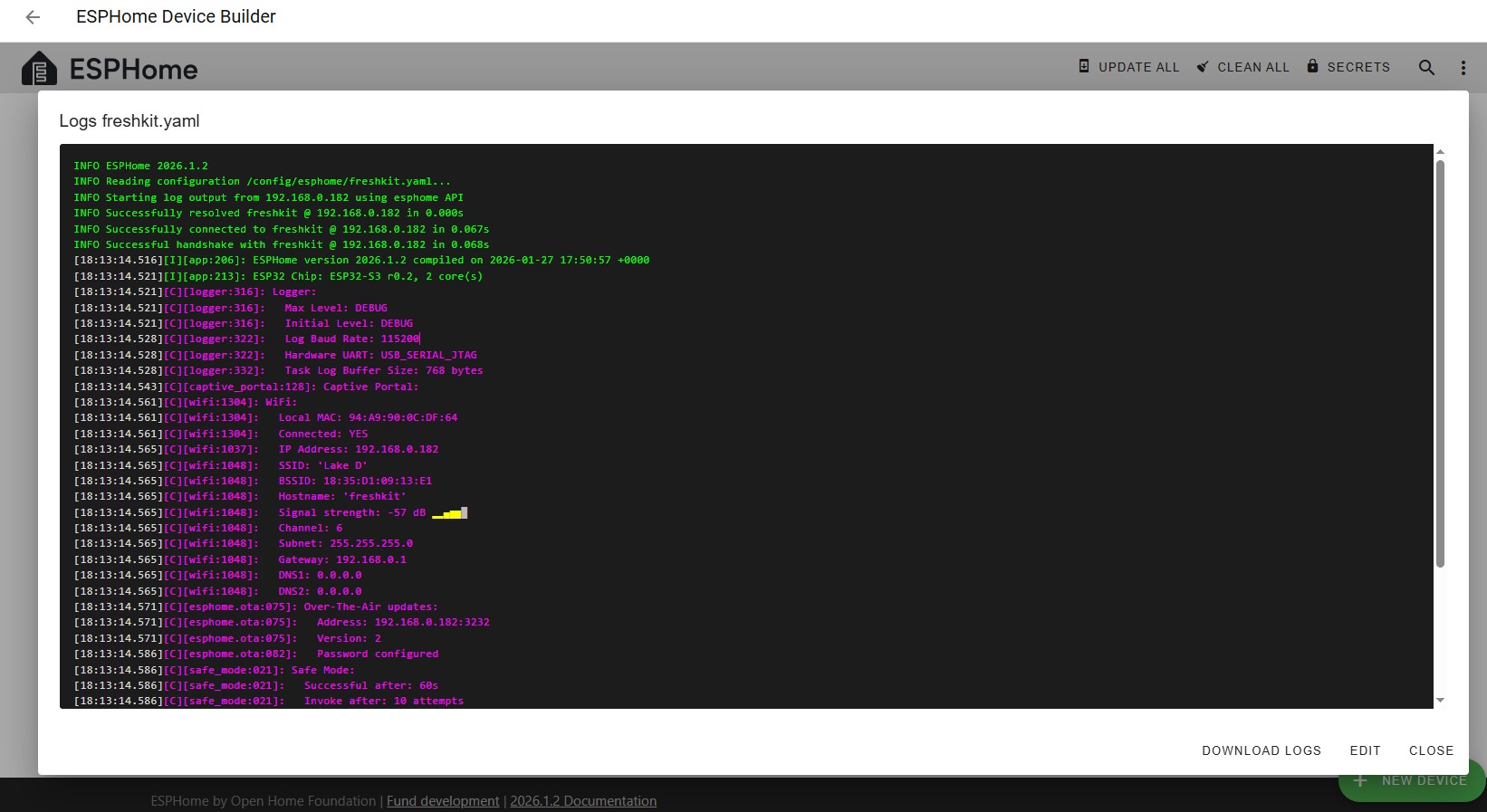
Oh no, I can’t follow that, missing spacing and formatting. Can you edit your post and try again please. Your photo is too blurred to read, just cut and paste the log between the forum formatting codes should work.
Embarrassingly, I note the official documentation that I am going to ask you to read to comprehensively resolve your problem also uses pictures. Oh well…
So you didn’t add web server to your yaml.
Then it should be an easy fix
@Hellis81 Don’t make it too easy!
I wanted @nanadawson to go back and read the official documentation, to understand what they were doing, rather than give them the three line solution without knowing why. That is what AI often does, and they are none the wiser, cutting, pasting, recompiling and hoping it will work.
I also wanted the log in readable format so we could point them to the correct IP Address in case they wanted to add a shortcut in their browser. Check the WiFi signal levels as well.
I also wanted to take the opportunity to encourage static IP addressing to prevent potential network issues with DHCP randomly messing up URLs.
Add a reference to the January 2026 ESPHome release notes about OTA and passwords as well. Displaying entity names in the web server (once it automagically appears) as well, to aid with further coding. ESPHome 2026.1.0 - January 2026 - ESPHome - Smart Home Made Simple
Mastering forum posting with formatting logs and yaml code would help with future challenges.
In other words, don’t give out the eleven letter solution, yet - add some knowledge, self sufficiency, empowerment.