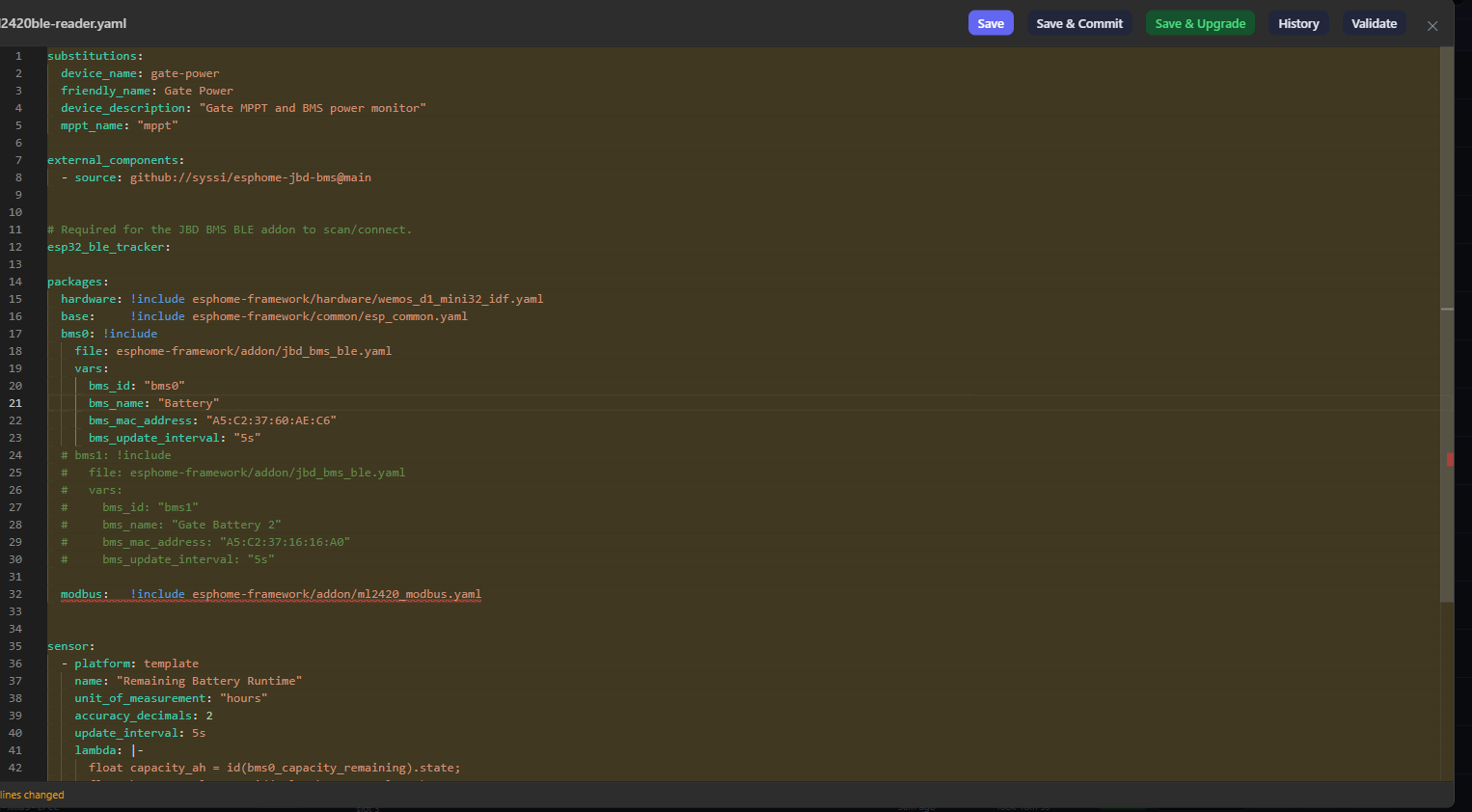
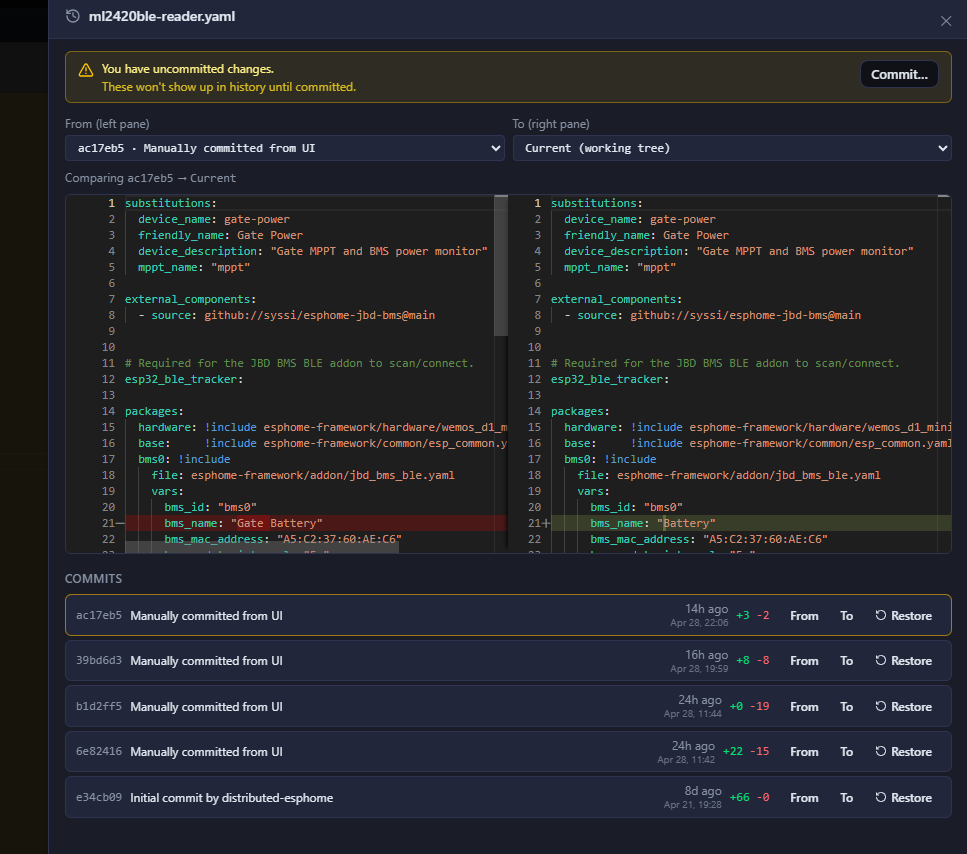
PSA: Distributed ESPHome Compilation Is Here and It’s Amazing
40 ESPHome devices. Used to take hours to compile and update all of them. Didn’t matter how much CPU or RAM I threw at HA, it just ground through them one at a time.
This project lets you offload compilation to a remote Docker container on a beefier machine. It’s an HA add-on (build server + job queue + web UI) paired with lightweight build workers that pull configs, compile, and push firmware via OTA.
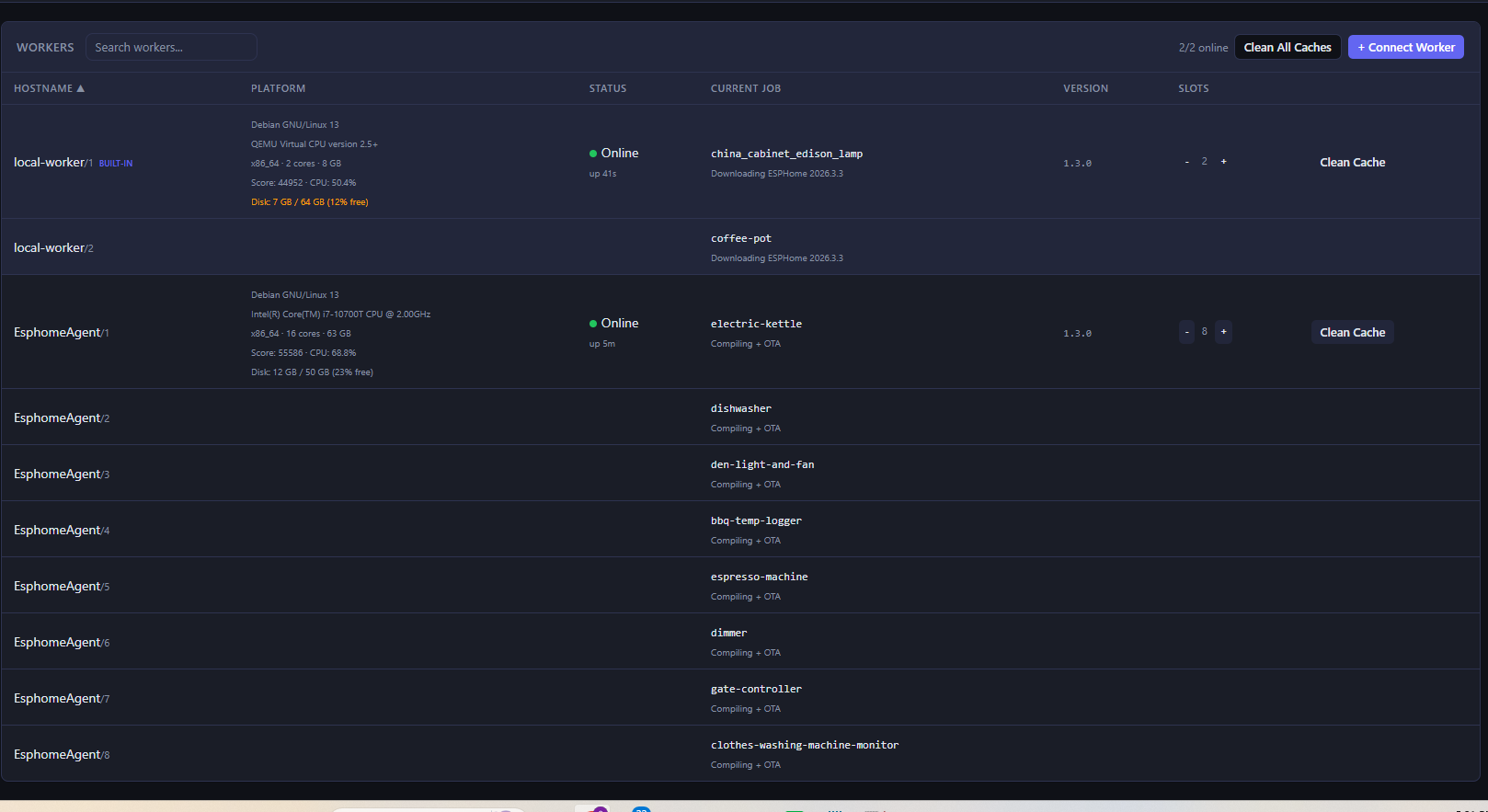
I set up a Debian LXC on my Proxmox box, gave it 10 cores and 10GB RAM, and ran 8 parallel compile jobs. All 40 devices — compiled and OTA updated — in about 14 minutes. I am not exaggerating.
Setup took maybe 15 minutes. Install the HA add-on, spin up a Docker container on your build machine with the server URL and token, done. The web UI shows device status, build queue, logs, and connected workers.
If you have more than a dozen ESPHome devices and any kind of second machine available, do yourself a favor and try this. Huge thanks to @weirded for building it.
This sounds great! Will take a look at this. I have currently migrated ESPhome to a separate docker and have another docker image to do automated scheduled updates…
But your solution sound way better to me… will have a look!
Dang. Trying this on a Synology NAS ( esphome-distributed container host ) and a remote PC ( worker )
The esphome-distributed container starts fine on the NAS ( that’s where my ESPHome instance lives ) and if I navigate to the dashboard, everything is there as expected.
I start up a worker on the remote PC, it connects back to the esphome-distributed container just fine. All green lights.
I try to run an upgrade job and boom, the esphome-distributed container goes offline ( according to the worker logs ). If I try use the dashboard - sure as Bob, it’s non-responsive. If I look at the Synology Container Manager, the container is “up”, but running at 100% of its CPU and there’s nothing in the logs :s:
If I try restart the esphome-distributed container, it comes up for 2 seconds then insta-dies !
Any ideas ? First knee-jerk suspicion is some security or ownership issue Synology side
I dumped a test yaml file for a test ESP onto the remote PC, brought up both the esphome-distributed container ( pointed it at the test yaml ) and a worker on that rig and it worked a treat
Thanks. This sounds good. I use my Mac Mini deskyop system ti do ESPHome development. It can compile a device in well under a minute. while my HA server an old Intal i3 dual core, take a long time.
What I think I want is a way to use my Mac at 2:00AM to do updates. But I don’t want to run a virttual machine on the Mac. ESPHome runs just fine native on MacOS and doers the compiles in 40 seconds or so with no need for Docker or VMs.

 agreed, this needs to be the new esphome builder.