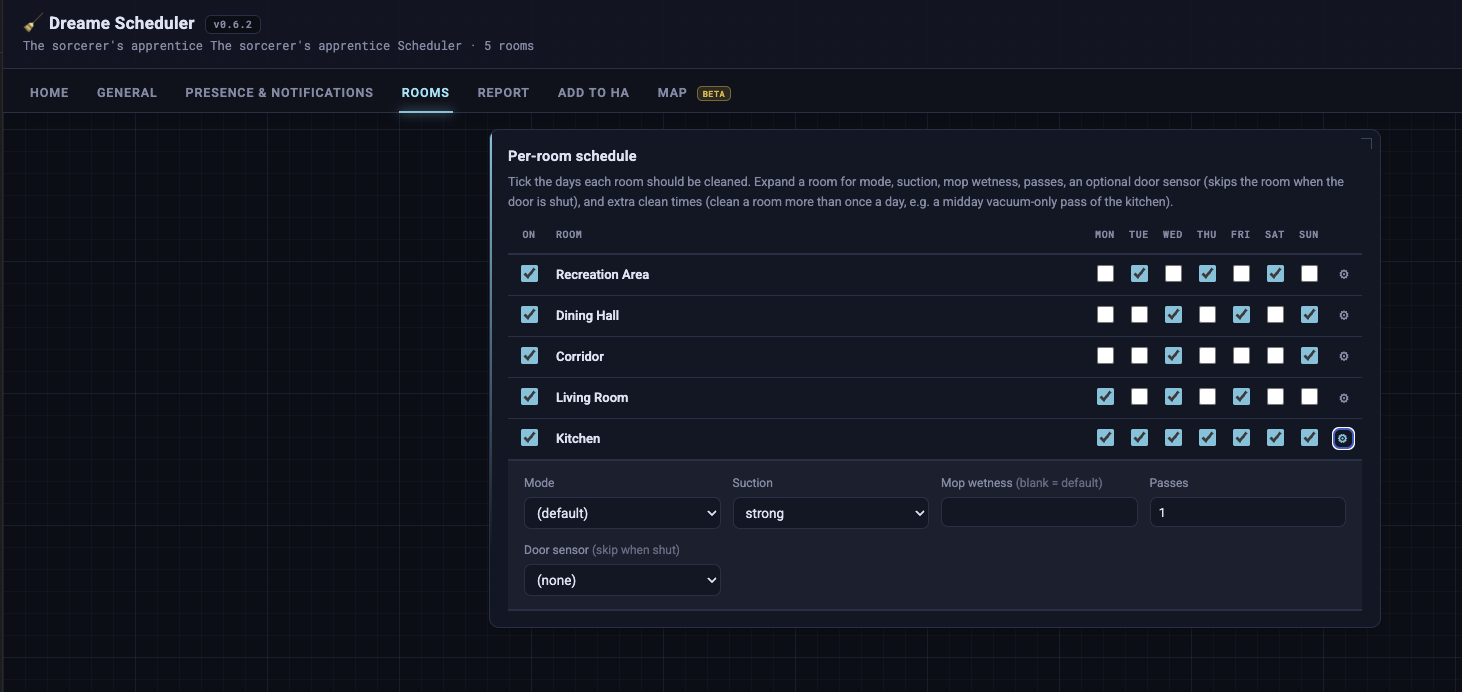
No need to reinstall, just update. I found a bug where the Mode and Suction dropdowns came up empty (just showing “default”) when the robot’s docked. Fixed in Dreame Scheduler v0.6.2, so update the integration in HACS (not just the add-on) and restart, then reopen the add-on. Already confirmed working for someone else.
The per-room stuff (mop cadence, extra times, etc) is behind the gear on each room row on the Rooms tab. Worth making sure the add-on’s on latest too.
If anything’s still missing after that, send me a screenshot and your add-on + integration versions and I’ll sort it
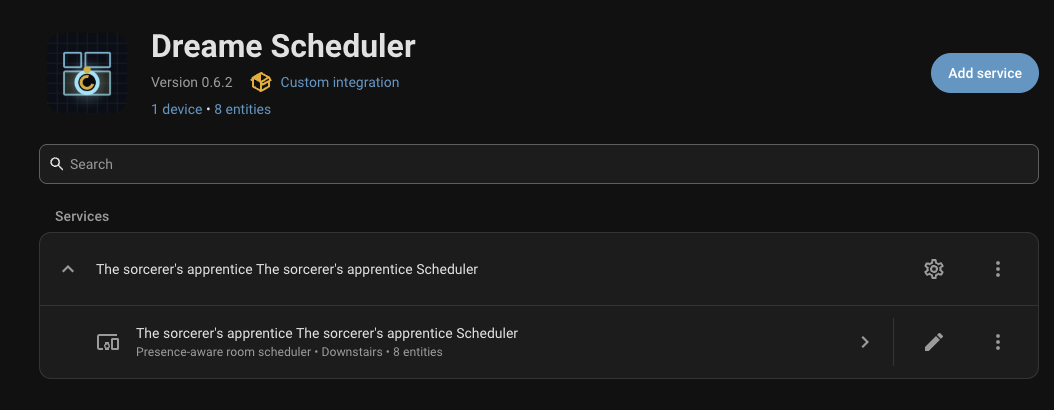
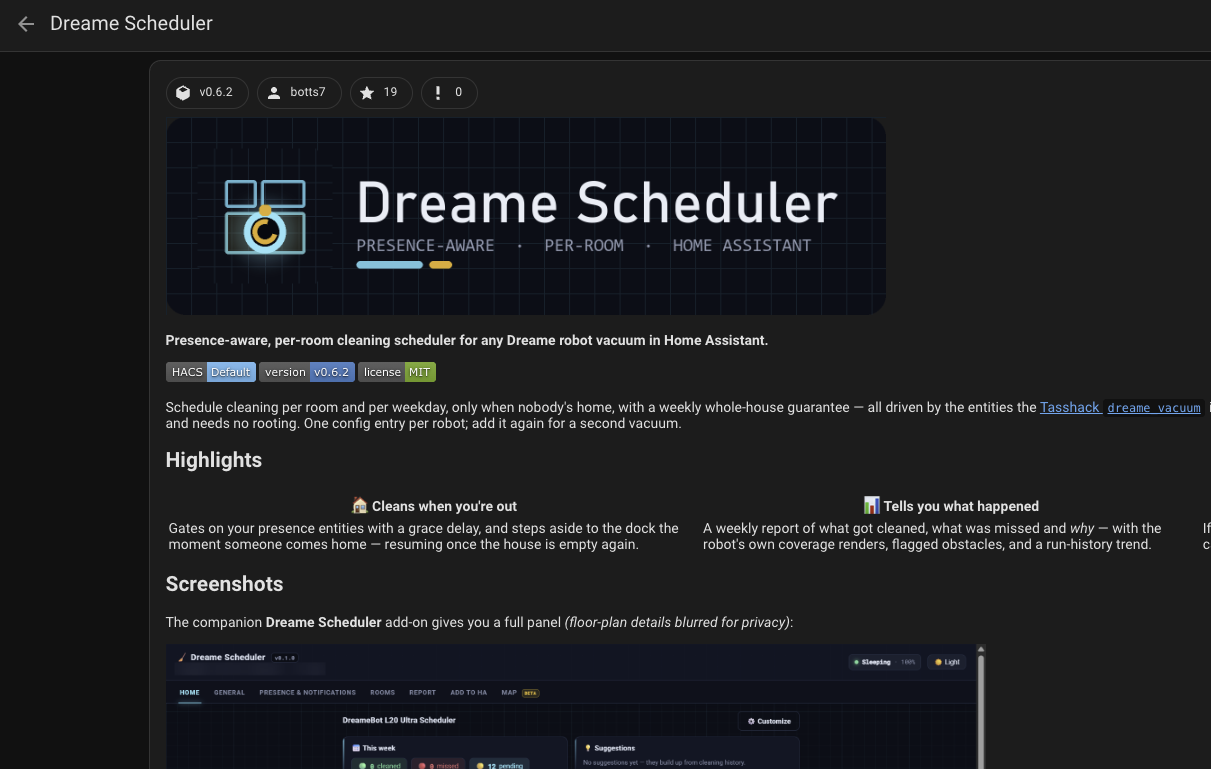
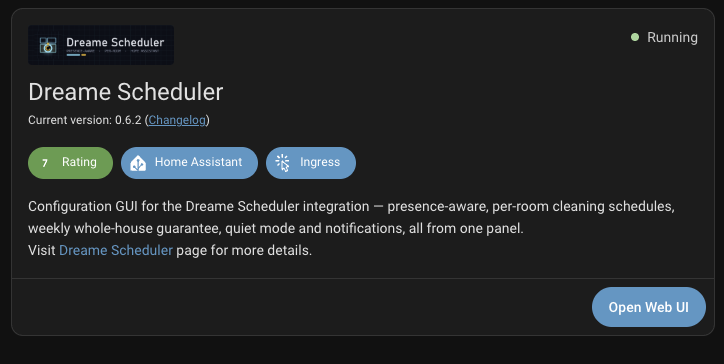
a few screenshots here to show the versions. If I go into the Integration and click the gear and then go through the per room settings, I see the never mop choice and I get the options to add additional cleanings that way, so I’m at least good from that standpoint and can’t thank you enough for my cleaner kitchen floors. It’s still not showing up in the app under the rooms tab, even after i’ve configured things that way.
Thanks, I will try it out when I clean the upper floor next time (it is not that often .. and I will probably not put it on any schedule, just carry the robot there when I feel like it’s needed.)
Another thing I noticed (probably unrelated) - when using the robot on the lower floor (with a schedule), the data in the Dreame Scheduler tab identifies 6 rooms as cleaned, 0 as missed and 0 pending. However, in the dreame-scheduler-card (using sensor.x40_ultra_x40_ultra_scheduler_status) it says “6 cleaned, 1 pending”.
If I go by the week schedule, I have scheduled 4 rooms for cleaning tomorrow.. so shouldn’t it say “4 pending”? Or if it’s evaluating the status for today, it should say “0 pending”.. So something is incorrect either way? (I’m on v0.6.2 btw.)
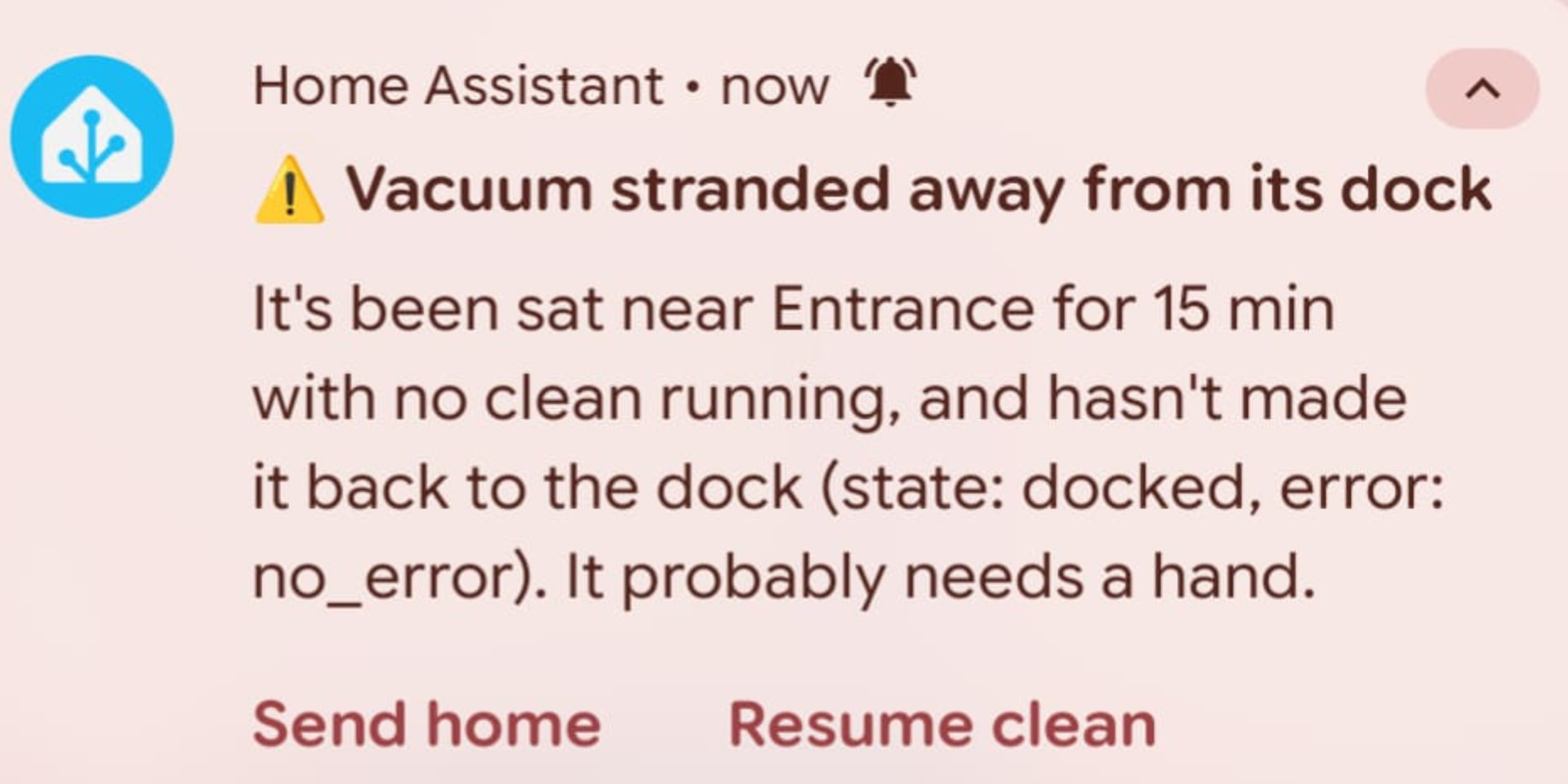
Surely I shouldn’t get this kind of warning if state == ‘docked’?
Edit: I can now see that sensor.x40_ultra_current_room is set to “Entrance” (whereas the x40 device area is “Library”) so this is probably why the message is sent. IIt seems _current_room changed even the though robot has been docked the whole time - probably when I changed floors back and forth, so likely the dreame software or Dreame vacuum integration is to blame here. I still think that the message should not be sent if the state is “Docked” though.
 .. and I will probably not put it on any schedule, just carry the robot there when I feel like it’s needed.)