Dreame Scheduler — clean when you’re out, room-by-room, and actually know what happened
Issues I was having is the vacuum ran while everyone was home, it skipped rooms with no explanation, and when it got stuck the whole run was left half done.
It doesn’t talk to the robot directly - it drives the entities the excellent Tasshack dreame_vacuum integration already exposes. So it works with any Dreame model and needs no rooting.
What it does:
- Cleans when you’re out - gates on your presence entities with a grace delay, and if someone comes home mid clean it docks and resumes once the house is empty again.
- Per-room weekly schedule - each room on its own weekdays, with its own mode / suction / mop wetness.
- Weekly whole-house guarantee - finishes whatever’s still pending on your catch-up day.
- Weekly report - What got done and what didn’t, with the robot’s own coverage renders and obstacle flags.
Self-healing - if it gets stuck on the same spot, it walls off the area, backs out and continues - Optional add-on GUI — set it all up without YAML, plus a beta Floor Plan Studio (no-go/virtual walls, 3D view, export). this is a work in progress!
Install: HACS > custom repositories > add the repo > Download > add the integration.
(It’s submitted to the default HACS store too - search will work once that PR merges.)
Screenshots
(floor plan details are blurred - yours won’t be)
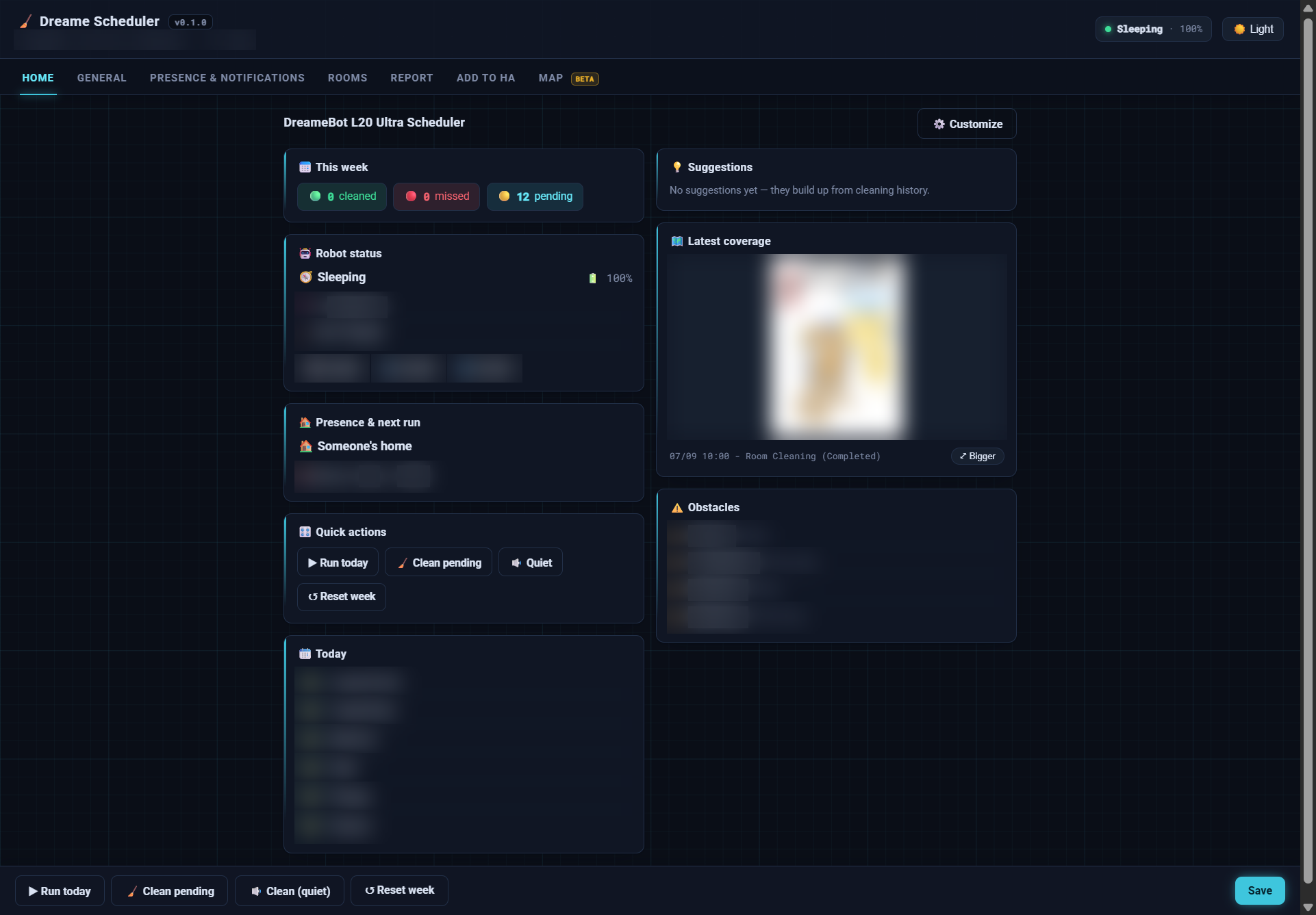
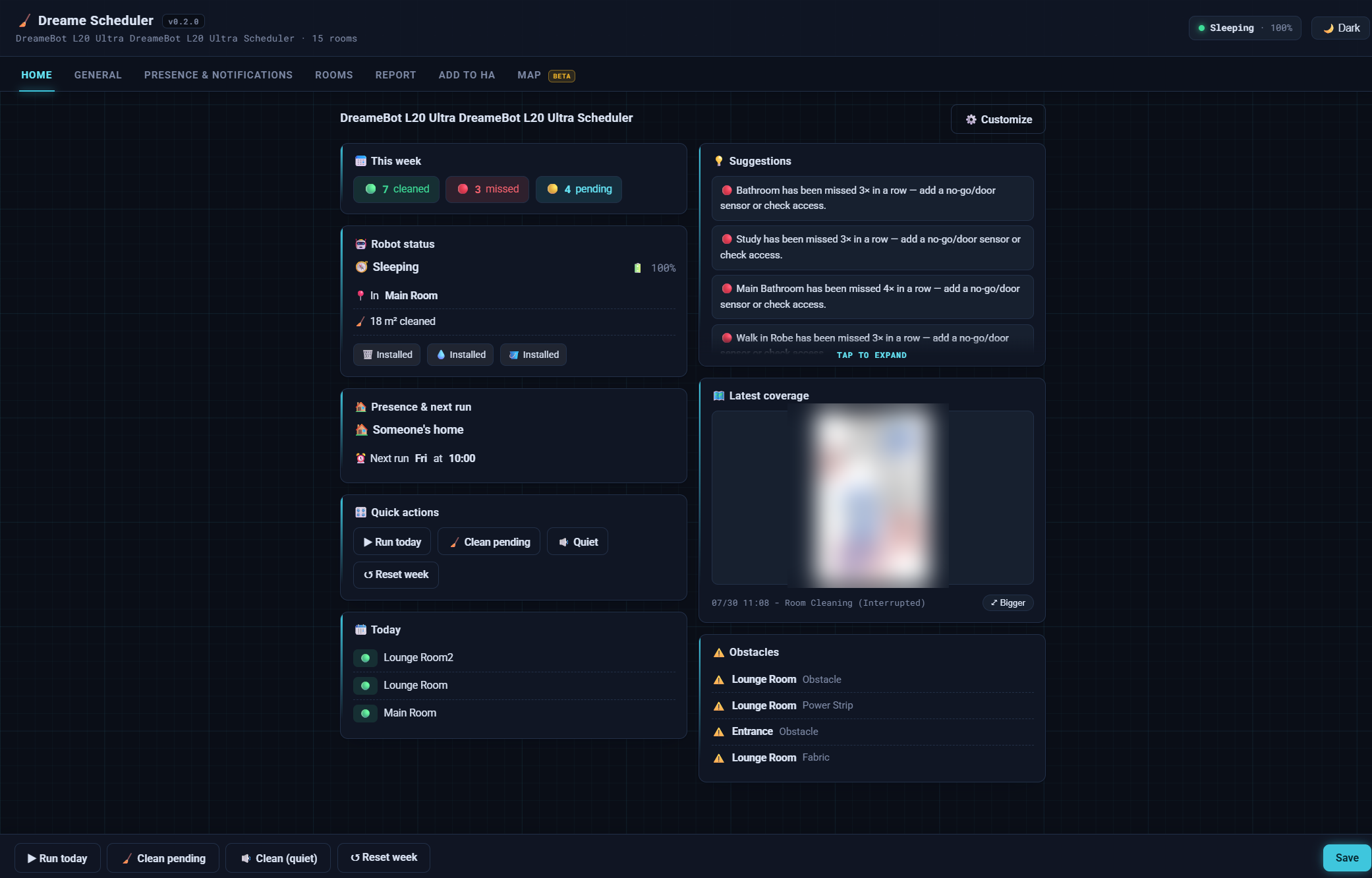
Overview - robot status, next run, this week’s progress, suggestions and coverage.
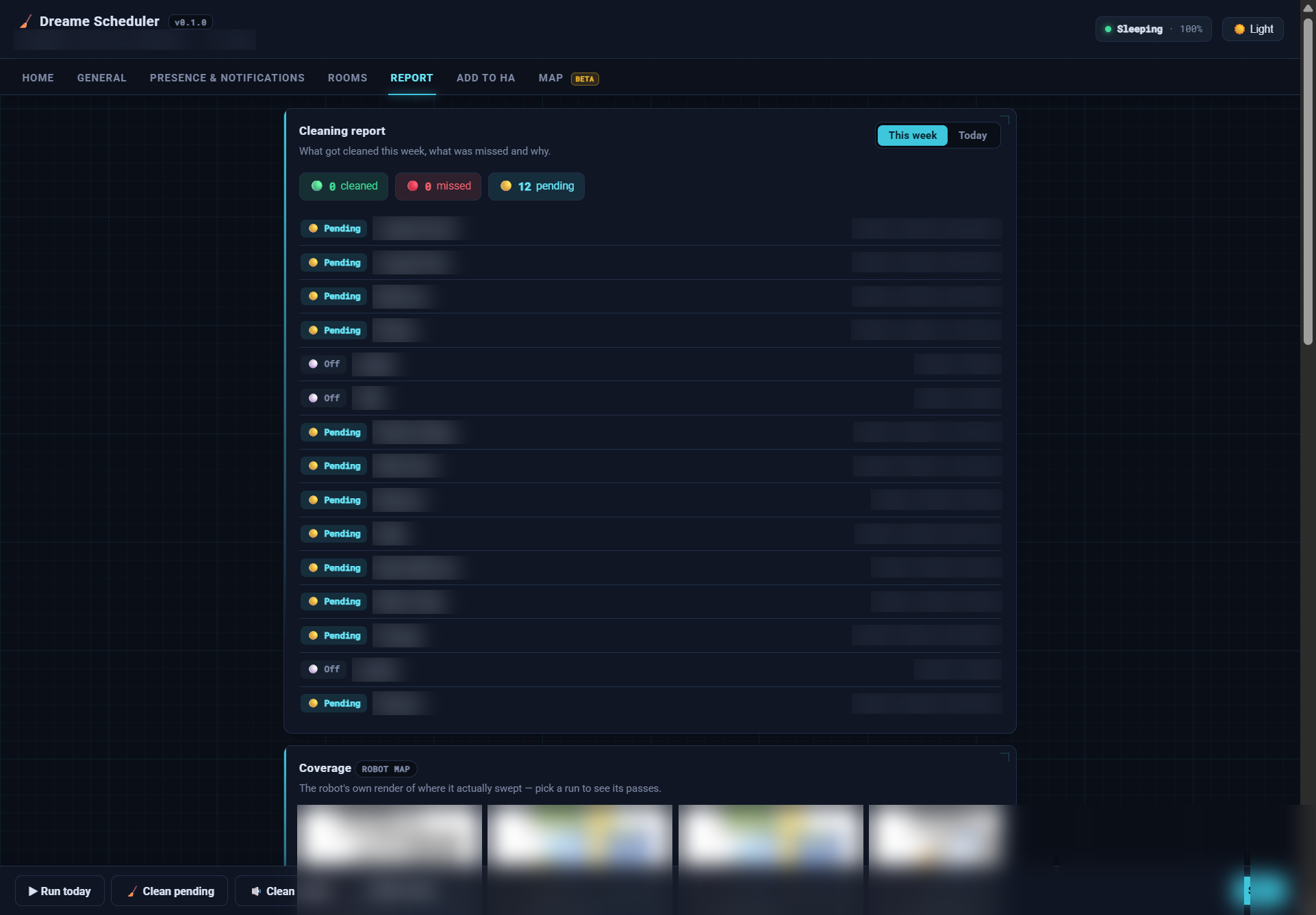
Report - per room status this week, why rooms were missed, and the robot’s own coverage renders.
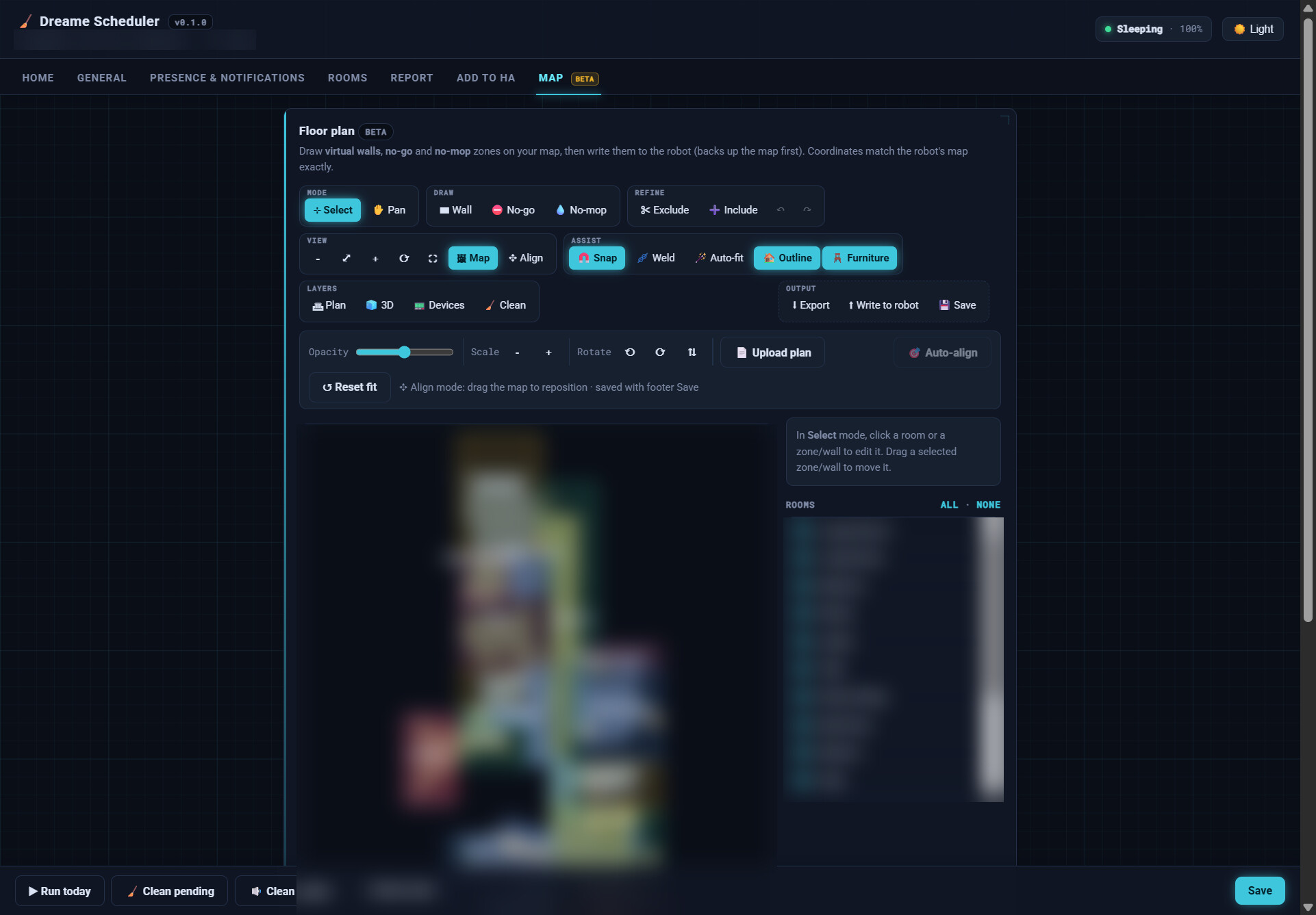
Floor Plan Studio (beta) - no-go / no-mop zones, virtual walls, auto-fit, 3D view, export.
Install
Requirements: Home Assistant 2025.12+ and the dreame_vacuum integration already set up with your vacuum.
1. Integration (via HACS):
-
HACS > ⋮ > Custom repositories > add
https://github.com/botts7/dreame-scheduler, category Integration > Download. -
Restart Home Assistant, then Settings > Devices & Services > Add Integration > Dreame Scheduler and pick your vacuum.
It’s already submitted to the default HACS store (PR in review). Once that merges you’ll be able to skip the custom-repository step and just search Dreame Scheduler in HACS — I’ll update this post when it lands.
2. Add-on (optional GUI): Settings > Add-ons > Add-on Store > Repositories > add https://github.com/botts7/dreame-scheduler-addon, then install Dreame Scheduler.
Links
-
Issues / feedback: Issues · botts7/dreame-scheduler · GitHub
A note
It’s early in development (v0.1.x) - core scheduling/presence/reporting are working and verified live, and I’m hardening the run to completion edge cases.
If you give it a go and have issues let me know or create a github issue.

 Self-healing recovery — when the robot gets into trouble mid-clean it now tries to fix itself instead of stranding:
 Recurring-trap learner — learns where it repeatedly gets stuck across separate runs, tells fixed hazards apart from path blocks, and suggests a permanent no-go zone for one-tap approval (never walls off floor on its own).
 Smarter scheduling
 Clean-by-hand list — rooms the robot genuinely can’t reach become a Home Assistant to-do list, and clear themselves when next cleaned.
 Release + full changelog:
  Repo:
Repo:  Companion add-on (config GUI + reports):
  - mostly about staying out of the robot’s way and being clearer when it genuinely needs you.
 all clear” if it frees itself and docks.
