I really like the Echo Wall Clock: it’s a simple little device that does one thing well, but it’s locked to Amazon and needs an Echo to work. I wanted mine running locally, no Alexa or Amazon cloud involved. I’d already moved my Echo Show 5s off Alexa and onto LineageOS to run Kiosk Satellite, and I wasn’t ready to give up the clock too.
Rather than keep an Alexa device around just for that, I used Claude Code to reverse-engineer the clock’s Bluetooth protocol and put together a Home Assistant integration and a Kiosk Satellite plugin to make it work.
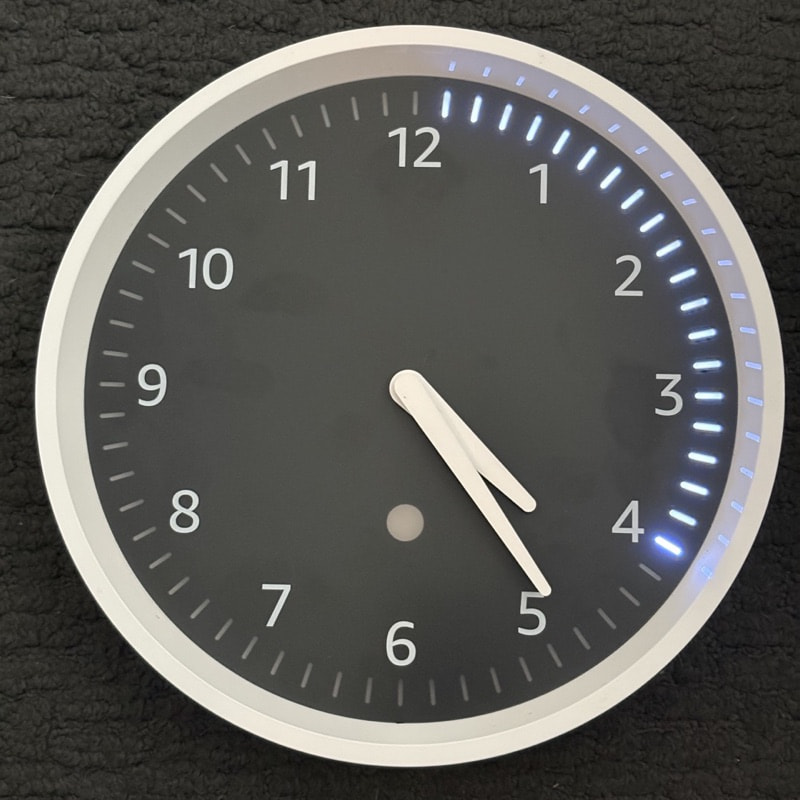
The simplicity made this a relatively straightforward project: the clock is just a display with a few built-in behaviors. The Echo sets the time and tells it which timers to show, and the clock draws them on its LED ring. Now, Home Assistant replaces the Echo and the clock behaves exactly like it always has: the LED ring lights up when a timer starts, counts down, and pulses when time is up. Pause, resume, cancel, and add time all follow, and the clock can display several timers at once. The time stays set as long as the clock is connected (it’s re-synced on connect and every half hour, so daylight saving and time zone changes are picked up).
It’s all local, and nothing on the clock is modified. I also made a simulator so you can see what it displays without owning a clock.
What the integration does
- Shows timers from the voice assistants (Assist) and
timer.*helpers you choose, per clock. Nothing is shown by default. - Reconnects on its own if the clock loses power or goes out of range, and puts the running timers back.
- Adds three entities: a Connected binary sensor, a Timers sensor (other automations can read it) and a Sync time button.
If you run Kiosk Satellite, there’s also a plugin that connects directly to the clock and shows that kiosk’s own timers on it.
Requirements and limits
- Home Assistant 2026.10.0 or newer, and a Bluetooth adapter on the HA host that supports Bluetooth Classic, within about 10 m of the clock. ESPHome and Shelly proxies are BLE-only, so they won’t work.
- Home Assistant in a container needs the host’s Bluetooth: host networking and the host’s
/run/dbusmounted into the container. - A clock talks to one controller at a time, so pairing it here disconnects it from an Echo.
- I’ve only tested it on HA Container on a Raspberry Pi 3B with one clock. HA OS and Supervised, multiple voice satellites and multi-day runs are untested, so I’d like to hear how it goes on other setups.
Install and setup
- In HACS, add
https://github.com/mpjanofsky/second-hand-integrationas a custom repository (type Integration), download it, and restart Home Assistant. - Settings > Devices & services > Add integration > Second Hand. Name it and pick your Bluetooth adapter.
- Hold the blue pairing button on the back of the clock (up to 10 seconds) until the light on the front pulses orange, then select Submit.
- Pick the voice assistants and timer helpers the clock should show.

The first connection after pairing often fails; it keeps trying on its own, so give it a minute or two.
The protocol notes and a Python library are on GitHub if you want to build on them.
Happy to answer questions, and bug reports are welcome on the issue tracker.