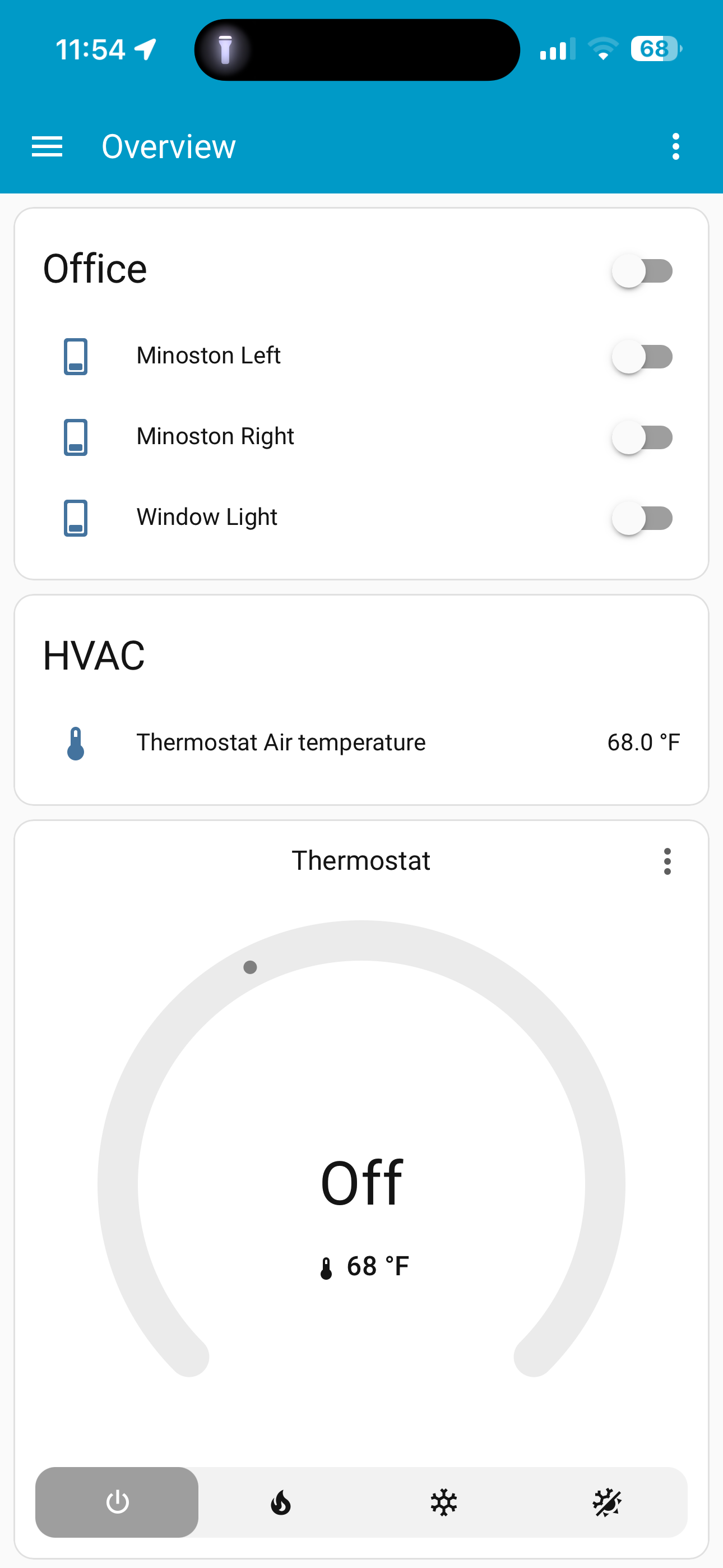
When I added my go control thermostat it’s taking up a huge amount of space on my dashboard and I’m wondering if I can reduce the size down?
1 Like
That looks like a generic thermostat card. You can certainly pull the info from the thermostat and show it differently.
I also have a go control thermostat. We always have it on heat/cool. So it looks pretty cool 
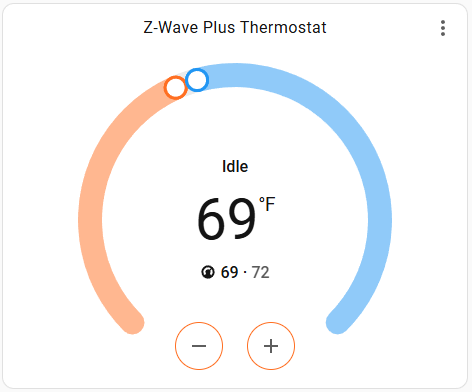
ETA: My card code
  - type: thermostat
    entity: climate.z_wave_plus_thermostat
    show_current_as_primary: true
Hi,
Yes you can downsize with the standard card options
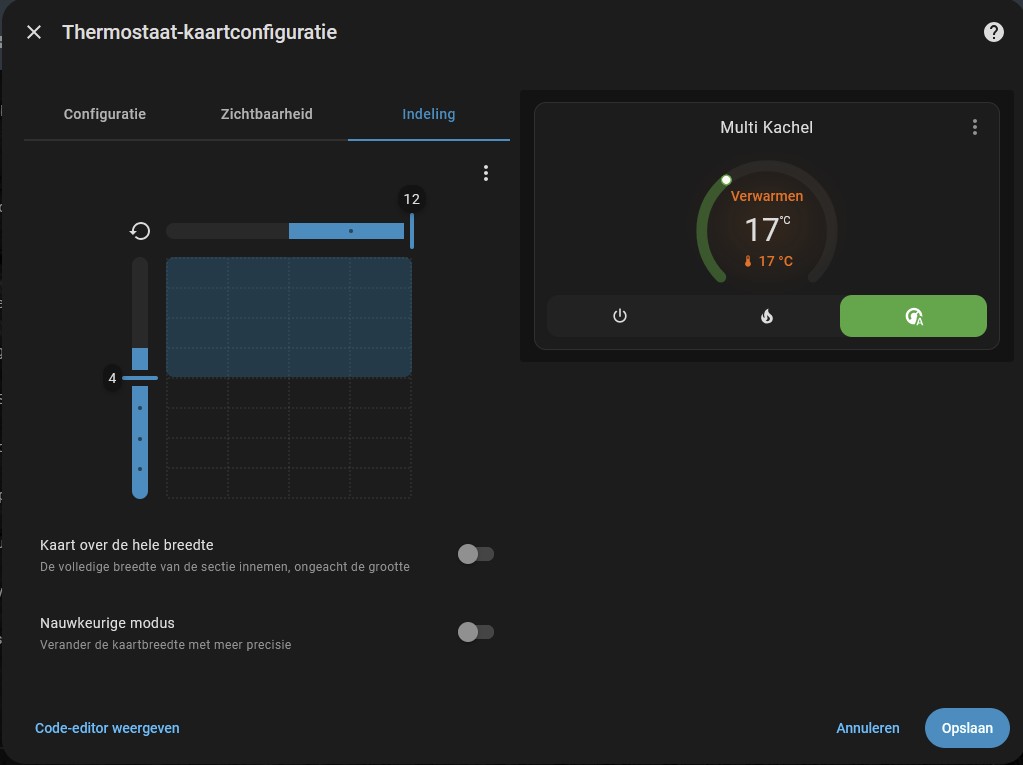
Or minimal via HACS → Mushroom → Climate card
1 Like
1 Like
Hi,
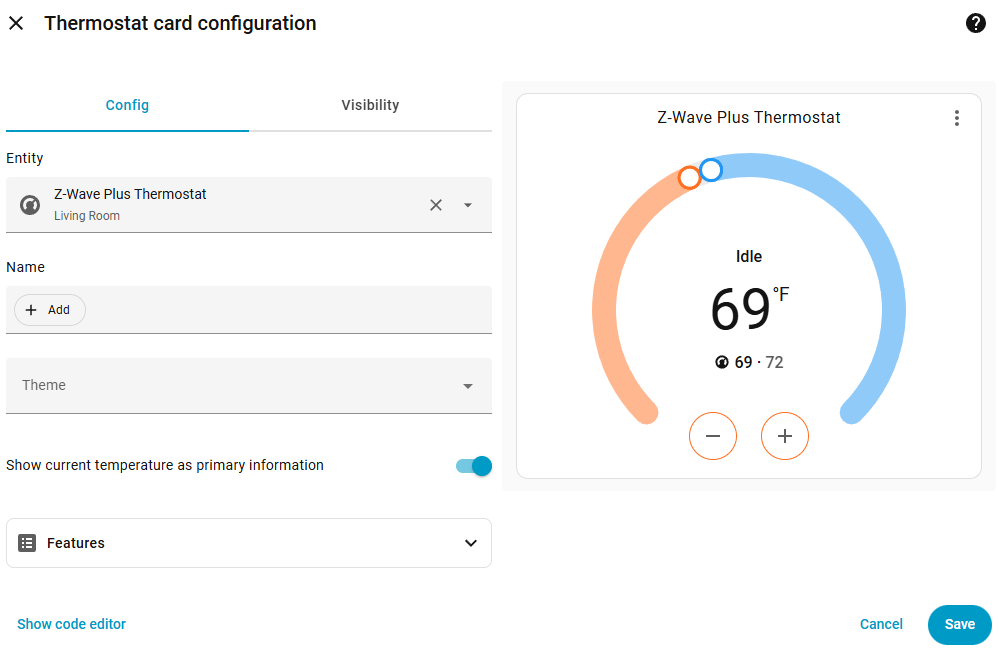
Oké then your dashboard isn’t build in section view.
I don’t remember if you can migrate an existing dashboard to section view.
Check
That is the difference. Thank you!
I was like … WTH?
I am new and don’t know much about anything. How do read up on editing cards?
It is possible, but the opposite - not.
1 Like
Start here…
I see you’ve managed to add some cards. Editing cards can be done via the same route.
Those cards were automatically added when I added them during adoption to a default dashboard. Do I create my own dashboard and then add them to it? How do I have my new dashboard as the default?

@anon60850888 I am going to create a dashboard today and see if that helps my other issue because you have an option that I don’t for temp.
That just swaps the temp and set point location in the card.