Recently Efergy decommissioned their Engage Hub which made a lot of devices redundant (more info HERE)… So this package is aimed at capturing the 433MHz signals and decoding them to give you the actual readings.
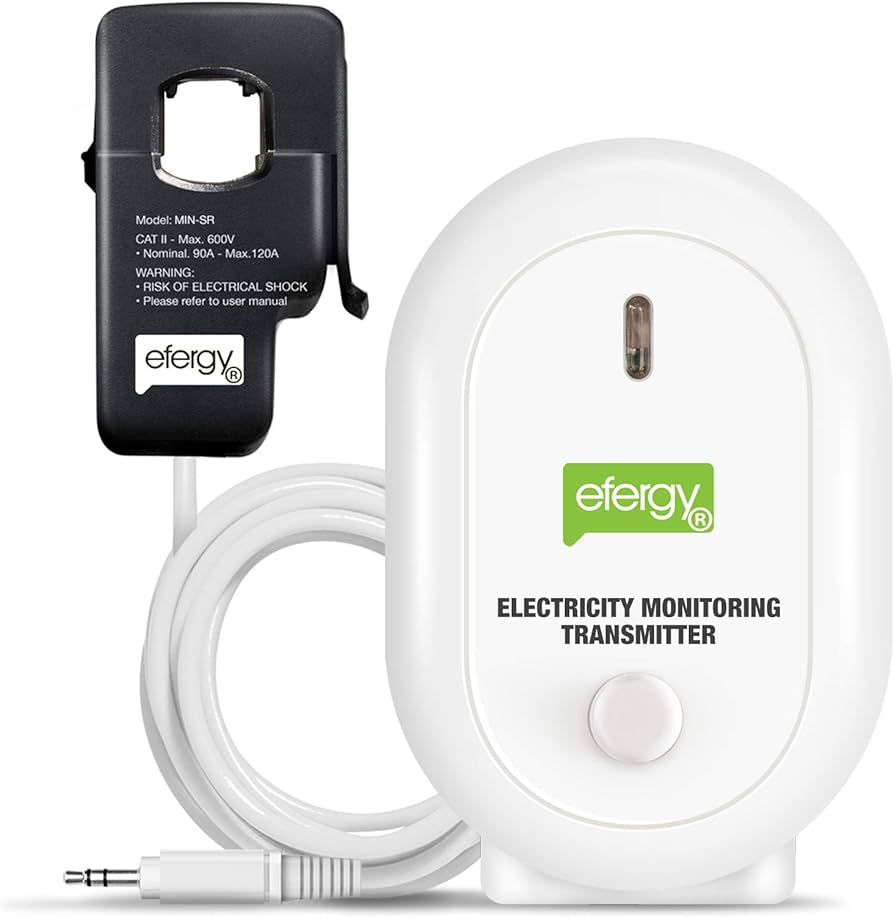
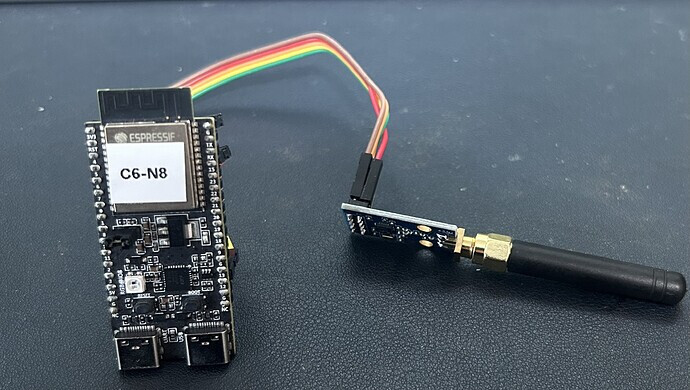
(pictures for illustration only)
Other similar projects have been accomplished by others but aren’t similar to this…
- Capture the data from the Efergy Hub and redirect to your own server
- Build your own ESP Home Energy Monitor.
This is purely to use ESP Home to capture and decode the data from the Efergy transmitter and publish to Home Assistant to be used for Energy Tracking.
Entities:
sensor.efergy_currentsensor.efergy_power_usagesensor.efergy_energy_usagesensor.efergy_intervalbinary_sensor.efergy_pairing_modesensor.efergy_tx_idsensor.efergy_battery_state
Hardware Required:
ESP32 board running ESPHomeCC1101 433 MHz moduleEfergy CT Clamp Transmitter
Minimal YAML:
substitutions:
  device_name: efergy-sensor
  friendly_name: Efergy Energy Monitor
  board_type: esp32dev
  wifi_ssid: !secret wifi_ssid
  wifi_password: !secret wifi_password
  fallback_ap_password: !secret fallback_ap_password
  mains_voltage: "230.0"
  preferred_tx_id: "auto"

external_components:
  - source: github://91JJ/Efergy-CT-Clamp-Capture-for-ESP-Home@main
    components: [efergy_cc1101]
    refresh: 0s

spi:
  id: efergy_spi_bus
  clk_pin: ${pin_cc1101_sck}
  miso_pin: ${pin_cc1101_miso}
  mosi_pin: ${pin_cc1101_mosi}

efergy_cc1101:
  spi_id: efergy_spi_bus
  mains_voltage: ${mains_voltage}
  preferred_tx_id: "${preferred_tx_id}"
  publish_raw_bytes: ${publish_raw_bytes}
  cs_pin: ${pin_cc1101_csn}
  gdo0_pin: ${pin_cc1101_gdo0}
  gdo2_pin: ${pin_cc1101_gdo2}
  current:
    id: efergy_current_a
    name: "${friendly_name} Current"
  power:
    id: efergy_power_w
    name: "${friendly_name} Power Usage"
  interval:
    id: efergy_interval_s
    name: "${friendly_name} Interval"
  pairing:
    id: efergy_pairing
    name: "${friendly_name} Pairing Mode"
  tx_id:
    id: efergy_tx_id
    name: "${friendly_name} TX ID"
  battery_state:
    id: efergy_battery_state
    name: "${friendly_name} Battery State"
  raw_bytes:
    id: efergy_raw_bytes
    name: "${friendly_name} Raw Bytes"
    disabled_by_default: true

sensor:
  - platform: copy
    id: efergy_power_kw
    source_id: efergy_power_w
    internal: true
    unit_of_measurement: "kW"
    accuracy_decimals: 4
    filters:
      - multiply: 0.001

  - platform: integration
    id: efergy_energy_kwh
    name: "${friendly_name} Energy Usage"
    sensor: efergy_power_kw
    unit_of_measurement: "kWh"
    device_class: energy
    state_class: total_increasing
    time_unit: h
    restore: true
    accuracy_decimals: 3
Locking TX ID:
I’ve noticed the code isn’t great at finding & locking the TX id… However, if you watch the logs you should be able to identify it yourself and change the config from auto to your TX ID.
NOTE: I'm a novice with Github, FSK & ESP Home so any improvements are welcomed.