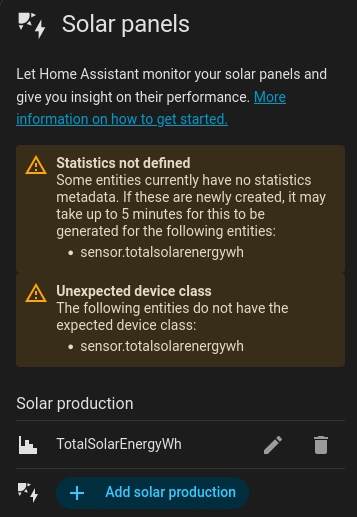
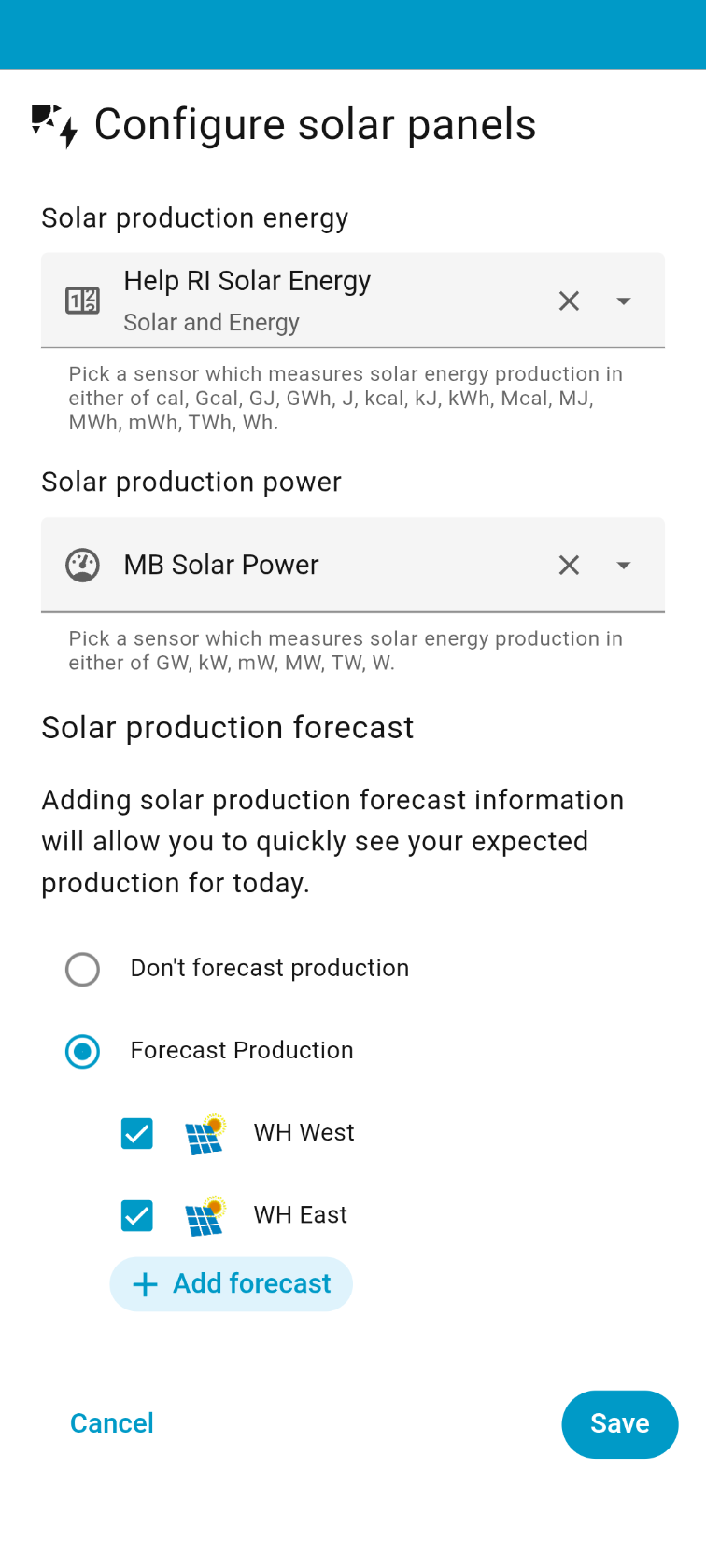
My solar charge controller does not provide energy values, only power values, so I used the helper with integral sensor to create energy Wh from the power W. But now when I want to add to the energy dashboard I get this error “Unexpected device class” How to add device class to a sensor created by helper.
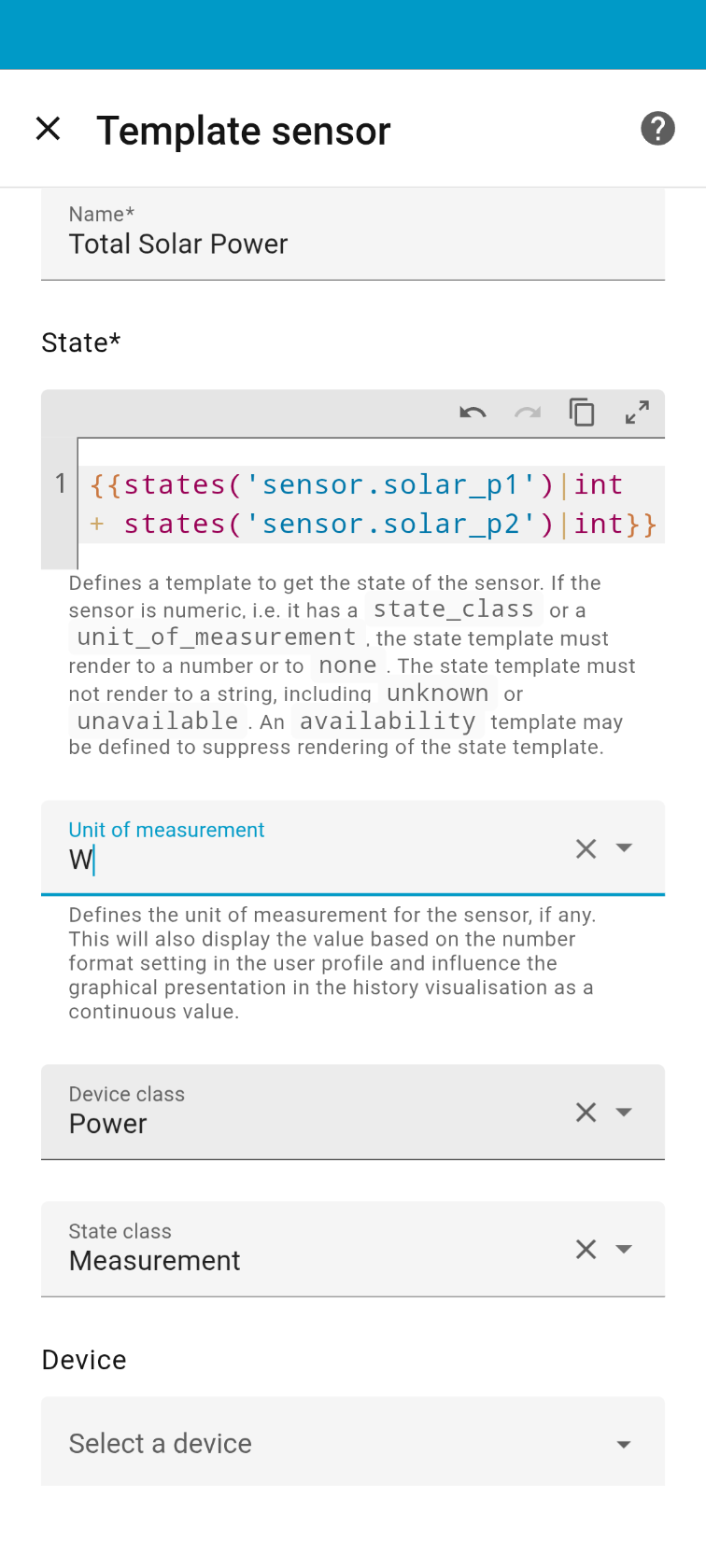
additional info, I have to add several solar PV charger power values, so the total solar power is already been created by a helper as the sum of PV strings output power.
Why it matters? Because it creates a device class of total, instead of a measurement which is expected in the energy dashboard.
I wonder it is bug or feature but certainly super annoying to go thru all this and the energy dashboard can not handle power values.
Yes, the Energy Dashboard will primarily show energy, so it expects energy sensors as the primary config entity. These can be created using the Integration helper, which accepts a power sensor (measurement, power, W) and integrates over time to give a new energy sensor (total, energy, Wh).
The new power feature will then allow you to additionally add the power sensor you started with, so as to show power as well.
You should probably use your sum of all solar power helper sensor as the source entity of an Integration Helper.
It does confuse many, but there is logic to the approach.
I think that it is all complicated because of the number of different brands and products which it has to work with. Finding and linking to yours always has pitfalls and wrongfinger tribulations. I’ve just lost a day because the first thing to do to ‘create a script’ didn’t work from my 32 bit old computer, and it took a while to try doing exactly the same from my smartphone, which did work. If you’d prefer to pay that someone else has done all such messing and poking for you, try asking your solar installer. He is unlikely to be the best person to do that himself, but he ought to be in receipt of contact details of the first person with solar much like yours to have poked configured and created relevant files. The alternative is to buy solar from a brand who keep everything in Their cloud and sell back the services of looking at Your data. I’d prefer to see a sub-industry of brighter youngsters getting holiday-job money from people like yourself who don’t have time to click around looking for badly named configuration details.
Thanks for the info, looks like Energy dashboard still require a PhD level of education. Why not just add a function that takes continuous power data from the PV arrays and do the calculation in the background.
Lets say the poor man has got 2 array which sends power data into home assistant. Is it a big thing to ask?
All the cloud platform does this, it takes the power data from the inverters.
I have managed to set it up by now so we can consider it “solved” but this is the hard way for most people and it is one of the most important part of Home Assistant.