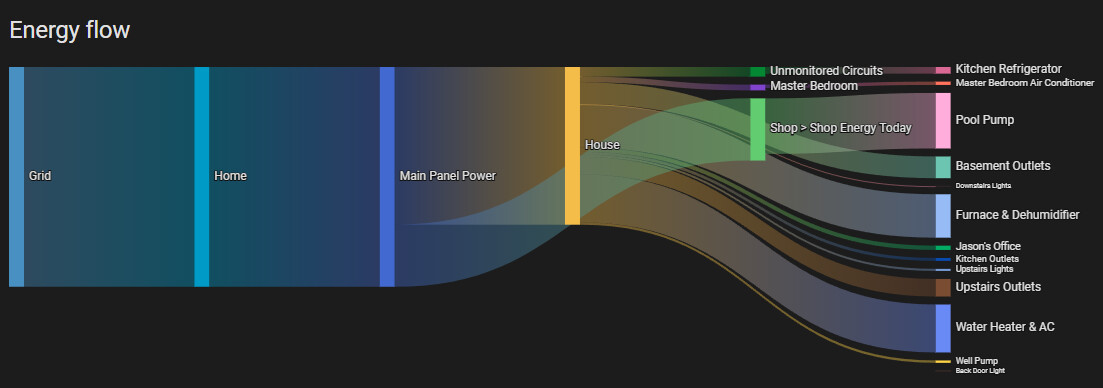
I’ve got some energy monitors in a few separate panels of my home, along with some energy-monitoring smart plugs. The Energy Flow card is overlapping. I’ve tried rearranging the circuit order under the Energy Dashboard settings, renaming the display names for these devices, but it still overlaps. Is there a way to change the order or prevent overlap? It looks extremely silly as-is and I haven’t found a solution.to adjust the ordering of this. The main panel is in the shop, and it branches to a subpanel in the house.
Here’s a screenshot of what I’m talking about. Shop>Shop overlaps from the bottom to the top. It stays there no matter what, overlapping like this.