Wrong reply button.
Hi Keni, I tried this method but I can see the image change only if I clear the cache and reload the page. How did you solve this problem, if you had it?
Hi, I created an issue for this:
See the github-issue (#123), I cannot see any difference in behavior between 1.3.0 and 1.3.1 for your card.
Please reply in Github.
With no reply, I will close the issue in one week.
Hey Marcel this is an excellent update to the original cards that I modified some of the coding to but didn’t need to with yours! One thing - is it possible to explicitly state the display precision for battery? Moving from Z2M to ZHA due to a whole host of issues the ZHA shows differently even though UI precision is set to (10) the cards always display as (10.0). The blinds I use always report in intervals of 5 so would just be nice to set and not do template sensors for if I can avoid that. Thanks again for such a great card I use it across 3 houses 
@wannaautomate Please add a feature request in github
Hi,
I can’t get view_image to work with the new version 1.4.2 (I also tested with the previous beta).
It works fine in v1.3.1, using either view_image: esc-view2.png or my custom path /local/media/custom-shutter/bedroom.jpg."
Maybe I’am missing something ?
Resolved with 1.4.3 
Hi, please can you help me with the yaml which I can’t seem to get right. My closed blinds look like this:
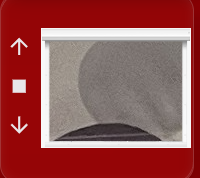
However, my closed curtains look like this:
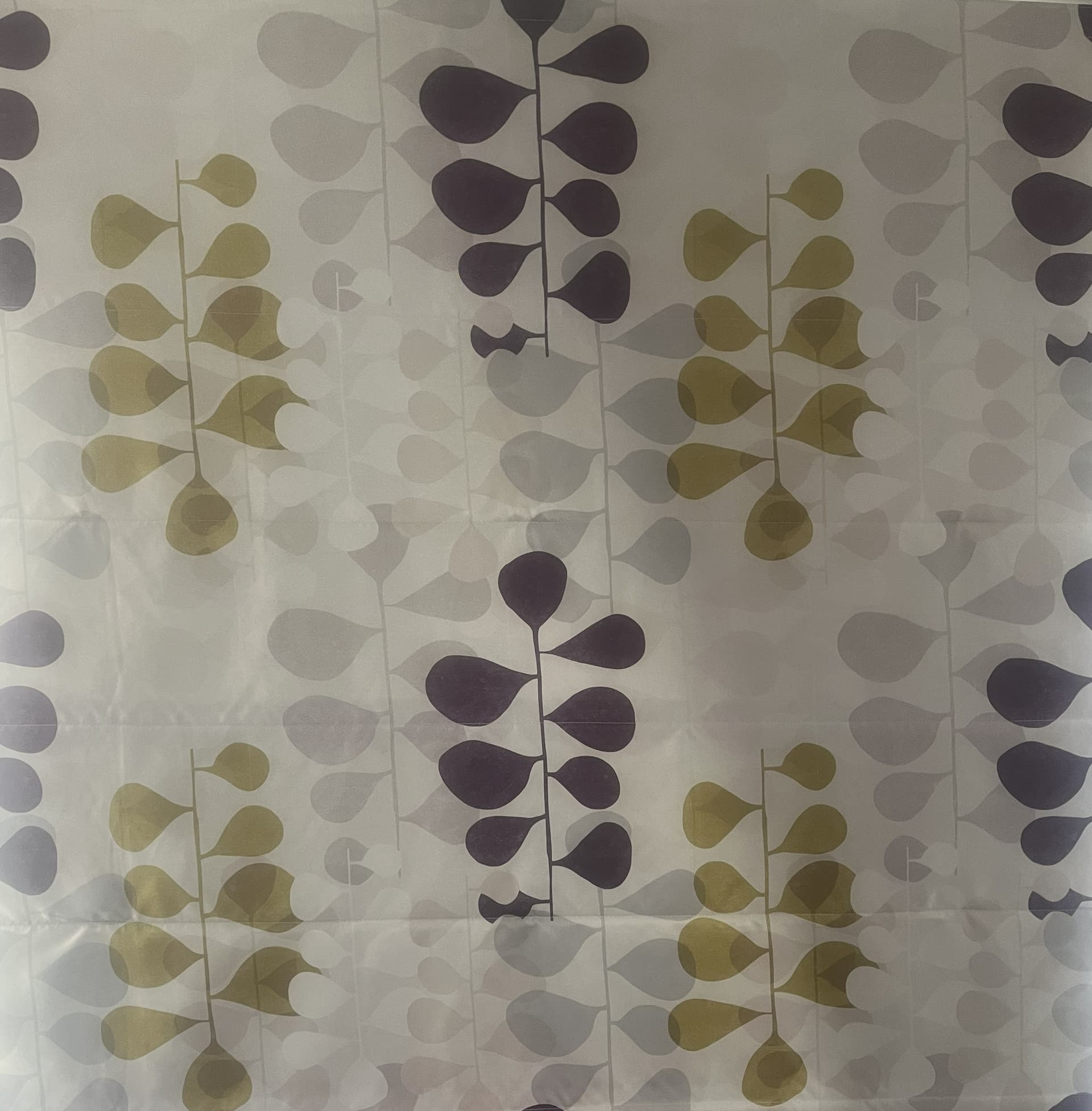
It looks like the programme is taking a bit of the file, but not all of it. I would like the curtains to look like the second image.
My yaml is this:
type: custom:enhanced-shutter-card
entities:
  - entity: cover.bedroom_blind_front_curtain
    name: Front
    top_offset_pct: 13
    button_up_hide_states: null
    button_stop_hide_states: null
    button_down_hide_states: null
    base_height_px: 120
    base_width_px: 150
    view_image: /local/Front.jpg
    shutter_slat_image: /local/Closed.jpg
    scale_buttons: 1.1
    name_disabled: true
opening_disabled: true
invert_percentage_cover: true
The file name of the curtain I want it to look like is indeed /local/Closed.jpg.
Plus, I wonder if it would be possible if the curtains (in my case french blinds) could animate so they come down when closing and go up when opening?
Hi, sorry, I have managed to sort out my scaling issue by reducing the picture size…
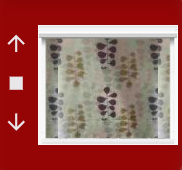
I would still like the blinds to be animated though
What do you mean? The blinds are animated while dragging:
Hi Marcel, I mean when they are opening, the blind rises roughly in time to the actual blinds. It takes roughly 70 seconds for my blinds to fully open from being fully closed.
So you want the card to simulate a closing or opening of the blind synchronized to the real blind after hitting the up or down button in the card?
Hi Marcel, it would be nice but realise it may be quite tricky. Maybe if we input the time for a complete cycle from fully open to fully closed, it could animate this way because I’m not sure if HA can pick up the exact position.
I think about a optional time setting for total opening/closing, and when defined an javascript anination could be started using this time-setting and current percentage to amimate the opening/closing.
I added an issue for it in github:
1 Like
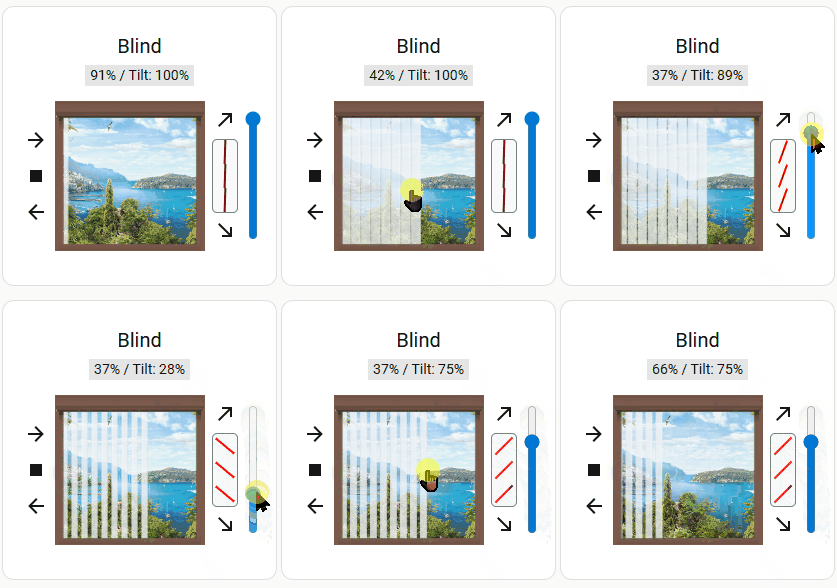
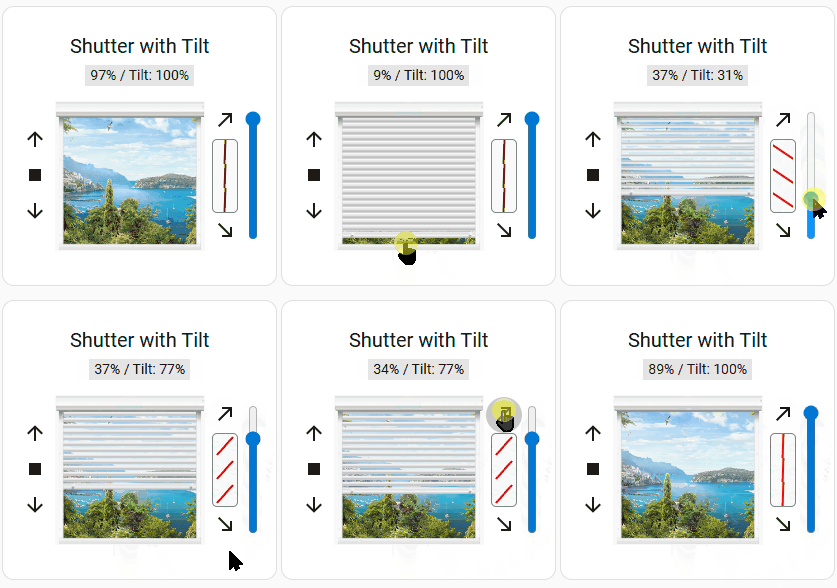
New release available v1.5.1 the Tilt release: Full Tilt options for covers with tilt functionality:
Hi,
I really love the enhanced shutter cards! Thanks for them!
Since a few weeks, the closing direction is not working for me with right and left anymore. Is anyone else facing this problem? Instead up and down is shown, alhough configured as left or right. The buttons are still working fine, but if you have curtains, then up and down buttons are a bit confusing. 
Pleaese create a issue for this on Github, thanks!