Trying to figure out why one of my automations isn’t working, I notice that all of them - including the ones that work - are displaying this message in the step details:
[Error in describing condition: e is not iterable]
So I guess that’s not the problem I’m after. But what is it and how do I get rid of it?
There is no “e” anywhere (that I can see). And I get this message for many automations, even ones I haven’t changed in a long time (not all, though, as originally stated). Oh, and I created them all via the UI, not as YAML code.
Here’s one, as an example:
alias: Badezimmerfenster Frostwarnung
description: >-
  Warnung, wenn es unter 0C ist und das Fenster im Bad länger als 5min offen
  steht.
triggers:
  - type: opened
    device_id: 8668f13c77a839cd3120fee49a572f29
    entity_id: c96638c7b97eade9bc412aba9968b435
    domain: binary_sensor
    trigger: device
    for:
      hours: 0
      minutes: 5
      seconds: 0
conditions:
  - condition: and
    conditions:
      - type: is_open
        condition: device
        device_id: 8668f13c77a839cd3120fee49a572f29
        entity_id: c96638c7b97eade9bc412aba9968b435
        domain: binary_sensor
      - condition: numeric_state
        entity_id: sensor.arbeitszimmer_wetter_draussen_temperature
        below: 0
actions:
  - action: notify.notify
    metadata: {}
    data:
      title: Frost! Fenster ist noch auf!
      message: Fenster im Bad ist noch auf und es ist unter Null Grad!
mode: single
This is a reminder message to close the bathroom window if it was open for more than 5 minutes and it’s freezing outside. Works as expected, but when I check the trace, I see this:
any luck?
If not then I guess this is somehow broken.
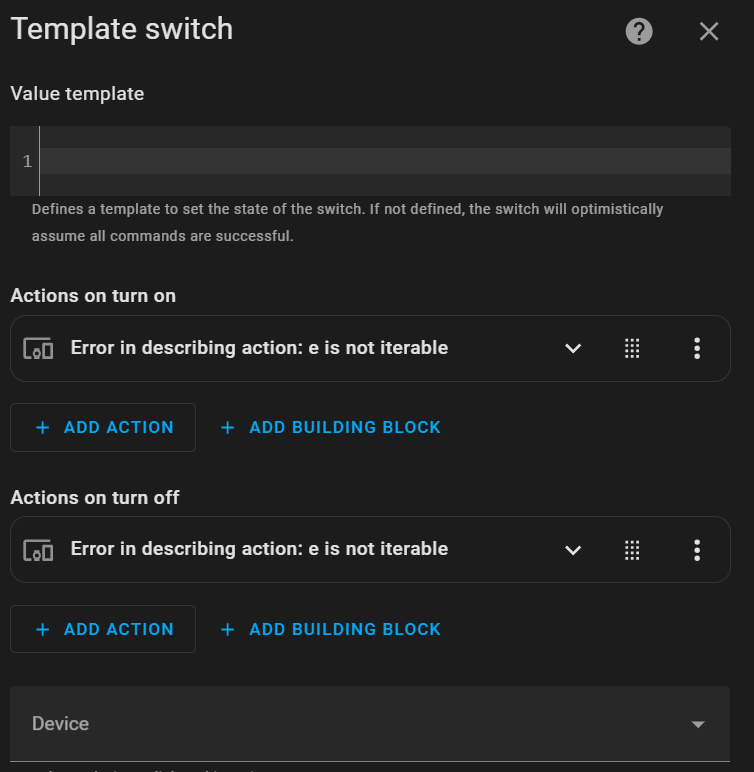
I am getting the same error just now … first i thought it was something that had happened due to the specific sensors but after some restarts and testing a bit I am now getting it for another sensor and did a search and found your post.
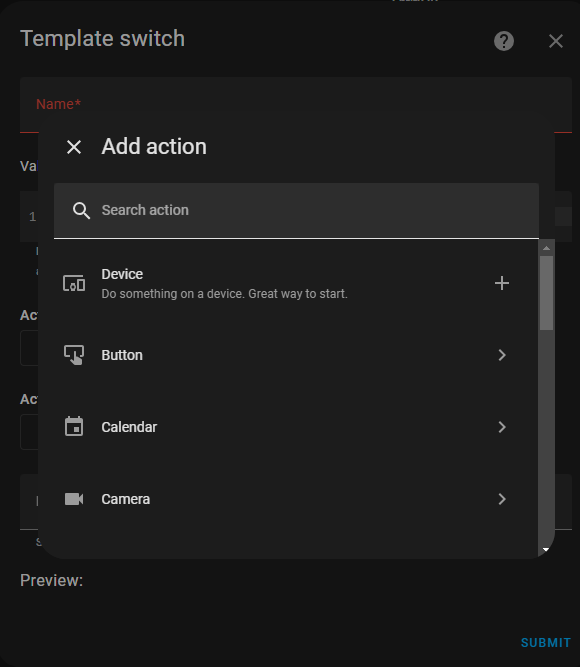
as an aside, I thought it was strange(?) it did not allow me to enter an entity.
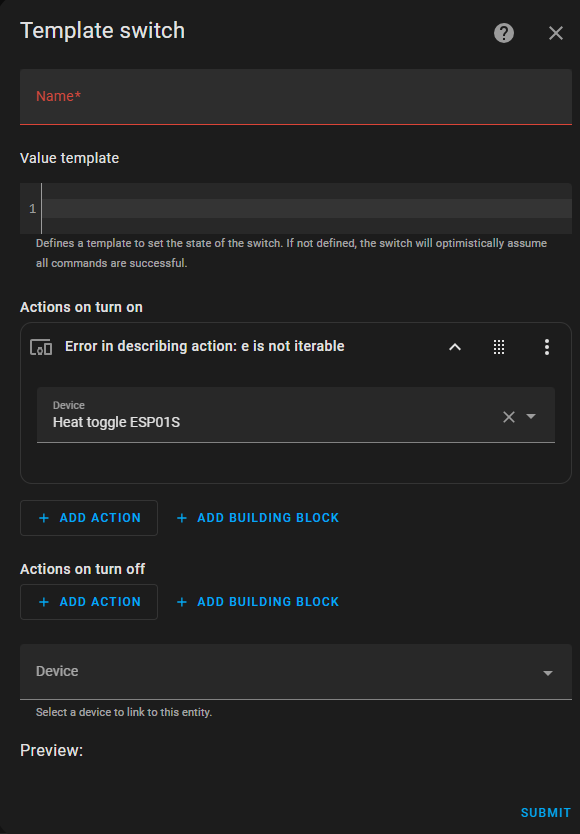
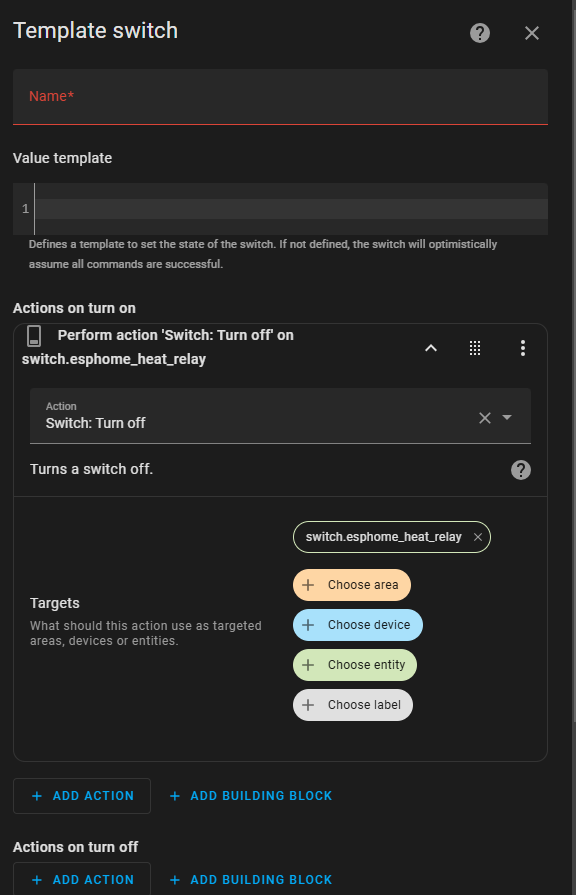
my fix (instead of going full config.yaml) was that I had to go into it as a button (or something else probably would work )… but then go into edit yaml … and put in the code like it should be, for me kind of like this:
after i did this and tried another now to make a bug report it started working again… but the error was still there… but now i could save it (which i could not before !?):
It looks like this happens when a device condition is used inside the “and” building block. It doesn’t happen with state conditions, and it doesn’t happen outside of the “and” building block.
So, this is a bug and reporting it was the right thing to do.
That being said, there is no need to place conditions under the “and” building block because they all need to be met (in other words, they are “and” by default).
Also, I would recommend eliminating device triggers in your scripts and automations as well. See this post for details.
In summary, it is a bug and should be fixed, but shouldn’t affect you after you correct your automation.
maybe I am missing something but can you help me understand the “and” as I never put in any building block myself?
edit added… so I actually went into this and changed the template and it started to not work… so I went into the sensor and when hitting the switch i could see the error that the dictionary for data was invalid… I thought i was careful not to go near the actions but it anyway when I opened the yaml it had added into both :
data: {}
and the only way i could fix it I found was to remove both actions, submit and update. then go back in and follow the procedure to first add a button and then change the yaml to what i clipped above. Either I am doing something really wrong or this function is really buggy or maybe a bit of both
by the way, do you(or anyone else?) know where I can find the yaml for the helper? I checked in config/.storage but there is nothing for statistics and sensors that I have found so far, as I understand they should be named for the sensor so sensor.yaml and statistical_characteristic.yaml ?