Anybody here been able to set up an ESP32-C5 with ESPHome yet?
I’m working on a project where I need to detect if a specific 5GHz SSID is available and thought a ESP32-C5 might be able to sniff for it.
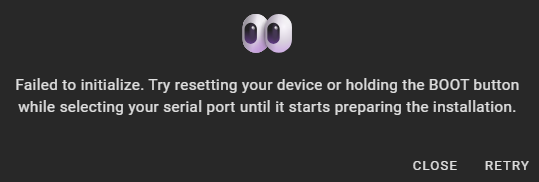
I have a prototype for 2.4GHz working on an ESP32-WROOM-32 but I can’t get anything onto the ESP32-C5-WROOM-1 via the ESPHome add-on or the Python ESPTool that gets it to show up, even with just a fallback hotspot.
I found a reference to this board on the ESPHome website and asked the same question on the Discord Server - unfortunately, neither place had a solution either
After I wasn’t able to get anything other than the Proof of Concept working on the ESP32-C5 I went for an implementation on a RPi 3 that I had lying around - also needed a 5GHz USB WiFi Adaptor for the project but had one of these as well.
Now, whenever one of my Chromecast Audios drops off the Home WiFi, the RPi 3 detects the 5GHz AP it sets up, cuts the power to it for 5 seconds and when the Chromecast device powers back up, it latches on the Home WiFi again and - normally - even starts to play again.
I admit that this is a rather complicated solution, but ever since the Chromecast Certificate Disaster earlier this year, three of my Chromecast Audios drop off the Home WiFi now and then, and this is the only way I found to automatically, reliably, and quickly get them connected again.
I used a ESP32-C5-DevKitC-1-N8R4. Most functions are already available in ESPHOME, but in the WIFI settings the choice of 2,4Ghz or 5Ghz is of course still missing, also you currently can only choose channels between 1 and 14. But if the 5Ghz signal is good, the C5 will connect to it automatically.
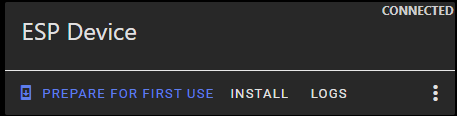
I’ve added these lines to the YAML code and now I can flash from the device’s web interface after selecting ‘Manual download’ as the installation method and using the ota version of the
bin file - don’t even need the Tasmota Flasher any more after the initial install
web_server:
  port: 80
  include_internal: true
Trying to install ‘Wirelessly’ still fails, but at least I now have a workaround to install code on the C5
I’ve got a Firebeatle 2 ESP32-C5 and while I struggled to get it working on ESPhome, it’s now behaving, and I’m able to wirelessly update it using esphome as well. My initial config looks like this: