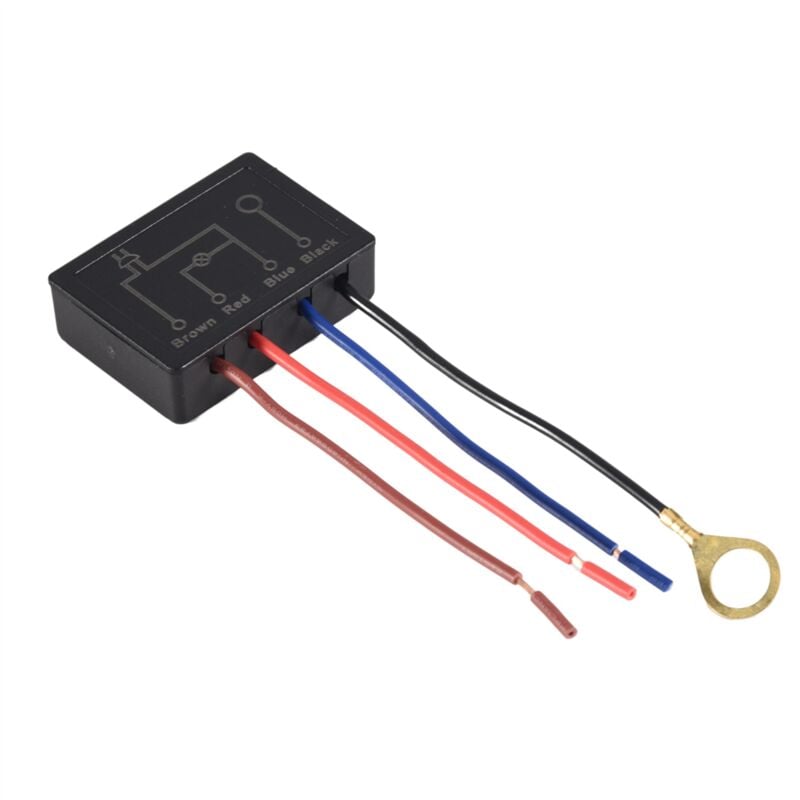
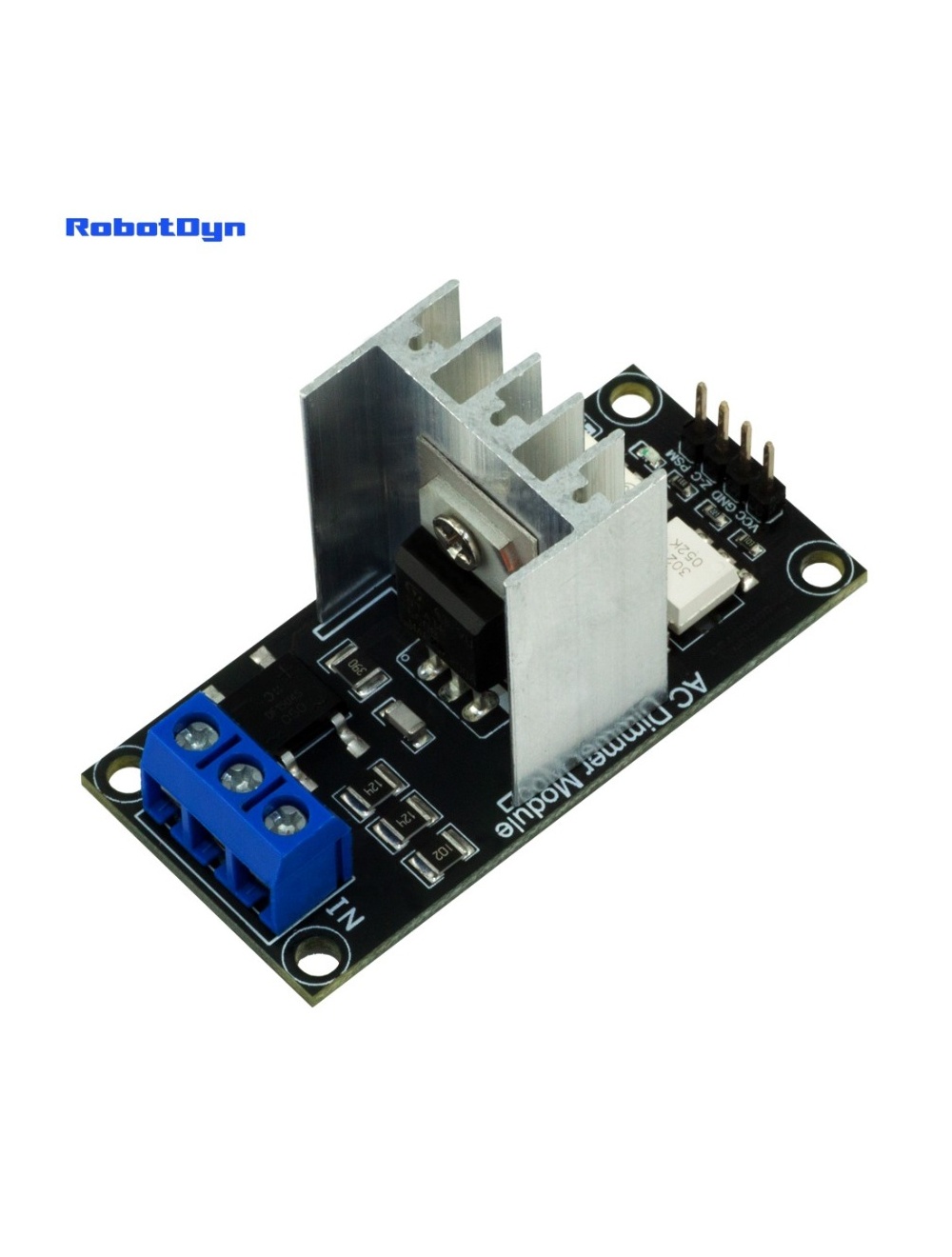
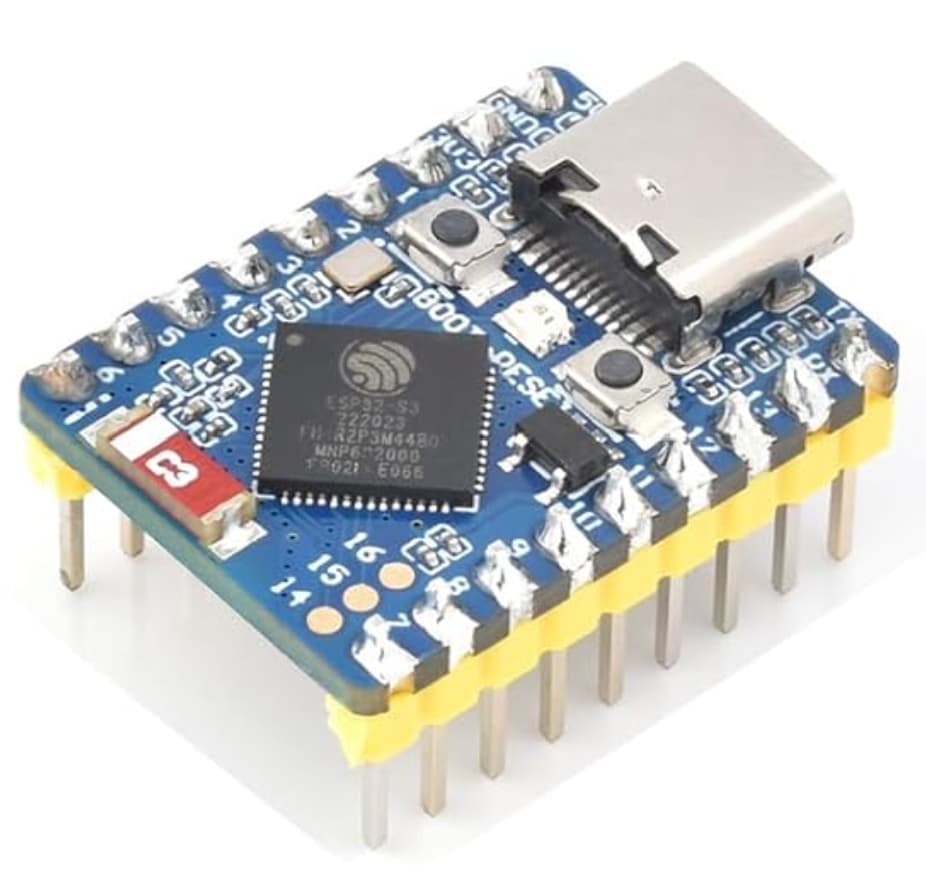
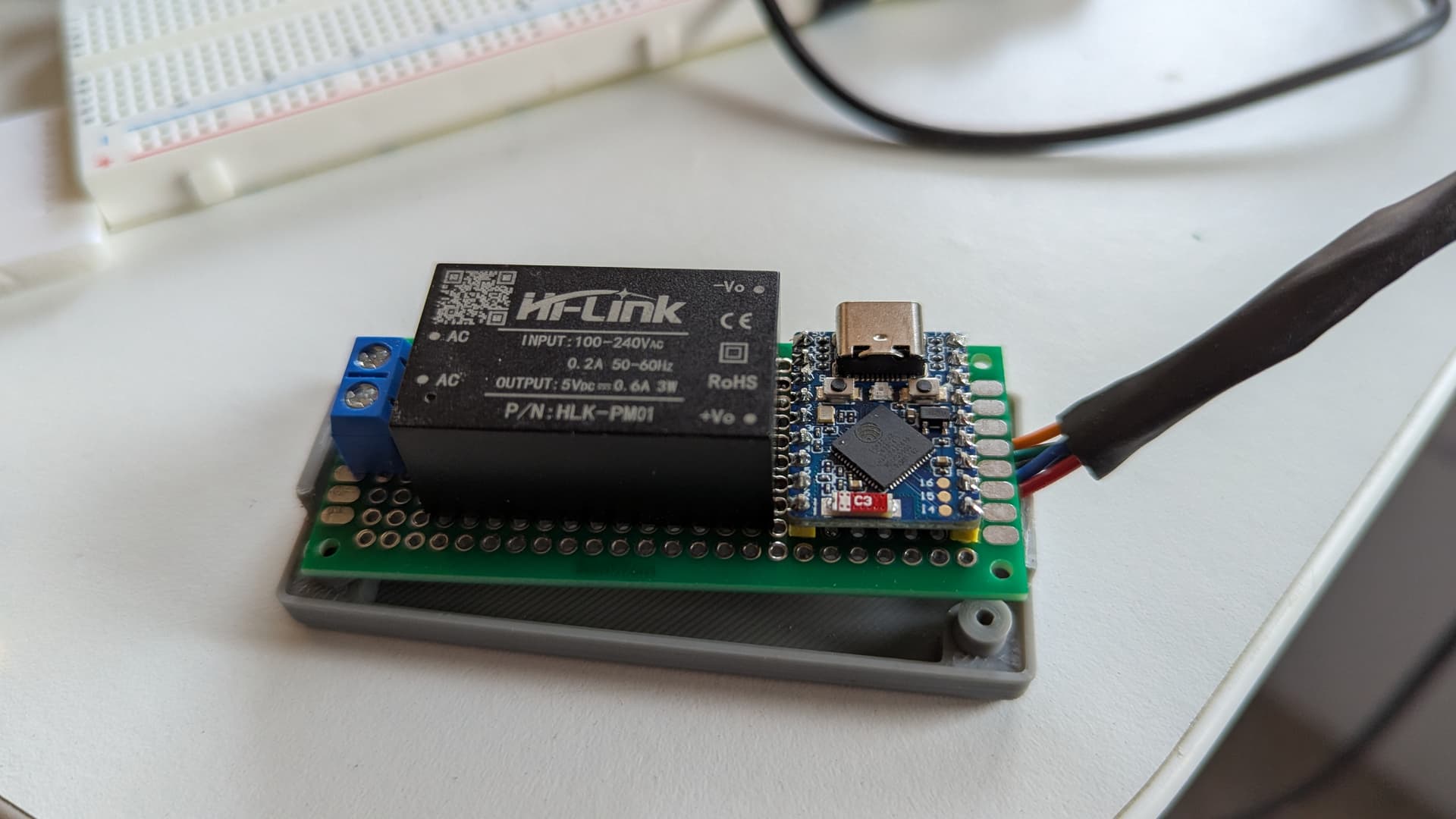
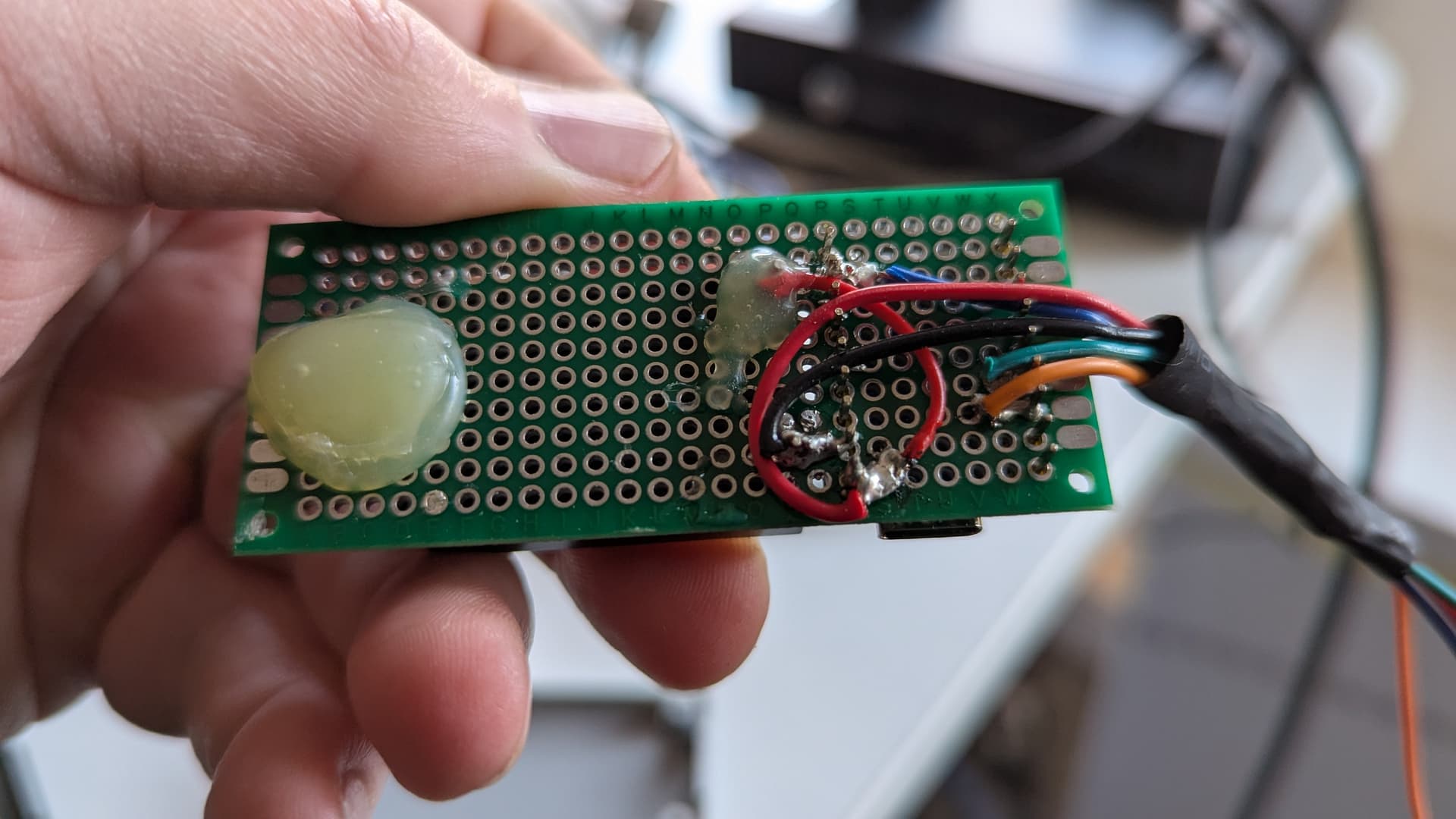
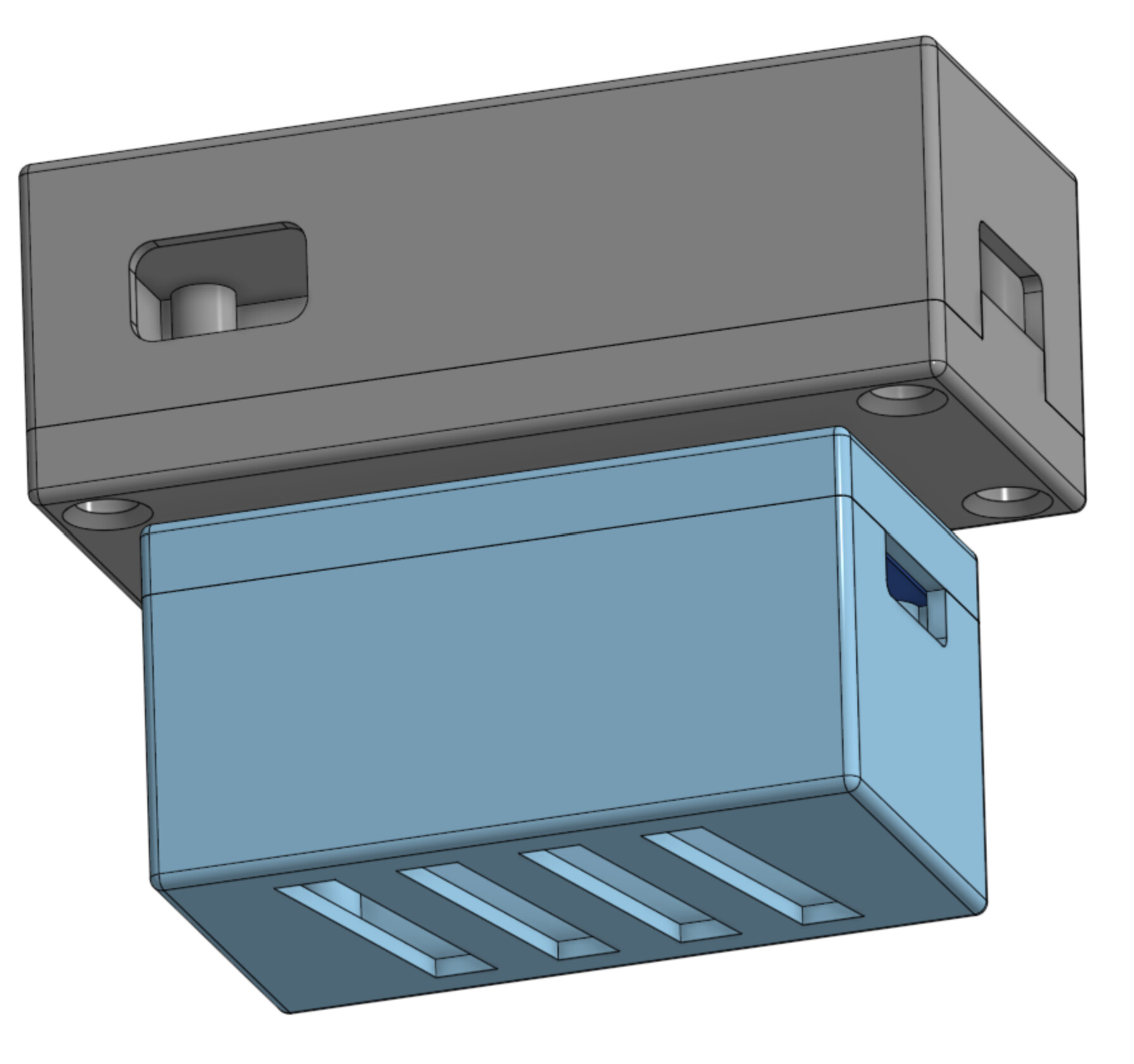
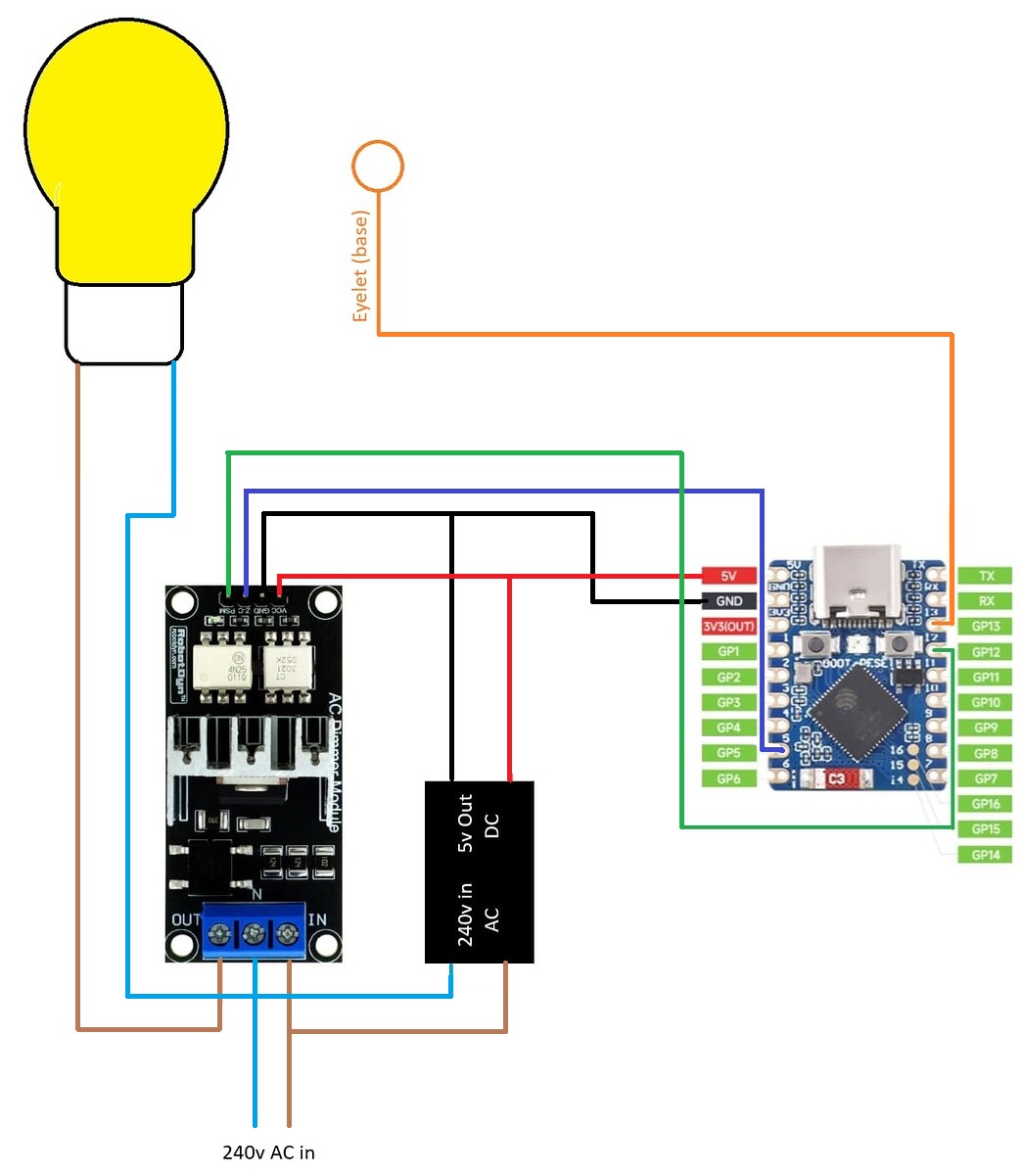
…and printed a couple of enclosures; one for the board and another for the dimmer. I used two enclosures so I could fit them through the hole in the base, and either side of the shaft that runs through the middle and connects to the bulb holder.
Unfortunately, dimming produces an annoying flicker, hence dimming is currently not enabled via touch in my YAML. I could just do away with the dimmer altogether, wire the bulb to mains AC and just use the ESP32 to control a smart bulb via touch.
YAML for ESPHome here:
esphome:
  name: "smart-touch-1"
  friendly_name: Smart Touch Lamp 1

esp32:
  board: esp32-s3-devkitc-1
  framework:
    type: arduino

# Enable logging
logger:
  level: info
#  level: debug

# Enable Home Assistant API
api:
  encryption:
    key: !secret api_key

ota:
  - platform: esphome
    password: !secret ota_password

wifi:
  ssid: !secret wifi_ssid
  password: !secret wifi_password

  # Enable fallback hotspot (captive portal) in case wifi connection fails
  ap:
    ssid: "FR-Lamp-Touch"
    password: !secret wifi_password

# Enable Web server.
web_server:
  port: 80

captive_portal:

esp32_touch:
  setup_mode: true
  measurement_duration: 0.25ms

binary_sensor:
  - platform: esp32_touch
    name: "Touch Pad Pin 13"
    pin: GPIO13
    threshold: 40000
    filters:
      # Small filter, to debounce the spurious events.
      - delayed_on: 10ms
      - delayed_off: 10ms
    #on_press:
    on_click:
    - min_length: 10ms
      max_length: 500ms
      # Short touch to cycle through brightnesses
      then:
        - number.increment:
            id: dimmer_control
            cycle: true
number:
  - platform: template
    name: Dimmer Control
    id: dimmer_control
    min_value: 0
    max_value: 100
    step: 100
    optimistic: true
    set_action:
      then:
        - light.turn_on:
            id: dimmer
            brightness: !lambda 'return x / 100.0;'

# restart-button
button:
  - platform: restart
    name: "restart-esp32-dim-touch"

# AC Dimmer Configuration
light:
  - platform: monochromatic
    id: dimmer
    name: "Smart Lamp"
    output: ac_dimmer_output
    restore_mode: RESTORE_DEFAULT_OFF
    #on_turn_on:  IS THIS NEEDED??
    #  - light.turn_on:
    #      id: dimmer
    #      brightness: 1.0  # Set initial brightness to 100% on power up

output:
  - platform: ac_dimmer
    id: ac_dimmer_output
    gate_pin: GPIO12  # Gate pin for controlling the dimmer (GPIO12)
    zero_cross_pin:
      number: GPIO5  # Zero-cross pin for synchronization (GPIO5)
      mode:
        input: True
      inverted: yes
This is fantastic, thank you for sharing. I have a couple of similar lamps, from Dunelm, that I love to make smart but didn’t know how to approach it. I’ll be following this.
Hey Ben_Terry! I recently came across this post and your youtube video walking through your smart home and decided I wanted to do this project as well. I similarly had issues with dimming and landed on the following for my yaml, which I think might be worth your trying:
esphome:
  name: bed-touch-sensor
  friendly_name: bed_touch_sensor

esp32:
  board: esp32dev
  framework:
    type: esp-idf

# Enable logging
logger:

# Enable Home Assistant API
api:
  encryption:
    key:

ota:
  - platform: esphome
    password: "520dc5853fdcb2727fc4c5ff8e240355"

wifi:
  ssid: !secret wifi_ssid
  password: !secret wifi_password

  # Enable fallback hotspot (captive portal) in case wifi connection fails
  ap:
    ssid:
    password:

captive_portal:

esp32_touch:
  setup_mode: false
  measurement_duration: 0.25ms

binary_sensor:
  - platform: esp32_touch
    name: "touch_sensor"
    id: touch_sensor
    pin: GPIO4
    threshold: 10
    filters:
      # Small filter, to debounce the spurious events.
      - delayed_on: 10ms
      - delayed_off: 10ms
    on_multi_click:
      - timing:
          - ON for at most 0.7s
        then:
            - logger.log: "simple click"
      - timing:
          - ON for at least 1s
        then:
          - logger.log: "LONG click"
          - while:
              condition:
                binary_sensor.is_on: touch_sensor
              then:
                - light.dim_relative:
                    id: light
                    relative_brightness: 1%
                    transition_length: 0.1s
                - delay: 0.1s

# restart-button
button:
  - platform: restart
    name: "restart-esp32-dim-touch"

# AC Dimmer Configuration
light:
  - platform: monochromatic
    id: light
    name: "Light"
    output: ac_dimmer_output
    restore_mode: RESTORE_DEFAULT_OFF


output:
  - platform: ac_dimmer
    id: ac_dimmer_output
    gate_pin: GPIO13  # Gate pin for controlling the dimmer (GPIO13)
    zero_cross_pin:
      number: GPIO5  # Zero-cross pin for synchronization (GPIO5)
      mode:
        input: True
      inverted: yes
    zero_cross_interrupt_type: any
    method: leading
and I have a script and automation setup to handle how the touch inputs are handled right now, which I can share as well, which is why the "simple click" has not action tied to it - my automation triggers based on the simple click and then runs a script that sets the brightness based on the current state of the light (50% -> 75% -> 100% -> off -> repeat).
The "LONG Click" is continuing to hold the sensor and it will increase the light by 1% over a period of time until released or until it reaches 100%. I'm sure its possible to make it reach 100% and then turn around and go down again, but I haven't figure that out yet.
The things that I know helped because I was getting some really bad flickering in my setup were the zero_cross_interrupt_type: any and method: leading.
Hopefully this helps you or someone else!
Thanks for the great write up and project, without your starting point I think I would have struggled much more than I did.
For reference, from the docs:
Configuration variables
gate_pin (Required, Pin): The pin used to control the Triac or Mosfet.
zero_cross_pin (Required, Pin): The pin used to sense the AC Zero cross event, you can have several dimmers controlled with the same zero cross detector, in such case duplicate the zero_cross_pin config on each output. When doing so, allow_other_uses pin schema option must be set to true to avoid configuration errors due to pin reuse.
zero_cross_interrupt_type (Optional): Set the interrupt type for the zero crossing interrupt, can be:
FALLING : (default) trigger on falling edges.
RISING : trigger on rising edges.
ANY : trigger on any edge.
method (Optional): Set the method for dimming, can be:
leading pulse : (default) a short pulse to trigger a triac.
leading : gate pin driven high until the zero cross is detected
trailing : gate pin driven high from zero cross until dim period, this method is suitable for mosfet dimmers only.