ESPHome Mitsubishi Ecodan and remote thermostat integrations

Hello @gekkekoe ,

first of all, thanks for all this effort, work and support.

I have a question for clarification on this integration. Our wireless remote (PAR-WT50R-E) stopped working last week resulting in loss of remote sensor and control.

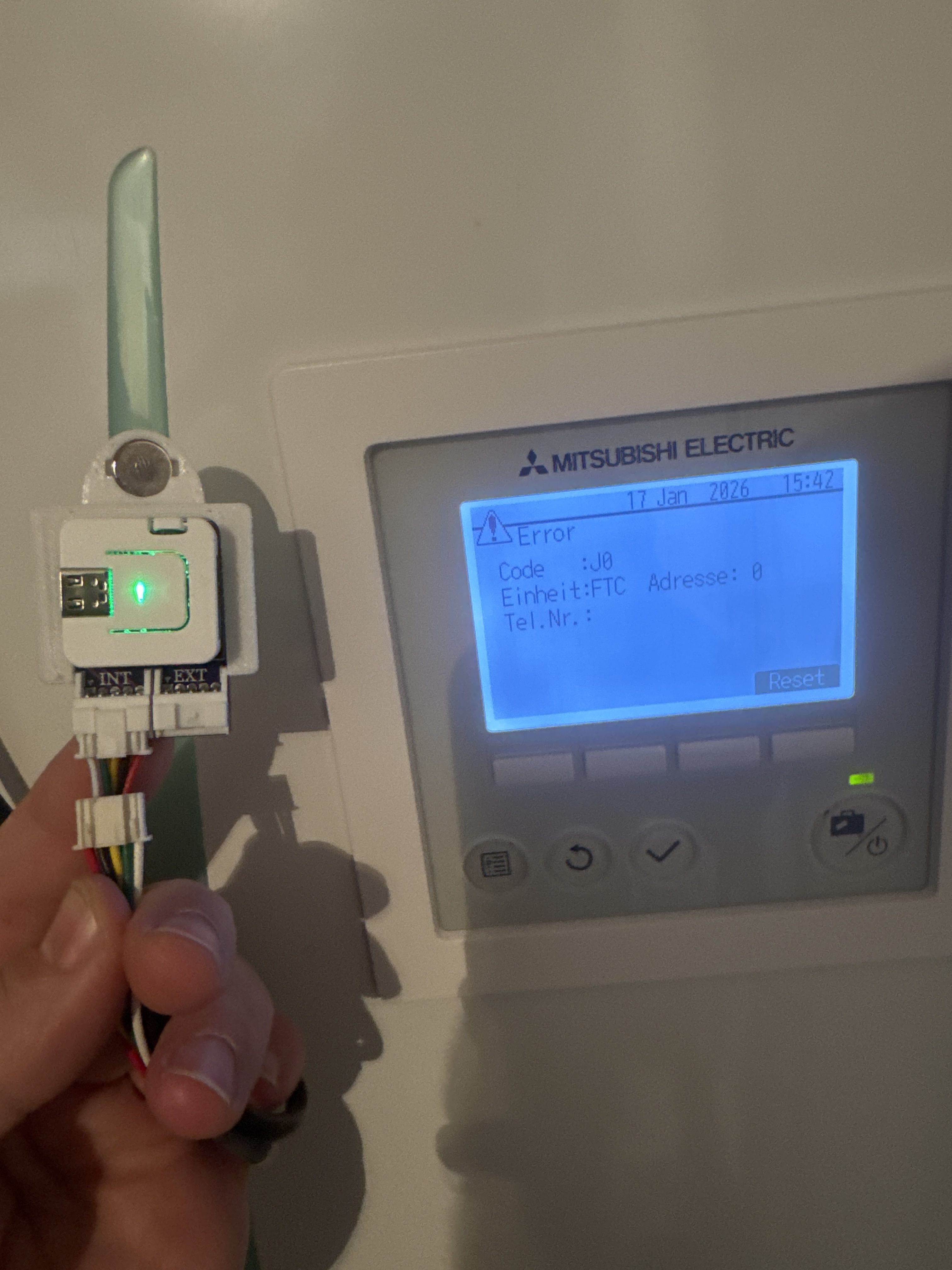
Following the thread and the Github pages I have ordered the recommended custom pcb by Fonkse which comes pre-flashed. To be able to use it I also switched off the SW1-8 and removed the wireless receiver (PAR-WR51) from CNRF as otherwise the heat pump logically gone into a J0 error missing a remote sensor and it works like a charm while I set for now the heat pump to target room temperature with use of MRC sensor set in it (which somehow is 2 degree above the room).

I seem to have misunderstood that through this and the CN105 there could be a virtual sensor for temperature provided based on HA connected sensors (in my case Aqara) while if I am correct I need another ESP connected to the CNRF providing this virtual sensor (using the ESPHome Ecodan Remote Thermostat project) even if not using the auto-adaptive feature or is there a way to feed the room temperature through HA having this proxy setup on CN105?

I understand in case I want to use the auto adaptive feature there won’t be a stop to the use of fixed flow (I guess the new pcb is the one supporting to control IN1/IN6 shared in this thread 29th of December) and it will require CNRF, external on IN1 or the new PCB.

Thanks for feedback :slight_smile:

CNRF can accept any temp sensor via automations, see GitHub - gekkekoe/esphome-ecodan-remote-thermostat project page for examples

Once it’s has been configured correctly, CN105 will see this data and use it. You need a cnrf and cn105 device when using AA. You can also do a stop condition via automatons, once set point has been reached, then you can issue a heating prohibit. The issue is that server control will lock most functions on MRC, if this is your only source to control the heatpump, then it might not be the best solution

When using AA, its advisable to do the feedback loop since it will give you a higher temp resolution. Data via CNRF is only 0.5c.

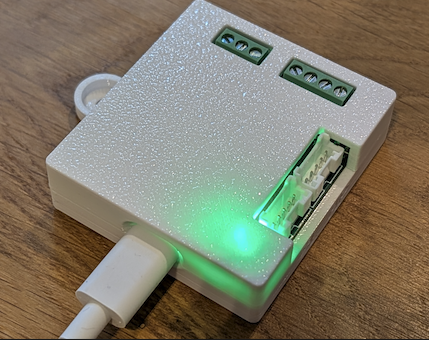
btw: pcb is progressing nicely, casing is pretty much done

1 Like

Thanks for confirmation, so I am going to order another ESP for CNRF to be able to use the existing sensors or wait for the new PCB to simulate a sensor on IN1/IN6 based on the existing. As side effect then I will also be able to use AA.

Alternative I could flash the proxy ESP with the Thermostat project to have a remote sensor but lose all the benefits of the proxy / server.

Thanks for clarification, looking forward to the new PCB. I might wait for it and use the current with the thermostat project instead of ordering another for now (as main target is to restore room temperature based heating at first).

To be clear: CNRF emulates the ecodan wireless protocol. The ecodan sees it as a ‘real’ wireless sensor. It does not operate on in1/in6 but internally.

Theoretically you can have wireless thermostat and an external thermostat connected, but you need to tell the FTC which one is leading.

New pcb won’t take long anymore, if you can wait a little, I’ll advise you to do so.

Yes I understand that the CNRF is not linked to the IN1 / IN6 and is perceived as wireless sensor as well as that there will always be a “primary” sensor set.

For now I think I go with flashing the thermostat project on the ESP and change it to CNRF while connecting the standard Melcloud wireless again directly on CN105 to restore functionality of room temperature driven heating along with Melcloud and wait for the new PCB for improvements and gain the added value / functionality.

Thanks again for feedbacks and clarifications. Looking forward to acquire the new PCB.

Hello @gekkekoe,

sadly I am not getting the ESP flashed with remote thermostat project to connect to Ecodan via CNRF.

I have the mentioned ESP and connector board for proxy in use but cabling should be equal so just connecting the internal to CNRF if I am not missing something (while colors are opposite on original wireless receiver, I guess it is not equal use of color coding).

UART Log has many attempts to heatpump and error about not received reply while heatpump has J0 error (no wireless sensors found).

[ecodan.component:156]
Attempt to tx CONNECT_CMD!

[ecodan.component:139]
No reply received from the heatpump in the last 2 minutes, going to reconnect.

What am I missing or is the cabling for thermostat project on CNRF different to CN105 and I misread the documentation?

I have gone through the code of both projects as well with my limited knowledge (first ESP experience) but the GPI01 and GPI02 are used equally apart from the fact that in one project a variable is used to set while in the other it is hard coded in uart section of the ESP yaml.Though where they are mapped from GPIO1 → GPI39 and GPI02 → GPI38 I have not yet found so they can make use of the proxy PCB connector the ESP is attached to (but need to be existing as otherwise it would also not have worked on the CN105 as proxy).

Delivered with ESP vs original WiFi receiver

Thanks for any feedback

CNRF does not use proxy pcb, you need to reconfigure pins or unplug the atom. You need to recompile and configure CNRF to use 38, 39.

See definitions of proxy board, it uses pin 38, 39.
uart_rx_pin: 38
uart_tx_pin: 39

Just a warning: don’t unplug any cables from a running system, always power down before unplugging.

Thanks for the swift feedback, so I was on the right track (nailed it down to this mapping) and will try so tomorrow.

Also thanks for the warning, always powering down and circuit breaking before connecting or disconnecting on the heatpump, I don’t expect it being hot plug compatible.

So i need to remove the Mitsubishi Receiver and use your „emulator“ instead? I thought it would be sufficient to simply use the CN105 solution because I already have a working remote thermostat connected to the ftc6.

the cn105 can use the official wireless thermostat, it sees it as the regular z1 and z2 thermostat

Then I do somehow not understand how to correctly configure this project so the AC control shows the correct room temperature.

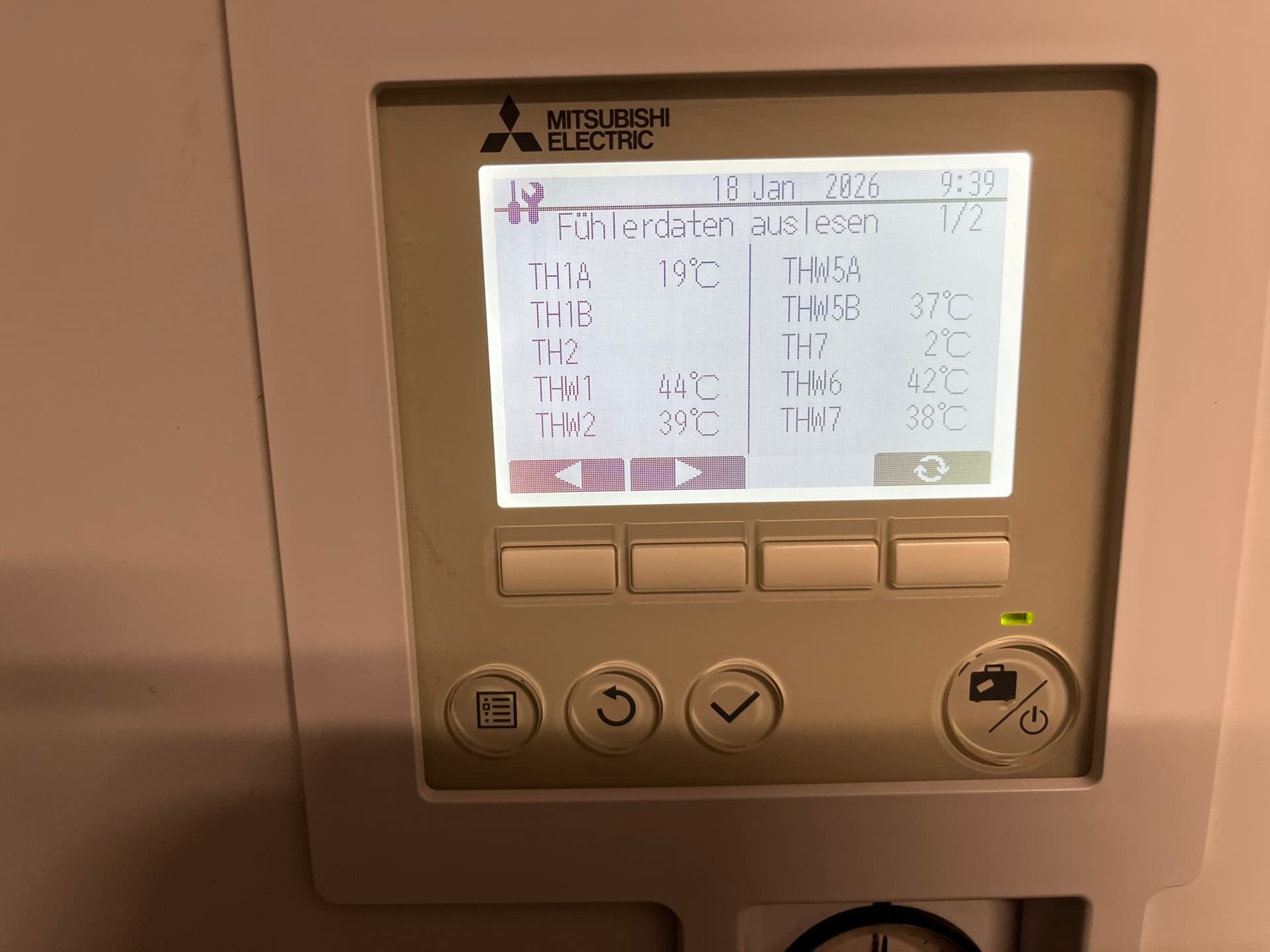
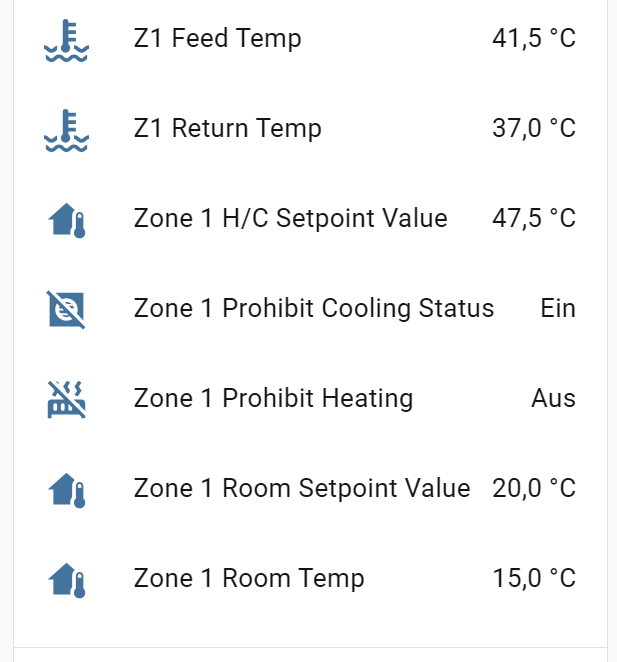
The room is at 20°C. The basement room where the indoor unit is mounted is around 15°C. The Mitsubishi remote receiver is connected, the indoor unit is jumpered to use the remote temperature as room reference. On the FTC6, the room temperature (TH1A) is shown as 20°.

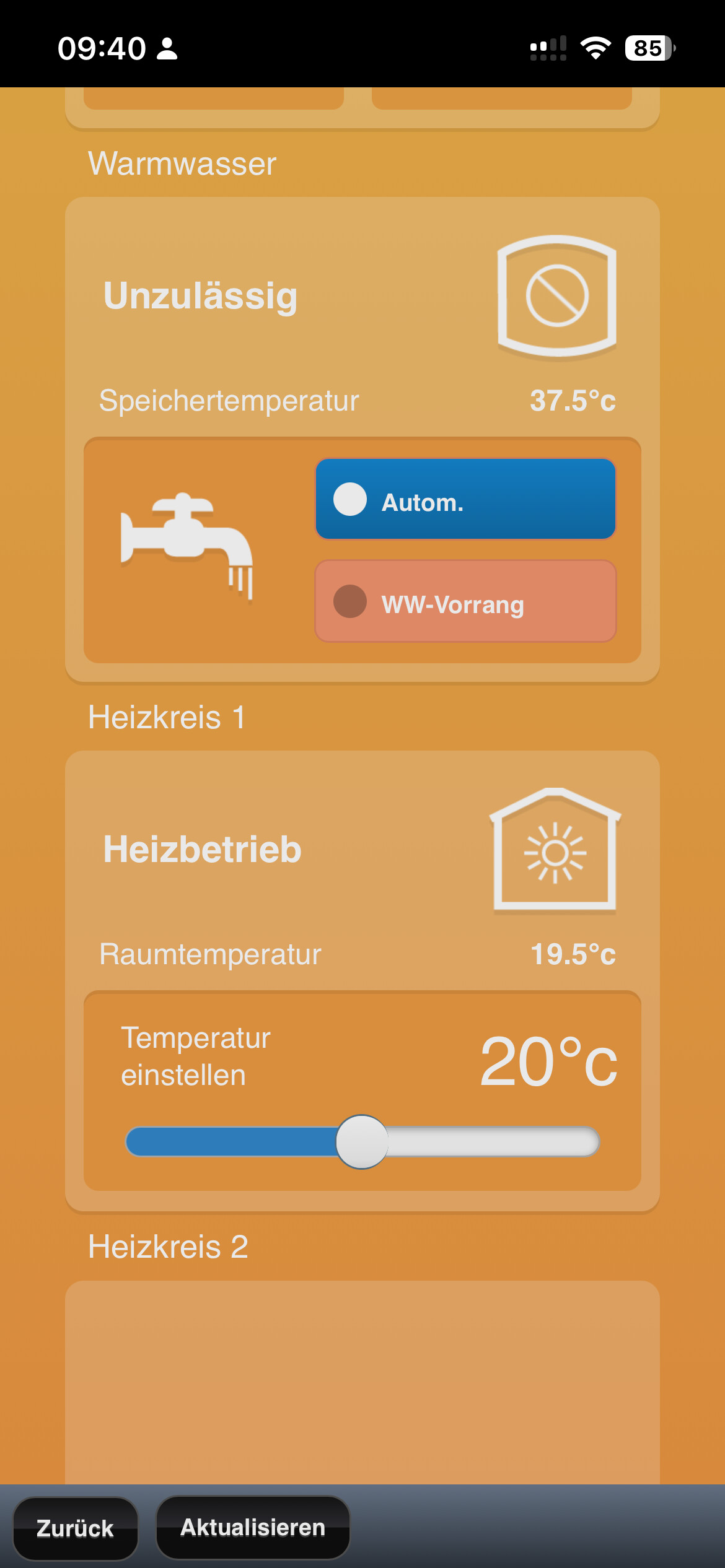
I also took a picture from Melcloud before I connected the ESP, it shows the room at 19.5-20°C.

Now I turned off the heatpump, took out the Melcoud dongle and connected the ESP32S3, and powered the heatpump up again.

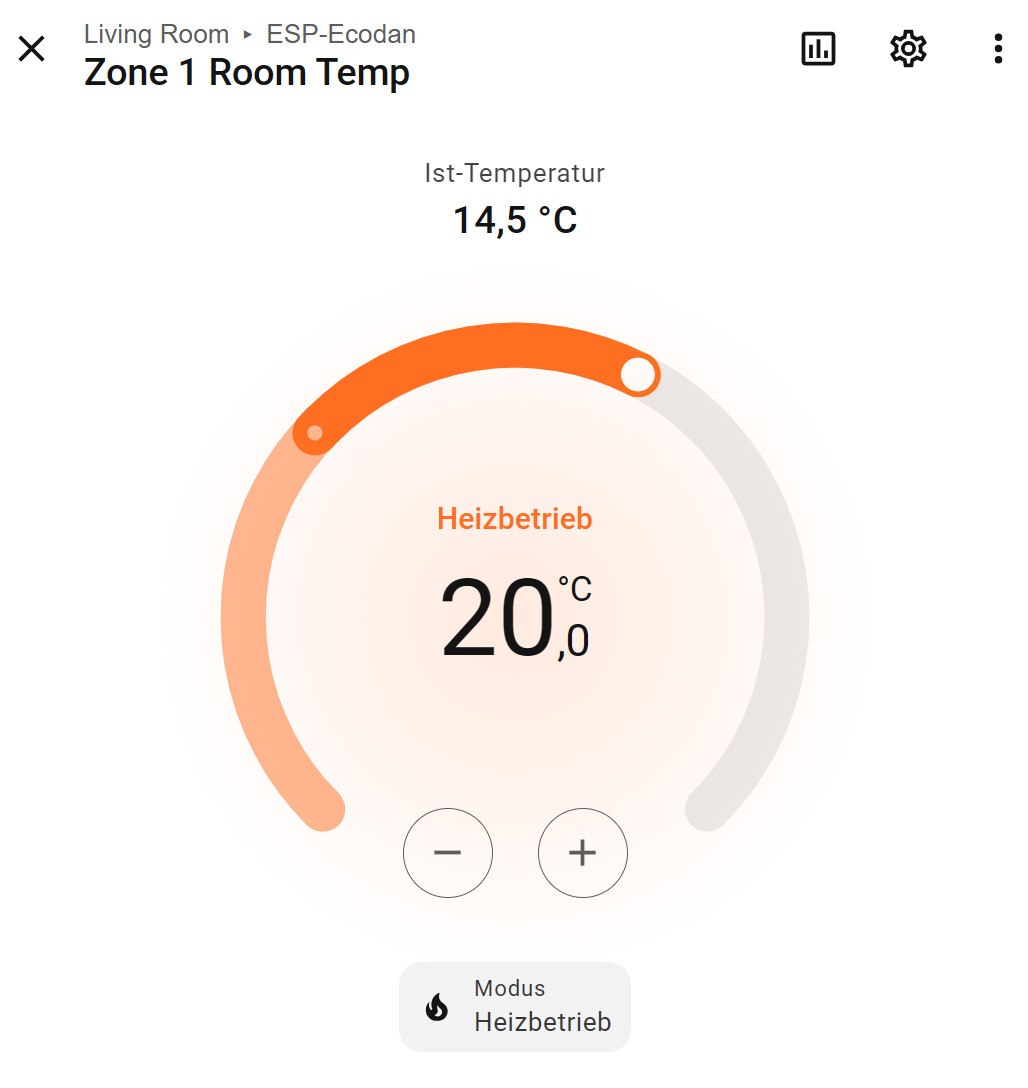
The ESP is set to use room temperature. I see 20° on the Z1 sensor, but the AC control shows that my room is at 15°C (indoor unit value).

What am I doing wrong?


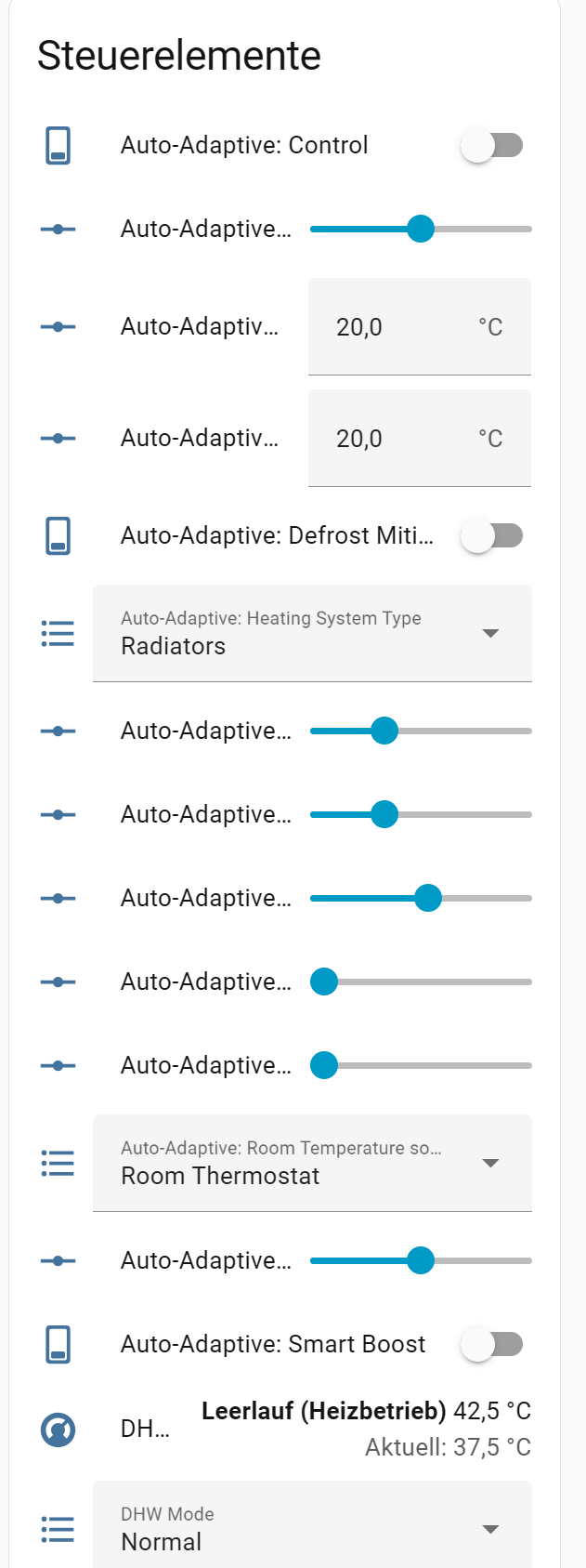
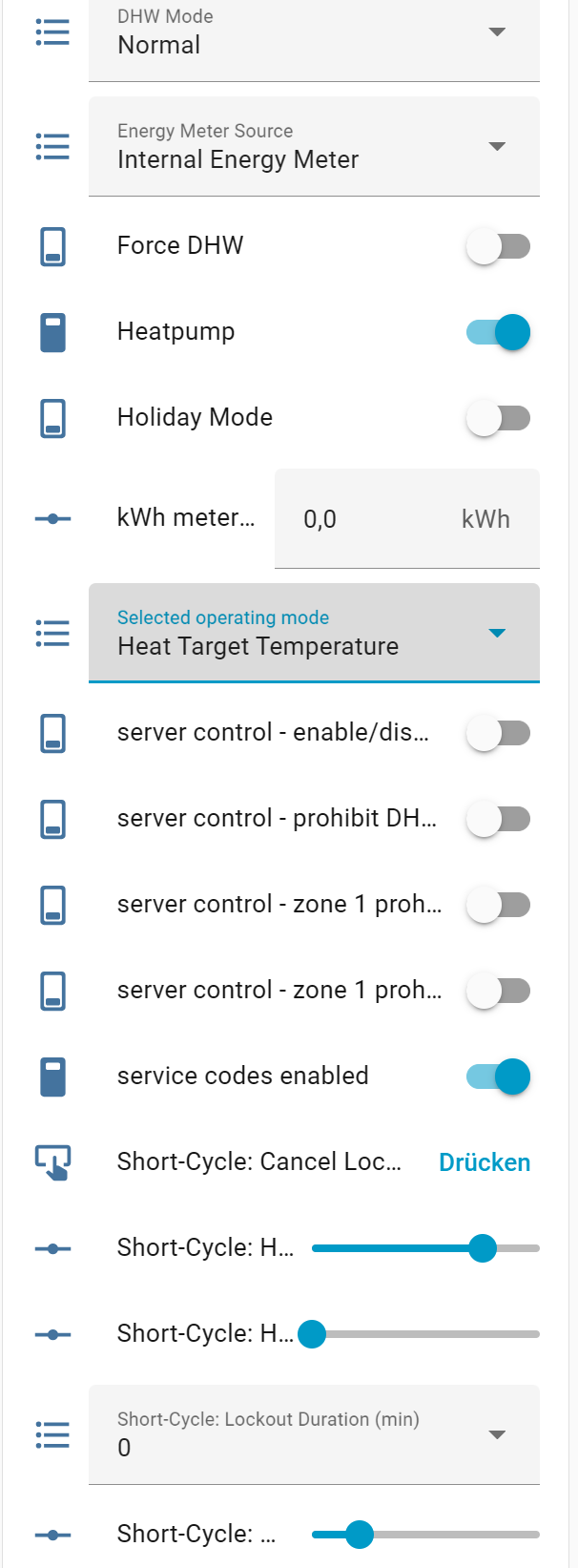
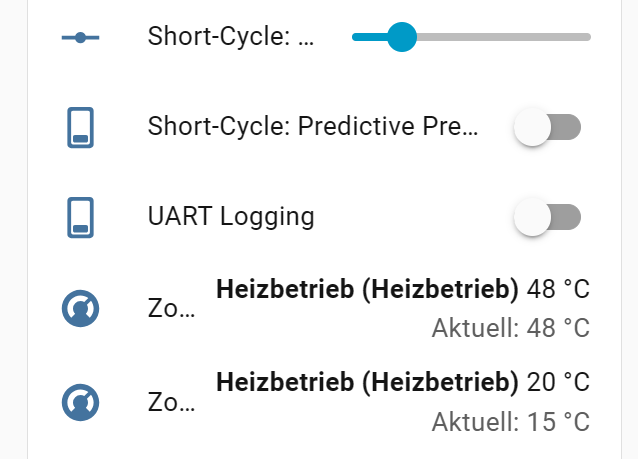
I hope I uploaded the relevant settings. If there is anything missing, I’ll be happy to upload everything, but as you know better than me that’s a big amount of data points.

check instructions GitHub - gekkekoe/esphome-ecodan-remote-thermostat to see if its set correctly. The zone 1 room temp is mapped from your MRC, depends on your setting

For questions like this, its better to open discussion on github.

I think this is the source of your problem, Try the build linked there and report back if it fixes your issue

Thx, this gave me a hint to an oversight in my Ecodan installation - the sensor was configured for the control loop, but not for the display. It‘s fine now :slight_smile:

I posted some info on virtual thermostat and how to use with AA

Thanks @gekkekoe for looking into this again.
I was on a trip, but now I have some data to share with you.
I must say, it looks pretty reasonable…devil’s in the details, of course.
But please have a look yourself, especially on the logs.
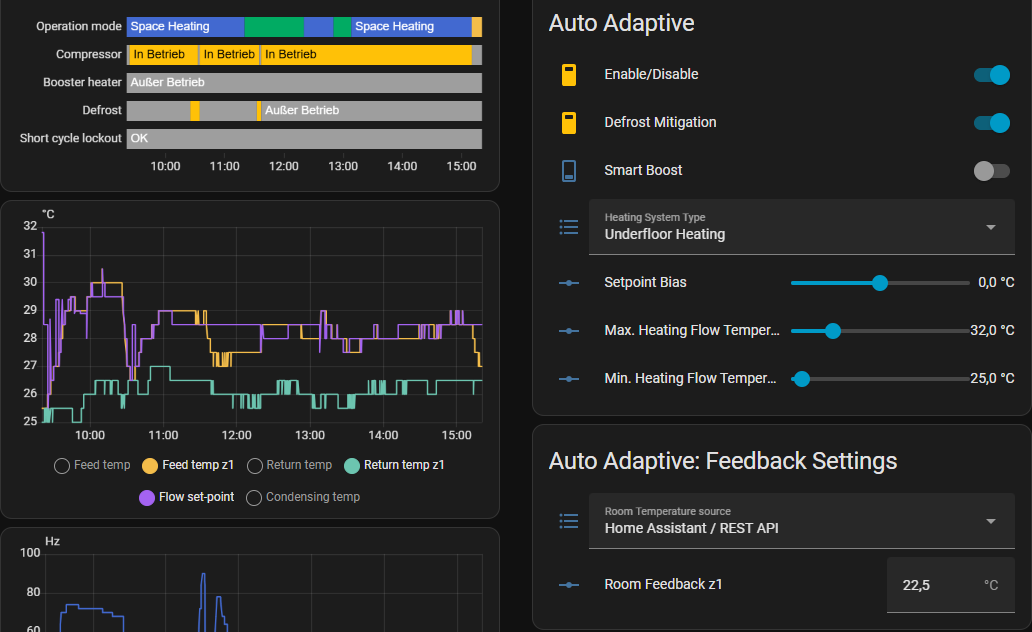
These are my settings. I only display temperatures of z1 (going in and out of ufh). It becomes pretty clear, that now the setpoint controls the value of the feed of z1.

14:55:04	[D]	[auto_adaptive:076]	
Skipping enforce step down for independent zone temp systems
14:55:04	[D]	[auto_adaptive:096]	
CMD: Set Z1 Heat Flow -> 28.5°C (29.0°C)
14:55:20	[D]	[auto_adaptive:076]	
Skipping enforce step down for independent zone temp systems
14:55:20	[D]	[auto_adaptive:096]	
CMD: Set Z1 Heat Flow -> 29.0°C (28.5°C)
14:55:42	[D]	[auto_adaptive:076]	
Skipping enforce step down for independent zone temp systems
14:55:42	[D]	[auto_adaptive:096]	
CMD: Set Z1 Heat Flow -> 28.5°C (29.0°C)
14:57:09	[D]	[auto_adaptive:424]	
[*] Starting auto-adaptive cycle, z2 independent: 1, has_cooling: 0, cold factor: 0.45, min delta T: 2.00, max delta T: 6.50
14:57:09	[D]	[auto_adaptive:212]	
Processing Zone 1: Room=22.5, Target=21.5, Actual Feedtemp: 28.5, Return temp: 26.5, Outside: 4.0, Bias: 0.0, heating: 1, cooling: 0
14:57:09	[D]	[auto_adaptive:232]	
Effective delta T: 2.91, cold factor: 0.45, dynamic min delta T: 2.91, error factor: 0.00, smart boost: 1.00, linear profile: 0
14:57:09	[D]	[auto_adaptive:283]	
Z1 Setpoint reached (Error -1.0). Reverting to Base Delta T (2.0).
14:57:09	[D]	[auto_adaptive:305]	
Z1 HEATING (Delta T): calculated_flow: 28.50°C (boost: 0.0)
14:59:11	[D]	[auto_adaptive:076]	
Skipping enforce step down for independent zone temp systems
14:59:11	[D]	[auto_adaptive:096]	
CMD: Set Z1 Heat Flow -> 29.0°C (28.5°C)
14:59:27	[D]	[auto_adaptive:076]	
Skipping enforce step down for independent zone temp systems
14:59:27	[D]	[auto_adaptive:096]	
CMD: Set Z1 Heat Flow -> 28.5°C (29.0°C)
14:59:42	[D]	[auto_adaptive:076]	
Skipping enforce step down for independent zone temp systems
14:59:43	[D]	[auto_adaptive:096]	
CMD: Set Z1 Heat Flow -> 29.0°C (28.5°C)
15:00:13	[D]	[auto_adaptive:076]	
Skipping enforce step down for independent zone temp systems
15:00:13	[D]	[auto_adaptive:096]	
CMD: Set Z1 Heat Flow -> 28.5°C (29.0°C)
15:00:28	[D]	[auto_adaptive:076]	
Skipping enforce step down for independent zone temp systems
15:00:28	[D]	[auto_adaptive:096]	
CMD: Set Z1 Heat Flow -> 29.0°C (28.5°C)
15:01:52	[D]	[auto_adaptive:076]	
Skipping enforce step down for independent zone temp systems
15:01:52	[D]	[auto_adaptive:096]	
CMD: Set Z1 Heat Flow -> 28.5°C (29.0°C)
15:02:09	[D]	[auto_adaptive:424]	
[*] Starting auto-adaptive cycle, z2 independent: 1, has_cooling: 0, cold factor: 0.45, min delta T: 2.00, max delta T: 6.50
15:02:09	[D]	[auto_adaptive:212]	
Processing Zone 1: Room=22.5, Target=21.5, Actual Feedtemp: 28.5, Return temp: 26.5, Outside: 4.0, Bias: 0.0, heating: 1, cooling: 0
15:02:09	[D]	[auto_adaptive:232]	
Effective delta T: 2.91, cold factor: 0.45, dynamic min delta T: 2.91, error factor: 0.00, smart boost: 1.00, linear profile: 0
15:02:09	[D]	[auto_adaptive:283]	
Z1 Setpoint reached (Error -1.0). Reverting to Base Delta T (2.0).
15:02:09	[D]	[auto_adaptive:305]	
Z1 HEATING (Delta T): calculated_flow: 28.50°C (boost: 0.0)
15:04:43	[D]	[auto_adaptive:076]	
Skipping enforce step down for independent zone temp systems
15:04:43	[D]	[auto_adaptive:096]	
CMD: Set Z1 Heat Flow -> 29.0°C (28.5°C)
15:05:16	[D]	[auto_adaptive:076]	
Skipping enforce step down for independent zone temp systems
15:05:16	[D]	[auto_adaptive:096]	
CMD: Set Z1 Heat Flow -> 28.5°C (29.0°C)
15:07:09	[D]	[auto_adaptive:424]	
[*] Starting auto-adaptive cycle, z2 independent: 1, has_cooling: 0, cold factor: 0.45, min delta T: 2.00, max delta T: 6.50
15:07:09	[D]	[auto_adaptive:212]	
Processing Zone 1: Room=22.5, Target=21.5, Actual Feedtemp: 28.5, Return temp: 26.5, Outside: 4.0, Bias: 0.0, heating: 1, cooling: 0
15:07:09	[D]	[auto_adaptive:232]	
Effective delta T: 2.91, cold factor: 0.45, dynamic min delta T: 2.91, error factor: 0.00, smart boost: 1.00, linear profile: 0
15:07:09	[D]	[auto_adaptive:283]	
Z1 Setpoint reached (Error -1.0). Reverting to Base Delta T (2.0).
15:07:09	[D]	[auto_adaptive:305]	
Z1 HEATING (Delta T): calculated_flow: 28.50°C (boost: 0.0)
15:10:01	[W]	[ecodan.component:351]	
Command timed out. Retrying (attempt 2/30)...[1]
15:10:26	[I]	[short_cycle:245]	
Compressor STOP detected
15:10:26	[D]	[short_cycle:158]	
Running compressor stop logic...
15:12:09	[D]	[auto_adaptive:355]	
System is busy (DHW, Defrost, or Lockout). Exiting.
15:13:16	[D]	[auto_adaptive:076]	
Skipping enforce step down for independent zone temp systems
15:14:54	[D]	[auto_adaptive:076]	
Skipping enforce step down for independent zone temp systems
15:17:09	[D]	[auto_adaptive:355]	
System is busy (DHW, Defrost, or Lockout). Exiting.

It was pretty sunny today

yeah that looks pretty decent. 19.4 is officially released for single zone buffer tank folks.

I’ve added some info on availability of the Asgard Board

I have the same setup.

Do you have the THW6 and THW7 in the buffer tank?

I have a zone with a buffer tank.

Since the last update, my heat pump has been cycling constantly. The compressor switches on and off every few minutes.

Delta T is just below the flow temperature, for example, and it switches off immediately.

As far as I know, the buffer tank in the Ecodan system is only a hydraulic switch due to different volume flows.

It cannot be charged.

I think I’ve found the problem.

The flow is calculated using Z1 return + delta.

However, the compressor switches off when the heat pump return is higher than the flow should be.

The heat pump return is always 2-3 degrees warmer than the Z1 return in my case.

post logging here Auto Adaptive out of control (Radiators + TRV's) · gekkekoe/esphome-ecodan-hp · Discussion #258 · GitHub then I can have a look when I have some spare time.