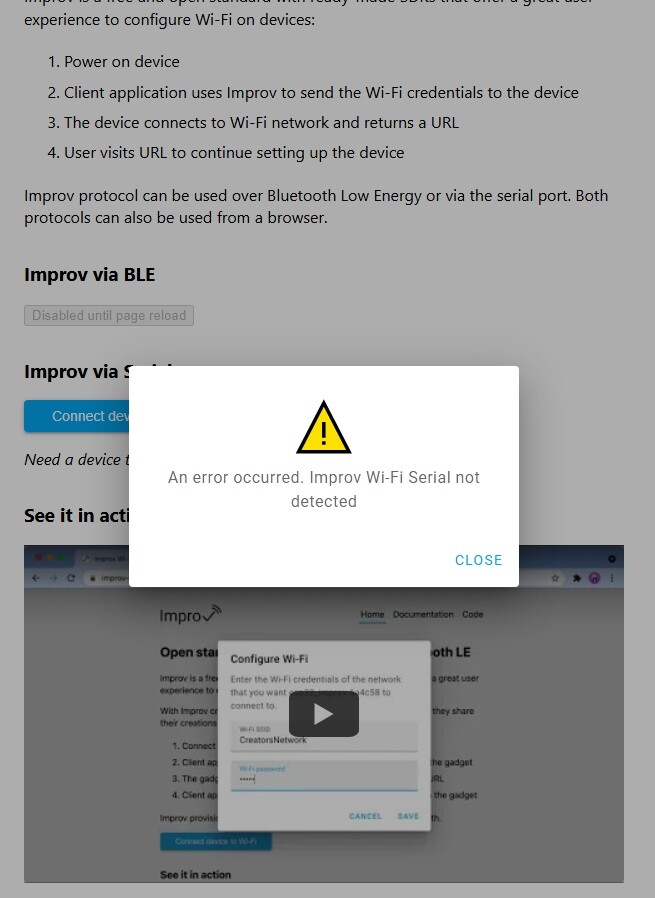
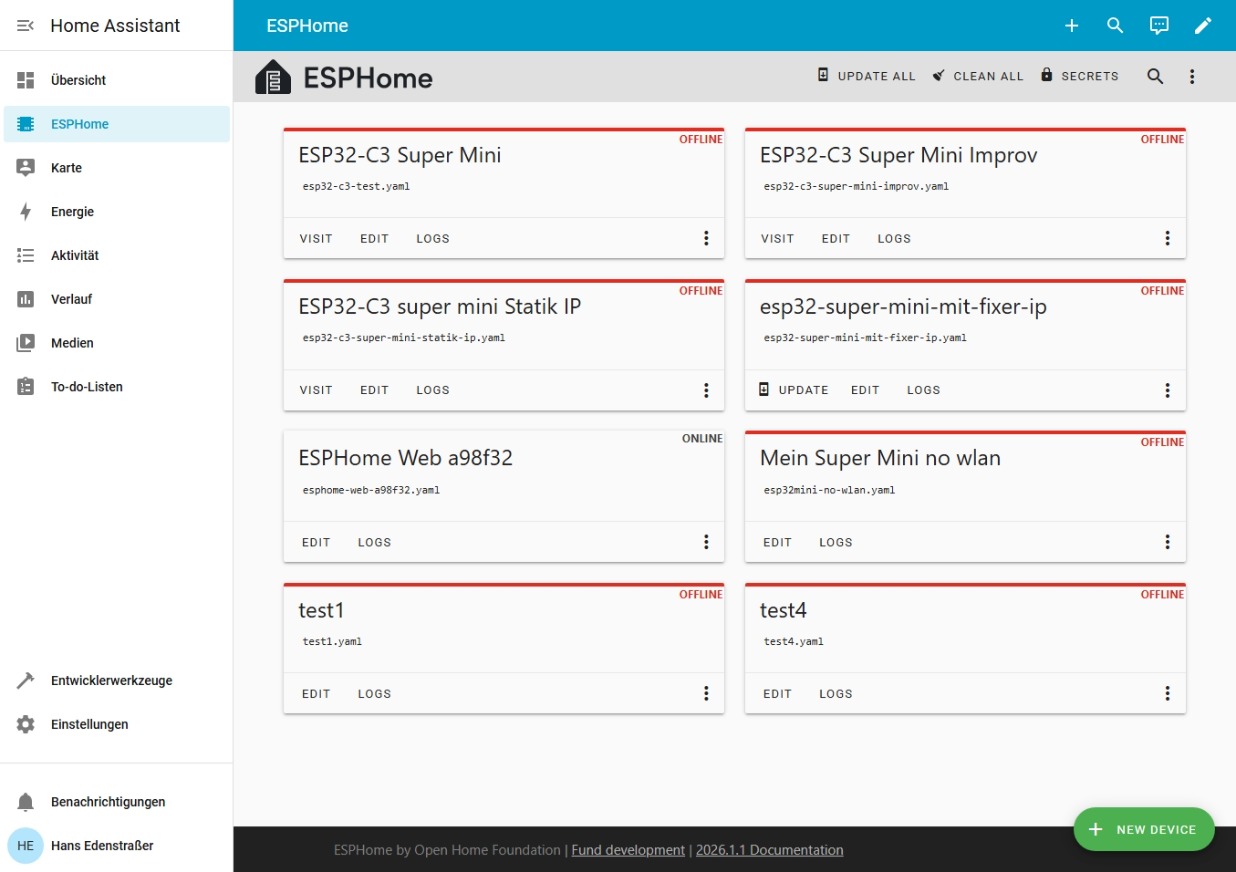
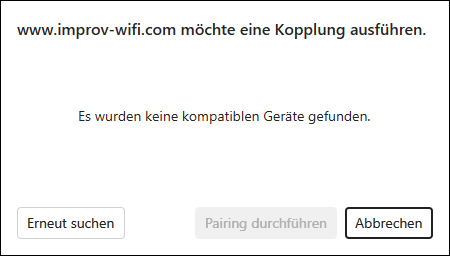
Yesterday, I tried to put together a simple YAML so that the WT32-ETH01 would work.
I read through the following page: Ethernet Component - ESPHome - Smart Home Made Simple
I couldn’t transfer the YAML 1:1, it had to be adapted…
When the validation did not return any errors, I uploaded the YAML.
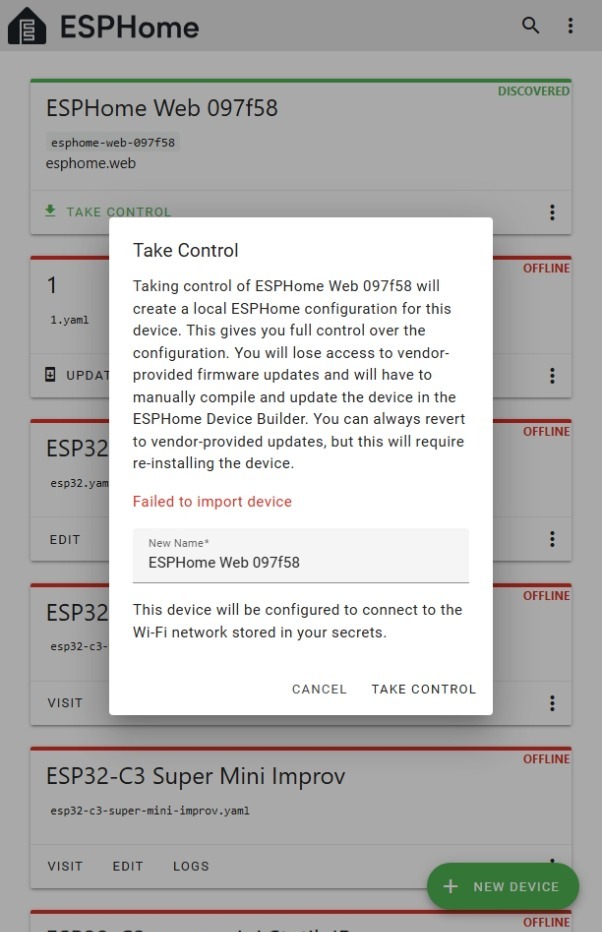
The ETH01 appeared as Discovered. I then attempted to add it to the ESPHome Dashboard using Take Control, but unfortunately this failed.
The Ethernet interface was disabled, but it was found via Wi-Fi. This was somewhat unusual, as it had opened a hotspot that required me to connect to the Wi-Fi router.
It was then listed in ESPHome with a new name, as it had been found previously. I was again unable to add it to the dashboard using Take Control.
A check via the serial interface revealed some errors…
In the meantime, I tried again, but didn’t change anything in the YAML code except for level: DEBUG.
Result:
The ETH01 is connected to the router via Wi-Fi.
Ethernet is not active.
The following script has been uploaded:
YAML
esphome:
  name: wt32-eth01-geraet
#  platformio_options:
#    board_build.flash_mode: dio

esp32:
  board: wt32-eth01
  framework:
    type: arduino

# Ethernet-Konfiguration für WT32-ETH01
ethernet:
  type: LAN8720
  mdc_pin: GPIO23
  mdio_pin: GPIO18
  clk_mode: GPIO0_IN
  phy_addr: 1
  power_pin: GPIO16

# Standard-Komponenten
logger:
  level: DEBUG

api:
  encryption:
    key: "Y7mPqR4vWzX9bN2mK5fT8jL1sQ3xC6zA4nB7vD0pE9g="

ota:
  - platform: esphome
Serial Monitor:
[I][safe_mode:042]: Boot seems successful; resetting boot loop counter
                                                                      [D][esp32.preferences:149]: Writing 1 items: 0 cached, 1 written, 0 failed
                                                                [E][api:156]: No clients; rebooting
                   [I][app:221]: Forcing a reboot
                                                 ets Jul 29 2019 12:21:46

rst:0xc (SW_CPU_RESET),boot:0x13 (SPI_FAST_FLASH_BOOT)
configsip: 0, SPIWP:0xee
clk_drv:0x00,q_drv:0x00,d_drv:0x00,cs0_drv:0x00,hd_drv:0x00,wp_drv:0x00
mode:DIO, clock div:2
load:0x3fff0030,len:6380
ho 0 tail 12 room 4
load:0x40078000,len:15916
load:0x40080400,len:3860
entry 0x40080630
I (29) boot: ESP-IDF 5.5.1 2nd stage bootloader
I (29) boot: compile time Jan 17 2026 01:55:29
I (29) boot: Multicore bootloader
I (30) boot: chip revision: v3.1
I (33) boot.esp32: SPI Speed      : 40MHz
I (37) boot.esp32: SPI Mode       : DIO
I (40) boot.esp32: SPI Flash Size : 4MB
I (44) boot: Enabling RNG early entropy source...
I (49) boot: Partition Table:
I (51) boot: ## Label            Usage          Type ST Offset   Length
I (57) boot:  0 otadata          OTA data         01 00 00009000 00002000
I (64) boot:  1 phy_init         RF data          01 01 0000b000 00001000
I (71) boot:  2 app0             OTA app          00 10 00010000 001c0000
I (77) boot:  3 app1             OTA app          00 11 001d0000 001c0000
I (84) boot:  4 nvs              WiFi data        01 02 00390000 0006d000
I (90) boot: End of partition table
I (93) esp_image: segment 0: paddr=00010020 vaddr=3f400020 size=27cd8h (163032) map
I (157) esp_image: segment 1: paddr=00037d00 vaddr=3ffbdb60 size=056f8h ( 22264) load
I (165) esp_image: segment 2: paddr=0003d400 vaddr=40080000 size=02c18h ( 11288) load
I (170) esp_image: segment 3: paddr=00040020 vaddr=400d0020 size=dbd78h (900472) map
I (478) esp_image: segment 4: paddr=0011bda0 vaddr=40082c18 size=18a6ch (100972) load
I (517) esp_image: segment 5: paddr=00134814 vaddr=50000000 size=00020h (    32) load
I (531) boot: Loaded app from partition at offset 0x10000
I (531) boot: Disabling RNG early entropy source...
[I][logger:121]: Log initialized
                                [C][safe_mode:084]: Unsuccessful boot attempts: 0
 [D][esp32.preferences:149]: Writing 1 items: 0 cached, 1 written, 0 failed
                                                                           [I][app:077]: Running through setup()
                                [C][component:208]: Setup preferences took 0ms
                                                                              [C][component:208]: Setup esp32_ble took 0ms
                                          [C][component:208]: Setup esp32_ble_server took 0ms
             [C][component:208]: Setup esp32_improv took 0ms
                                                            [C][component:208]: Setup web_server_base took 0ms
                              [C][component:208]: Setup captive_portal took 0ms
                                                                               [C][wifi:372]: Starting
                        Local MAC: 14:33:5C:09:7F:58
                                                    [D][wifi:387]: Loaded settings: FRITZ!Box 7490
                  [I][wifi:319]: Starting scan
                                              [D][wifi:958]: Starting scan
                                                                          [C][component:208]: Setup wifi took 106ms
                                   [C][component:208]: Setup esphome.ota took 3ms
 [C][component:208]: Setup safe_mode took 0ms
                                             [C][component:208]: Setup web_server.ota took 0ms
              [W][component:333]: api set Warning flag: unspecified
                                                                   [C][component:208]: Setup api took 1ms
                         [C][component:208]: Setup improv_serial took 0ms
                                                                         [C][component:208]: Setup mdns took 2ms
                                [I][app:124]: setup() finished successfully!
                                                                            [D][esp32_ble:398]: Enabling
                        [W][component:490]: esp32_ble took a long time for an operation (514 ms)
                [W][component:493]: Components should block for at most 30 ms
                                                                             [W][component:342]: wifi set Warning flag: scanning for networks
                                                             [I][app:194]: ESPHome version 2025.12.6 compiled on Jan 17 2026, 01:54:27
                                                      [I][app:196]: Project esphome.web version 26.1.0
                      [C][logger:261]: Logger:
                                                Max Level: DEBUG
                                                                  Initial Level: DEBUG
      [C][logger:267]:   Log Baud Rate: 115200
                                                Hardware UART: UART0
                                                                    [C][logger:274]:   Task Log Buffer Size: 768
                                [C][esp32_ble:656]: BLE:
                                                          MAC address: 14:33:5C:09:7F:5A
          IO Capability: none
                             [C][esp32_ble_server:232]: ESP32 BLE Server:
                                                                         [C][esp32_improv.component:305]: ESP32 Improv:
                                       [C][captive_portal:118]: Captive Portal:
                                                                               [D][esp32_ble_server:089]: BLE server setup successfully
                                                       [C][wifi:1132]: WiFi:
                                                                              Connected: NO
           [C][wifi:897]:   Local MAC: 14:33:5C:09:7F:58
                                                        [C][wifi:908]:   SSID: ''
   BSSID: 00:00:00:00:00:00
                             Hostname: 'esphome-web-097f58'
                                                             Signal strength: -127 dB ××××
            Channel: 5
                        Subnet: 0.0.0.0
                                         Gateway: 0.0.0.0
                                                           DNS1: 0.0.0.0
                                                                          DNS2: 0.0.0.0
       [C][esphome.ota:092]: Over-The-Air updates:
                                                    Address: esphome-web.local:3232
     Version: 2
               [C][safe_mode:018]: Safe Mode:
                                               Successful after: 60s
                                                                      Invoke after: 10 attempts
                 Duration: 300s
                               [C][web_server.ota:241]: Web Server OTA
                                                                      [C][api:211]: Server:
             Address: esphome-web.local:6053
                                              Listen backlog: 4
                                                                 Max connections: 8
   [C][api:223]:   Noise encryption: NO
                                       [C][improv_serial:063]: Improv Serial:
                                                                             [C][mdns:177]: mDNS:
                   Hostname: esphome-web-097f58
                                               [D][wifi:1068]: Found networks:
                                                                              [I][wifi:1041]: - 'FRITZ!Box 7490' (38:10:D5:BC:14:AA) ▂▄▆█
                                                         [D][wifi:1044]:   Channel: 11, RSSI: -71 dB, Priority:    0
                                    [D][wifi:1046]: - 'Home@Kitz' (60:B5:8D:4A:F8:FB) ▂▄▆█
          [D][wifi:1046]: - 'Home@Kitz' (60:B5:8D:32:D1:C0) ▂▄▆█
                                                                [D][wifi:1046]: - 'Home@Kitz' (60:B5:8D:4A:D0:C2) ▂▄▆█
                                      [D][wifi:1361]: Retry phase: INITIAL_CONNECT → SCAN_CONNECTING
                    [I][wifi:774]: Connecting to 'FRITZ!Box 7490' (38:10:D5:BC:14:AA) (priority 0, attempt 1/2 in phase SCAN_CONNECTING)...
                                                           [I][wifi:1149]: Connected
    [C][wifi:897]:   Local MAC: 14:33:5C:09:7F:58
                                                 [C][wifi:904]:   IP Address: 192.168.1.95
          [C][wifi:908]:   SSID: 'FRITZ!Box 7490'
                                                   BSSID: 38:10:D5:BC:14:AA
                                                                             Hostname: 'esphome-web-097f58'
                             Signal strength: -79 dB ▂▄▆█
                                                           Channel: 11
                                                                        Subnet: 255.255.255.0
               Gateway: 192.168.1.1
                                     DNS1: 192.168.1.1
                                                        DNS2: 0.0.0.0
                                                                     [D][wifi:1173]: Disabling AP
                 [W][component:373]: wifi cleared Warning flag
                                                              [I][safe_mode:042]: Boot seems successful; resetting boot loop counter
                                                    [D][esp32.preferences:149]: Writing 1 items: 0 cached, 1 written, 0 failed
Questions?
The LOG output looks good, right?
Why is the LAN port not activated and the WLAN is instead?
Why can’t I add the ESP32-ETH01 to the ESPHome Dashboard?