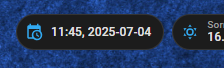
Hi, I’m using the Time & Date integration in a dashboard badge but it gives me the time in a format I don’t like (see screenshot attached). Is there a way to format the way the time and date shows ie time in 12hr with am/pm and date in DD/MM/Year format and maybe even the day of week? Thanks for any help or advice.
12/24 hour time display and your preferred date format can be set in your user settings: bottom icon on the sidebar.
For more control, you can create a template sensor helper in the UI with a state template using strftime like this:
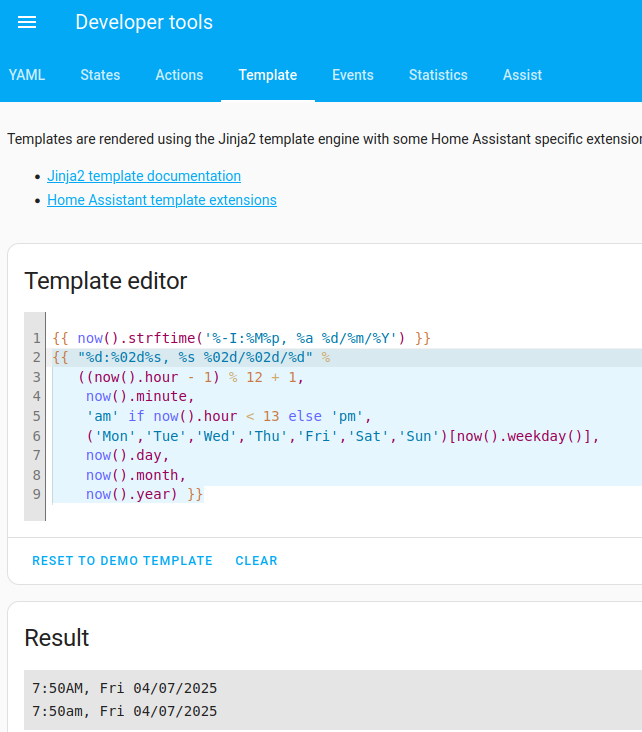
{{ now().strftime('%-I:%M%p, %a %d/%m/%Y') }}
using the codes here. The - in %-I suppresses the leading zero in the hour.
For even more control, you can go fully DIY:
{{ "%d:%02d%s, %s %02d/%02d/%d" %
   ((now().hour - 1) % 12 + 1,
    now().minute,
    'am' if now().hour < 12 else 'pm',
    ('Mon','Tue','Wed','Thu','Fri','Sat','Sun')[now().weekday()],
    now().day,
    now().month,
    now().year) }}
Turning now().hour into 12-hour format took more thought than I was expecting!
Have a play in Developer Tools / Template to get the format you want:
Then put that template into a Template Sensor Helper:
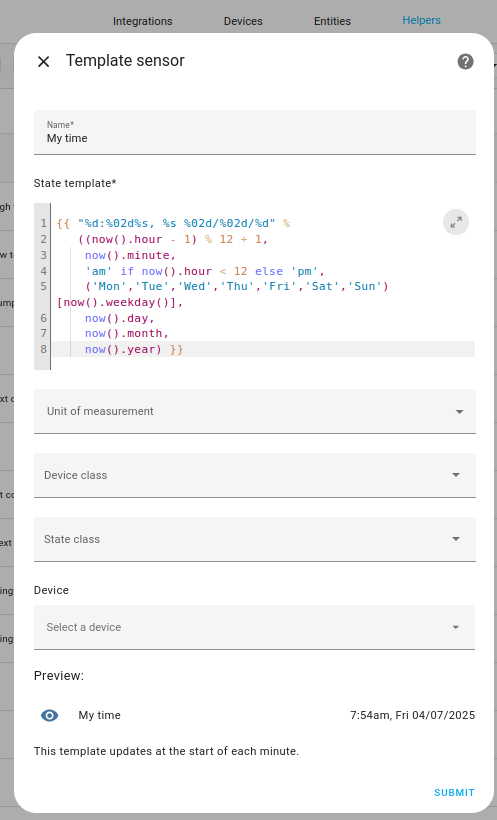
and use that sensor for the badge.
You could also have a look here:
1 Like
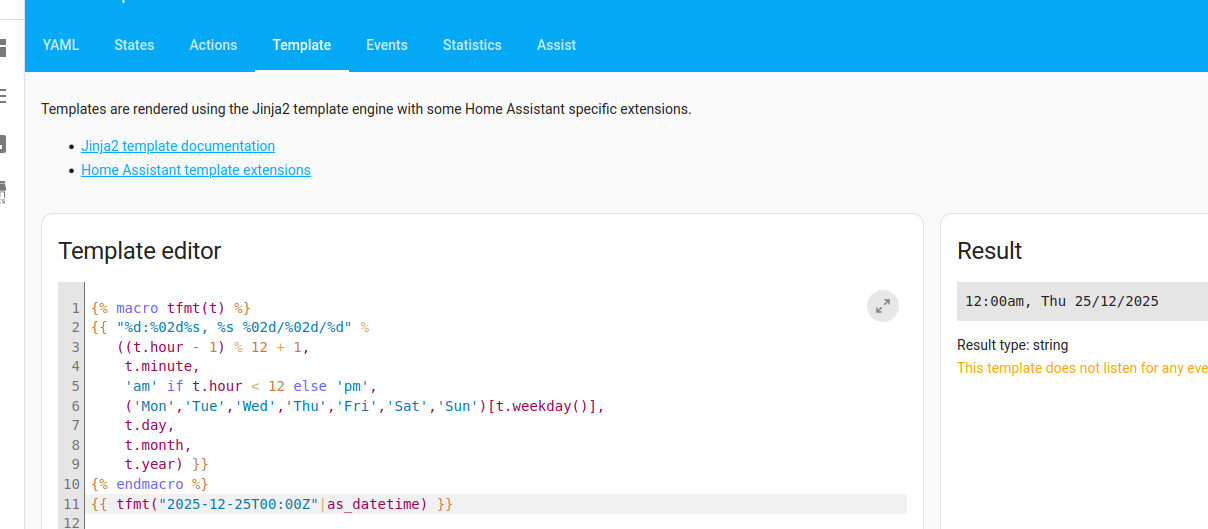
It would be even nicer if you could put that template code inside a function, and use an argument as the input to let that being interpretated using that function.
{% macro tfmt(t) %}
{{ "%d:%02d%s, %s %02d/%02d/%d" %
   ((t.hour - 1) % 12 + 1,
    t.minute,
    'am' if t.hour < 12 else 'pm',
    ('Mon','Tue','Wed','Thu','Fri','Sat','Sun')[t.weekday()],
    t.day,
    t.month,
    t.year) }}
{% endmacro %}
Put that macro in custom_templates/tfmt.jinja, reload custom templates, and then:
{% from 'tfmt.jinja' import tfmt %}
{{ tfmt("2025-12-25T00:00Z"|as_datetime) }}
1 Like