Today I wanted to introduce you to my latest project: FRITZ!Portal – a Home Assistant App that gives the familiar Fritz!Box interface a modern look and integrates it directly into your Home Assistant interface (accessible via the side menu). Thanks to Ingress, it feels like a native HA panel.  I was tired of having to log into the Fritz!Box via the browser every time I wanted to check an IP address or rename a device. Plus, there's the annoying automatic logout from the Fritz!Box GUI after a few minutes of inactivity. This solves that problem.
Right at the beginning, due to the API of the Fritzboxes, not all Fritzboxes will work, but many are supported.
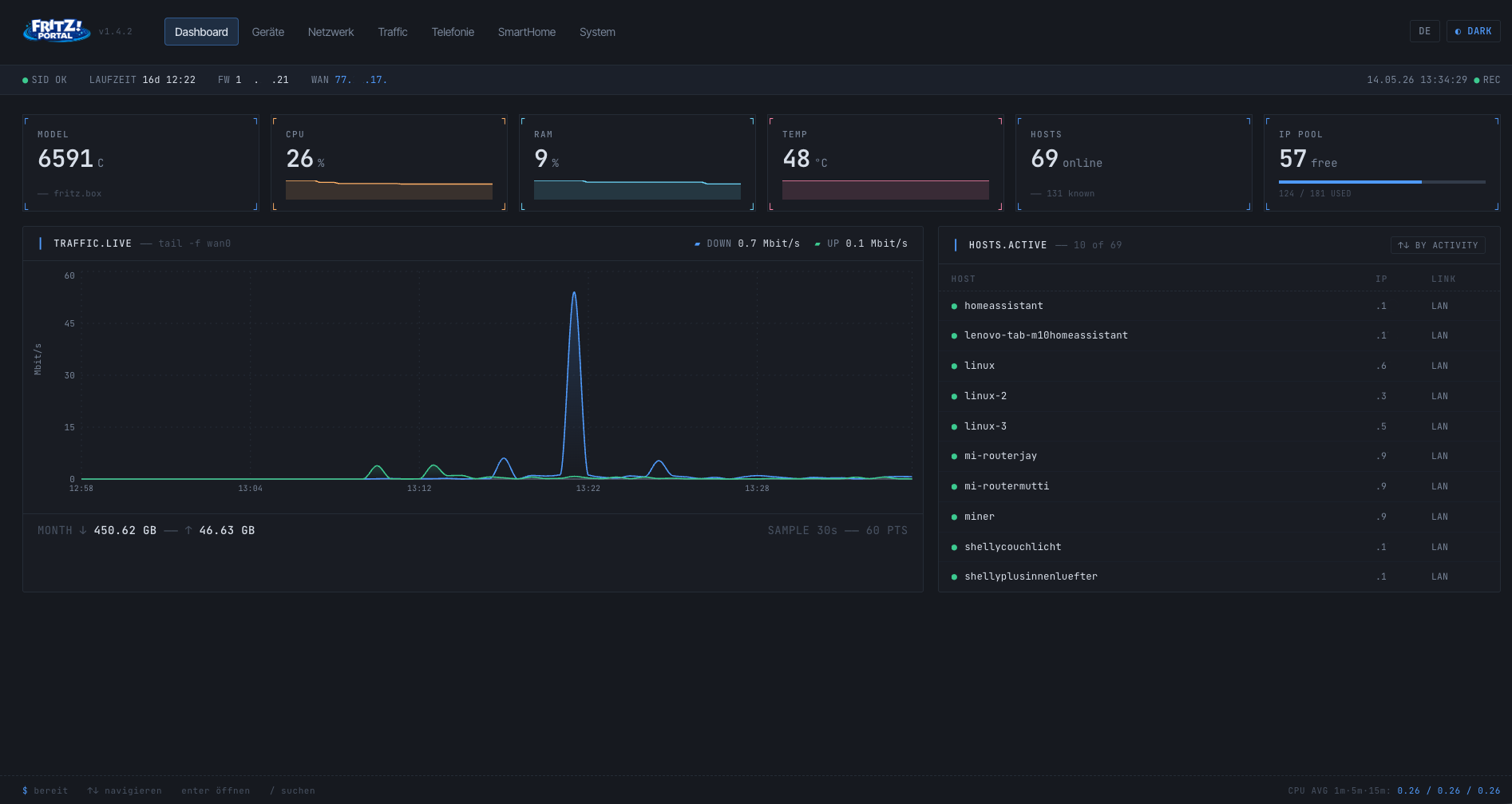
The modern Fritz!Box dashboard as a Home Assistant App
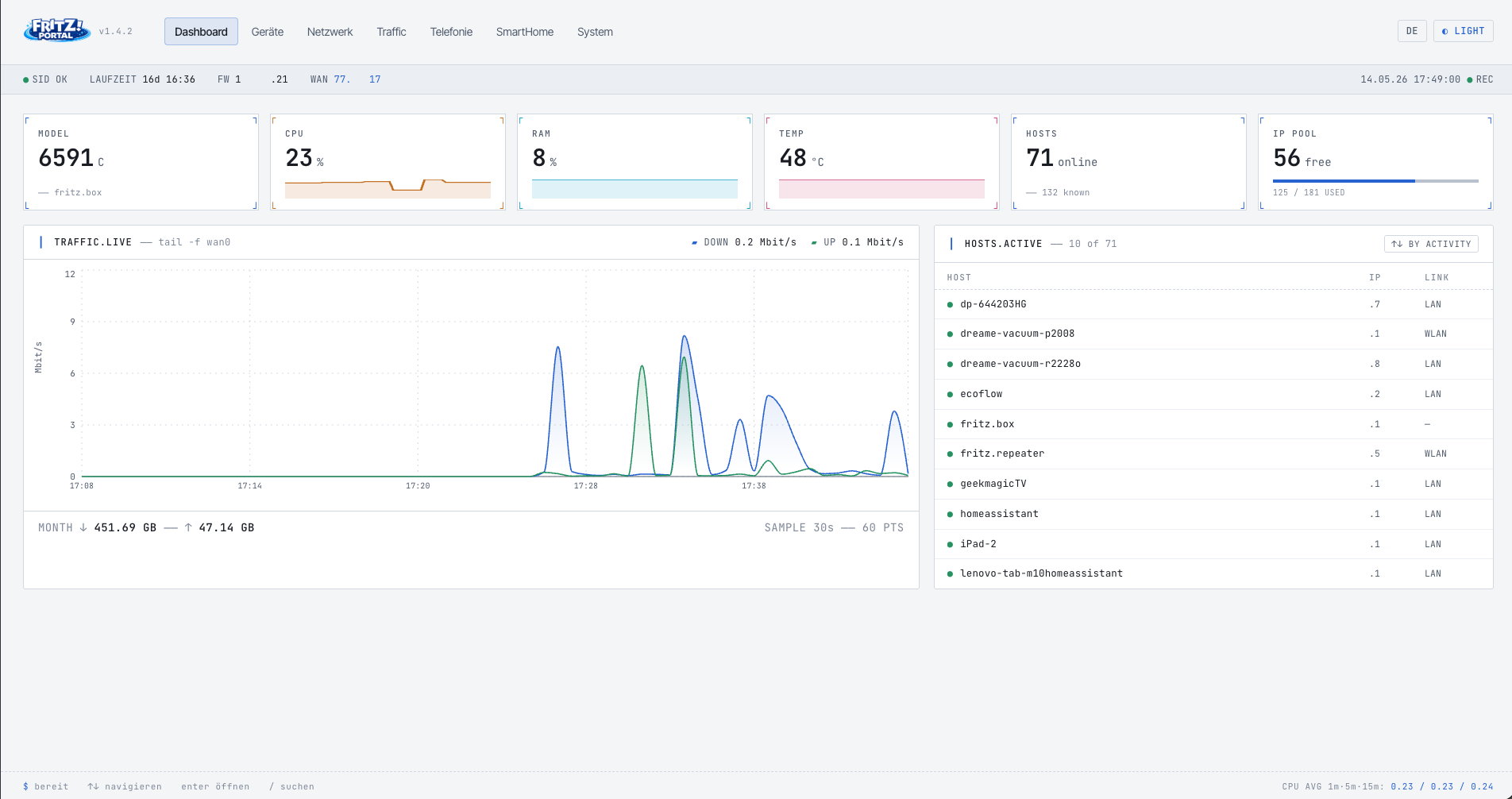
Real-time overview, network topology, HA sensors and more – all in one elegant interface. Easily rename devices, assign new IP addresses or block unwanted hosts directly from the app. Fully integrated into the Home Assistant UI via Ingress.
If you like the App, I would appreciate a Star rating  from you on github.
 Features
| Area | What's included |
|---|---|
| Dashboard | 6 live tiles (model, CPU, RAM, temp, hosts, IP pool) with sparklines; TRAFFIC.LIVE chart and sortable HOSTS.ACTIVE list (by activity / IP / name) |
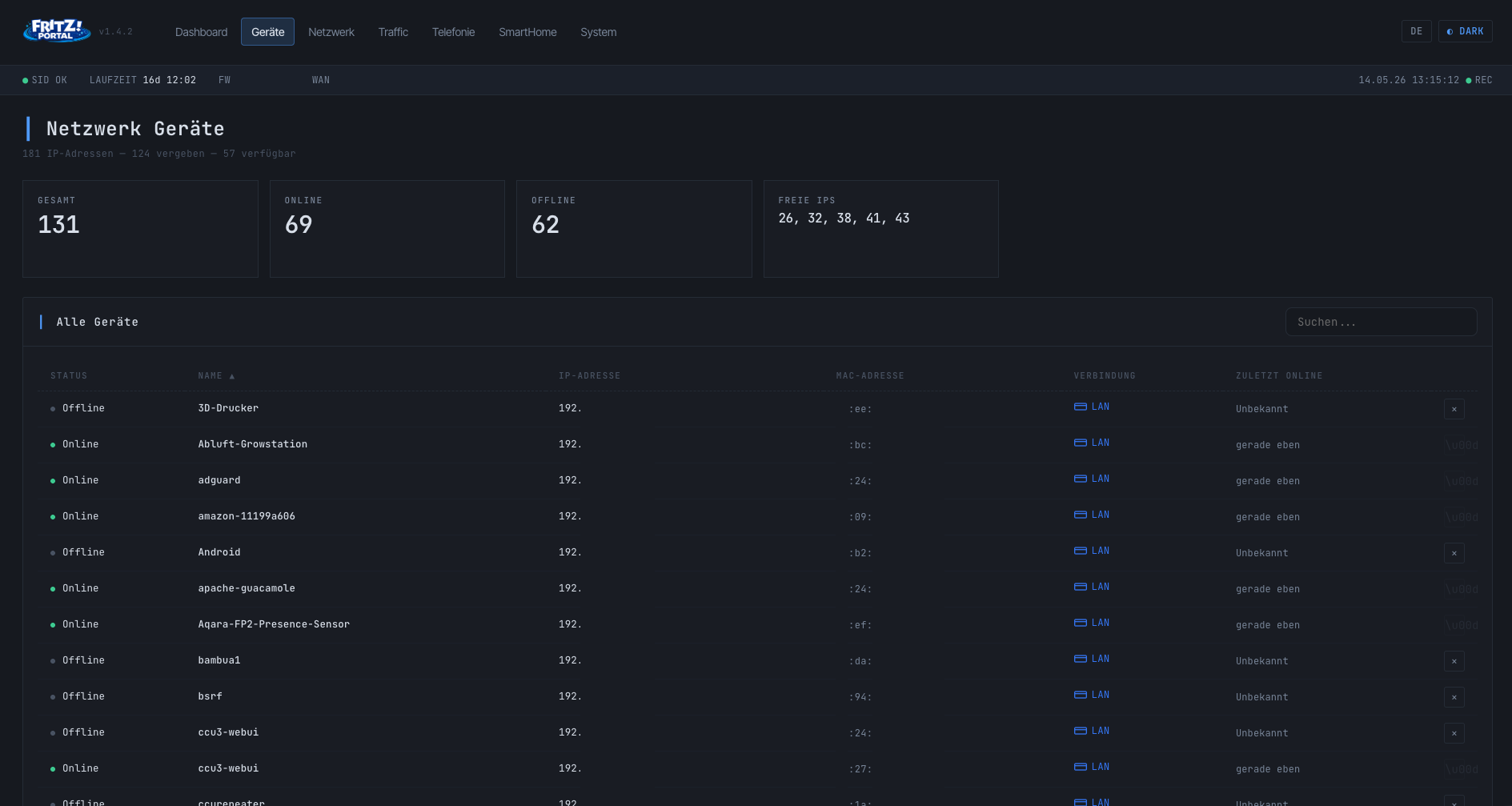
| Device List | All connected hosts with status, IP, MAC, connection type, sorting, search, internet blocking + delete function for offline devices |
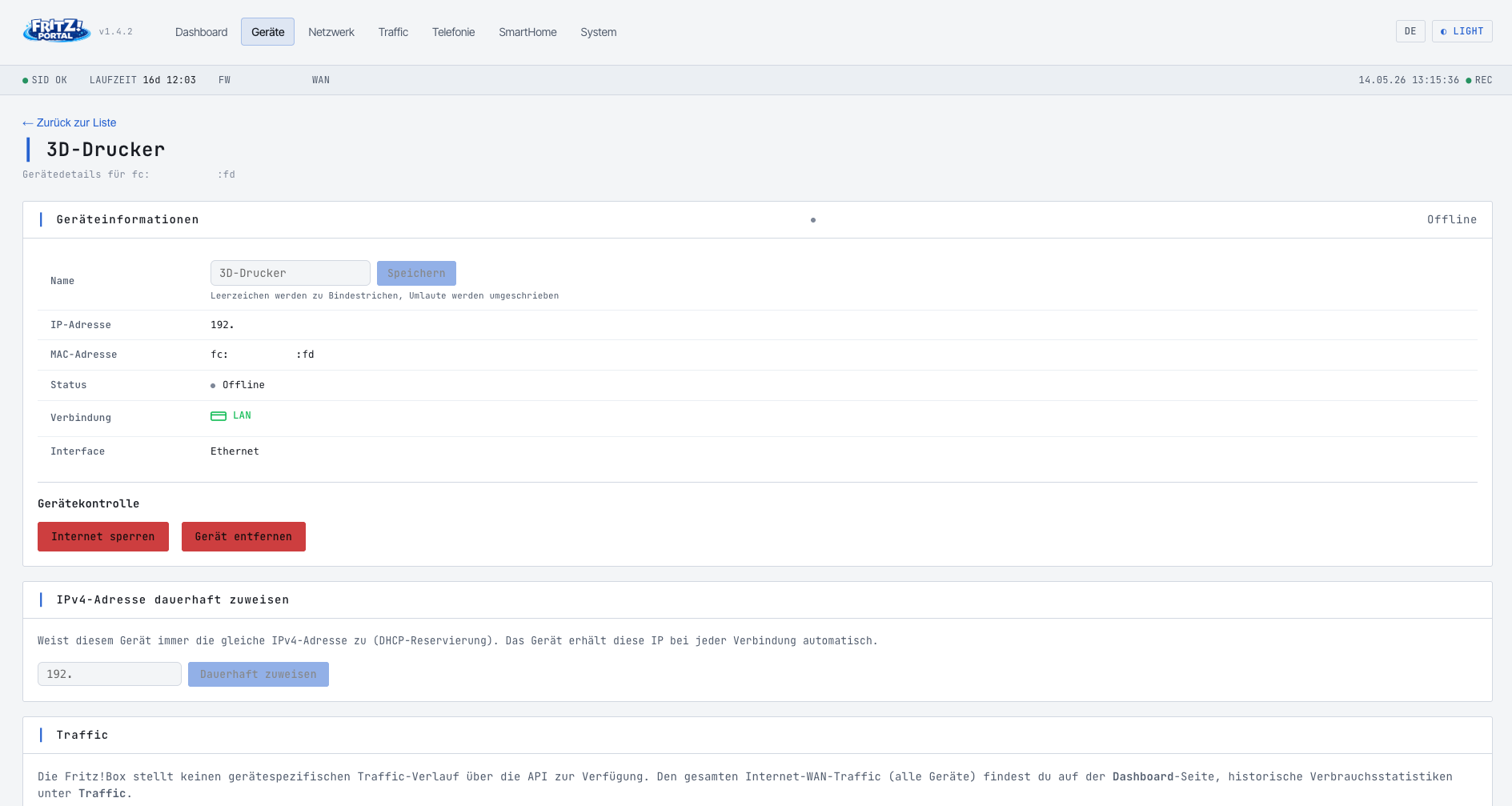
| Device Detail | Rename device (with umlaut sanitiser), reserve a fixed DHCP IP, block/unblock internet, remove device from the FRITZ!Box list |
| Network | LAN, WAN, WLAN, DHCP – details at a glance; Mesh topology visualisation with mesh and radial network view; WLAN on/off per SSID (e.g. guest access); WLAN password editable inline |
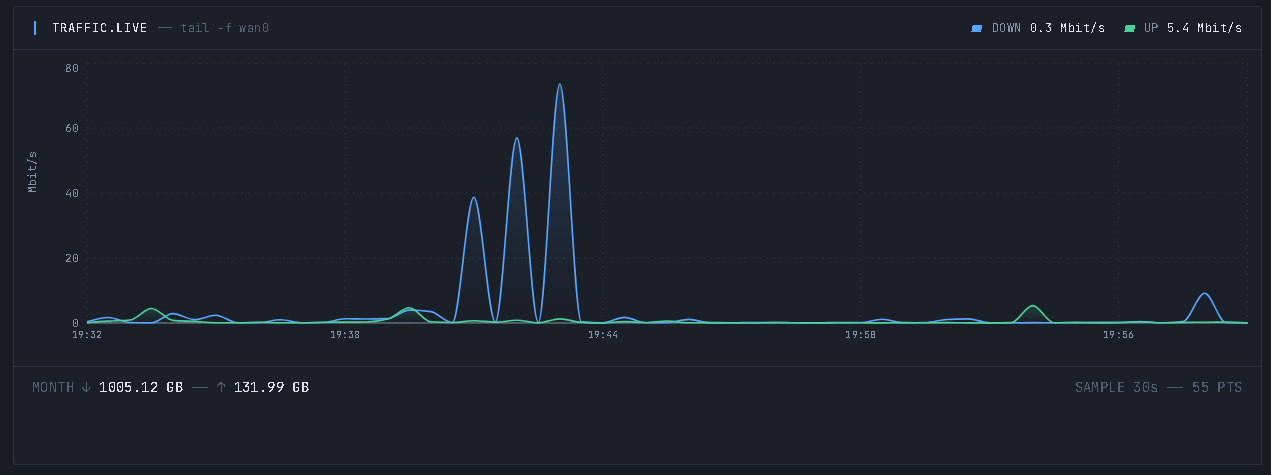
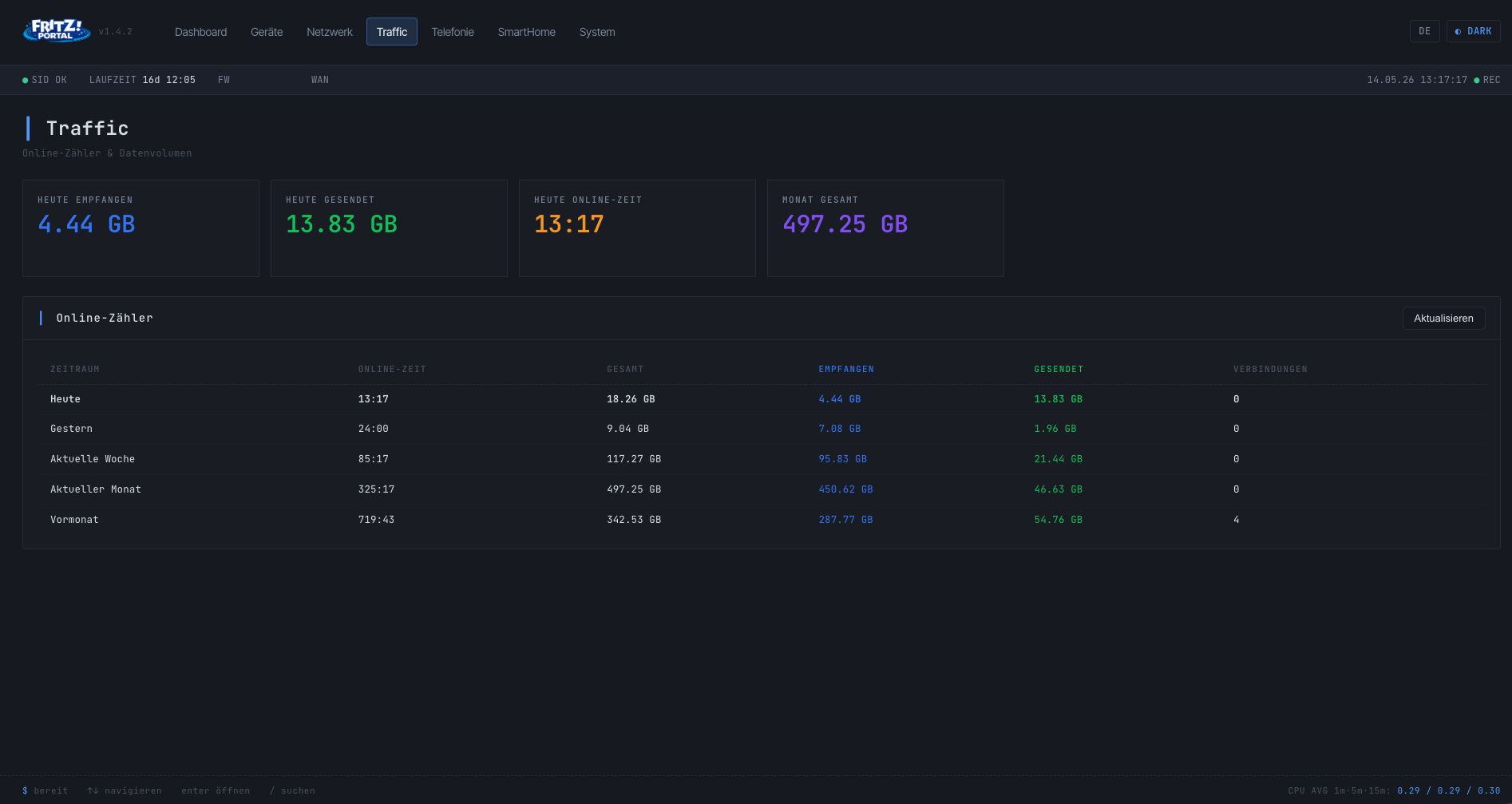
| Traffic | Live download/upload chart (30 s tick, 30 min history) + statistics for Today, Yesterday, Week, Month, Last Month |
| Telephony | Call list (caller/called/device separated, type filter) and DECT handsets – clean separation from SmartHome (DECT actors like FRITZ!DECT 200/301 only appear under SmartHome) |
| SmartHome | Overview of all AHA devices (sockets, thermostats, sensors, RolloTron) with temperature, switch state and power consumption |
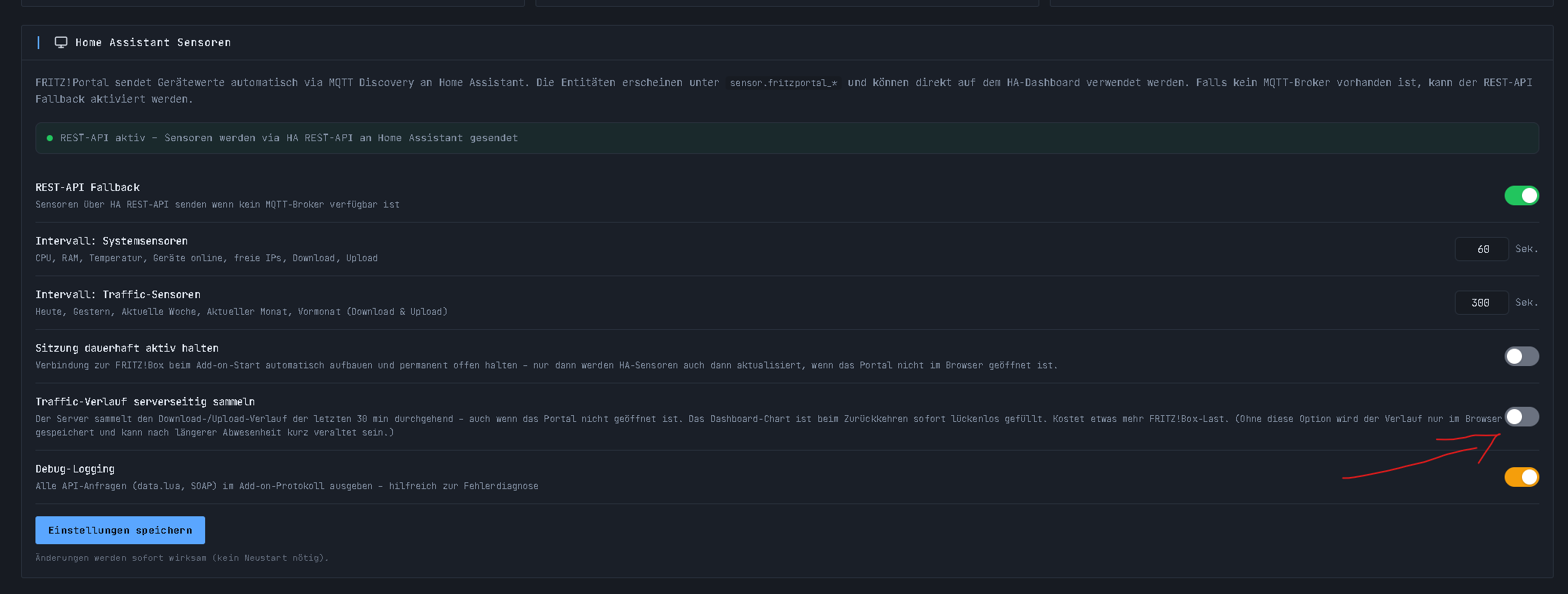
| System | Fritz!Box model, firmware, uptime, serial number, reboot function; HA sensor configuration, debug logging, „keep session alive" toggle |
| HA Sensors | CPU, RAM, temp, devices, free IPs, download, upload, traffic counters – automatically pushed as sensors to Home Assistant |
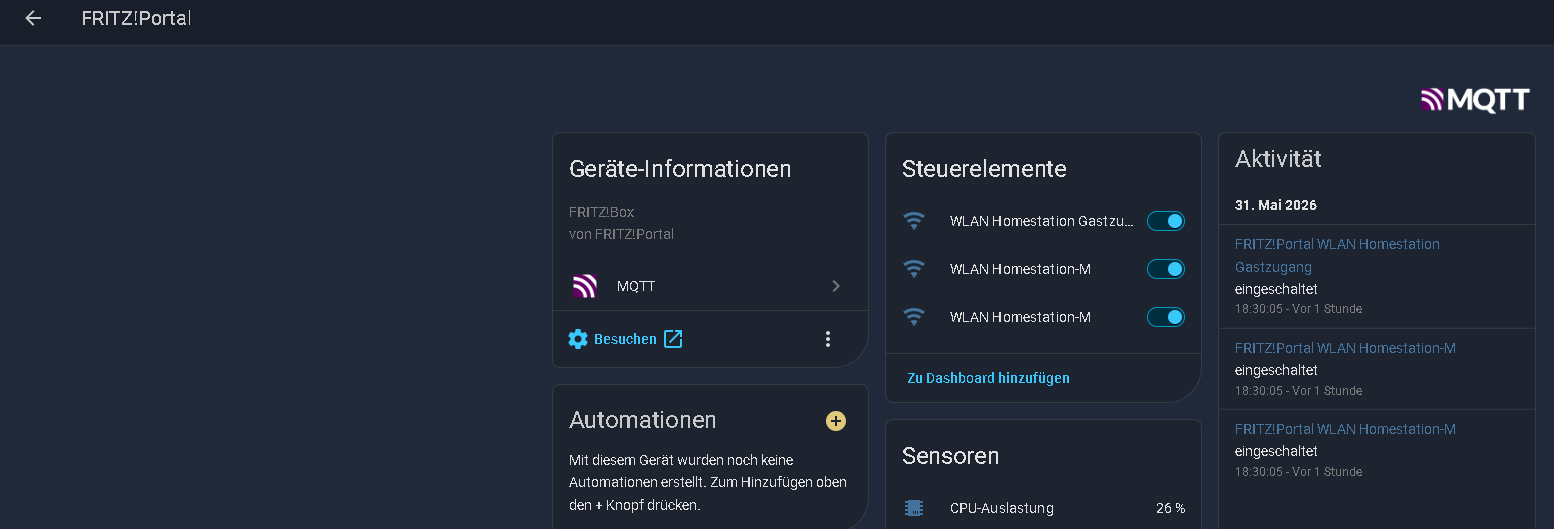
| MQTT Discovery | Default transfer method: all sensors are registered via MQTT as a grouped „FRITZ!Portal" device in the HA device overview |
| REST API Fallback | Optionally enabled for users without an MQTT broker – sensors then appear as individual entities |
| Languages | Fully German / English switchable via DE/EN pill in the header, selection is persisted |
| Dark / Light Mode | Reactive theme (TERMINAL.OS Slate · Blue) without page reload |
| Ingress | Full integration into the Home Assistant interface, no port forwarding required |






Have a look, feedback is welcome.