Hi all:
I’d like to control the theme mode (light/dark) based on sun.sun position. Following the instructions I have configured the UI with below settings. As I understand “Use default theme” means backend preferred theme:
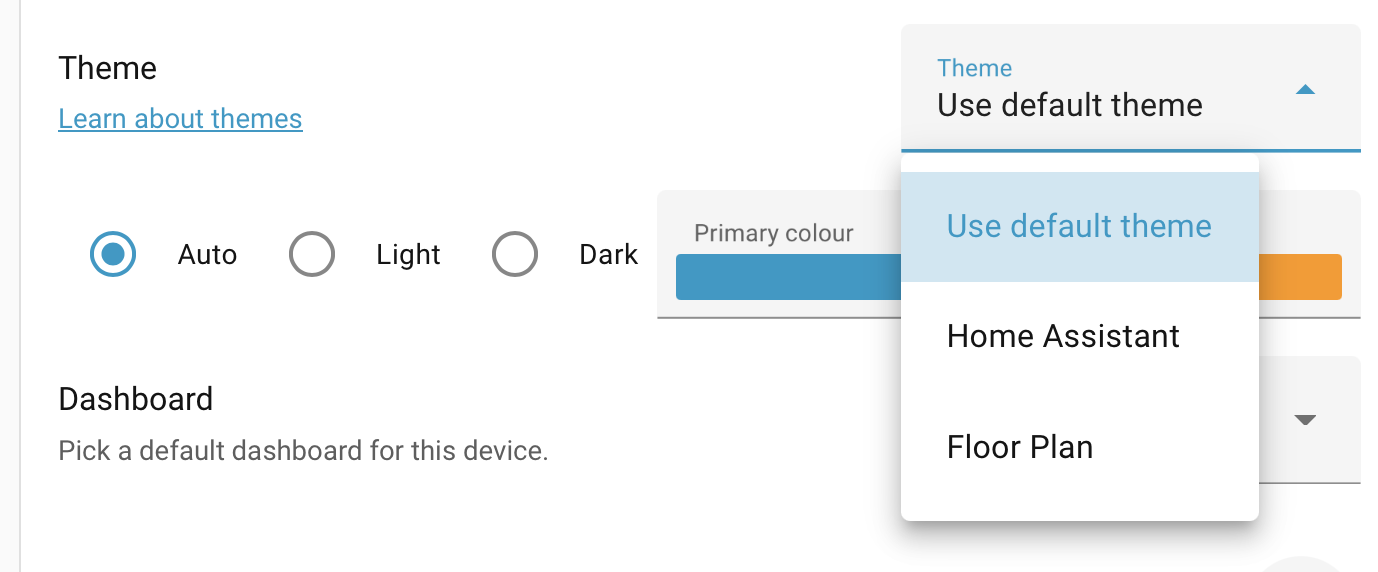
My theme looks like below with dark and light modes:
Floor Plan:
  element-bg-filter: "blur(1px)"
  overlay-bg-filter: "blur(6px)"
  ........
  modes:
    light:
      element-bg-color: "rgba(255,255,255,0.1)"
      dropdown-bg-color: "rgba(255,255,255,0.5)"
      nilan-card-bg-color: "#8CB36D"
      nilan-card-filter: "brightness(1)"
      charger-card-bg-color: "#03A9F4"
      charger-card-font-color: "#FFFFFF"
    dark:
      element-bg-color: "rgba(0,0,0,0.1)"
      dropdown-bg-color: "rgba(0,0,0,0.5)"
      nilan-card-bg-color: "#2E3A24"
      nilan-card-filter: "brightness(0.6)"
      charger-card-bg-color: "#0A2A42"
      charger-card-font-color: "#6C6C6C"
However the action doesn’t switch the theme from light to dark mode:
action: frontend.set_theme
data:
  mode: dark
  name: Floor Plan
Anything am I doing wrong here? Appreciate your help!