Fully Kiosk Browser: can't reinstall it having deleted it (seems to still exist in background)

Hi, I had to remove Fully Kiosk Browser from my HA integrations, but having removed it from my integrations through Settings, it seems it is still somewhere lurking in the background because if I try to reinstall it, I get a message that it is already configured (see image below). I have tried looking for references to it in the yaml files, but not had any success. It is working fine on the tablet, which shows my dashboard, but I can’t access any diagnostics about the tablet without Fully Kiosk Browser installed as an integration in HA.

According to the set up pages, “this integration follows standard integration removal. No extra steps are required”.

Any help greatly appreciated!
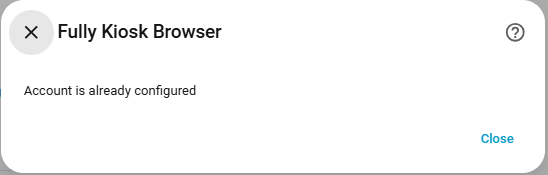
For anyone out there who got stuck in the same loop as me, I finally worked it out three months later (i.e., tonight). There is a bit to the right of the search bar that shows disabled integrations, but these don't show when you search for them (I was searching for Fully Kiosk in integrations, but would get the message: "No integrations found. Adjust your search criteria."; if I then tried to add Fully Kiosk Browser, I would get: "Account is already configured."). When I found that, I was able to reconfigure it.

I was surprised the disabled integration wasn't found in the integrations search, but there you have it.