That was a great question, and the answer is that the dashboard is showing the right URL with the javascript. In both cases (with and without the javascript) the URL just flashes up briefly. When the URL doesn’t have javascript, the ?anchor=menu flashes briefly and then the site scrolls. With the javascript and the on state, the ?anchor=menu flashes briefly and there is a tiny bump in the page. This behavior suggests that the problem is the anchor card. There are various options I can try with it. I tried extending the timeout to 2 seconds but that made no difference. I’ll have another go at it soon. Thanks for the idea!
oh and I have 16 conditional cards, each opened by clicking on a custom:button-card, and the scrolling puts the conditional card at the top when opened, scrolling back to the top of the page when closed.
Sheesh, I reversed the order of the actions, and everything works. I think what was happening is that the first action toggled the state, but it took an appreciable amount of time to do it because it also shuts all other conditionals if they are open, so the second action wasn’t picking up the correct state or was somehow reacting to a state change. Instead, I scroll first to the correct location, then toggle the state, and everything just works.
Yet another example of the difficulty of adjusting to a language like javascript, where things happen simultaneously, when you grew up with Fortran.
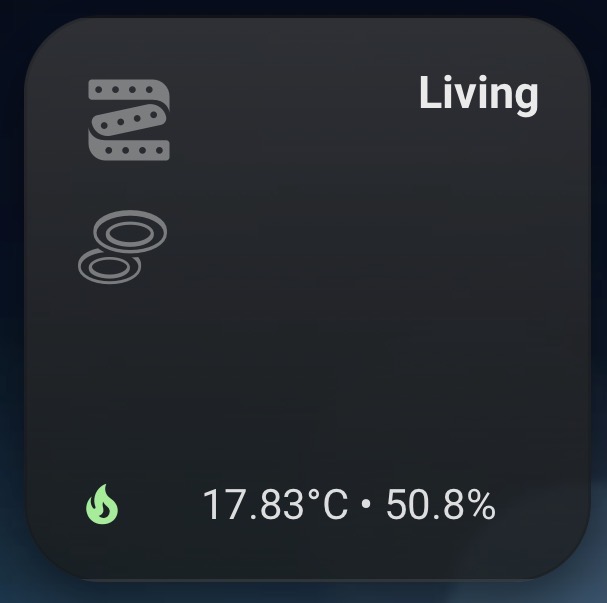
 I made this “room card” for some reason I can’t get it to work the way I want.
 but still no success.