Hi everyone,
I’d like to introduce Glaswerk Styler, a theme studio for Home Assistant 2026.10 and later. You can install it straight from the Marketplace.
What is it?
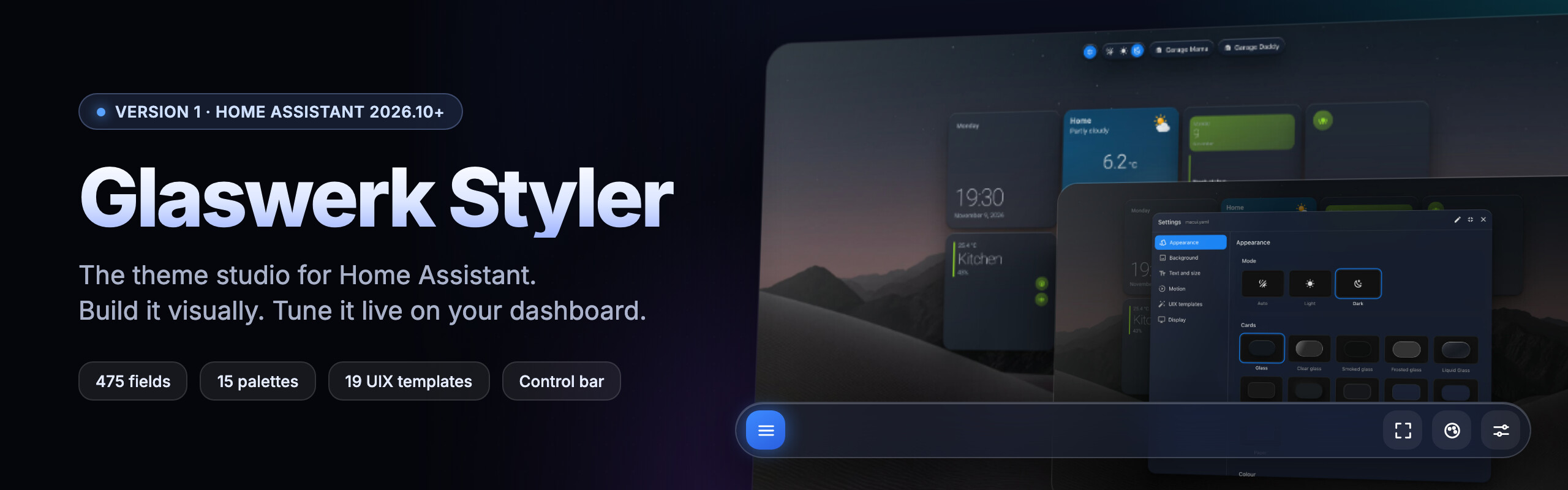
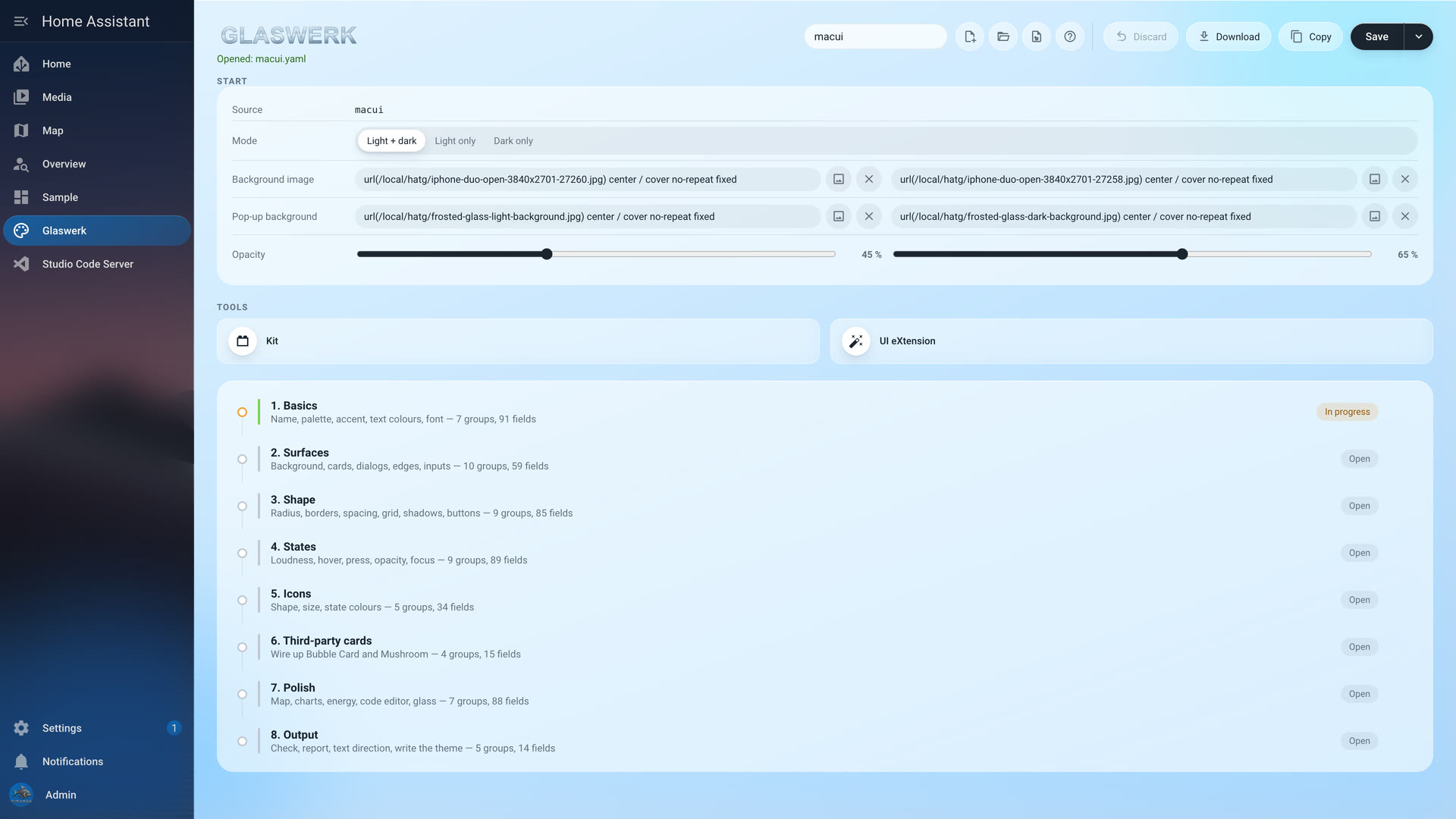
Glaswerk adds its own panel to the sidebar, where you build a complete theme without touching YAML. It is built on Home Assistant 2026’s new colour layer: from 15 decisions, HA derives 51 fill colours and 19 text colours. What you get is a plain theme file that you can share or edit by hand at any time.
 Watch the 2½-minute video. Clicking the image opens it on YouTube:
What’s included
- Studio: open any existing theme, including other people’s. Anything Glaswerk doesn’t know stays untouched. There are 475 fields in eight steps, and every group says in one sentence what it is for.
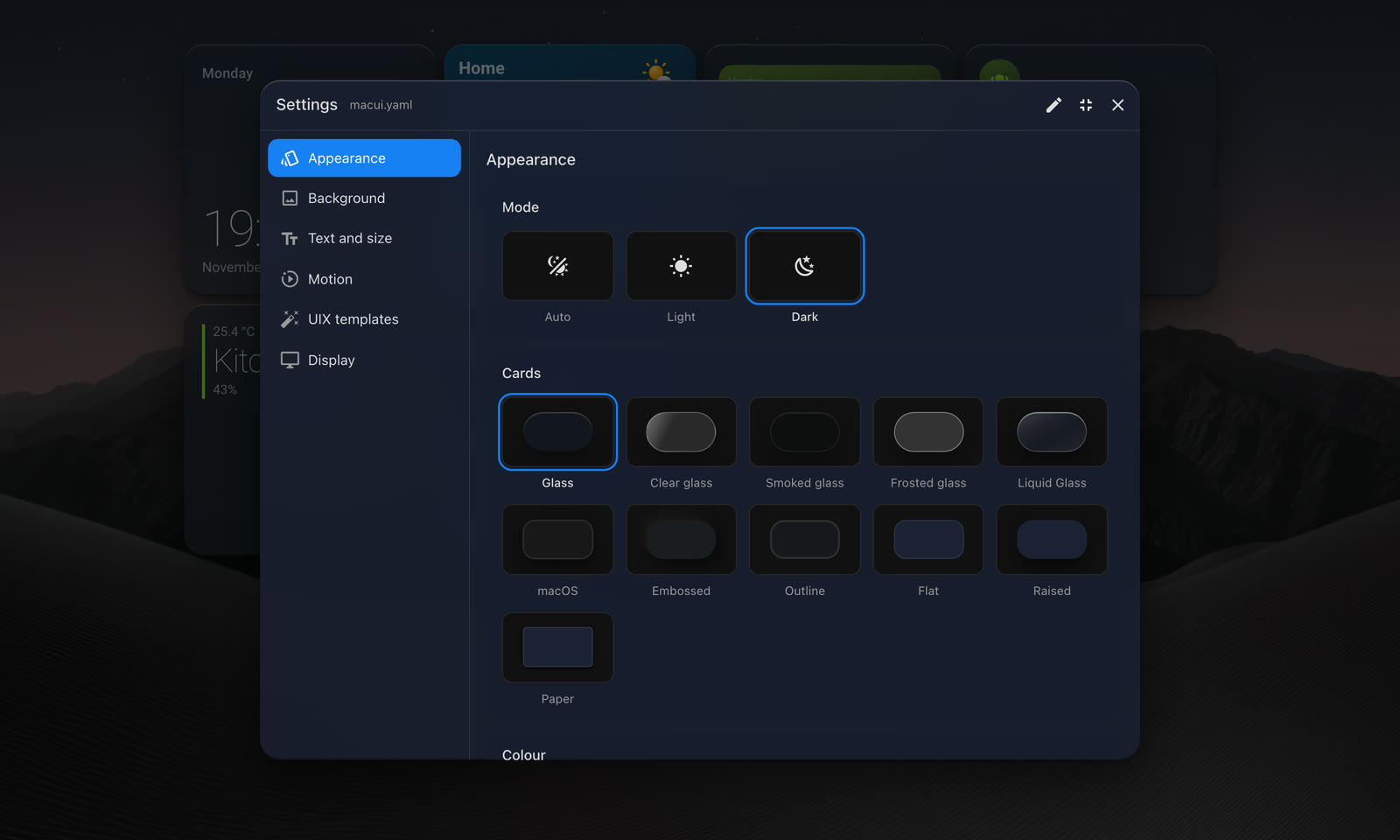
- Kit: ready-made parts for palette, font, corners, density, card style and background. It includes 15 colour palettes, among them macOS, Android, Nord, Solarized, Catppuccin and Gruvbox.
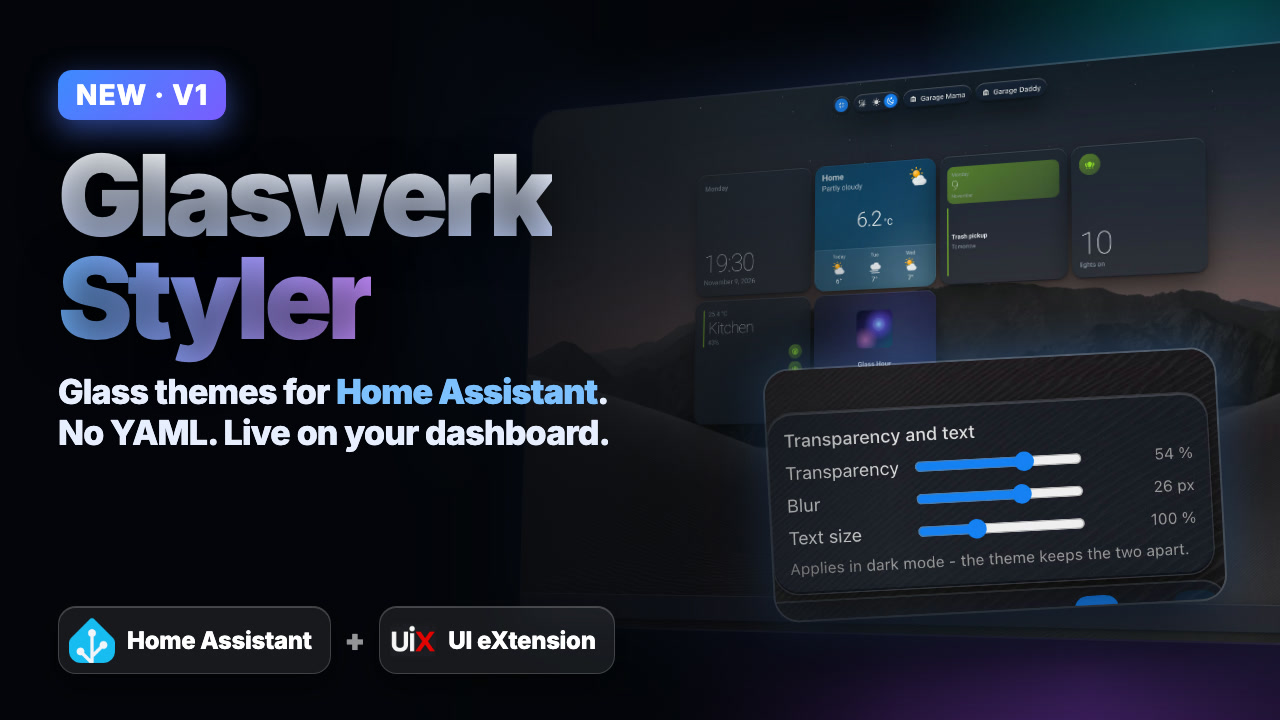
- Control bar for dashboards: a menu, fullscreen (remembered per device), and quick sliders for transparency, blur and text size. A settings window modelled on the Mac’s System Settings is included too. Every change is written straight into the theme file.
- Badge for the badge row: light, auto, dark and fullscreen.
- 19 UIX templates for UI eXtension, with before and after previews.
- Bubble Card and Mushroom read their colours from the same layer.
- Backups: every write keeps the previous version, and one click brings it back.
- Five languages: English, German, French, Dutch and Spanish. Glaswerk follows Home Assistant’s language; any other language gets English.

Install via the Marketplace (HA 2026.11 and later)

- Click the button. To do it by hand: Settings → Marketplace → Add from link →
Piranha1605/glaswerk-styler - Open Glaswerk and install it. The setup opens by itself afterwards.
On HA 2026.10, use HACS → Custom repositories → https://github.com/Piranha1605/glaswerk-styler, type Integration. If you already installed Glaswerk through HACS, you don’t need to do anything when you move to 2026.11, because it moves to the Marketplace with everything else.
UI eXtension is only needed for the UIX templates.
Links
- GitHub: https://github.com/Piranha1605/glaswerk-styler
- Latest release: Release v1.0.2 — Panel language fix · Piranha1605/glaswerk-styler · GitHub
If you already use HATG: it stays in service, and both can be installed side by side. Glaswerk is the second, simpler way.
Feedback, bug reports (GitHub issues welcome) and screenshots of your themes are very welcome. I’d especially like to hear from you about the translations.
If you like Glaswerk: Buy me a coffee 
 Do you plan to get at least an english version of it ?
 I confirm it works fine now and displays in english in my HA setup in French so all good
