Hello, I would like to use Google Drive as one of the destinations for my Home Assistant backups. I tried doing this with the Google Drive integration, which can be installed under “Settings > Integrations > Add Integration > Google > Google Drive.”
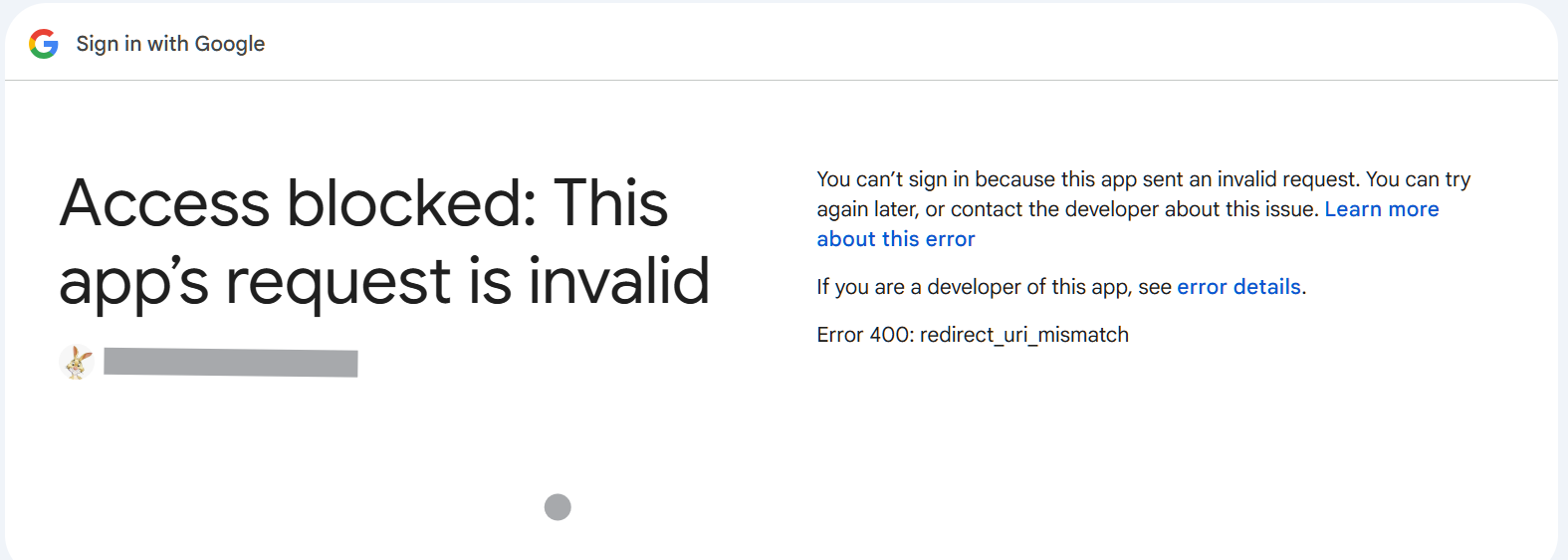
Problem: I keep getting an authorization error, even though I followed all the steps exactly as described in various posts and videos — I always get the same error.
This also applies to the other Google apps, for example the calendar — same problem.
I have tried various suggestions that were made here in the forum, but without success. The Google Developer Console also looks different now than it is usually described.
Nevertheless, I was able to generate a Client ID and the corresponding key, but they did not work in the Google integrations — see above. Where could the problem be?
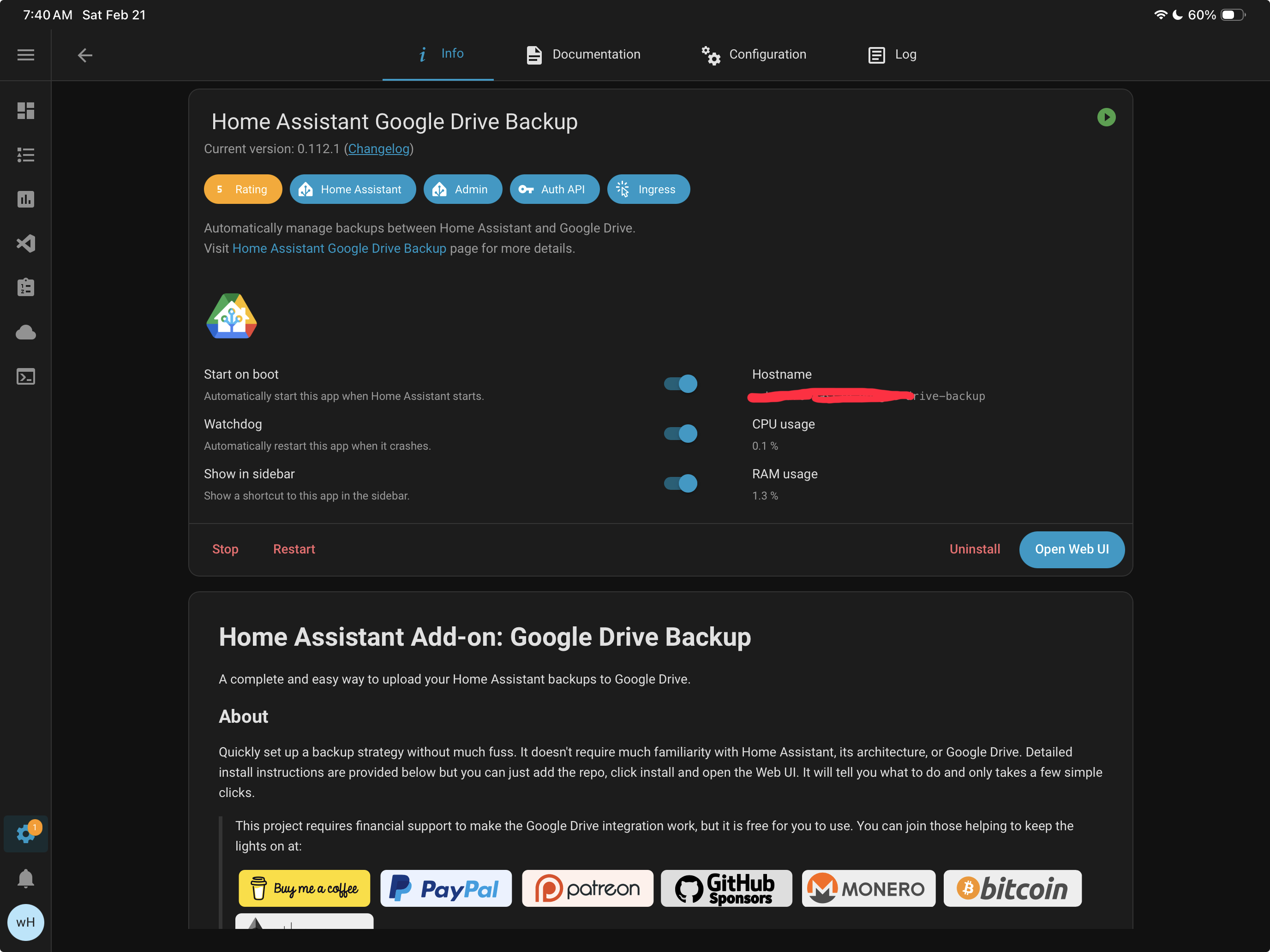
I’ve compared what it says it does to what shows up in Google Drive and it maps and sizes are consistent. I’ve not actually had to restore it. I like the fact that its a separate process to create a separate offsite backup, and there is no material use of the free google account’s drive
It definitely works (and I believe it’s still maintained, just hasn’t had any updates for a while). It’s been my sole backup method and has worked great for years.
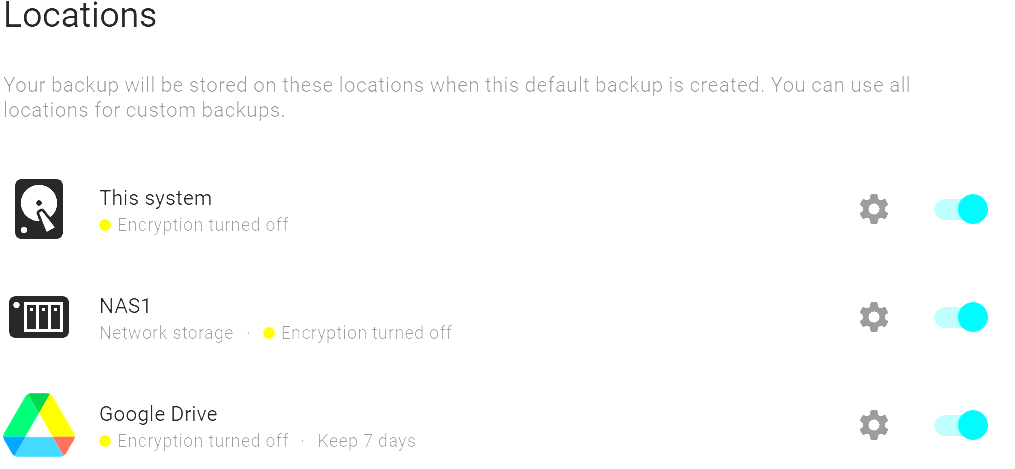
I am skeptical when software hasn’t been maintained for three years. From which new HA version does it stop working? Also, it does not integrate with Home Assistant’s native backup system. The “official” implementation integrates seamlessly with Home Assistant’s backup system, and I can add Google Drive as a third target. I tried everything and followed strictly the instructions in a German YouTube video – successfully. I later checked the official description including the video (Google Drive - Home Assistant), and the instructions appear to be identical. Nevertheless, I can see and configure Google Drive as a third target in …/config/backup/settings: