I’m having endless problems with Google translate as TTS after the other one got discontinued and taken out of HACS.
I have A helper that I call with messages that I want to broadcast to all my google home speakers.
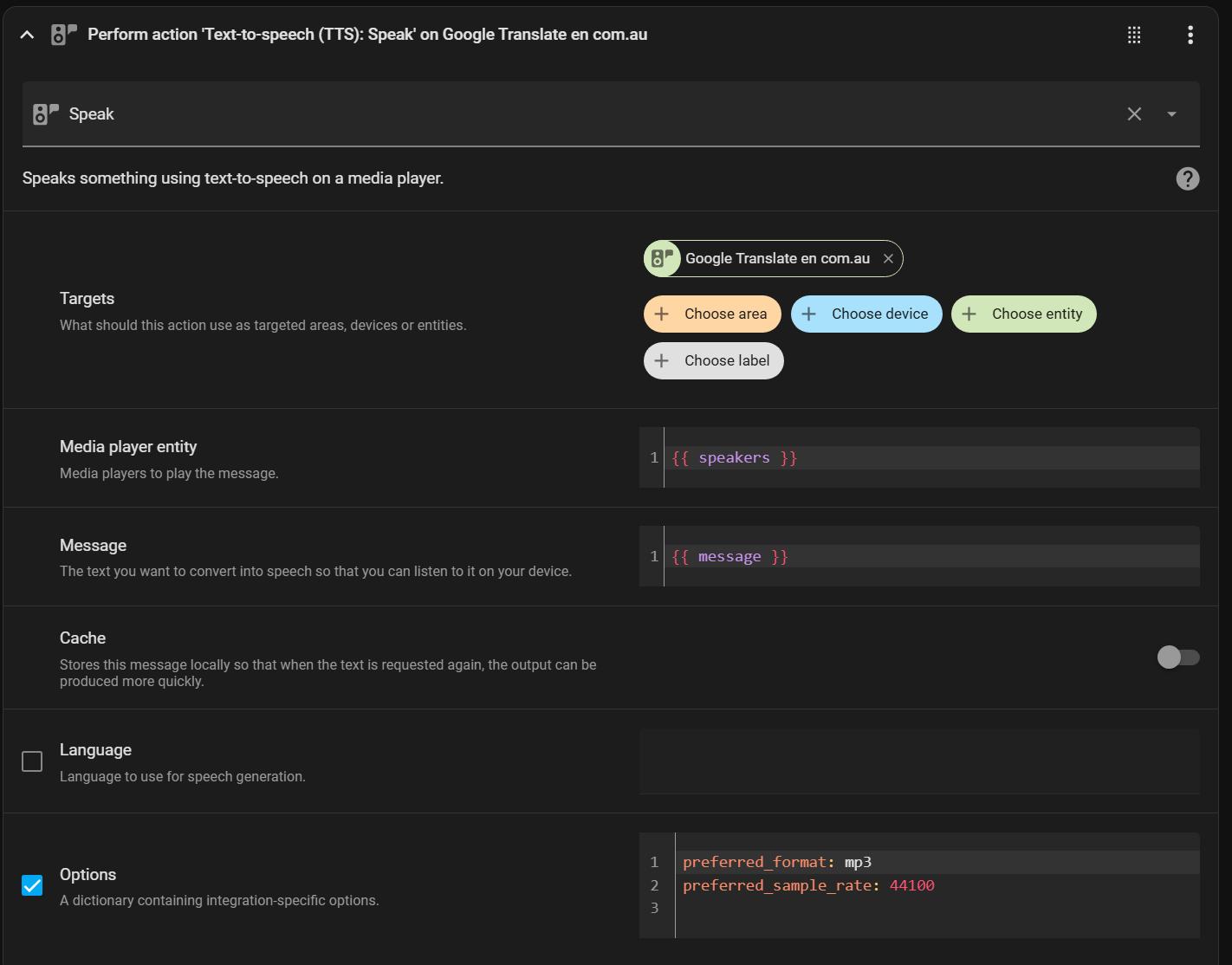
Before I call the TTS I make sure I turn on the speaker because this seemed to be a problem before as well. I added the option for the format because this is noted as a possible problem sometimes as well.
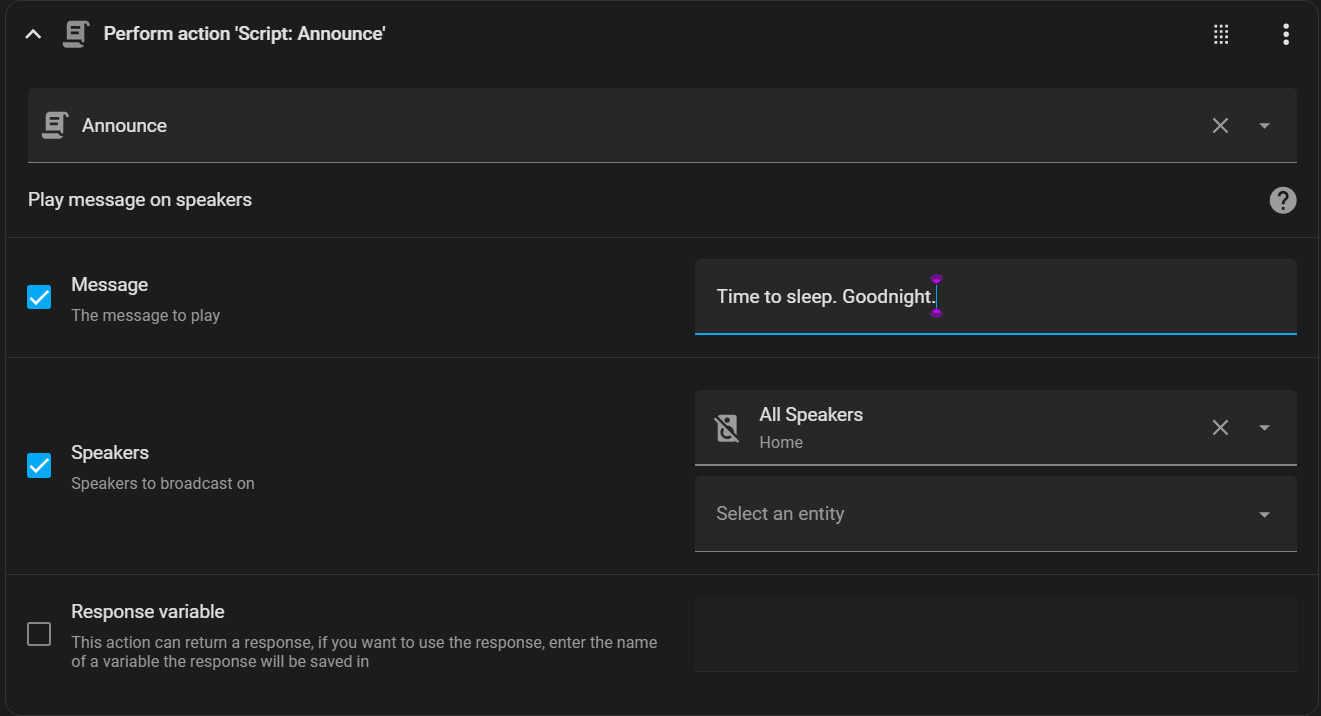
When I call this function like this:
It works if it is the only function but if you have any further calls to the same function then the first one gets cut off.
This is 100% a problem with google translate because I have tried other TTS and it does not have this overriding issue.
I’ve started adding a timer wait after each call for example wait 10 seconds but it’s not useful because I don’t know how long each message might be.
Is there any way to fix this or is there any other TTS which does not sound like a robot?
Hello aussie1497,
It you are sending more than one message, you need to use delay between in order to space it out. Same if you for instance send a mp3 sound, like a bell or a buzzer then TTS behind it. You need to program in delays to space them out.
I did not seem to need to do this with other TTS
In fact I have a night time where I say a message and then I play an MP3 sound and we’ve used it for four years with no problems
It appears to be an issue with Google Translate otherwise has there been a change in Home Assistant itself
The problem is how would I know how long the delay needs to be? The time it takes to speak is not the length of the sentence
Sometimes there’s a few seconds delay before it even starts the first word.
I’ve always had to do this.
You test it and add more or less…
Actually this does not make sense at all.
Because in the case where I am making a single TTS with no more commands or actions afterwards, it can still get cut off.
This is despite having a 10s delay after the TTS.
I have changed my announce action to be like this:
`
Summary
alias: Announce
description: Play message on speakers
trace:
stored_traces: 100
fields:
message:
name: Message
description: The message to play
selector:
text: null
speakers:
name: Speakers
description: Speakers to broadcast on
selector:
entity:
multiple: true
integration: cast
domain: media_player
sequence:
- action: media_player.turn_on
metadata: {}
data: {}
target:
entity_id: “{{ speakers }}”
- delay:
hours: 0
minutes: 0
seconds: 0
milliseconds: 500
enabled: true
- action: tts.speak
target:
entity_id: tts.google_translate_en_com_au
data:
media_player_entity_id: “{{ speakers }}”
message: “{{ message }}”
cache: true
options:
preferred_format: mp3
preferred_sample_rate: 44100
- delay:
hours: 0
minutes: 0
seconds: 12
milliseconds: 0
enabled: true
- action: tts.speak
target:
entity_id: tts.google_translate_en_com_au
data:
media_player_entity_id: “{{ speakers }}”
message: “{{ message }}”
cache: true
options:
preferred_format: mp3
preferred_sample_rate: 44100
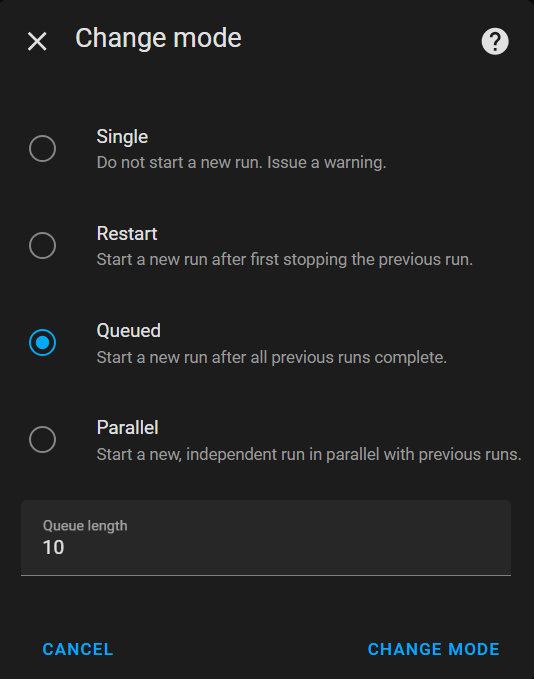
mode: queued
icon: mdi:bullhorn-variant
max: 10
`
It’s foolproof — if it fails the first time it pauses and plays the second time by which time the cache will be loaded It worked well for a while you would hear the first time it says half a word and gets cut off and then you just wait for 12 seconds and then it says it properly.
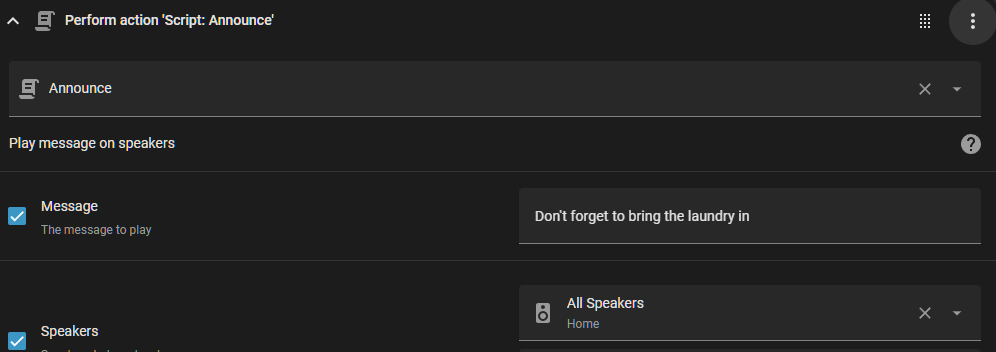
Today an automation played the message “Don’t forget to bring the laundry in”
What I heard was “Dep” … pause …“Dep”
Come on this is ridiculous there’s nothing else playing There is a 10 second pause which is more than twice as long as it’s needed.
I went back to the action and ran the announce and it is fine.
And then I typed this out (5min) and then I ran the action again
This time it said “Don’t forget to brpp” … pause …“Dep”
It is literally cached and proven to have worked just a few minutes ago.