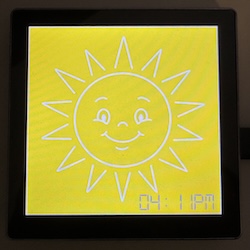
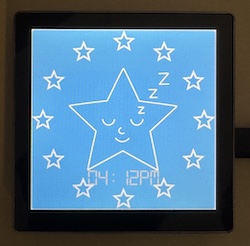
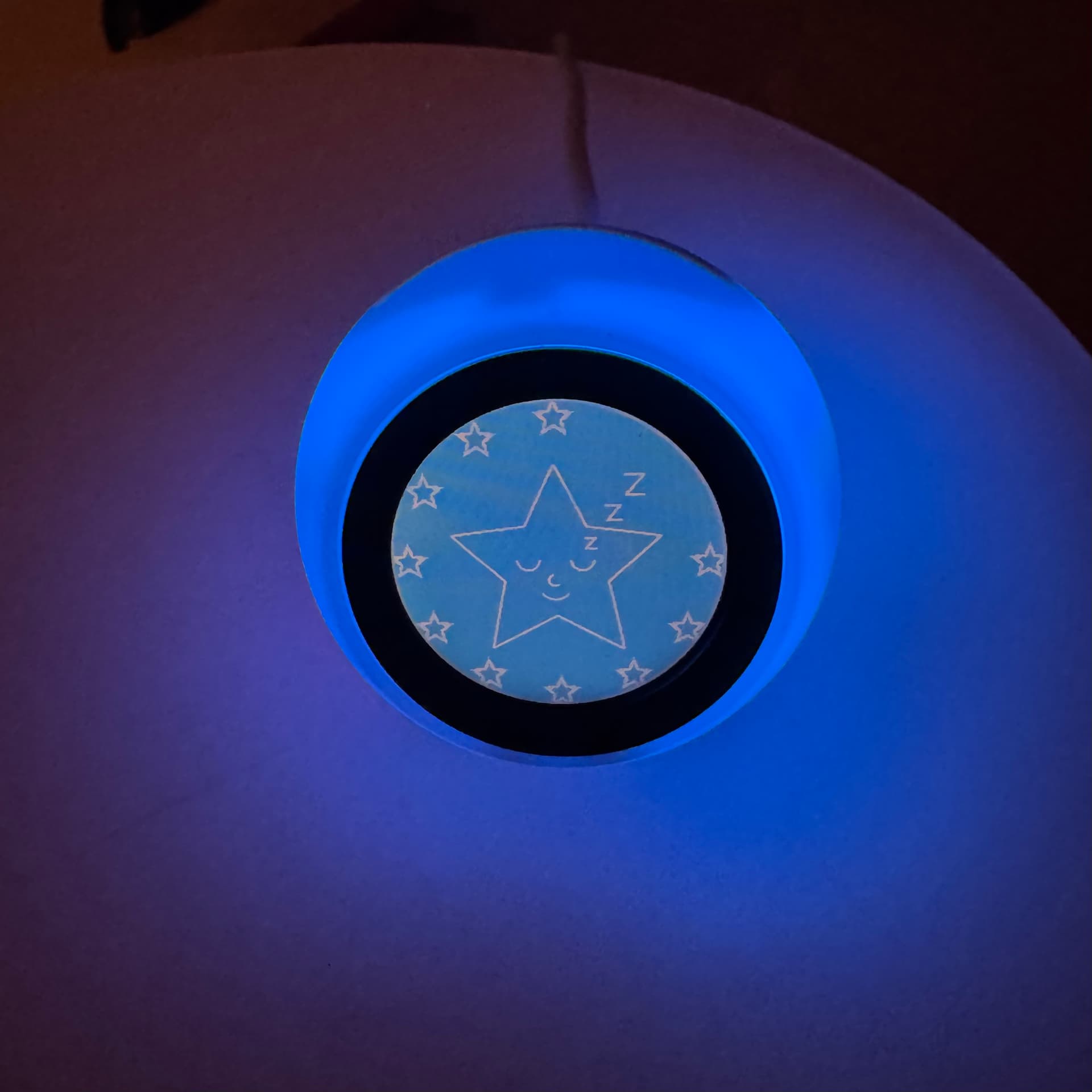
For anyone who’s got toddlers who love to get out of bed early, the Groclock is a pretty invaluable tool for getting them to stay in bed (or at least stay in their room). But they’re also pretty expensive for what they are, and the screen is prone to break if dropped or thrown.
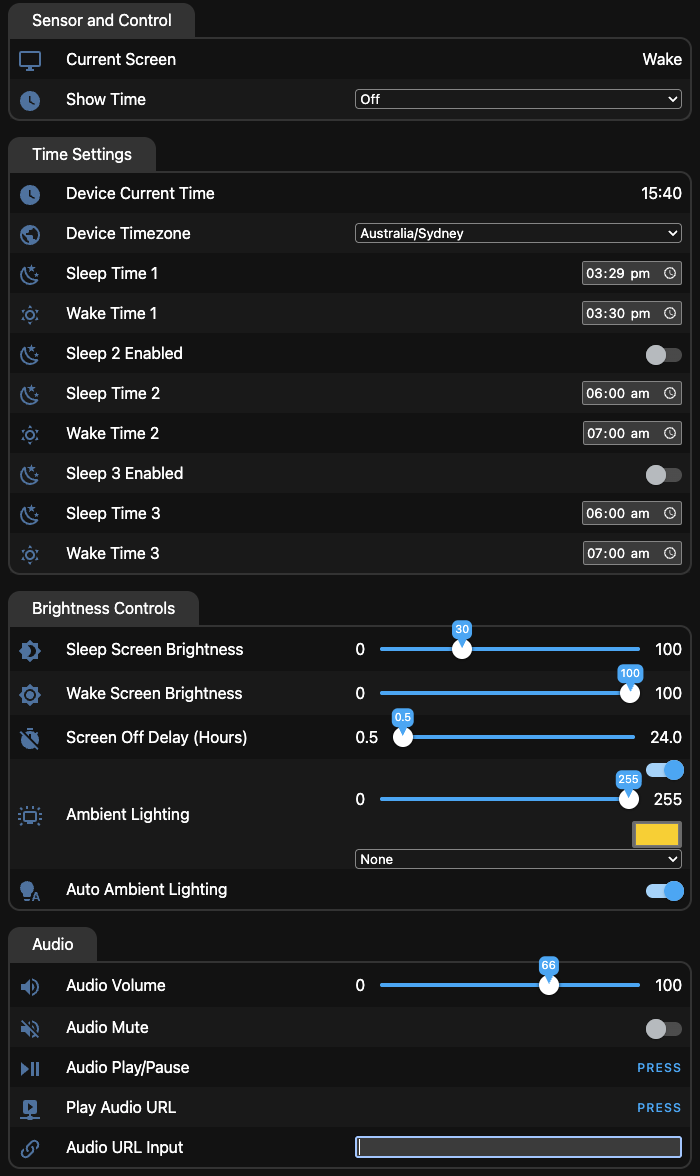
I had a couple of Guition ESP32-S3-4848S040 screens lying around and figured they’d be a perfect drop-in replacement, so built an ESPHome based version. We’ve been using it for a month or so now and haven’t had any complaints.
It can be used entirely independent of Home Assistant as well, with the ability to stream audio from a supplied URL (for white noise or other sleep noises).
I’ve managed to get this working on a waveshare ESP32-S3-Touch-LCD-1.28 and it acts as it should, I’m no programmer so have no idea how complicated it would be, but any idea how I could change it to remove the pre-programmed sleep time and keep the preprogramed wake time. Ideally I would like to be able to start the sleep timer with an automation (RFID card read currently turns main lights off and starts a sound generator).
Happy to share the waveshare yaml if you wanted to add it to the git?
Hey mate, sorry for taking a month to get back to you!
Without making major changes to the ESPHome config, this should be possible using Home Assistant automations - set up a trigger (the RFID card read), and when the automation is run, change the sleep time to the current time.