Grocy Meal Plan to Calendar Sync (with Duplicate Check)

About this Blueprint
This blueprint automatically synchronizes your Grocy meal plan to a Home Assistant calendar. It runs daily and ensures your dining schedule is always visible in your dashboard or calendar app.
Features
 Smart Sync (Duplicate Check): It checks if a meal with the same name already exists on the specific day before adding it. This prevents cluttered calendars if the automation runs multiple times.
 Multi-language Support: Labels and descriptions are available in English and German.
 Customizable Prefix: You can define a prefix for your events (e.g., "Meal: " or "Dinner: ").
 Flexible Schedule: Choose exactly when the sync should trigger every night.
Requirements
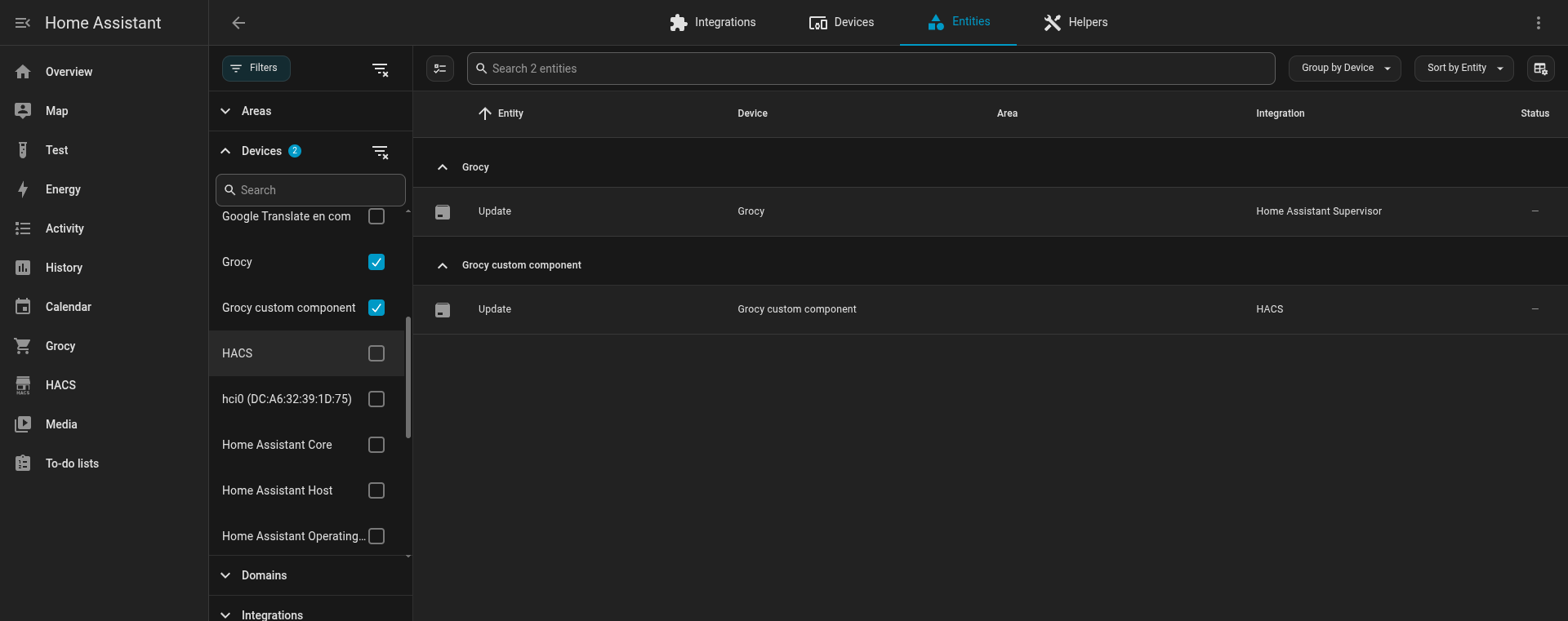
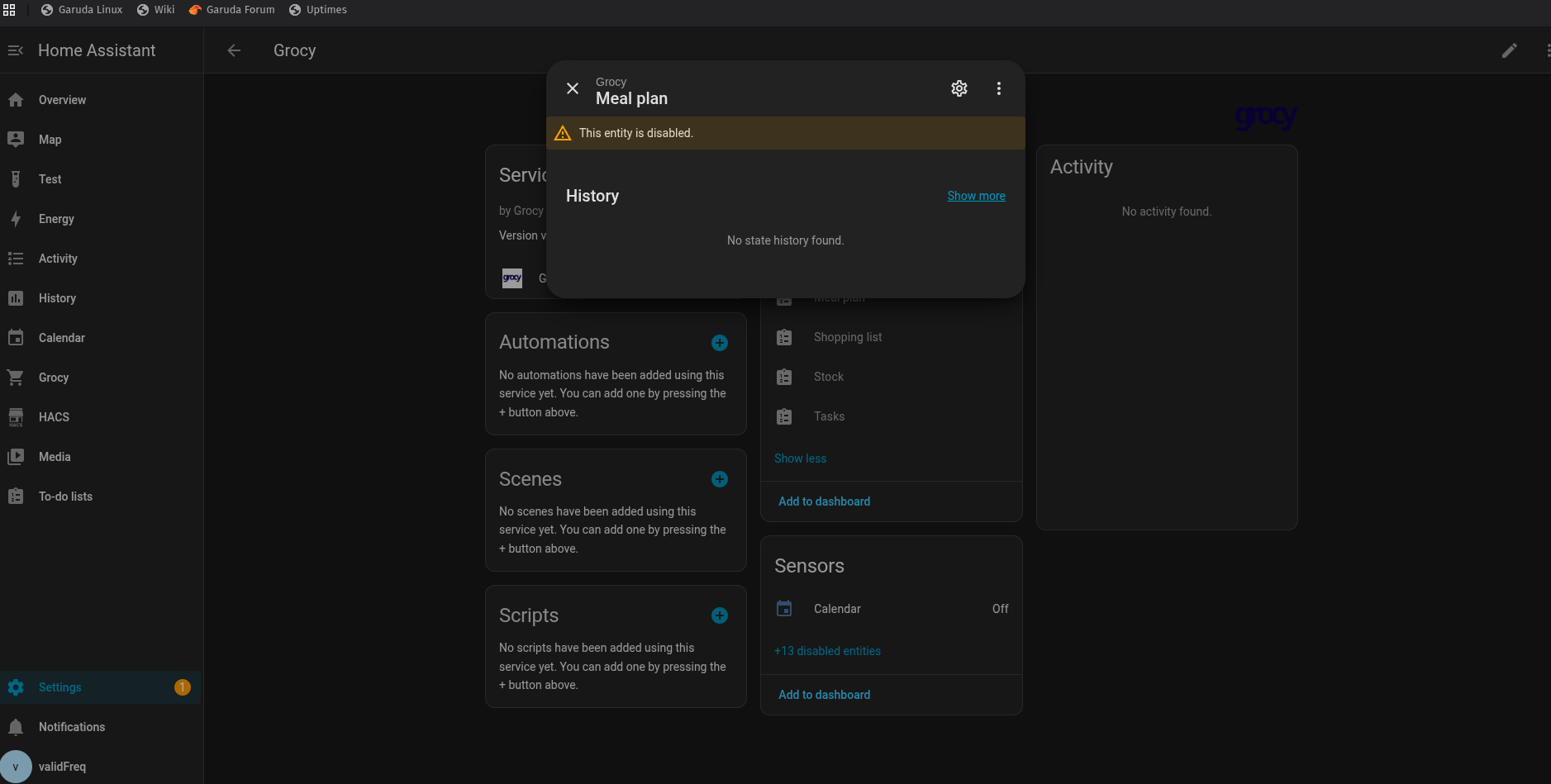
- Grocy Integration: A working Grocy setup and the
sensor.grocy_meal_planentity. - Writable Calendar: You must use a calendar that supports creating events.
- Supported: Google Calendar, CalDAV, or the Local Calendar integration (created via Settings → Devices & Services → Add Integration → Local Calendar).
- Not Supported: Read-only calendars (like ICS-file imports or automatic holiday calendars).
Known Limitations
As Home Assistant currently does not provide a calendar.remove_event or calendar.update_event service via automations, this blueprint can only add entries.
- If you reschedule or delete a meal in Grocy, the old entry will remain in your calendar and must be removed manually in the UI.
Configuration
- Import the blueprint using the button above.
- Select your Grocy meal plan sensor (usually
sensor.grocy_meal_plan). - Select your target calendar.
- Set your preferred sync time and event prefix.