Grouping input_boolean's

Hi All,

What would be the best way to track input_boolean’s in bulk within an automation?

I’ve built out a “habit tracker” which uses input_boolean’s. Upon true, the habit count increases by 1. This resets every night back to 0.

Within my automations, I have to add each input_boolean on it’s own and whenever I add a new “habit” I have to go back to multiple automations to add the new input_boolean.

Is there any easier way to scale this that I may be missing? All of them have “habit” in the name, is there some kind of scripting approach I could use instead?

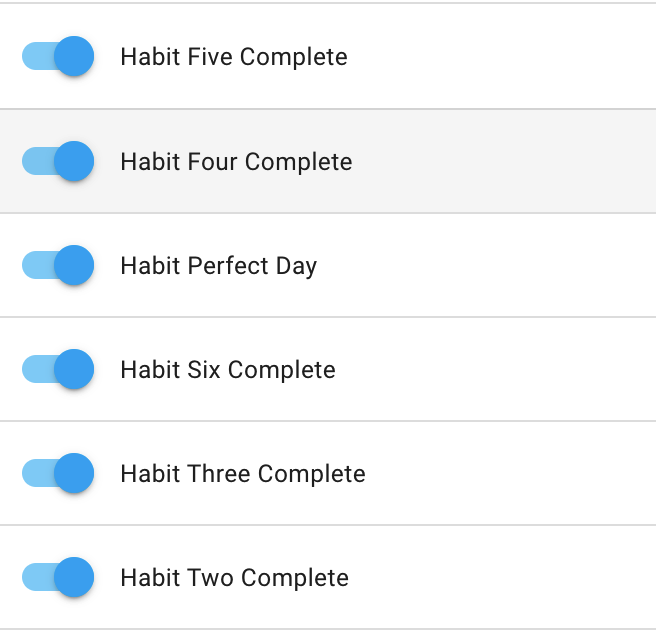
Here is an example of part of 1 of the automations. I need to add a trigger for each input_boolean. Can these be grouped somehow?

Thank you very much!

1 Like

If you’re comfortable with a little yaml, you don’t even need an automation or counter helper for that… it can be done with a Template Sensor.

The sensor itself is configured as follows:

template:
  - sensor:
    - name: Habit Boolean Count
      state: >
        {{ states.input_boolean | select('search', 'habit_') 
        | selectattr('state', 'eq', 'on') | list | count }}
      availability: >
        {{ states.input_boolean | select('search', '.habit_') 
        | selectattr('state', 'eq', 'on') | list | count is number }}

This will create a sensor that reports the number of input booleans that are “on” and contain the search term “.habit_”. As long as your future input booleans follow the naming criteria they will automatically be included.

You will still need your nightly automation to reset all your booleans, but we can make it smart as well…

alias: Reset Habit Booleans Nightly
description: ''
variables:
  active_bools: >
    {{ states.input_boolean 
    | select('search', '.habit_') 
    | selectattr('state', 'eq', 'on') 
    | map(attribute='entity_id') | list}}
trigger:
  - platform: time
    at: '00:10:00'
condition:
  - condition: numeric_state
    entity_id: sensor.habit_boolean_count
    above: '0'
action:
  - service: input_boolean.turn_off
    data: {}
    target:
      entity_id: '{{ active_bools }}'
mode: single
5 Likes

Ahh amazing, thanks so much! I’m going to give this a try

Works perfectly, thanks again

1 Like

@Didgeridrew Using something similar, would I be able to create a notification automation that notifies after each completion? Something that would be dynamic: “X out of Y total habits completed”.

Right now i’m doing this manually with an automation at every level when sensor.habit_boolean_count changes. Ex:

alias: Habit Two Complete
description: ''
trigger:
  - platform: state
    entity_id: sensor.habit_boolean_count
    to: '2'
    for:
      hours: 0
      minutes: 0
      seconds: 10
condition: []
action:
  - device_id: 615d0a34ee8a0a88ed63e119575cec1b
    domain: mobile_app
    type: notify
    message: 🚀 {{ states(trigger.entity_id) }} Completed! 🚀
    title: HabitKeeper
mode: single

Sure. You could do it a few ways…

  1. Create another sensor that counts all the Input Booleans without selecting for state.
  - sensor:
    - name: Total Habit Boolean Count
      state: >
        {{ states.input_boolean | select('search', 'habit_') | list | count }}
      availability: >
        {{ states.input_boolean | select('search', '.habit_') | list | count is number }}
  1. Add the template from above directly into your message:
alias: Habit Completed
description: ''
trigger:
  - platform: state
    entity_id: sensor.habit_boolean_count
    for:
      hours: 0
      minutes: 0
      seconds: 10
condition:
  - condition: template
    value_template: '{{ trigger.to_state.state > trigger.from_state.state }}'
action:
  - variables:
      total_habits: >
        {{ states.input_boolean | select('search', 'habit_') | list | count }}
  - device_id: 615d0a34ee8a0a88ed63e119575cec1b
    domain: mobile_app
    type: notify
    message: 🚀 {{ trigger.to_state.state }} out of {{ total_habits }} Habits Completed! 🚀
    title: HabitKeeper
mode: single

Notice that by not assigning a to: or from: to the State trigger, the automation will trigger on every state change*. Then, by adding a condition to only execute the actions when the trigger’s new state is greater than the previous state, you avoid notifications from the nightly reset or manual reset of individual input booleans.

* Technically it fires whenever the value of any attribute changes, but this sensor only has a state.

Awesome makes sense and works great. Thanks for the help with this!