Could you please clarify what you mean by “preview”? Describe the situation.
1 Like
Wow, you really tried to fight against hardware limitations? You have ambition and you’re a perfectionist! I get annoyed by these artifacts too, but I prefer to accept them because I neither have the time nor the patience to try to fix them.
There are two perspectives from which we can look at this problem:
- Hardware limitation: the way displays work in general, and this 480x480 display in particular. All displays, even high-resolution ones, including the round ones used in watches, have a matrix made up of straight lines and columns. Therefore, they all face the same challenge when displaying a circular arc. Of course, with high-resolution displays, the human eye does not notice these artifacts as much, especially if the images benefit from advanced anti-aliasing features. Still, I believe that if you implement your design on a 720x720 display (I saw some modules with this resolution, 4-inch with ESP32 P4 on AliExpress), these artifacts won’t bother you as much. I will definitely test that myself!
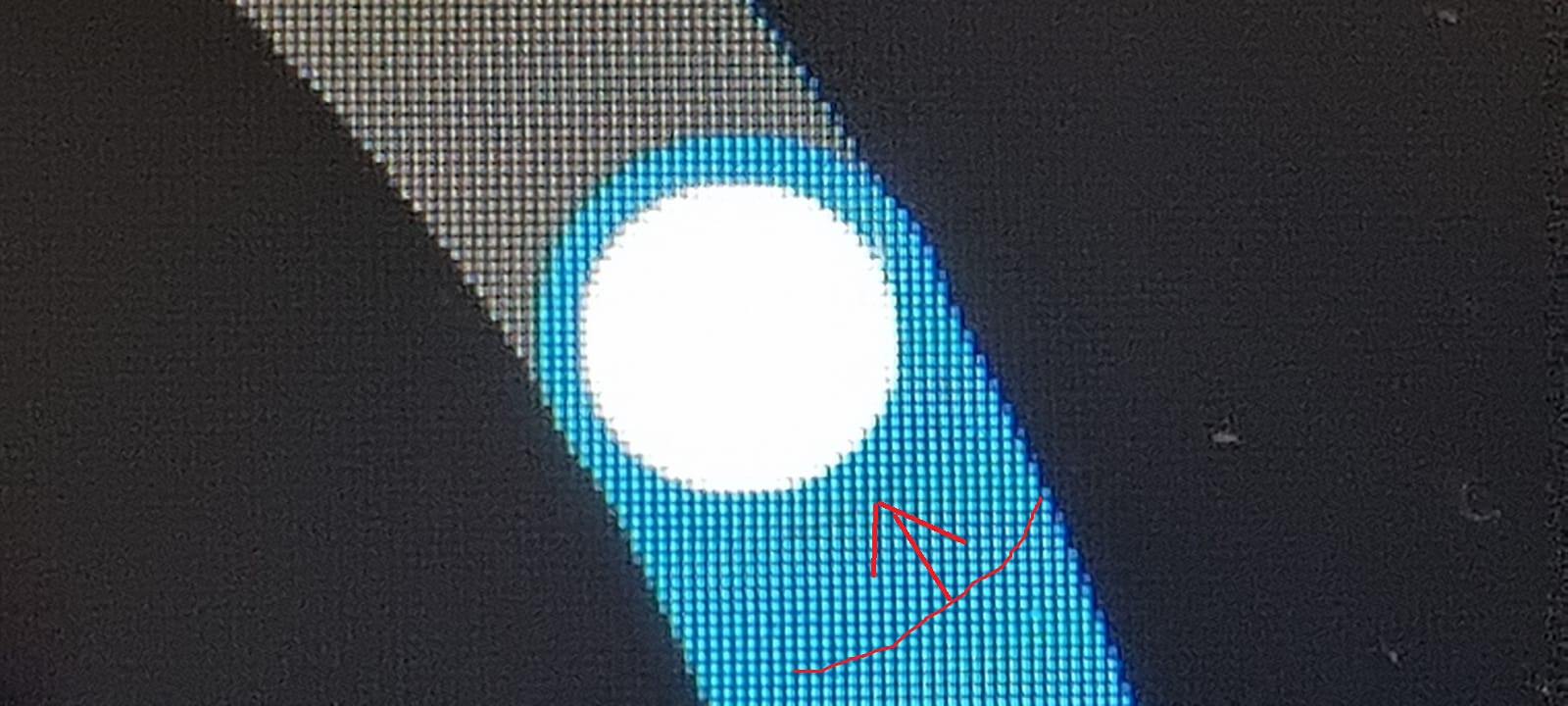
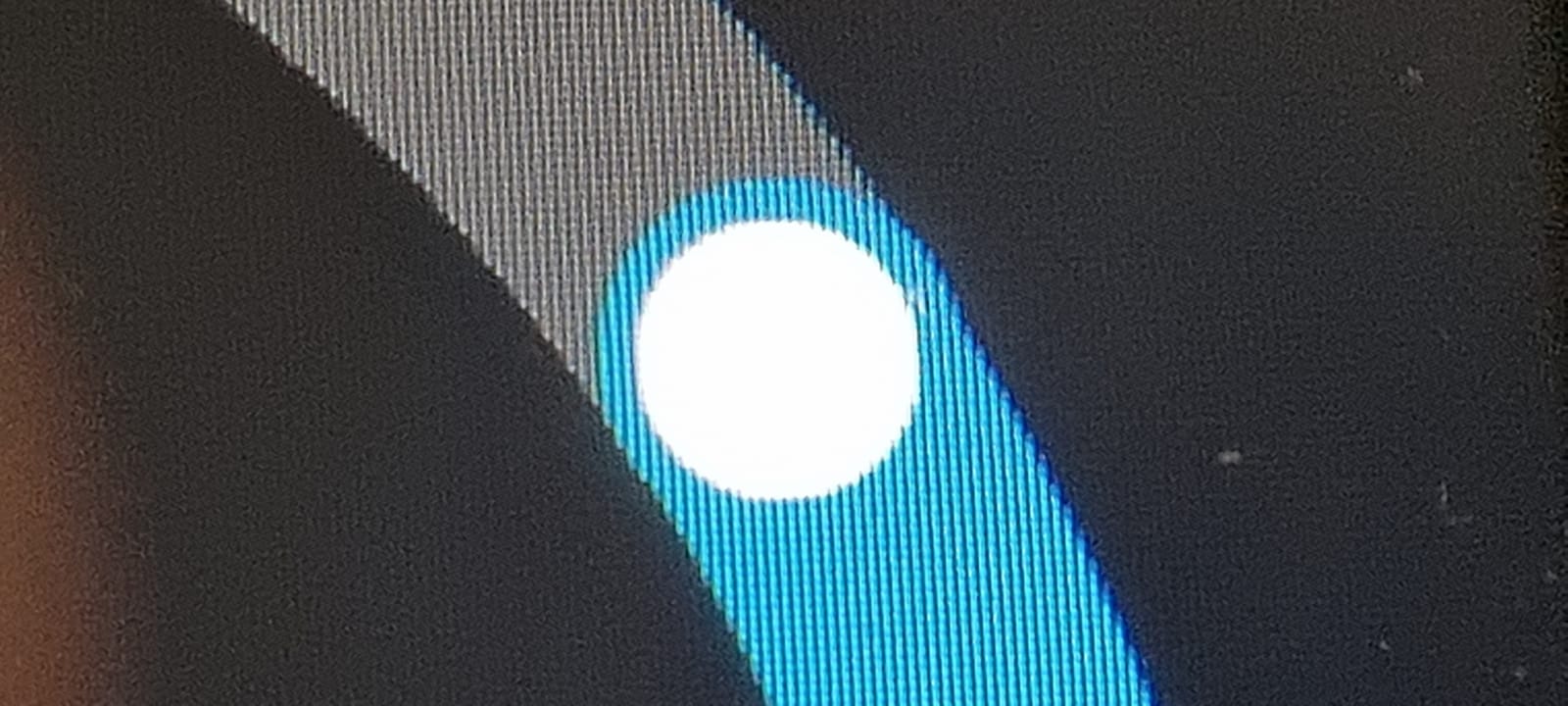
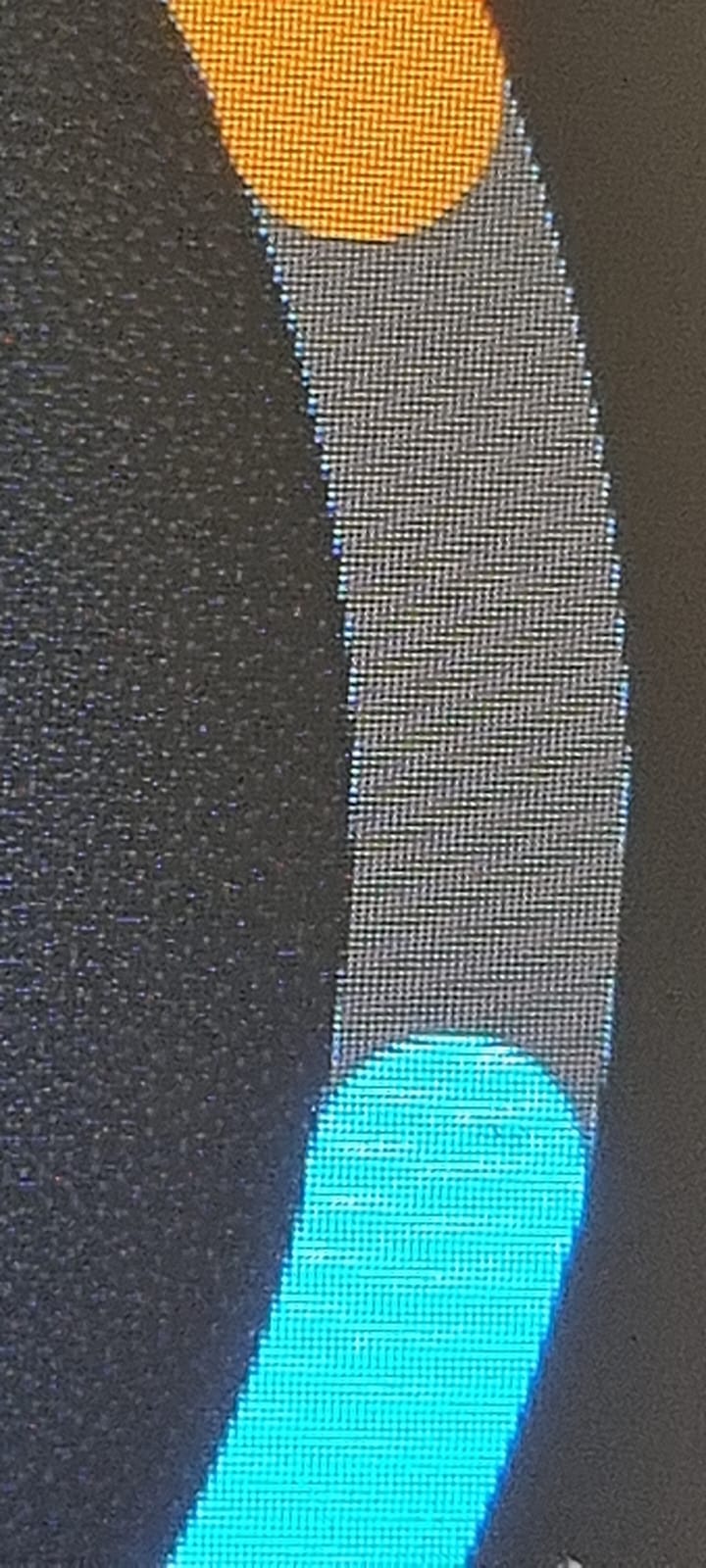
- The way the “arc” function works in LVGL and how anti-aliasing is implemented. I don’t think the LVGL developers could have done much better. We use several overlapping arcs to display multiple colors that appear on a single arc, even though the “arc” object in LVGL only allows for two colors: one main arc and one indicator. Thus, when there is a visible arc of a certain color on top, you can see the anti-aliasing of the arc underneath if it cannot be hidden. We cannot disable this anti-aliasing function because the underlying arc would become visible past a certain value, and that could cause more harm than good. A similar discussion can be had about the knob. Here, the hardware limitation of the 480x480 display strongly comes into play. In the images below, the difference set on the arc is only 0.1 degrees Celsius. As you can see, a darker curved line appears there because simply there are no pixels on the display where there should be, so the adjustment was larger. But, if we analyze it in detail, this line is not so obvious, so the anti-aliasing function in LVGL works great!
If you have other opinions, please feel free to contradict me! 
What i meant was is there lika lvgl editor so I can just position or change the icon the way I want it?
- There is a tool called SDL, I use it for good quality screenshots and for fast LVGL development. Its essence is in device emulation on a computer. Instead of hardware, you run emulation, respectively, all code elements responsible for the operation of the device hardware should be excluded (wi-fi, relays, ota, display, touchscreen, etc.). But you need to understand what you are doing, it will not be so easy to figure it out. And this only speeds up development, since the compilation of emulation is faster. Specifically, I do not know the UI LVGL editor for ESPHome.
- For icons, it is easier for you to understand how the label widget works in esphome lvgl. The coordinates of the icon are set by the x and y attributes relative to align. The icon itself is “text”, “text_font” is the font, “text_color” is the color of the icon. Move, change the size through the font, change the color.
2 Likes
First of all, thank you for this… It’s been on my list to convert my dual thermostat from Openhasp to esphome, but I’ve been procrastinating.
Second, I agree with this - I see the same in Openhasp, but I just ignore it. It became evident pretty quickly that your assessment is accurate.
1 Like
Looks like its possible to increase the number of colors with one line of code by editing lv_conf_internal.h.
#define LV_GRADIENT_MAX_STOPS 2
Not sure how this would effect the upper ESPHome code.
1 Like
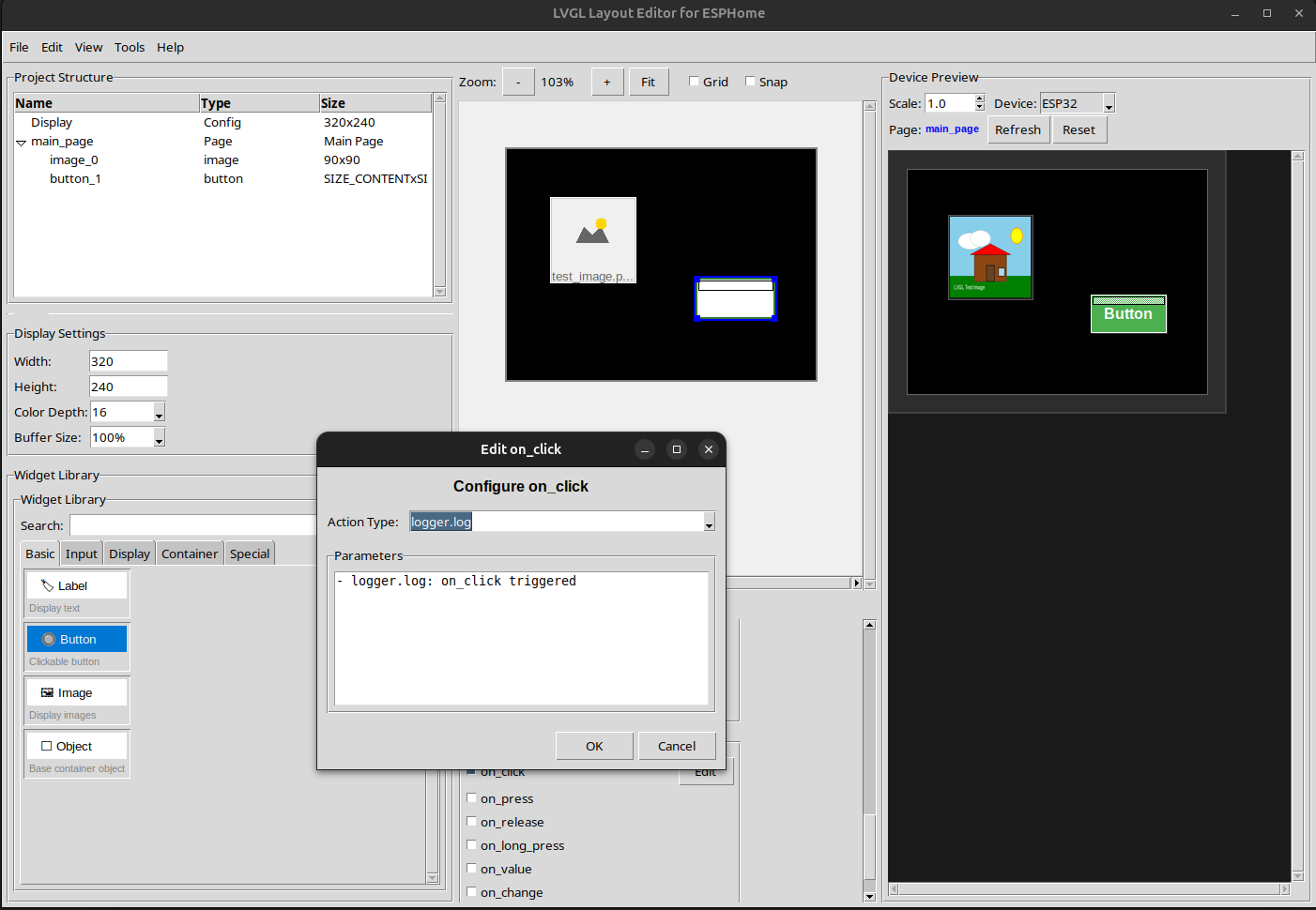
I vibe coded some LVGL editor that can write ESPHome compatible yamls. Pretty amazing what AI can do nowadays  I’ll try to test this further . Maybe it is of use for some of you. It’s just the initial version that AI coded so far
Nice do you havge any screen shots of it working?
Hello everyone! Some news. Currently, a new interface is being tested to allow flashing devices without messing with the code.
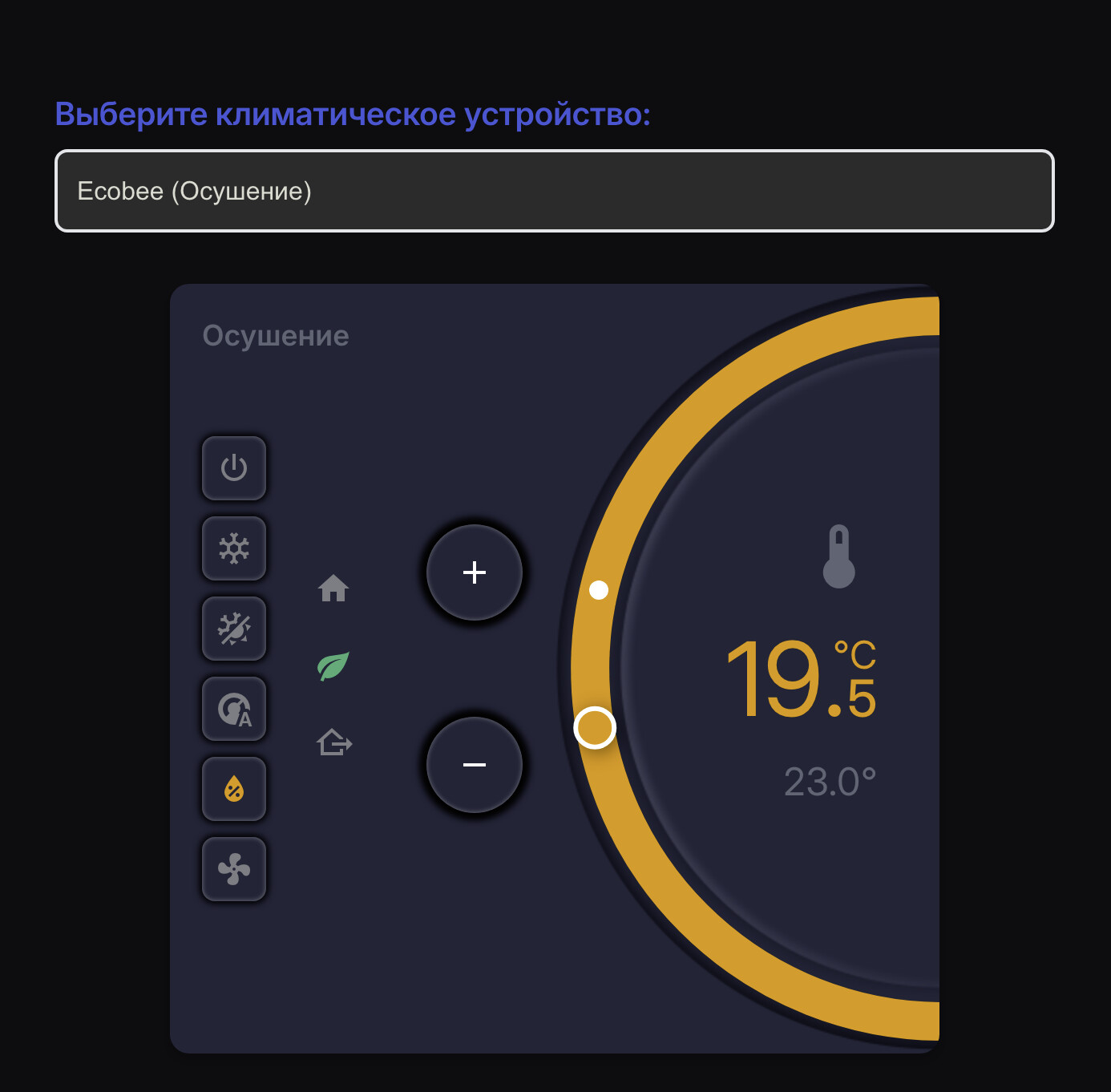
How will it work? You will go to the constructor page in the documentation, connect to your Home Assistant, select options, and get a ready yaml file, and simply flash it via ESPHome Builder. At the initial stage, which I will try to post this Sunday, you will be able to test the climete domain. Everything will work automatically. That is, you will only need to select an entity, and all the options from your entity (temperature range, modes, presets, and everything else) will be pulled up automatically. This will work not only through the interface, but also in normal mode, mainly in the repository. In the future, all widgets will be added to build a common firmware for all widgets. Including you will be able to change positions / select what you need on the main screen. And if, or rather when, everything is implemented, I will try to do the same, but as an integration into Home Assistant. Plus, I plan to use it not only for this device, but also for other popular options. In general, wait for news, updates and videos. In the meantime, I will show a couple of screenshots from the documentation and how it will look in real life on the device.
This is how it looks in the documentation:

This is how it looks in the device:
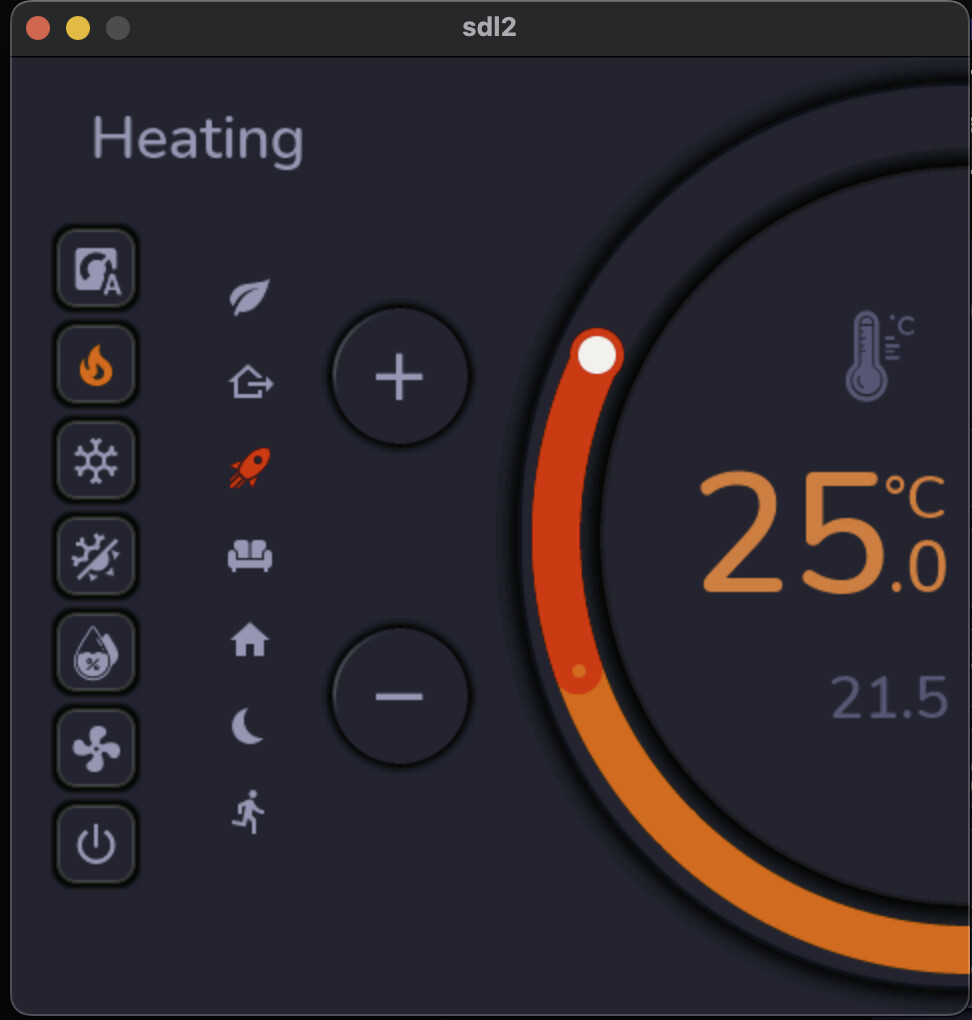
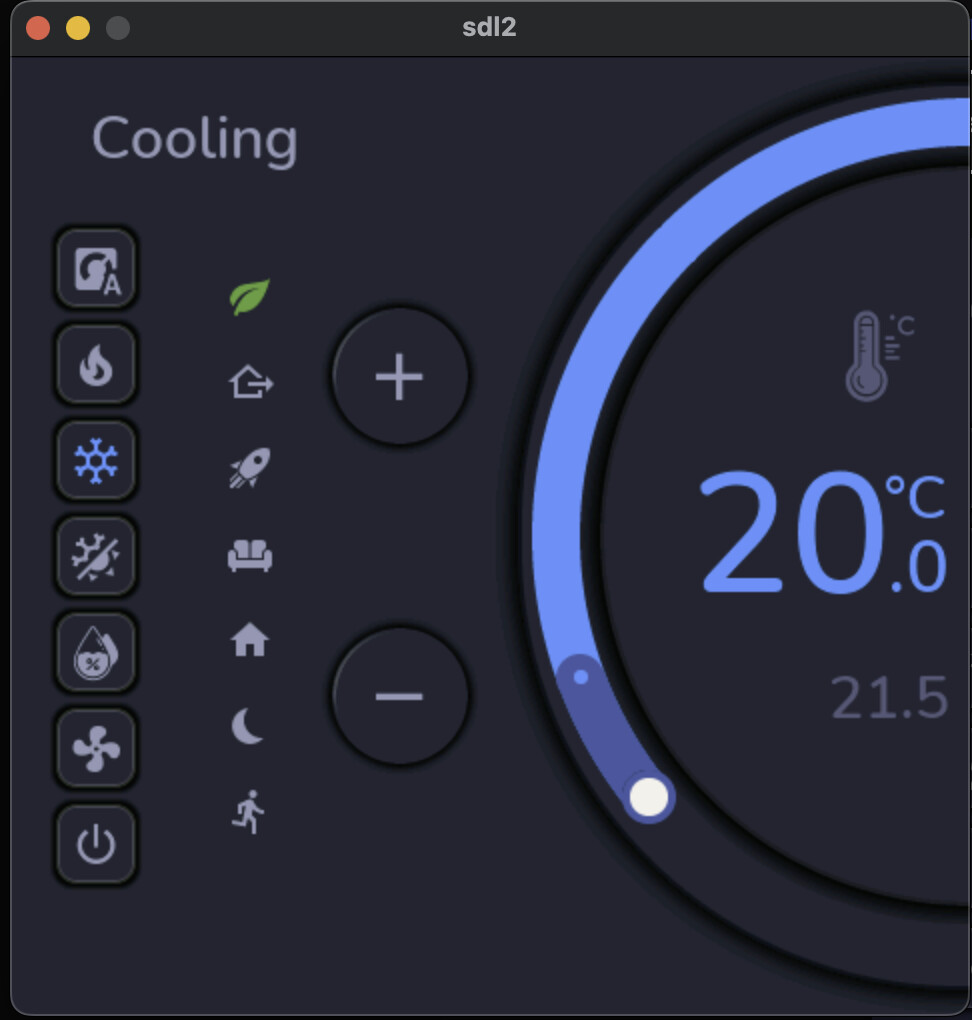
P.S. * It’s not final version
11 Likes
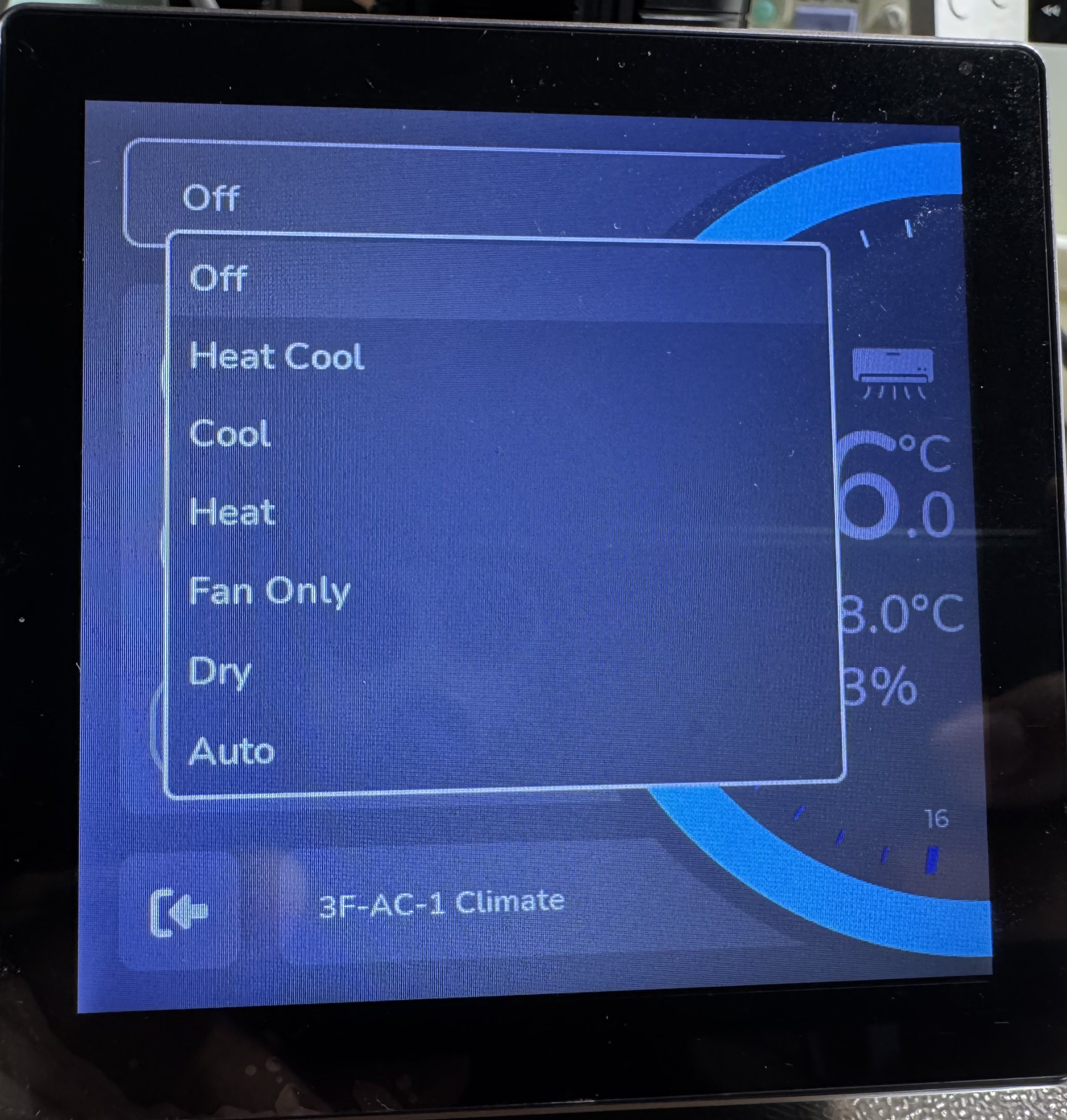
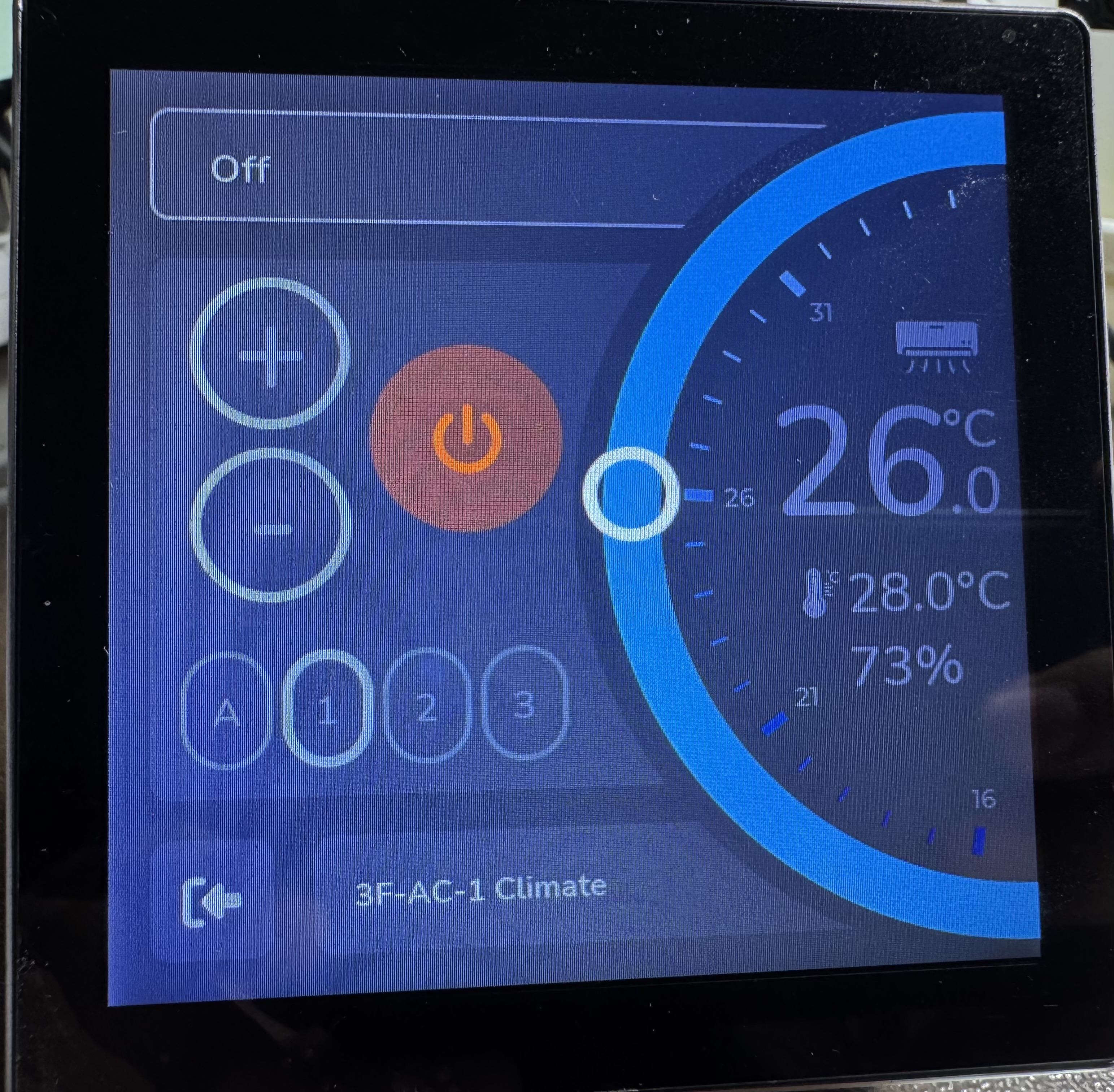
He only asked about the back.
This will be added
Dear all, time of day! On the one hand, I will disappoint you, tomorrow I will not release a demo with automatic firmware of the thermostat, on the other hand, a test build was ready on Friday, but it turned out that in comparison with SDL on a computer, on a real device everything works completely differently, shadows from arches had to be removed, the device does not pull them at all. In addition to everything, I killed the whole weekend to make two-handed control of the thermostat, and if someone thinks that it is easy to implement in LVGL, then this is not so at all. In the end, I got the desired solution without artifacts. People also asked to add fan options. This will also take time and figure out where to put it in terms of design and taking into account the fact that everything should be universal. At the same time, I position my code as the most accessible to the user, that is, with a minimum number of incomprehensible lambda functions of C++, so I had to work hard. From now on, everything will go faster, because the main problems are solved! I have already tested the NO-CODE interface, everything works, there are some small touches left, but they also take time. So, you should be a little patient, and I hope you will be pleased with the final version. I am sure that together, with the help of your feedback, we will be able to bring this device to its maximum capabilities. And another piece of news, my friend has already tested the possibility of using SD-CARD for pictures, so perhaps in the future there will be a more advanced version for this option (for those who care about the visual component). For example, additional animation and improved pictures. Well, I will show test pictures from the device and pictures from SDL in two-handed mode:
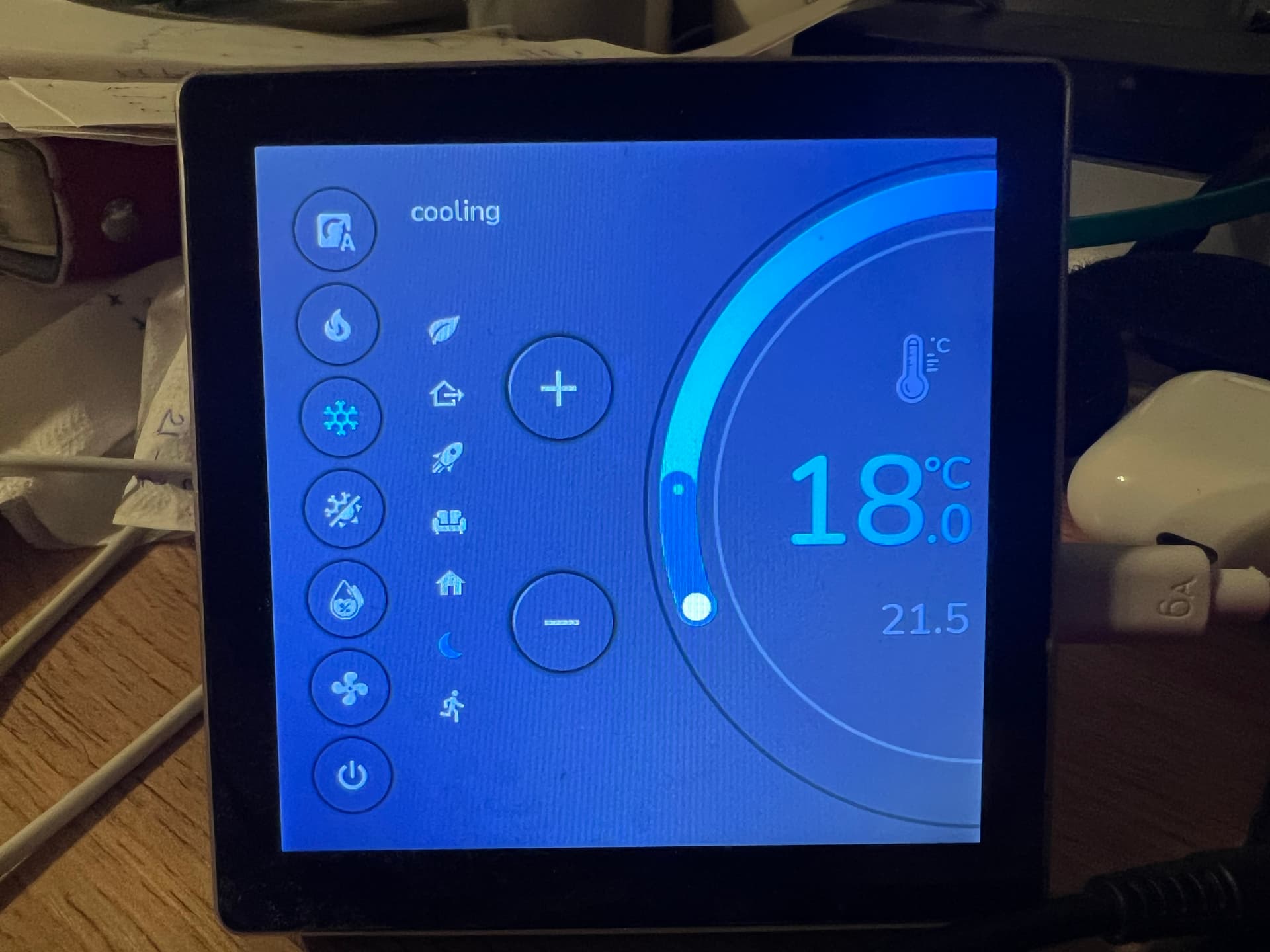


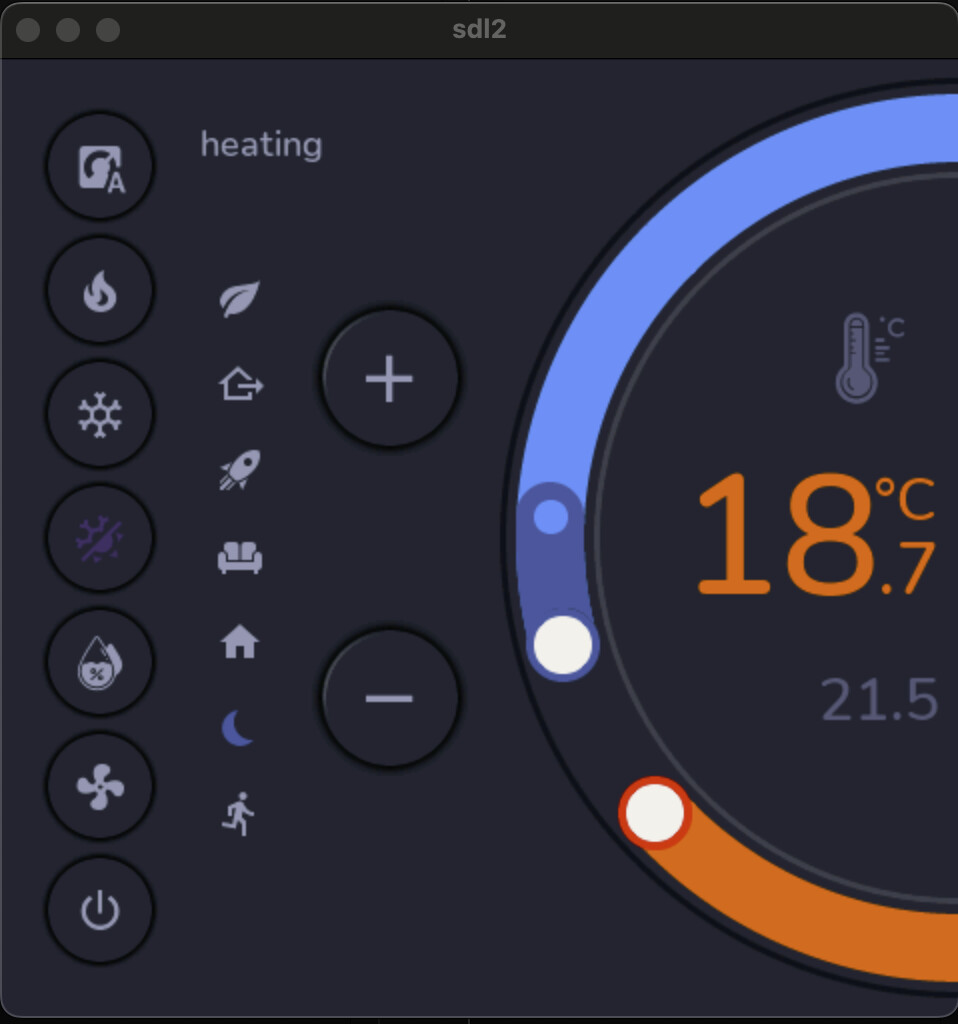
9 Likes
Can you help me with the colors. I changed the RGB to BGR and invert_colors but I cannot set the colors. My background is either red, or white, or dark blue. My buttons are blue or white. etc. I followed your instructions on your github. Everything works only the colors are the problem. It looks like the colors of an old gameboy.
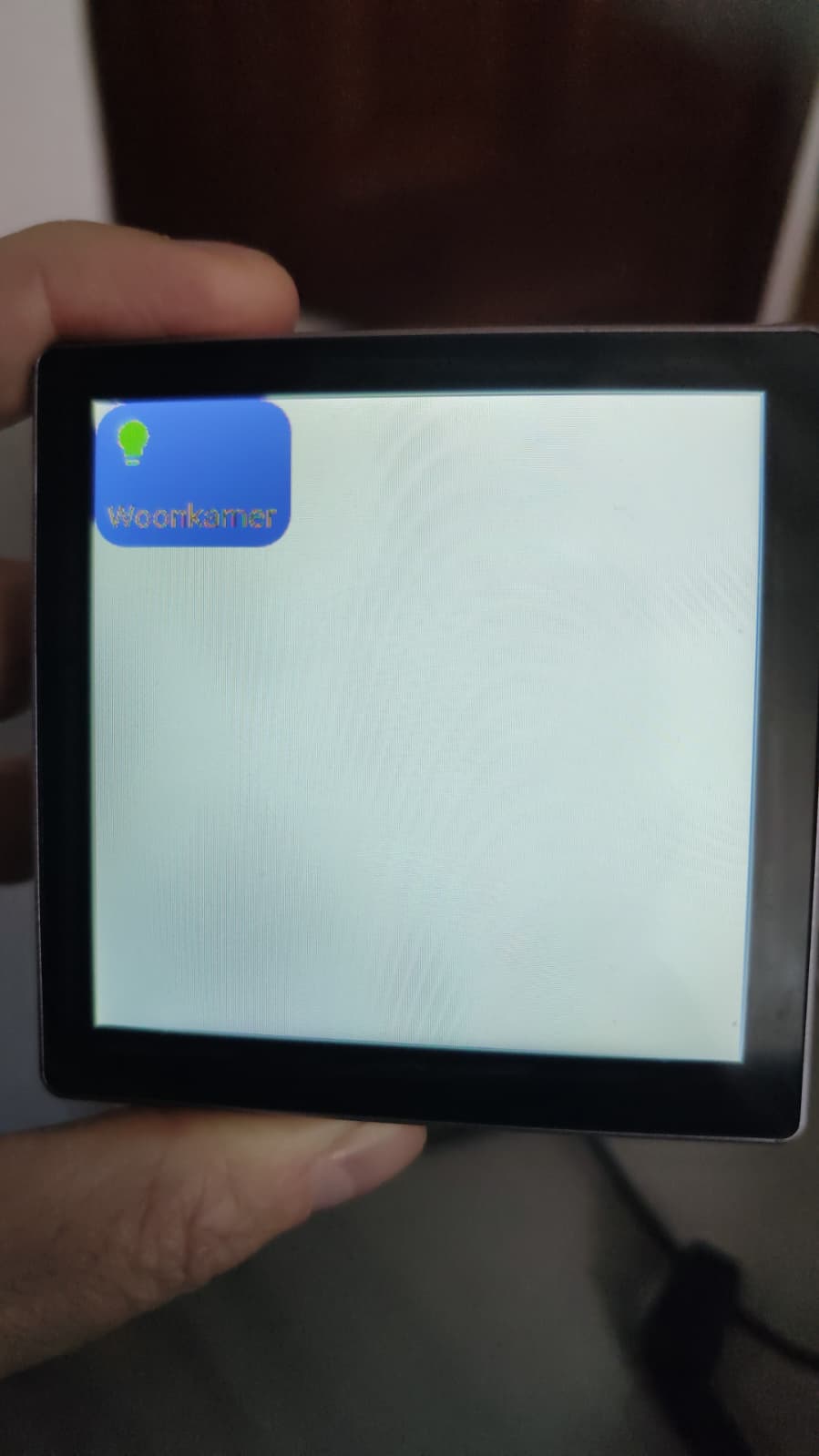
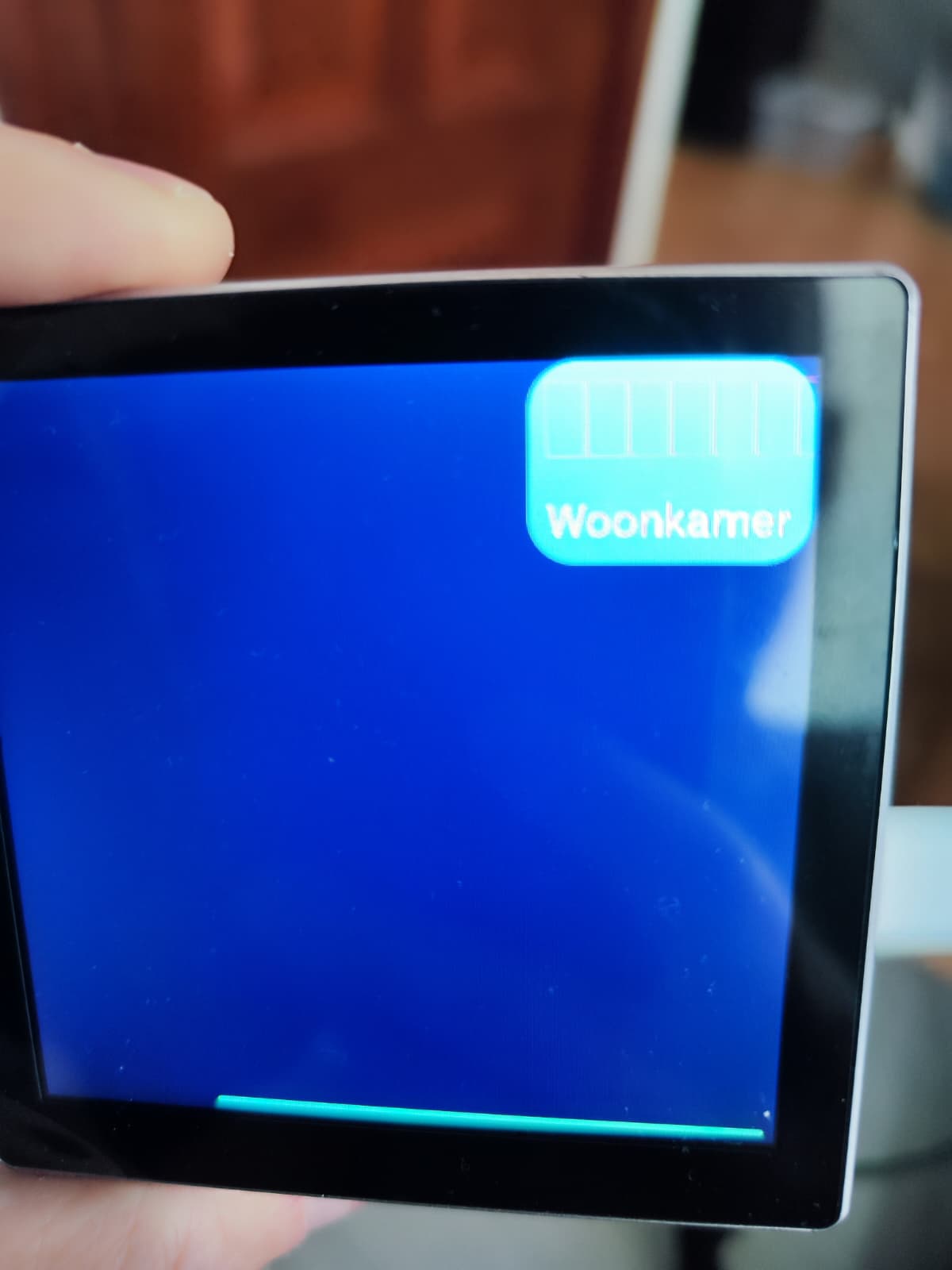
I don’t know where to find the solution. I’m using this guition-esp32-s3-4848s040
Flashed it with esphome. Put all the .yaml files and the folders in the right places in homeassistant.
What I want is just a look just as the first post. Black background, buttons that are grey when lights are off and yellow when they are on.
The rendering is awesome. Can’t wait to try it out.
Unfortunately, you will have to wait. Since I am a fan of everything working cleanly, the problem with LVGL is that it is very difficult to implement complex things “cleanly”! Yes, I found a new hack on how to make arches clean without using layer overlaps, which creates artifacts and the user sees not very beautiful stripes. But, everything works fine from HA, one of the arches on the device works fine, but the second one breaks everything, and so far I have not found a solution, but I am sure that everything can be solved, it’s a matter of time, so you will have to be a little patient. I have already solved other options with the fan and swing. It remains to solve the problem of switching arches in dual mode. As soon as I solve this problem, you will get a widget with full functionality of any climate entity from home assistant. Just give me some time.
7 Likes
Just stumbled opon this thread; are you saying you are preparing a full YAML to flash the Guiton through ESPHome? Sorry if it’s a dumb question, but I purchased the Guiton on impulse and was looking for a way to use it to control my airco which is alrady in HA).
Could someone help? I can’t download from esphome
INFO Package configuration completed successfully
HARDWARE: ESP32S3 240MHz, 320KB RAM, 8MB Flash
- framework-espidf @ 3.50402.0 (5.4.2)
- tool-cmake @ 3.30.2
- tool-esp-rom-elfs @ 2024.10.11
- tool-esptoolpy @ 5.0.2
- tool-mklittlefs @ 3.2.0
- tool-ninja @ 1.13.1
- tool-scons @ 4.40801.0 (4.8.1)
- toolchain-esp32ulp @ 2.35.0-20220830
- toolchain-xtensa-esp-elf @ 14.2.0+20241119
Reading CMake configuration…
Dependency Graph
|-- ArduinoJson @ 7.4.2
|-- lvgl @ 8.4.0
|-- JPEGDEC @ 1.2.7+sha.ca1e0f2
|-- noise-c @ 0.1.10
Compiling .pioenvs/display/src/main.cpp.o
/config/esphome/widgets/settings.yaml: In lambda function:
/config/esphome/widgets/settings.yaml:32:41: error: ‘class esphome::mapping::Mapping<std::__cxx11::basic_string, int>’ has no member named ‘find’
32 | auto it = id(flag_icon_mapping_index).find(lang_code);
| ^~~~
/config/esphome/widgets/settings.yaml:33:41: error: ‘class esphome::mapping::Mapping<std::__cxx11::basic_string, int>’ has no member named ‘end’
33 | if (it != id(flag_icon_mapping_index).end()) {
| ^~~
/config/esphome/widgets/settings.yaml: In lambda function:
/config/esphome/widgets/settings.yaml:43:45: error: ‘class esphome::mapping::Mapping<std::__cxx11::basic_string, int>’ has no member named ‘find’
43 | auto it = id(flag_icon_mapping_index).find(x);
| ^~~~
/config/esphome/widgets/settings.yaml:44:45: error: ‘class esphome::mapping::Mapping<std::__cxx11::basic_string, int>’ has no member named ‘end’
44 | if (it != id(flag_icon_mapping_index).end()) {
| ^~~
/config/esphome/widgets/settings.yaml: In lambda function:
/config/esphome/widgets/settings.yaml:52:45: error: ‘class esphome::mapping::Mapping<std::__cxx11::basic_string, int>’ has no member named ‘find’
52 | auto it = id(flag_icon_mapping_index).find(x);
| ^~~~
/config/esphome/widgets/settings.yaml:53:45: error: ‘class esphome::mapping::Mapping<std::__cxx11::basic_string, int>’ has no member named ‘end’
53 | if (it != id(flag_icon_mapping_index).end()) {
| ^~~
*** [.pioenvs/display/src/main.cpp.o] Error 1
========================= [FAILED] Took 47.47 seconds =========================