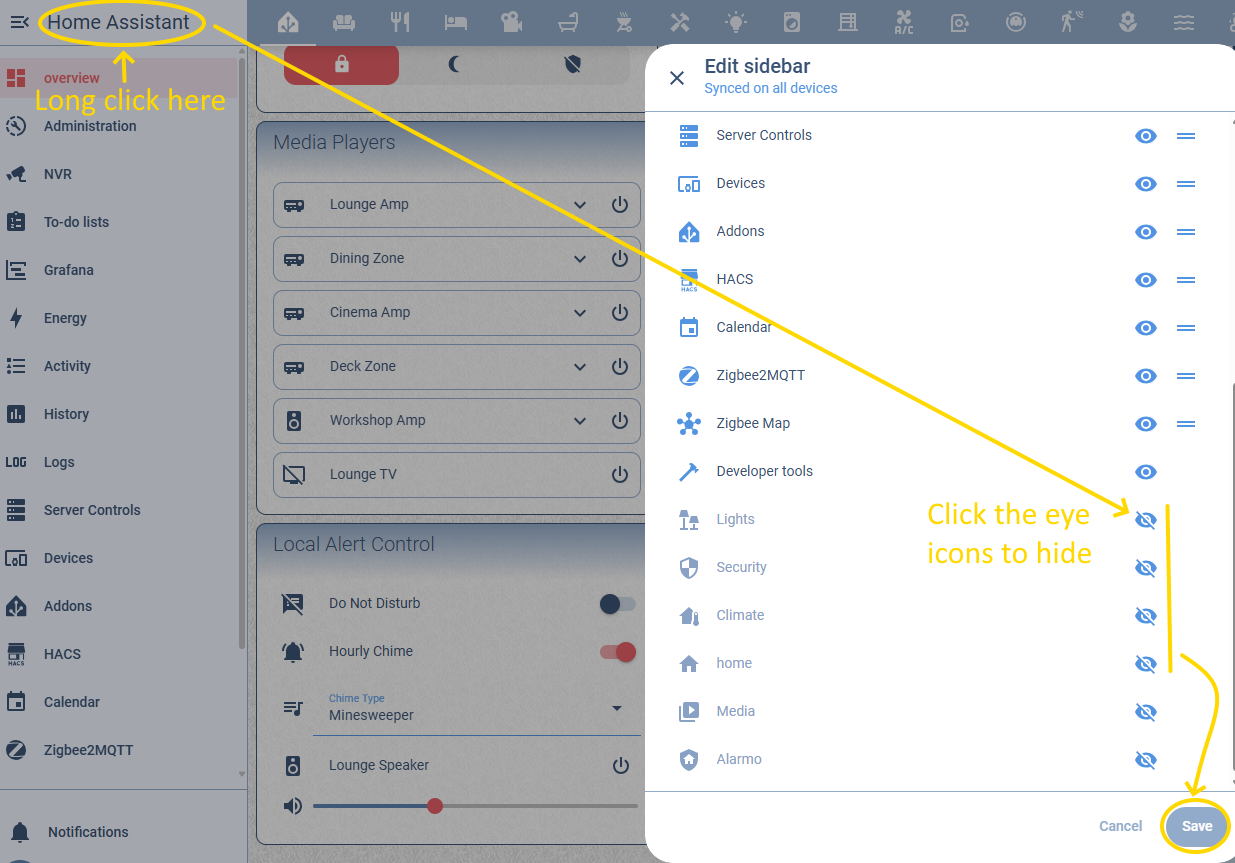
After updating to 2025.12, several new dashboards appeared (Climate, Security, Light, Home). All of them are empty, and they are visible in the sidebar, but I cannot edit or remove them because they do not appear under Settings → Dashboards.
How can I remove or hide these dashboards for all users? I don’t want to manually hide them in each user’s sidebar preferences.
I needed to force-reload the UI to have the new “Home” dashboard show, the other worked out of the box. Not sure why the difference. Either way: Force refresh or cache clear will most likely solve the empty dashboard issue!
 I think it is a bug, I dont need any extra, empty dashboards in my sidebar