Hi everyone, I can’t find the STABLE label in the drop-down menu anymore, I can’t figure out if 0.9.4 is the last stable… anyway I installed this one but in the Log I get this error and I can’t figure it out: “error: exec /usr/local/bin/python: exec format error”, basically I can’t connect it… Could any kind soul give me a hand? Thank you very much. Max.
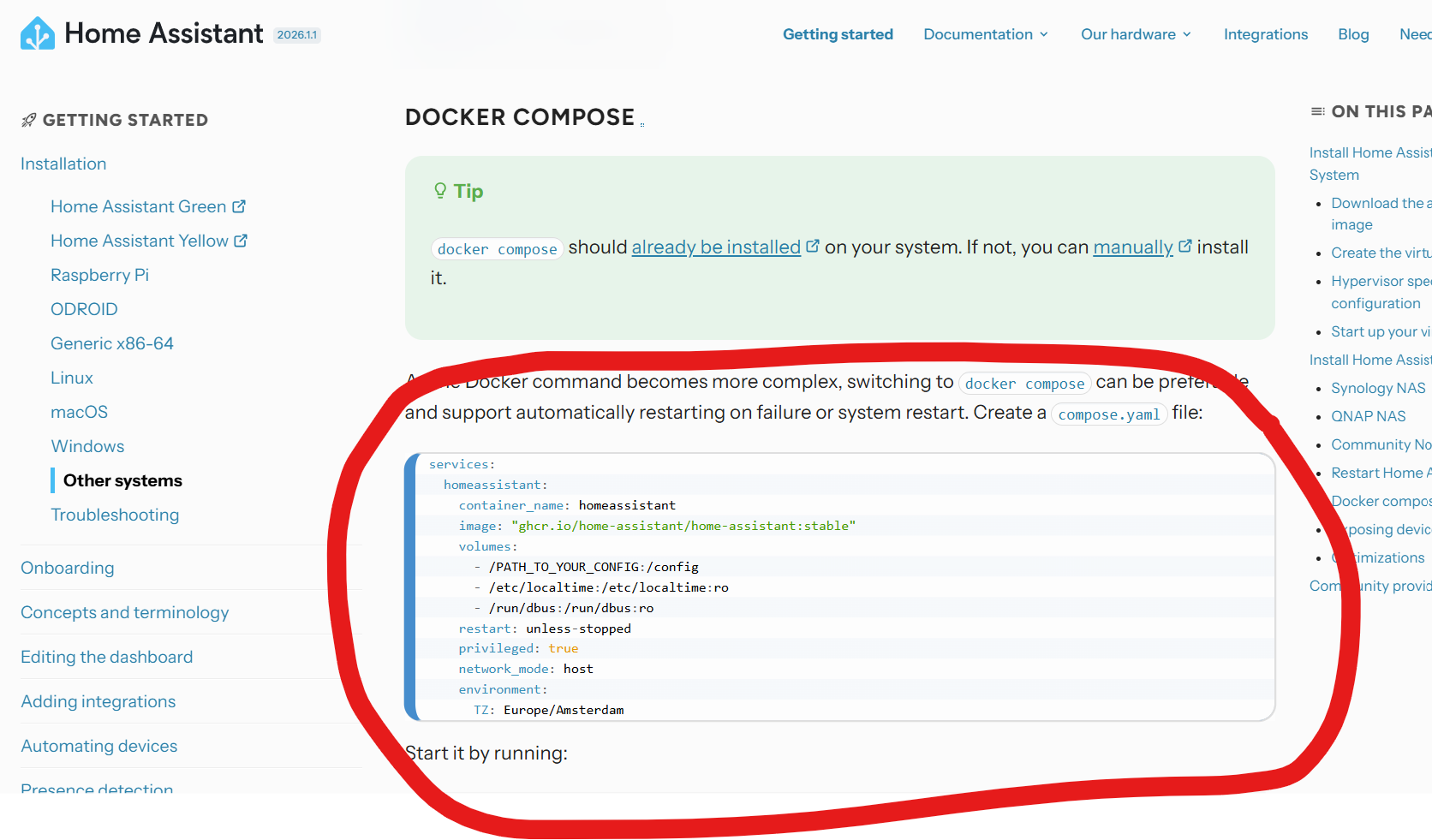
I assume you are trying to do this through Container Station? 0.9.4 is ancient. You are better off deploying it as an application (docker compose). Docker compose
Hi Fleskefjes, yes, through Container Station: but the last is the “0.100.0.dev20190921” I can’t understand… sorry
In Container station, you click the application tab, then fill in the yaml from the link I gave you. Modify it so it suits your environment, the most important part is /PATH_TO_YOUR_CONFIG:/config
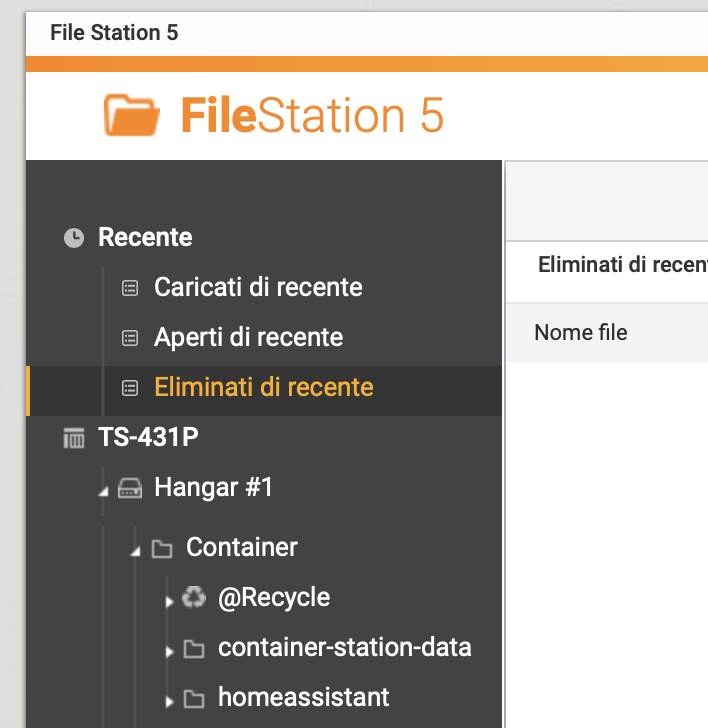
If you have a share called Container on your NAS, add a folder called ha for example. In that case your config would be /share/Container/ha:/config
After that HA should be available at http://yournasIP:8123
Excuse me Flesk, I’m dummie… I don’t understand “Docker Compose”. Just now, I tried to past “Package home-assistant · GitHub” but the list is the same… is this the correct last versione? “0.119.0.dev20201216”. Excuse me…
I’m not at my QNAPs now, but there should be an “application” button somewhere in Container station. Fill in this with the modifications I wrote earlier. 0.100.0.dev20190921 is over 5 years old by the way, so you should shelf that idea.
services:
  homeassistant:
    container_name: homeassistant
    image: "ghcr.io/home-assistant/home-assistant:stable"
    volumes:
      - /PATH_TO_YOUR_CONFIG:/config
      - /etc/localtime:/etc/localtime:ro
      - /run/dbus:/run/dbus:ro
    restart: unless-stopped
    privileged: true
    network_mode: host
    environment:
      TZ: Europe/Amsterdam
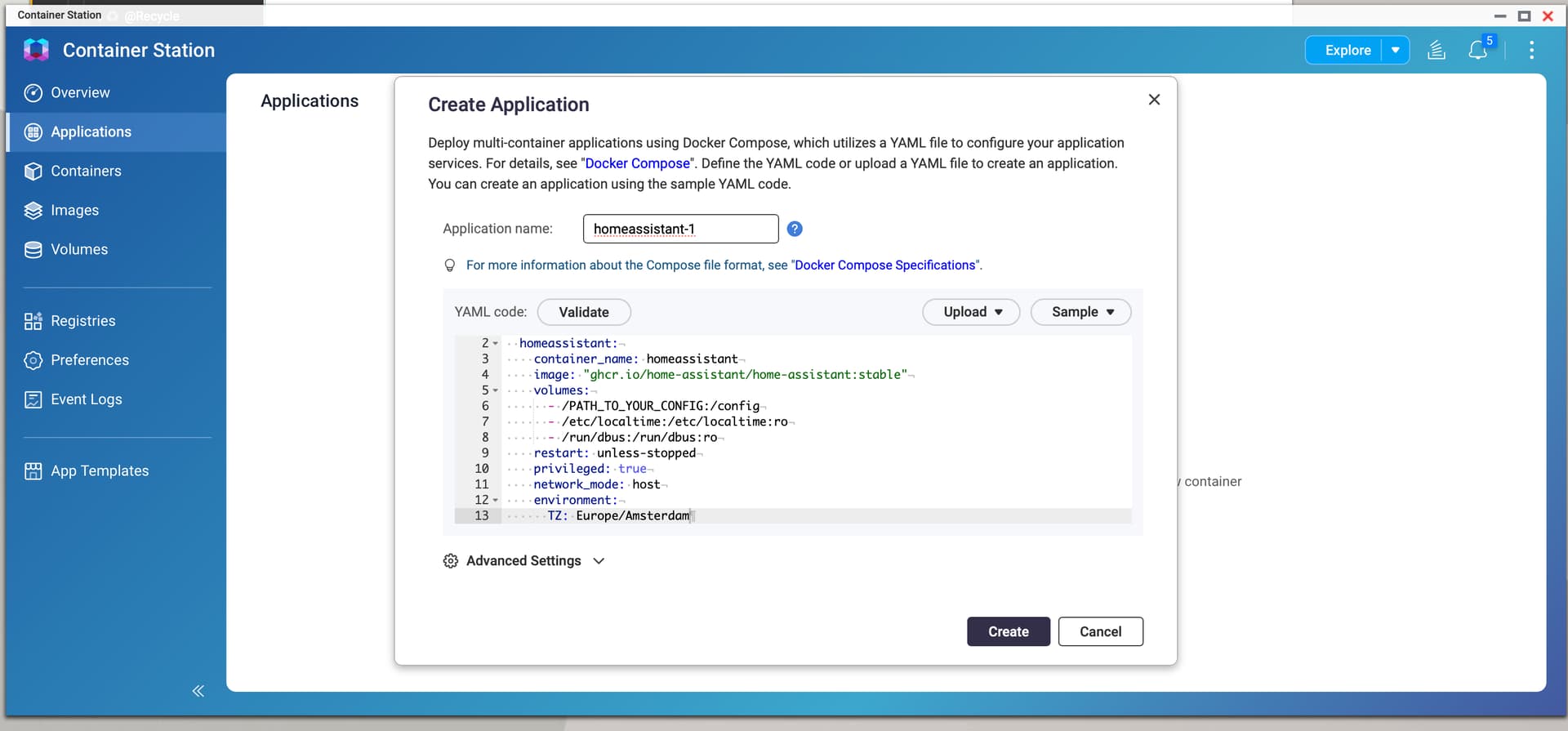
Is it?
ehm… may be no: !Failed to create application “homeassistant-1”. Error message: no matching manifest for linux/arm/v7 in the manifest list entries
2026/01/15 14:27:59
admin"
Hi Max,
I’m trying to do exactly the same thing on my TS-431P and stumbled across your post so I imagine I’m in a similar place to you.
I see from your screenshots you don’t appear to have amended the line directing to your config file. My question here, perhaps to fleskerfjes is will we have a config file as yet? Similar to Max, I don’t know where to direct to the config file.
Hi Darryl, I think so, but I’m not very familiar with these things… Let’s hope @fleskefjes can help us get out of this mess…
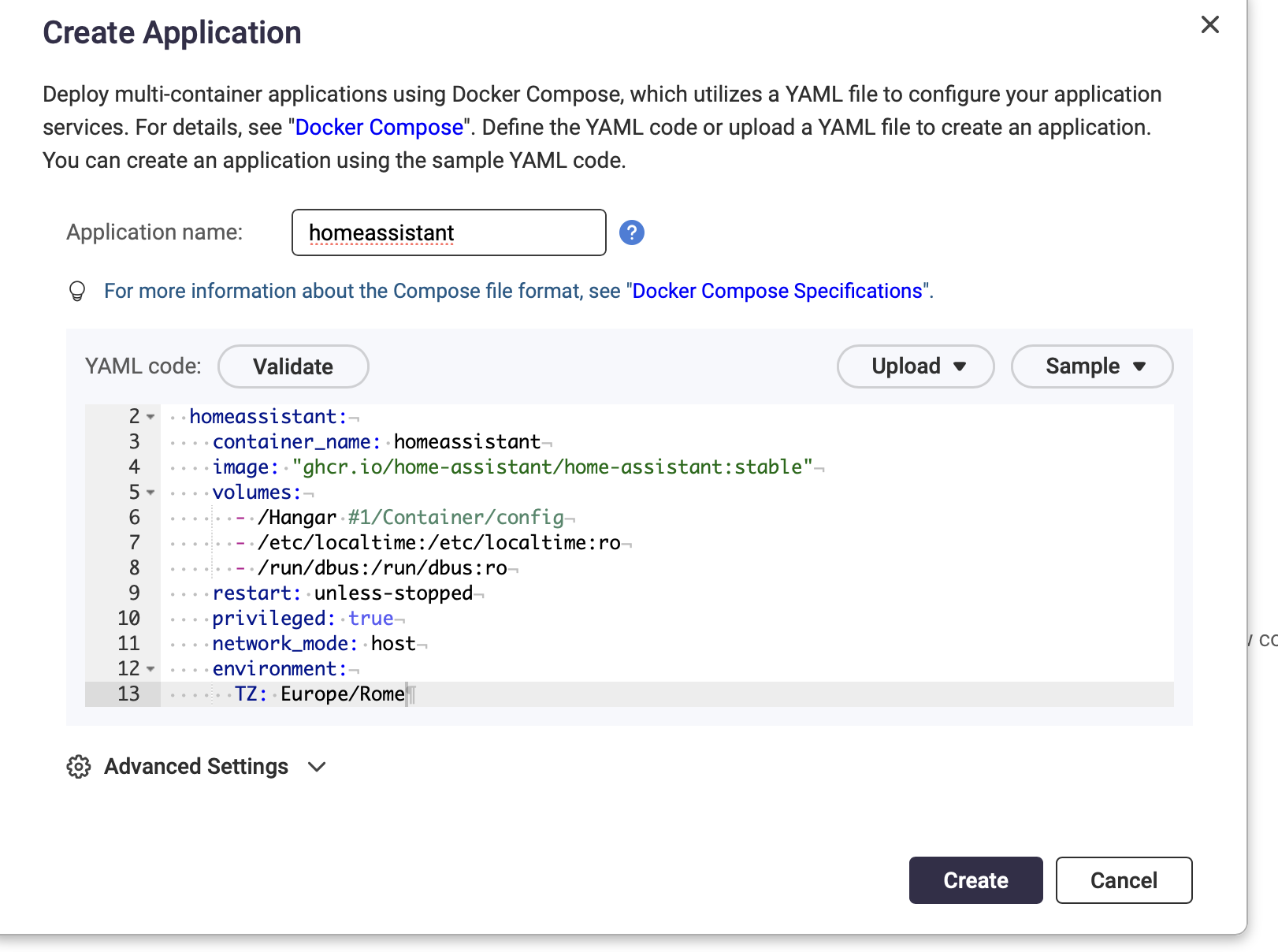
Ah, right. I believe your CPU is not supported anymore. 32-bit is deprecated. Deprecating Core and Supervised installation methods, and 32-bit systems - Home Assistant
I suggest looking to purchase a mini-PC or similar with a 64-bit architecture.
Thank you fleskefjes.
Chat GPT just pretty much told me the same thing.
Will try one of my Rasberry PI’s instead
1 Like
4 or newer 
It’s true, I confirm, our processor is dated: I’ll buy a Rasberry too for the occasion… thanks again for your expertise and your time Fleskefjes and Darryl!
1 Like
Try it on Virtualization station not Container.
I have it set up on my Qnap too and it works great.
I didn’t want docker since you don’t have addon store then.
It doesn’t change that the CPU is 32-bit.