HA Shopping / Grocery List Manager Integration & Card
Share your Projects! Share your Projects! > Dashboards & Frontend
Shopping List Manager Integration 
Shopping List Manager Card 
WARNING: This was created 100% by Vibe Coding
First and only Rule: If you don’t like vibe coding, I don’t care, don’t voice your opinion in here.
NOTE: This is my first time so go easy but I welcome constructive criticism and help to enhance.
Now, I wanted to create something where i didn’t have to link into multiple apps and integrations to connect to the likes Bring! or anything else like that.
This is all in HA, it does not rely on external sources, except OpenFoodSource if you want more details on a product.
I created this specifically for my needs as I couldn’t get what I wanted elsewhere.
There will be bugs but my wife loves it and is actually using it which I have never been able to get her to do the past, it is either pitty use or she likes it.
There are 2 integrations I created with Dashboards, hopefully they compliment each other.
HACS Shopping List Manager Integration
The backend integration that powers the Shopping List Manager. Provides persistent multi-list storage, a 500+ product catalog, real-time WebSocket events, and a full API for the Lovelace card — all running natively inside Home Assistant.
Pair with the Shopping List Manager Card for the full UI experience.

Features
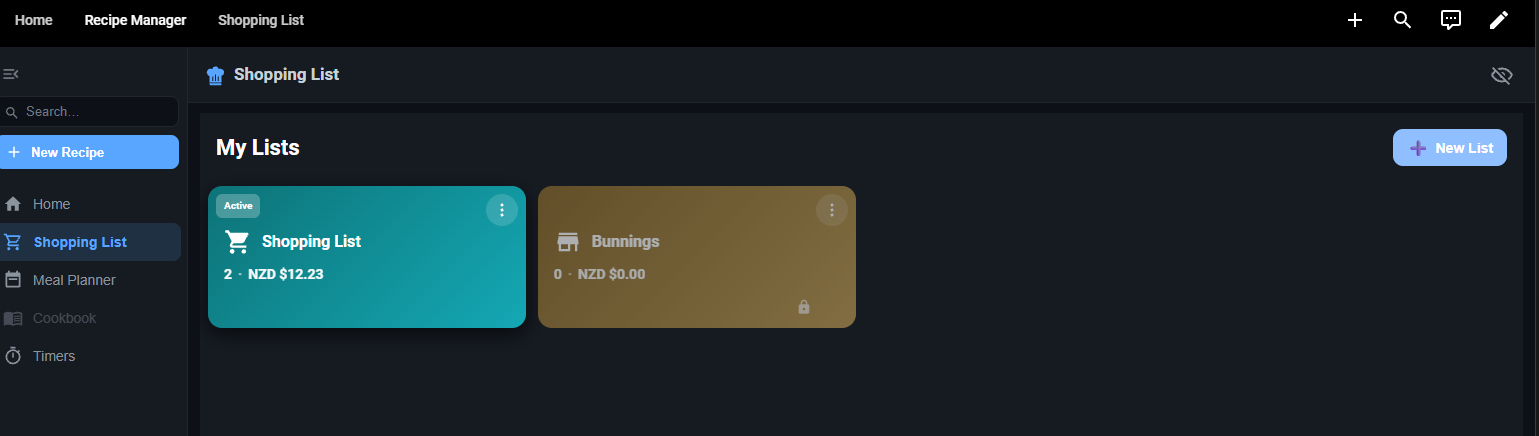
 Multi-List Management
- Create and manage multiple shopping lists
- Private or shared lists with per-member access control
- Active list state shared across all connected devices and users
- List total price calculation
 Items
Items
- Add, update, check, and delete items with quantity and unit
- Atomic quantity increment / decrement
- Bulk check and clear checked items
- Per-item pricing, notes, and category assignment
 Product Catalog
- 500+ products (NZ-focused, extensible to AU, US, GB, CA)
- Fuzzy search with alias matching
- Recently-used product suggestions
- Custom product creation
- Allergen filtering and product substitute groups
- Product images (WebP, 200×200px, optimised)
 Categories
- 13 default categories — Produce, Dairy, Meat, Bakery, Pantry, Frozen, Beverages, Snacks, Household, Health, Pet, Baby, Other
- Category colour coding and emoji icons
- Per-list category ordering
 Loyalty Cards
- Store loyalty and rewards card data
- Private or shared card access per user
 Real-Time Events
- All changes fire events on the Home Assistant bus
- Custom WebSocket subscription proxy so non-admin users receive live updates without requiring HA admin privileges
Installation
Via HACS (Recommended)
- Click the button above
- Confirm adding the repository to HACS
- Install Shopping List Manager from HACS → Integrations
- Restart Home Assistant
- Go to Settings → Devices & Services → Add Integration and search for Shopping List Manager
Manual Installation
- Copy the
custom_components/shopping_list_manager/folder into your HA/config/custom_components/directory - Restart Home Assistant
- Go to Settings → Devices & Services → Add Integration and search for Shopping List Manager
HACS Shopping List Manager Card
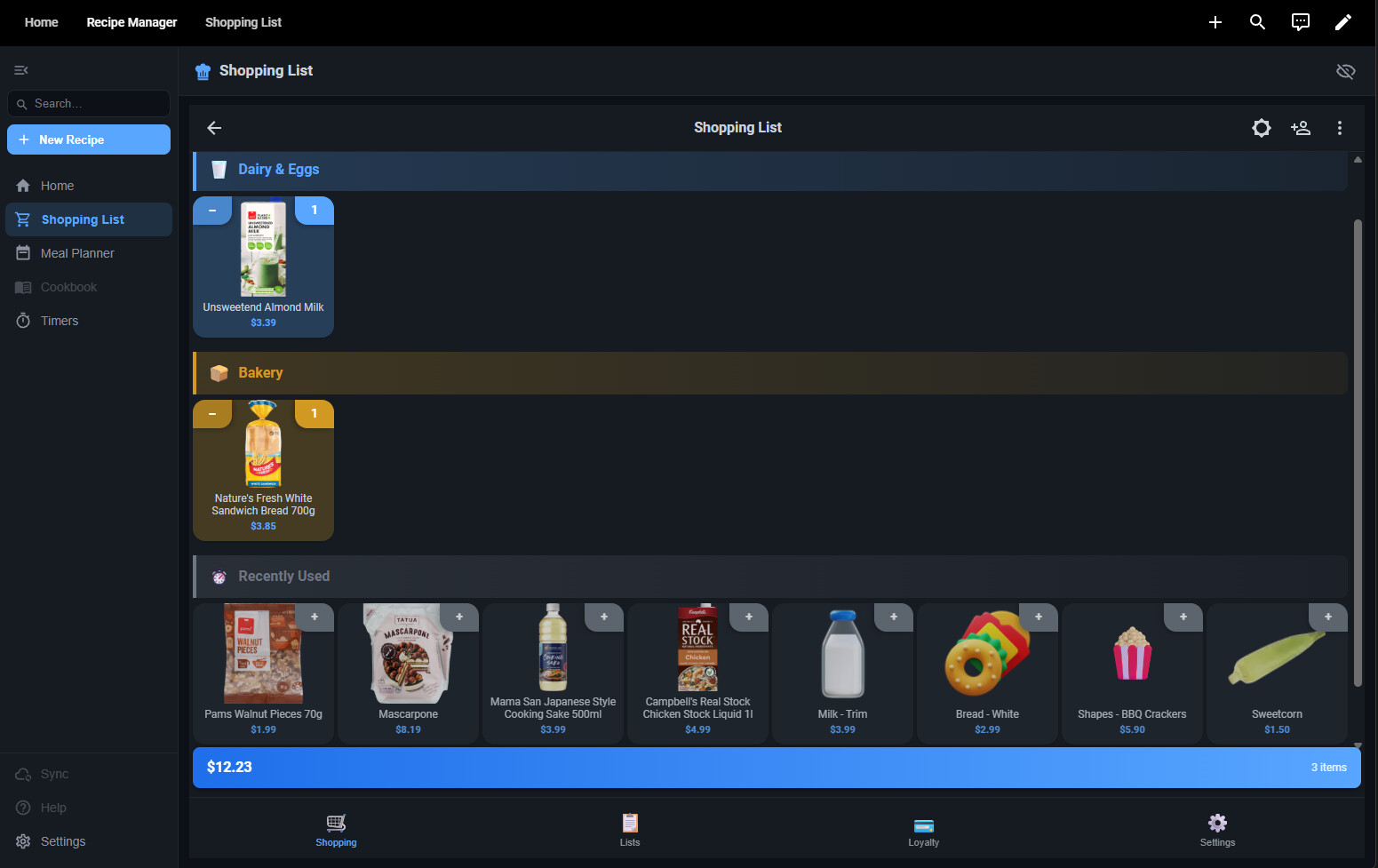
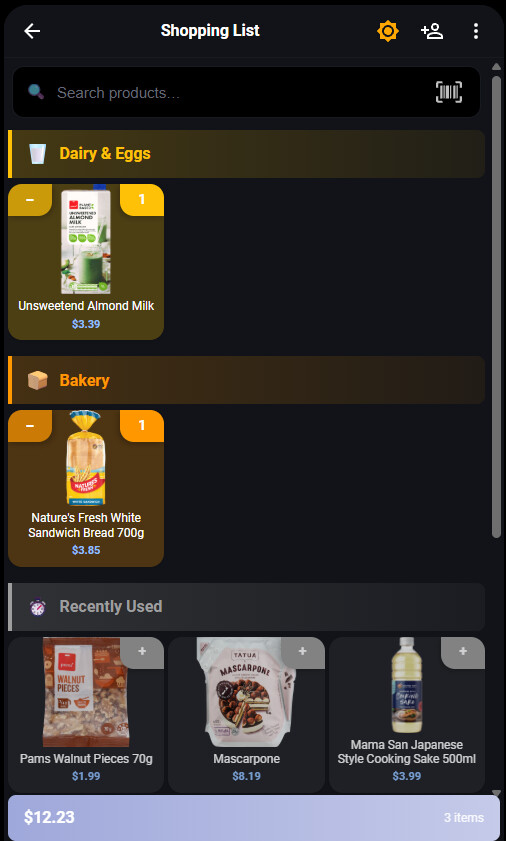
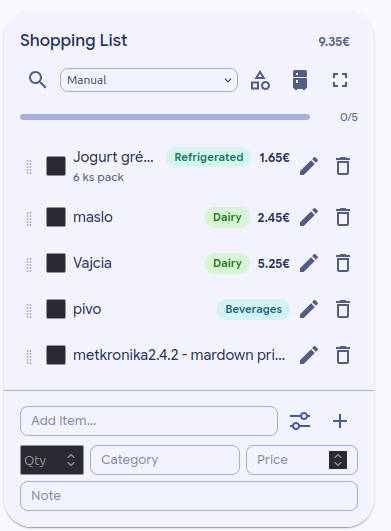
A feature-rich, multi-list shopping manager for Home Assistant Lovelace. Built as a custom card using Lit web components, it gives you a full grocery management experience — from product search and category grouping to loyalty card storage — all in a polished, real-time-synced interface.
Requires the Shopping List Manager Integration to be installed first.
Features
Shopping Lists
- Create and manage multiple shopping lists
- Active list syncs instantly across all devices and users
- Share list contents via clipboard or native share sheet
- Private or shared lists with per-member access control
- List icons, rename, and delete support
- List total price calculation in local currency
Items & Quantities
- Add items with quantity and unit (kg, g, L, mL, units, pack, and more)
- Tap a tile to increment quantity; tap minus to decrement (removes at zero)
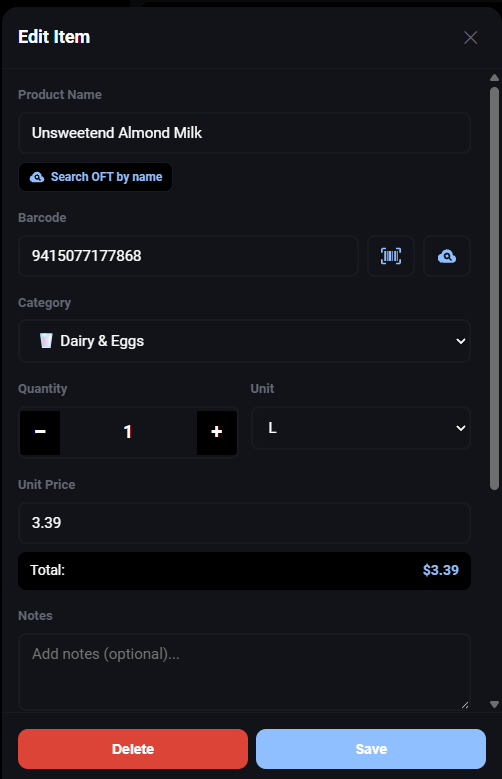
- Long-press to open a full edit dialog — name, category, unit, price, and notes
- Swipe to delete
- Check items off as you shop; bulk-clear all checked items in one tap
Product Search & Catalog
- 500+ product catalog with fuzzy search and alias matching
- Recently-used product suggestions for quick re-adding
- Custom product creation with default quantity and unit
- Product images with local HA image folder support
- Allergen filtering and product substitute suggestions
- Auto-fill default quantities and units per product
Categories
- 13 default categories — Produce, Dairy, Meat, Bakery, Pantry, Frozen, Beverages, Snacks, Household, Health, Pet, Baby, Other
- Items grouped by category with colour-coded headers and emoji icons
- Category order configurable per list
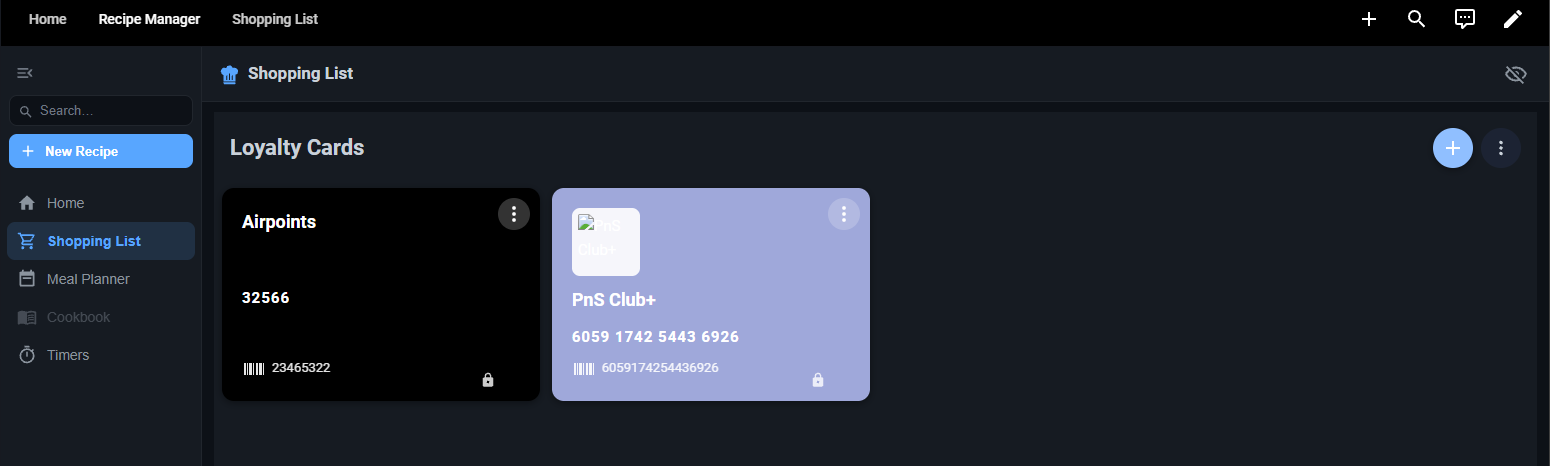
Loyalty Cards
- Store loyalty and rewards card barcodes in one place
- Built-in camera barcode scanner for easy card capture
- Fullscreen card display for scanning at checkout
- Supports standard barcodes and QR codes
- Card colour, logo, and notes customisation
- Shared or private card access per user
 Themes & Display
- Tile view (category-grouped grid) and List view
- Tiles per row: 2 / 3 / 4 / 5 (configurable)
- Sort items by category or alphabetically
- Show or hide item prices on tiles
- 8 built-in themes:
| Theme | Style |
|---|---|
| Soft Pastel (default) | Clean, modern pastels |
| Arctic | Cool blue tones |
| Meadow | Natural greens |
| Blossom | Warm pink / mauve |
| Ocean Blue | Ocean-inspired blues |
| Midnight Ocean | Dark, GitHub-inspired blue |
| Ember | Warm dark orange / brown |
| Purple & Cyan | Material Design 3 vibrant dark |
- Dark mode: On / Off / Follow device
- Font family (6 options), font size, and font weight controls
- Emoji or icon display toggle
Real-Time Sync
- WebSocket-based synchronisation — changes appear instantly on all connected devices
- Works for non-admin HA users without requiring admin privileges
- Keep-screen-on (wake lock) option for kiosk and tablet use
Requirements
| Component | Minimum Version |
|---|---|
| Home Assistant | 2024.1 |
| Shopping List Manager Integration | Latest |
| HACS | 2.x |
Installation
Step 1 — Install the Backend Integration
Install the Shopping List Manager integration via HACS first:
After installing, restart Home Assistant and add the integration via Settings → Devices & Services → Add Integration → Shopping List Manager.
Step 2 — Install this Card via HACS
Or manually in HACS:
- Open HACS in your Home Assistant sidebar
- Go to Frontend
- Click + Explore & Download Repositories
- Search for Shopping List Manager Card
- Click Download
- Reload your browser
Step 3 — Add the Card to a Dashboard
- Open a Lovelace dashboard and click Edit
- Click + Add Card
- Search for Shopping List Manager
- Select the card and click Add to Dashboard
Or add it manually in YAML:
type: custom:shopping-list-manager-card
Documentation
Full documentation is available in the Wiki.
 Enhancements
 Screen wake lock — keep your phone on while shopping
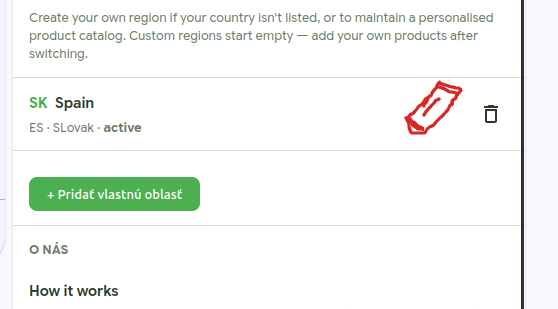
 Region change takes effect immediately
 Barcode auto-filled from OpenFoodFacts name search
 Bug Fixes
 How to update