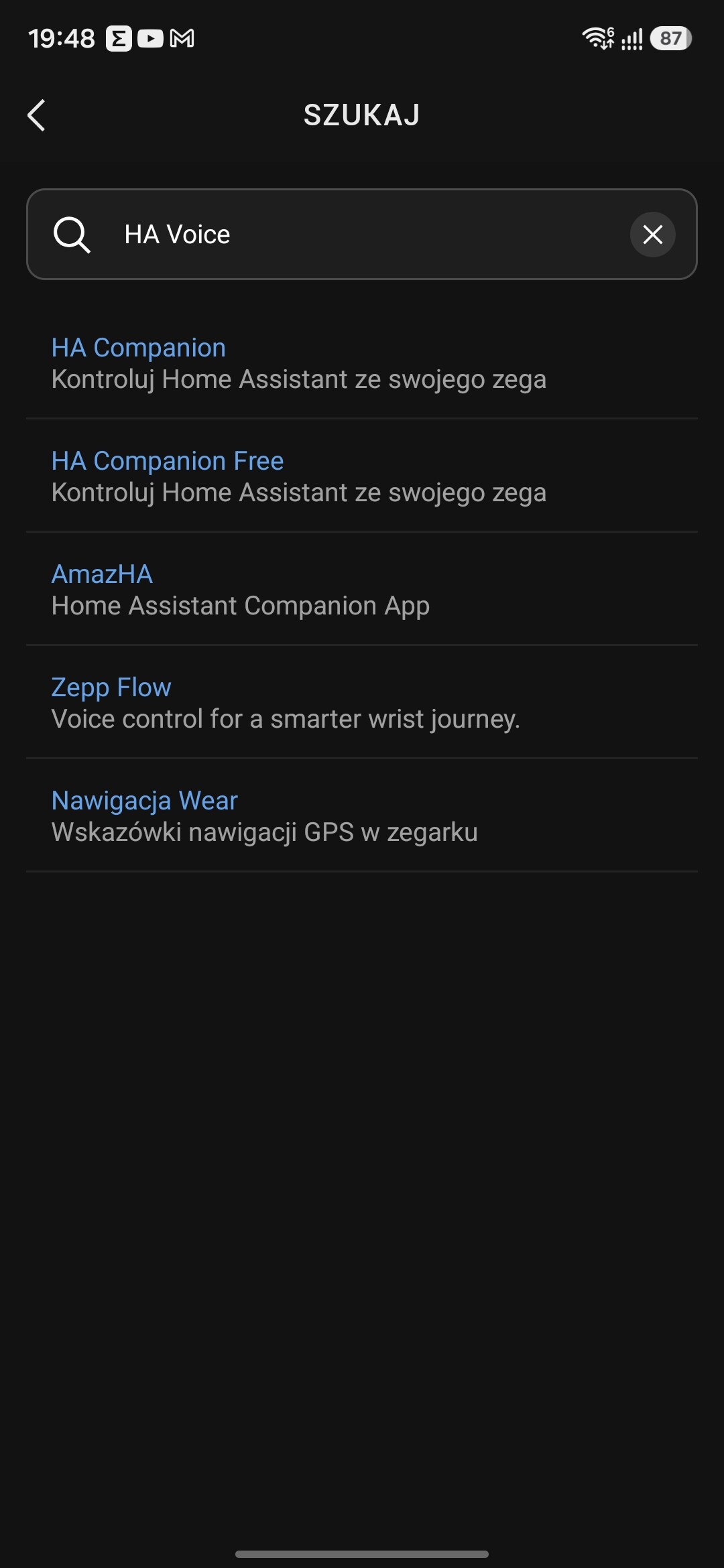
Hi there — first post, yay! 
I bought an Amazfit watch a while back, and I’ve always had this fantasy of controlling things in my house by voice. Sure, I could buy a dedicated hub — but why not use something I already wear all the time anyway?
Fair warning for the AI-skeptical: this app’s flagship mode does use an LLM. It’s not required — HA Assistant Mode uses Home Assistant’s own conversation pipeline, no external AI involved — and wherever an LLM is used, it can only suggest actions, never execute them (see Privacy by design below). No telemetry, no accounts, bring your own key.
So, given the device’s limitations and features, this is what followed:
What it does
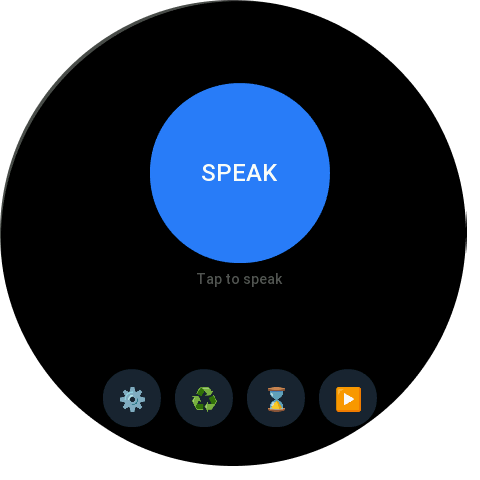
Tap the big SPEAK button, say your command in any language your watch supports (Polish, English, …), and HA Voice:
-
LLM Mode — sends your command (with your selected entities as context) to any OpenAI-compatible endpoint: local Ollama on your NAS, LM Studio, llama.cpp, or a cloud API. The model decides what to do and returns an action plan, which the app then executes against HA services. One command can trigger multiple actions: “turn off the lights and close the curtains”.
LLM Mode is the primary mode — the one I focused on while developing the app. Conversation memory/context works only in this mode. The AI’s only job is to reason the intent and produce the JSON that drives the Home Assistant API, so fast-inference models are the sweet spot.
-
HA Assistant Mode — routes straight to HA’s native
/api/conversation/processpipeline. Zero AI configuration needed; works out of the box with Assist. Less battle-tested than LLM Mode — feedback welcome!
Highlights
- Conversation memory — follow-ups just work: say “turn on the kitchen light”, then “make it warmer”. 120-second idle window, configurable (1–10 remembered exchanges in LLM mode, native
conversation_idin Assist mode), resettable from the watch. - Command history — every command logged with timestamps; browse on the watch or in the companion app, clear in one tap.
- Entity control on the wrist — tap a light or switch in the watch entity list and toggle it or step the brightness — no voice needed, perfect for when whispering feels weird.
- Presets — one-tap quick commands for your most-used routines.
- Smart entity context — the entity selector groups your HA entities by domain with current states; only what you select is sent to the LLM, so it knows exactly what it can control.
How it works
You speak → Watch (Amazfit) → Phone (Zepp app) → Home Assistant / LLM
              your wrist          the bridge        your network,
                                                    your data
The watch captures your voice; the companion app on your phone relays the command to HA or your LLM endpoint and streams the response back to your wrist. All network calls happen from your phone — your HA instance and your LLM stay on your side, reachable exactly how you already reach them.
Privacy by design
Two things worth calling out for the security-minded:
- The LLM never touches Home Assistant. It receives only your command plus the entity context, and returns a JSON action plan. It has no HA credentials and no network route to your instance — it can only suggest, never execute. Every API call is made by the app on your phone, with your HA token, which never leaves your device. A broken or even malicious LLM response can’t do anything worse than produce invalid JSON — which is simply rejected.
- The model only sees what you share. The entity selector decides what goes into the context: selected entities with their current states are the only things the model knows exist. Unselected entities are invisible to it — it can’t reason about them, and it can’t suggest actions for them. You control the blast radius, not the AI.
- Deterministic and honest execution. The model runs at temperature 0 (no creative guessing), and each suggested action is executed best-effort with per-action error reporting back to your wrist — “2/3 actions done; light.living_room: timeout” — so partial failures never masquerade as success.
Bring Your Own Key (BYOK)
- HA: any instance — local network, VPN, or Nabu Casa — with a long-lived access token. That’s it.
- LLM (optional): any OpenAI-compatible endpoint. No data ever has to leave your network — no telemetry, no accounts, no cloud lock-in. If you want a cloud LLM, that works too.
- I’m currently running it with an OpenCode subscription, using deepseek-v4-flash as the brain — it works perfectly. (If you don’t have an LLM subscription: my referral gives us both $5 — OpenCode Go | Low cost coding models for everyone)
Known limitations
-
Platform-level request timeout (~10 s) — Zepp OS’s fetch API enforces a default timeout of about 10 seconds, which effectively caps how long a backend call can take, even when the app is configured with a longer timeout. In practice, slow LLMs time out: large models on CPU, cold-start inference, or high first-token latency will fail the request. What works well: small/fast models (3–4B params), keeping Ollama warm, cloud endpoints, or HA Assistant mode (which usually responds well within the limit). For that reason my advice is to use fast-inference models like deepseek-v4-flash.
→ Working on it, will improve/resolve the problem in future versions. -
BLE round-trip latency — commands travel watch → phone over Bluetooth (~100–500 ms), so don’t expect sub-second responses even with a fast backend.
-
Voice input quality depends on the watch’s speech-to-text, which varies by language and device — not on HA Voice itself.
-
Credentials live on your phone (HA token, LLM key). They survive app restarts but not a factory reset of the watch — keep them re-enterable.
Requirements
- Amazfit watch running Zepp OS 3.0+ (tested on Amazfit Active 3 Premium / Zepp OS 5)
- Zepp companion app on your phone
- Home Assistant with a reachable URL + long-lived token
- (Optional) an OpenAI-compatible LLM endpoint for LLM mode
Why I built it
I wanted to say “zgaś światło w salonie” — “turn off the lights in the living room” — and have the house listen, without shouting at a speaker or fumbling for the phone. And I wanted it private: my commands, my infra, my rules. HA Voice is the result — and it’s fully language-agnostic: whatever your watch’s speech-to-text supports, HA Voice speaks.
Pricing & transparency
Free to try with a 48-hour trial — full access is a one-time unlock (no subscription, no accounts, no telemetry). Your HA instance and LLM endpoint stay yours; this app is just the bridge.
Feedback welcome!