Help! Floating AI icon persistent across all HA windows

Hi everyone,

I’m looking for help removing a floating AI assistant/voice icon that I somehow enabled.

This isn’t just on one dashboard; it floats atop every window within my Home Assistant instance (Dashboards, Settings, Developer Tools, etc.). While it is small, it’s physically blocking parts of the UI and I can’t find the setting to disable it.

Is this a new native “Assist” feature, or did I likely trigger this via a HACS frontend integration? Any guidance on where the “Off” switch lives would be greatly appreciated!
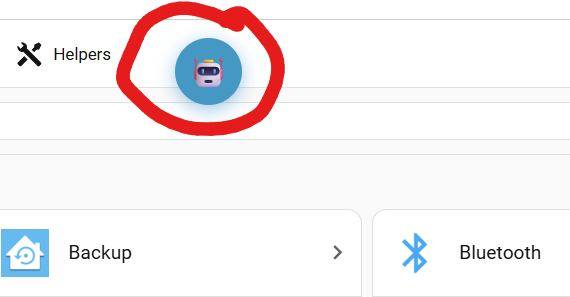
That doesn’t look like anything builtin to me… Is custom or not HA.

I am wondering if it is a remanent of a previously removed HACS integration? I wonder if anyone recognizes this icon/assistant?

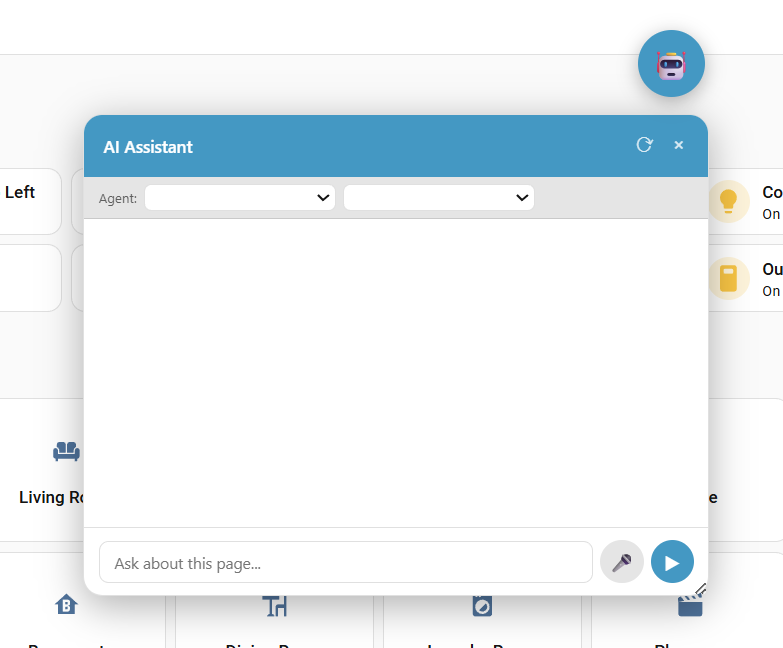
As a matter of reference, the below is what happens when you click the icon . . .

I found it! The chat bubble is a frontend resource called ha-claude-chat-bubble loaded as a JavaScript module associated with the HA addon “Amira”

How to Remove the Chat Bubble:

  1. Go to Home Assistant → SettingsDashboards
  2. Click the three dots menu (⋮) in the top right corner
  3. Select “Resources”
  4. Find ha-claude-chat-bubble in the list
  5. Click on it and hit Delete
  6. Refresh your browser (Ctrl+F5 / Cmd+Shift+R)

The chat bubble should disappear from all your dashboards after the refresh.

If this chat bubble is not removed before uninstalling the addon it will persist.

Hope someone finds this helpful.