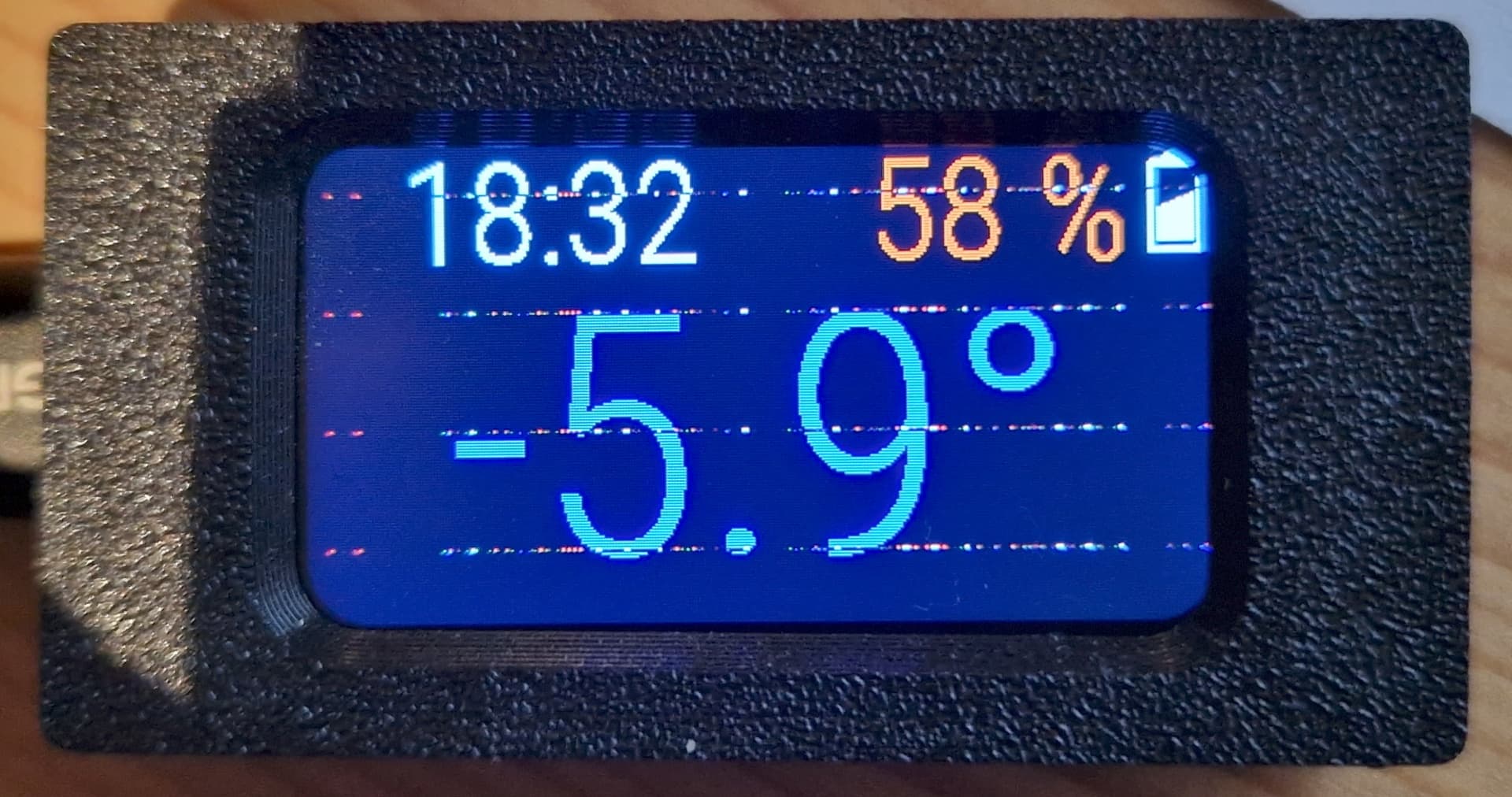
For anyone having trouble suign these units, there does seem to have been an update which broke stuff.
However, it now seems to be more stable and vanilla from esphome rather than pulling off github links (thanks to those who did that code of course!)
The display driver changed wildly to use mipi_spi only.
Works with some init data.
The adc driver does not need to use fractured_blue c6_adc plugin (which won’t compile any more too) and can just go straight from the main:
esp32:
board: esp32-c6-devkitc-1
variant: esp32c6
framework:
type: esp-idf
We must also use “attenuation: auto” on adc definitions or it will not give full range (about 3-3.1V) and only give 1V range on ADC inputs
This sets a static IP, it falls over to making a wifi AP if no connection.
I have developed a PCB that has a 5V to 24V step up converter that can power 4-20mA sensors, so one can have 6 sensors on a unit. It can also take digital inputs if there is a little resistance set up.
The circuit provides a 24V output which can be sent to the sensor to power it and then the signal that comes back has a voltage divider so that 0mA=0Vdc and 20mA =3.3Vdc onto the pin.
So one sensor is converting a 0-10bar air pressure sensor and one is just volts on the input (not calibrated for anything). But it can give 6off 4-20mA inputs.
esphome:
  name: esp32-lcd9
  friendly_name: Esp32-LCD9

esp32:
  board: esp32-c6-devkitc-1
  variant: esp32c6
  framework:
    type: esp-idf

wifi:
  ssid: !secret wifi_ssid
  password: !secret wifi_password
  manual_ip:
    static_ip: 192.168.1.79
    gateway: 192.168.1.1
    subnet: 255.255.255.0
    dns1: 192.168.1.1
  fast_connect: off
  reboot_timeout: 5min
  power_save_mode: HIGH
  on_connect:
    then:
      - logger.log: "WiFi connected"
  on_disconnect:
    then:
      - logger.log: "WiFi disconnected"
  # Enable fallback hotspot (captive portal) in case wifi connection fails
  ap:
    ssid: "Esp32-Lcd9 Fallback Hotspot"
    password: !secret ap_password

# Example configuration entry
button:
  - platform: restart
    name: "Restart Esp32C"

color:
  - id: my_red
    red: 100%
    green: 0%
    blue: 0%
  - id: my_yellow
    red: 100%
    green: 100%
    blue: 0%
  - id: my_green
    red: 0%
    green: 100%
    blue: 0%
  - id: my_blue
    red: 0%
    green: 0%
    blue: 100%
  - id: my_gray
    red: 50%
    green: 50%
    blue: 50%

font:
  - file: "arial.ttf"
    id: arial
    size: 16
  - file: "Helvetica.ttf"
    id: helvetica_24
    size: 24
  - file: "Helvetica.ttf"
    id: helvetica_18
    size: 18
  - file: "Helvetica.ttf"
    id: helvetica_12
    size: 12


#image:
#  - file: "image1.jpg"
#    id: my_image
#    resize: 200x200
#    type: RGB

time:
  - platform: homeassistant
    id: esptime

sensor:
    #sensors
  - platform: wifi_signal
    name: "Ext9-wifi"
    id: e9_wifi
    update_interval: 5s
    unit_of_measurement: "dBm"
    state_class: "measurement"
    #adc
  - platform: adc
    pin: GPIO0
    name: "Ext9-adc0"
    id: e9_adc0
    update_interval: 5s
    unit_of_measurement: "bar"
    device_class: pressure
    state_class: "measurement"
    filters:
      - multiply: 4.25
      - offset: -2.8
      #- multiply: 6.26
      #- offset: -4.174
    attenuation: auto
  - platform: adc
    pin: GPIO1
    name: "Ext9-adc1"
    id: e9_adc1
    update_interval: 5s
    unit_of_measurement: "V"
    device_class: voltage
    state_class: "measurement"
    filters:
      - multiply: 1
      - offset: 0
    attenuation: auto


spi:
  clk_pin: GPIO7
  mosi_pin: GPIO6
#  miso_pin: GPIO5

display:
  - platform: mipi_spi
    model: custom
    dc_pin: GPIO15
    cs_pin: GPIO14
    reset_pin: GPIO21
    color_order: bgr
    color_depth : 16
    pixel_mode: 18bit
    invert_colors: true
    transform:
      swap_xy: true
      mirror_x: false
      mirror_y: false
    rotation: 180
    dimensions:
      width: 320
      height: 172
      offset_height: 34
      offset_width: 0
    init_sequence:
      # LCD_Driver\Vernon_ST7789T\Vernon_ST7789T.c
      - [ 0xb0, 0x00, 0xe8]
      - [ 0xB2,0x0c, 0x0c, 0x00, 0x33, 0x33 ]
      - [ 0xb7, 0x75 ]
      - [ 0xbb, 0x1a ]
      - [ 0xc0, 0x80 ]
      - [ 0xc2, 0x01, 0xff ]
      - [ 0xc3, 0x13 ]
      - [ 0xb4, 0x20 ]
      - [ 0xc6, 0x0f ]
      - [ 0xd0, 0xa4, 0xa1 ]
      - [ 0xE0, 0xD0, 0x0D, 0x14, 0x0D, 0x0D, 0x09, 0x38, 0x44, 0x4E, 0x3A, 0x17, 0x18, 0x2F, 0x30 ]
      - [ 0xE1, 0xD0, 0x09, 0x0F, 0x08, 0x07, 0x14, 0x37, 0x44, 0x4D, 0x38, 0x15, 0x16, 0x2C, 0x2E ]
      - [ 0x21 ]
      - [ 0x29 ]
      - [ 0x2c ]
    lambda: |-
      it.rectangle(0,  0, it.get_width(), it.get_height(), id(my_blue));
      it.rectangle(0, 22, it.get_width(), it.get_height(), id(my_blue));
      it.strftime(15, 4, id(helvetica_18), id(my_yellow), TextAlign::LEFT, "%Y-%m-%d", id(esptime).now());
      it.strftime(112, 4, id(helvetica_18), id(my_yellow), TextAlign::LEFT, "%H:%M:%S", id(esptime).now());
      it.printf(220, 4, id(helvetica_18),  id(my_green), "Wifi:%.0fdB", id(e9_wifi).state);
      it.print(10, 34, id(helvetica_24),  id(my_red), "E9-ADC:");
      it.printf(10, 60, id(helvetica_24), id(my_yellow), "A0:%.2fbar   A1:%.2fV", id(e9_adc0).state, id(e9_adc1).state);

output:
  - platform: ledc
    pin: GPIO22
    id: lcd_backlight
    frequency: 200 Hz

number:
  - platform: template
    name: "Display Brightness"
    id: display_brightness
    optimistic: true
    min_value: 0
    max_value: 100
    step: 1
    initial_value: 100
    restore_value: true
    mode: slider
    on_value:
      then:
        - output.set_level:
            id: lcd_backlight
            level: !lambda "return x / 100.0;"

# Enable logging
logger:

# Enable Home Assistant API
api:
  encryption:
    key: !secret api_encryption_key

ota:
  - platform: esphome
    password: !secret ota_password

captive_portal: