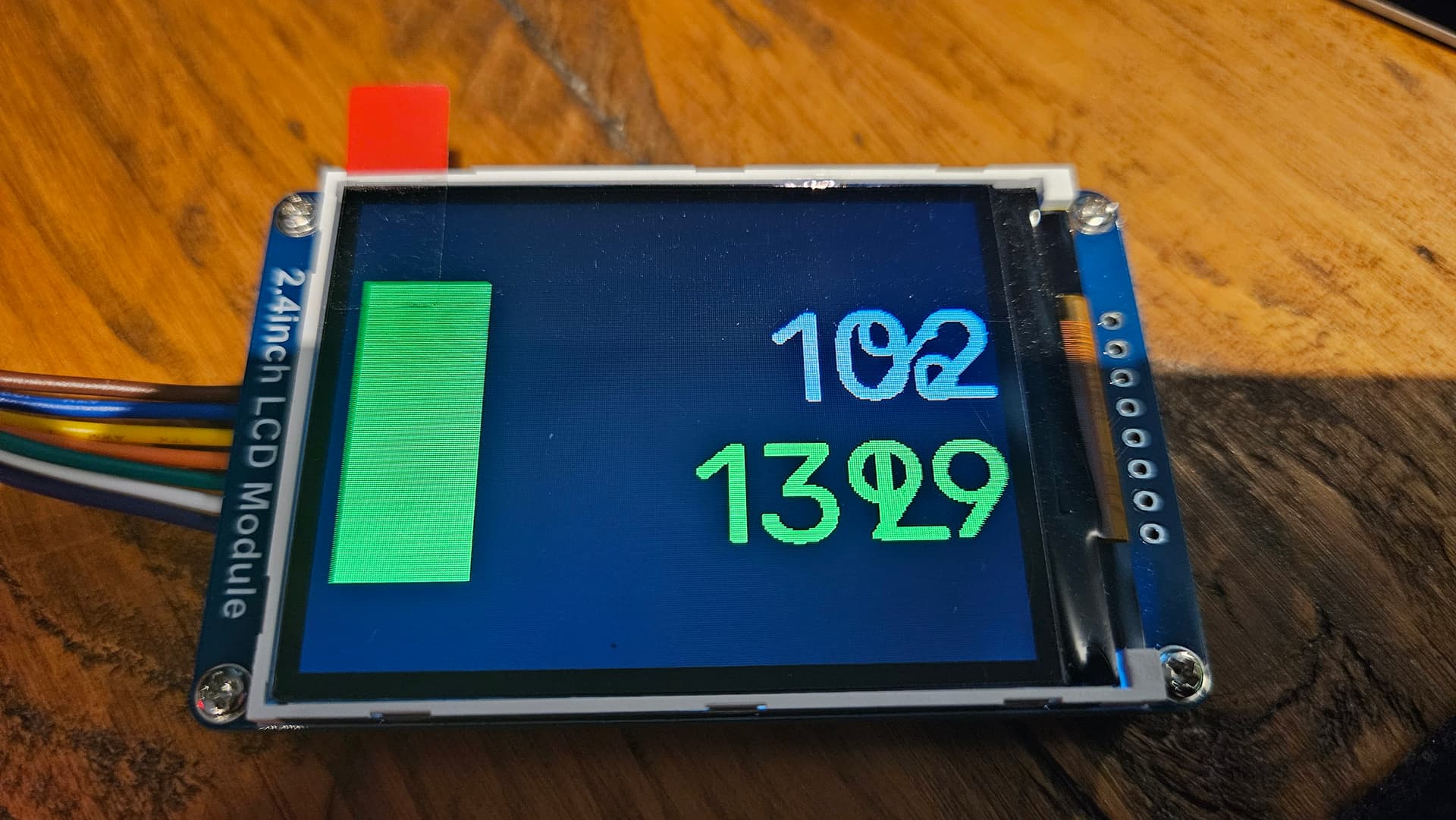
I’m looking for some help aligning the 2 sensor readings that I am showing on my display for my ESPHome device.
This is from my tank level sensor. I am displaying a rectangle to represent the tank, with a fill level within the rectangle depending on the sensor reading. I am then showing the percentage full followed by the % symbol, then underneath this, showing the number of litres remaining, which comes from a HA sensor, follwed by the letter L to represent Litres.
I have positioned the % and L as static coordinates, which seems to work fine.
Visually, it just looks odd, as the percentage reading is only a maximum of 3 digits long, and the volume reading is a maximum of 4 digits long, but they align left on the screen currently.
How can I get them to align right, so that the final digit of each reading is horizontally aligned above/below one another?
I’m very much out of my comfort zone with this lambda code as I have zero experience, so there may be a better way to display this altogether, but through a lot of trial and error I have got this far.
My ESPHome display code currently:
display:
  - platform: ili9xxx
    model: ili9341
    reset_pin: GPIO16
    cs_pin: GPIO5
    dc_pin: GPIO17
    rotation: 90
    update_interval: 10s  # Increase update interval to reduce load
    lambda: |-
      // Clear the display
      it.fill(id(my_black));

      // Draw the outline of the rectangle on the left
      it.rectangle(10, 50, 60, 150, id(my_white));

      // Get the oil level percentage and volume in litres
      float oil_percentage = id(oil_percentage_sensor).state;
      float oil_volume = id(oil_remaining).state;

      // Ensure the sensor states are valid before using them
      if (isnan(oil_percentage)) {
        oil_percentage = 0;
      }
      if (isnan(oil_volume)) {
        oil_volume = 0;
      }

      // Draw the filled rectangle based on the oil percentage
      int fill_height = (int)(150 * oil_percentage / 100.0);
      it.filled_rectangle(10, 50 + (150 - fill_height), 60, fill_height, id(my_green));

      // Display the oil level percentage to the right of the rectangle
      it.printf(100, 50, id(my_font), id(my_white), "%.0f", oil_percentage);

      // Display the oil volume in litres below the oil level percentage
      it.printf(100, 120, id(my_font), id(my_green), "%.0f", oil_volume);

      // Display "%" and "L" symbols with fixed positions
      it.printf(250, 50, id(my_font), id(my_white), "%c", '%');
      it.printf(250, 120, id(my_font), id(my_green), "%c", 'L');
and how it looks on the display:
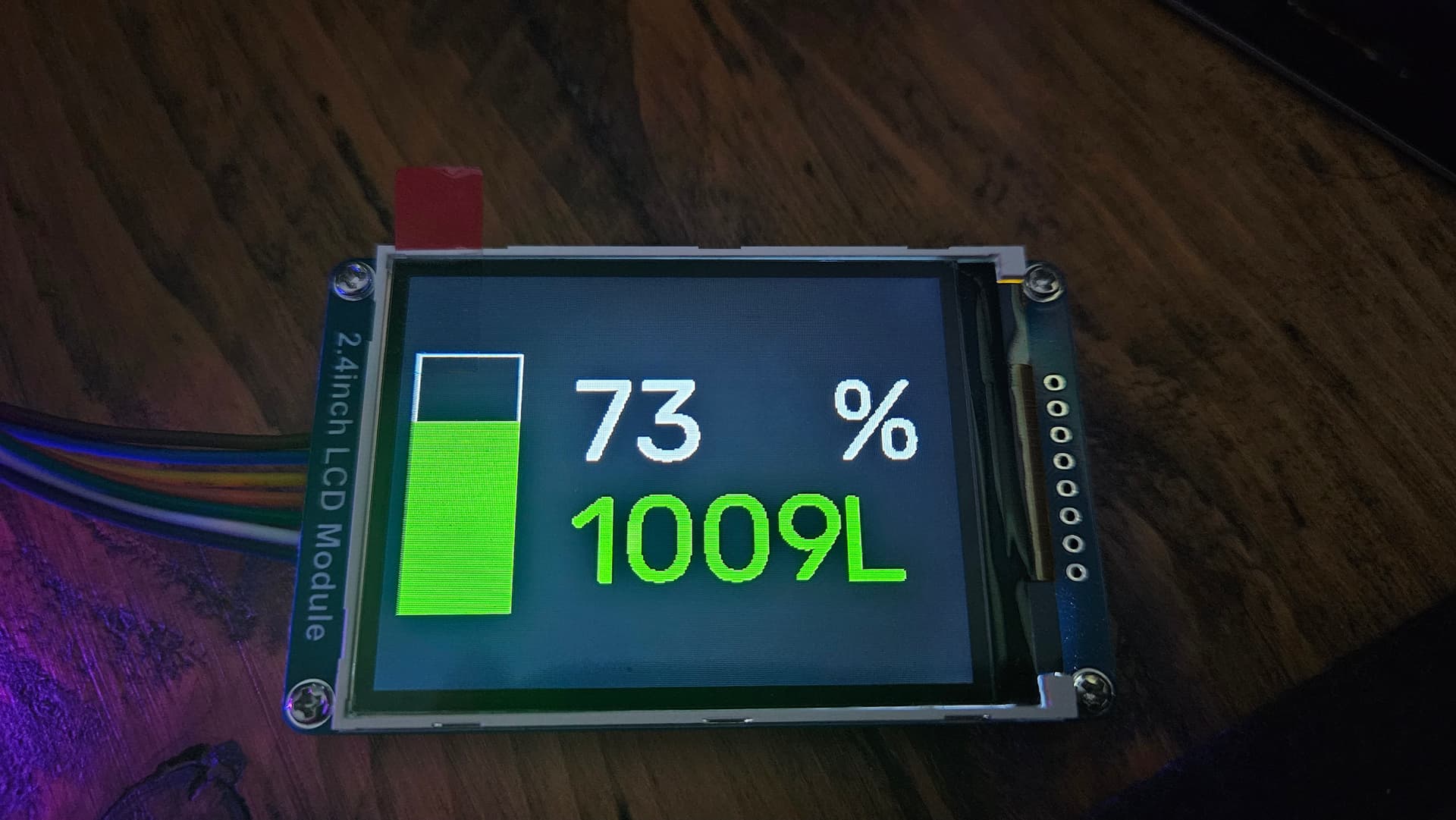
and finally a mock up of how I would like it to display in case my description makes no sense!