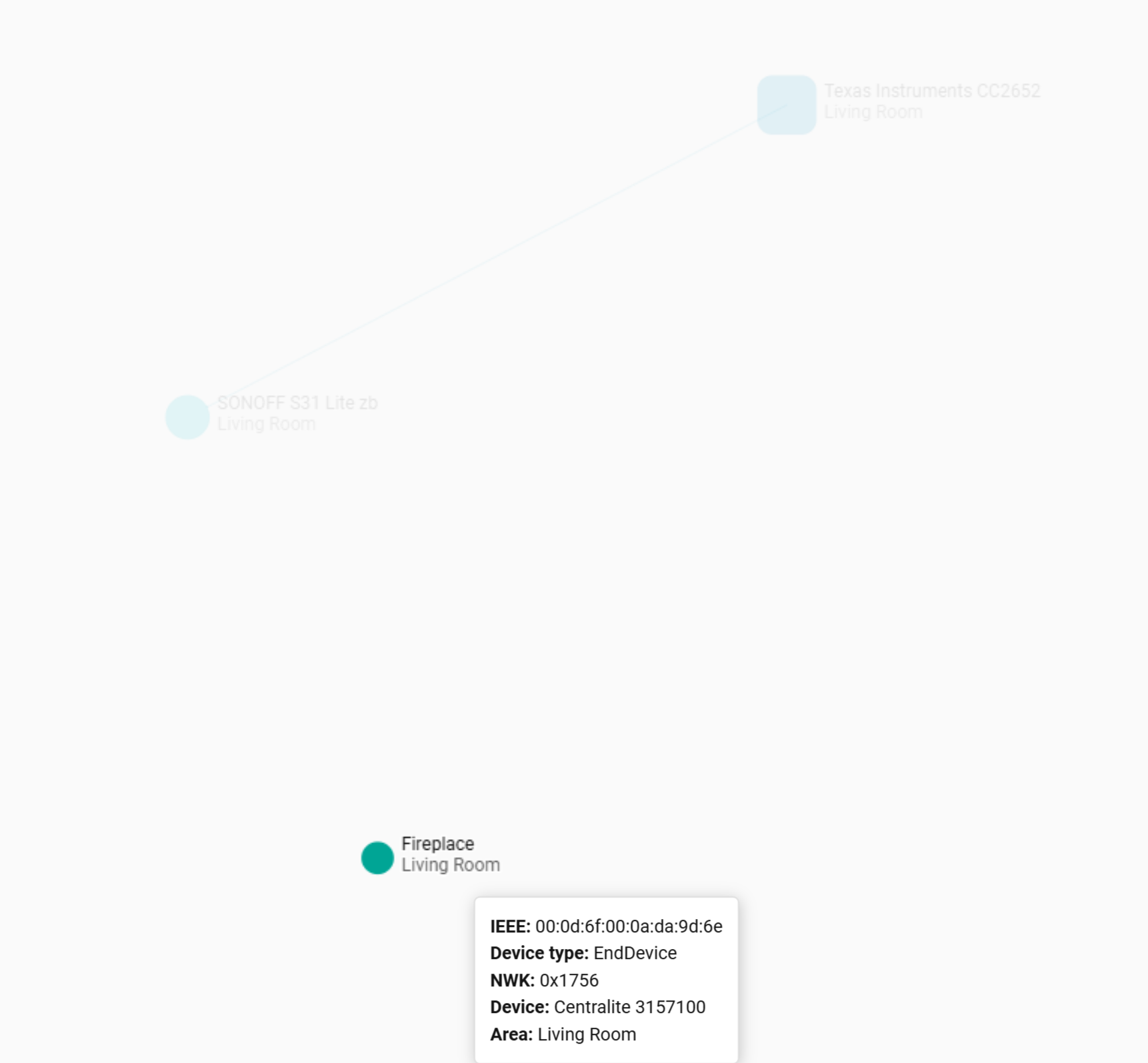
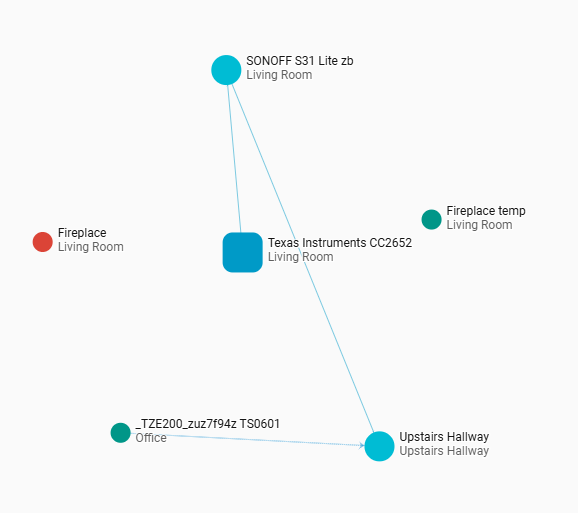
Very new here, been using Hubitat for a couple of years but have recently started tinkering with HA. I have recently paired a zigbee Centralite Pearl thermostat using a Coordinator about 5 metres away. I also paired a Sonoff plug at about the same distance. After a few hours the thermostat becomes unresponsive with the error in the Subject line; when I look at the zigbee map it does not show offline.
Can anyone provide some troubleshooting tips? I have seen that if I pop the battery out and back in on the thermostat it will start to react to commands, so I guess it is dropping off the network. Also, this is a 2 wire setup for a gas fireplace, no C wire so running on batteries.
Unfortunately for me the given answer here was not good enough because my Zigbee mesh did work with “just” 5 devices before. It does also work using a gateway and app instead HA.
Tried all things that seem to have helped others (flashing the stick, reloading HA, rebooting the host, remove the integration, reconfiguring it, unplugging the stick etc. to no avail.
First I saw this using a Sonoff temp/humidity sensor and thought it might be more of a quality issue device vice.
The other day there was a HA update and sometime later the sensor did integrate properly.
I can’t see why…
Next I started with the Thermostats and added a new Sonoff TRVZB. It gets configured in HA but than HA can’t talk to it (no route) and it’s shown in the same way yours does in the screenshot.
Hi, yes I did. At least somehow and most of the time.
First I changed my dongle from zbdongle-e to dongle plus MG24. That improved the stability and reach. Also I reenabled all of my 2,4GHz WiFi without any negative effect.
Next I flashed the former coordinator dongle to become a router and plugged it in a USB chrager the was lying around. That clearly helped too.
Final step was to integrate a second MG24 as router outdoors.
Ever since my map looks pretty good. Sometimes one or two devices might show no links but that doesn’t seem to hinder them from transmitting data.
My conclusion ist that adding one or two “proper” and sole router devices with external antennas is the way to go. Instead of ZB routers burried and possibly influenced by their mounting location (like the ZBMINI Smart Switches or like outlet plugs that might sit behind some furniture.
BTW a wooden house like mine can have a negative influence on the ZB network too. Realtively high humidity, more moisture in the wood, can reduces signal strength. That’s why I added a MG24 outdoors.