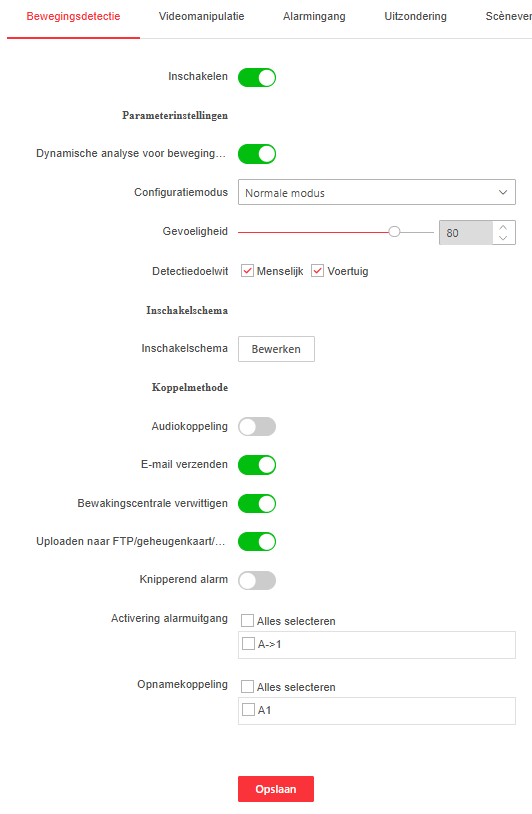
I have a different Make of camera but what I do is turn the sensitivity for the pixel change motion detection all the way down and the trigger threshold all the way up. Then just rely on AI person, vehicle and Animal detection (in camera). You can’t just disable pixel motion detection as it disables all types of motion detection This works really well. 100% reliability for people and cars. Animals are less reliable (missed and false positive detections).
I forgot the most important thing: I’m getting the correct notifications in my Hik Connect app. For example, while I’ve only received three motion notifications in the last hour, binary_sensor.camera_voorgevel_motion is reporting “on” at least every minute.
Could it be that the AI filtering (auto/human) isn’t being applied, meaning every movement (leaf on a tree, rain, etc.) is being sent to Home Assistant?
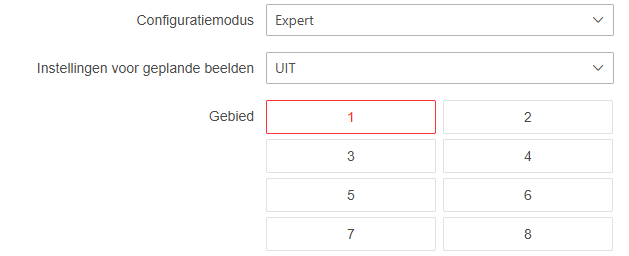
I do that with my other Hikvision cameras, but I don’t have that possibility on this new on…
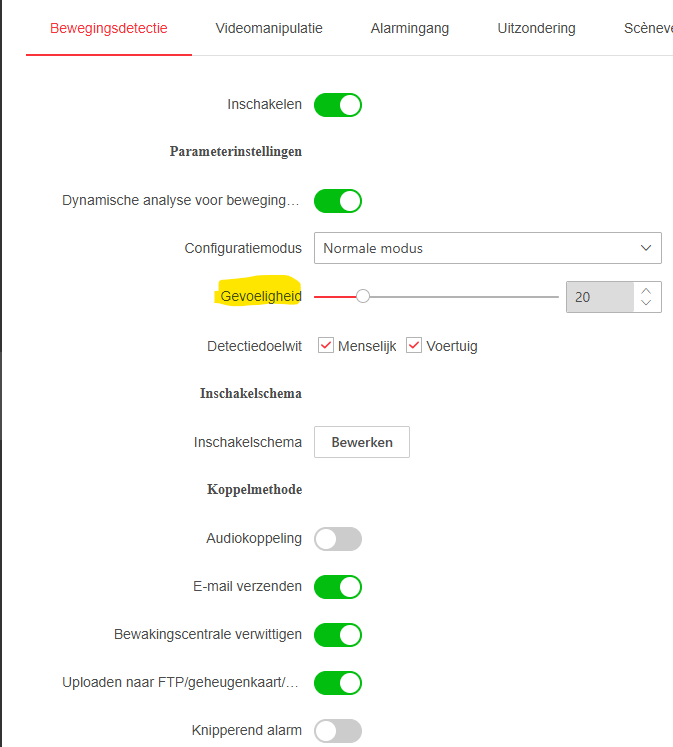
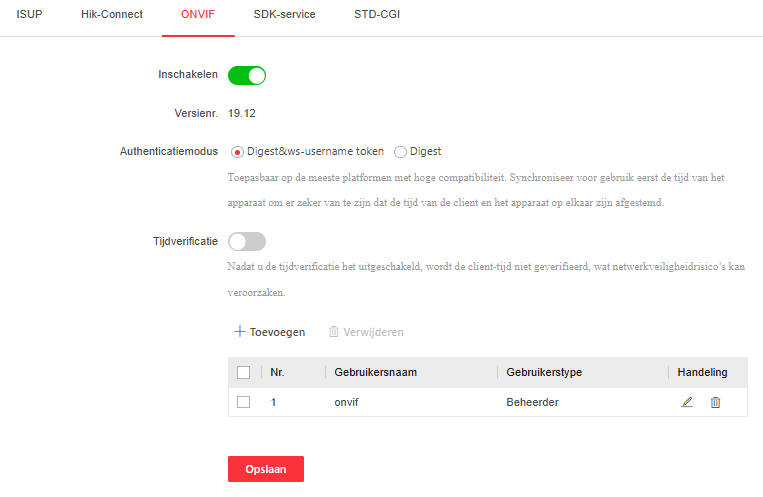
This is the only thing I can change… Changing to “0” gives me no detection at all (also not in the hik-connect app), changing to “20” gives me the false motion detections… Default was “60”.
Are the settings/changes being saved?
Did you reboot the camera after changing?
Have you checked the FW updates (if any available) if something is mentioned related to this?
Just did a reboot of the camera en home assistant again, just to be sure
According to chatgtp home assistant only gets the unfiltered motion detection on the whole picture, but I can’t imagine that…do you use motion detection in home assistant of this camera ?
But the question remains: what do you want to trigger on, any motion or people? If you have sensors for both, ignore motion and trigger op people detection. The motion detection is only useful for the camera to decide what areas to check for people so the AI has less work.
 This works really well. 100% reliability for people and cars. Animals are less reliable (missed and false positive detections).