Hildebrand Glow (Bright App) - New HACS Integration for UK Smart Meters
Hi everyone!
I’ve created a new Home Assistant integration for UK SMETS2 smart meters using the Hildebrand Glow / Bright app API. This is a fresh implementation designed to be simple and reliable.
Why Another Integration?
The existing integrations (HandyHat’s original, which is now abandoned, and the various forks) have become outdated and many users report issues. I wanted something that:
Works reliably with the current Glowmarkt API
Has simple UI-based configuration (no YAML)
Includes built-in tariff calculations with standing charges
Is easy to maintain going forward
Features
8 Sensors:
Electricity Consumption (kWh) - daily total
Gas Consumption (kWh) - daily total
Electricity Cost from API (£)
Gas Cost from API (£)
Electricity Daily Cost (£) - includes your standing charge
Gas Daily Cost (£) - includes your standing charge
Electricity Standing Charge (£/day)
Gas Standing Charge (£/day)
Easy Setup:
Config flow (UI-based setup)
Just enter your Bright app email/password
Automatic resource discovery
Configurable Tariffs:
Set your electricity rate (p/kWh)
Set your gas rate (p/kWh)
Set standing charges
Update anytime via Options flow
Energy Dashboard Ready:
Proper state_class: total_increasing for consumption sensors
device_class: energy and device_class: monetary set correctly
Requirements
UK SMETS2 smart meter (or SMETS1 on DCC)
Free Bright app account (iOS/Android) with your meter linked
Home Assistant 2023.1.0 or newer
HACS installed
Installation
HACS (Recommended)
Open HACS → Integrations
Click the three dots menu (⋮) → Custom repositories
Thanks for the integration - been trying to get a better way to view my electricity consumption and this looks like the answer !
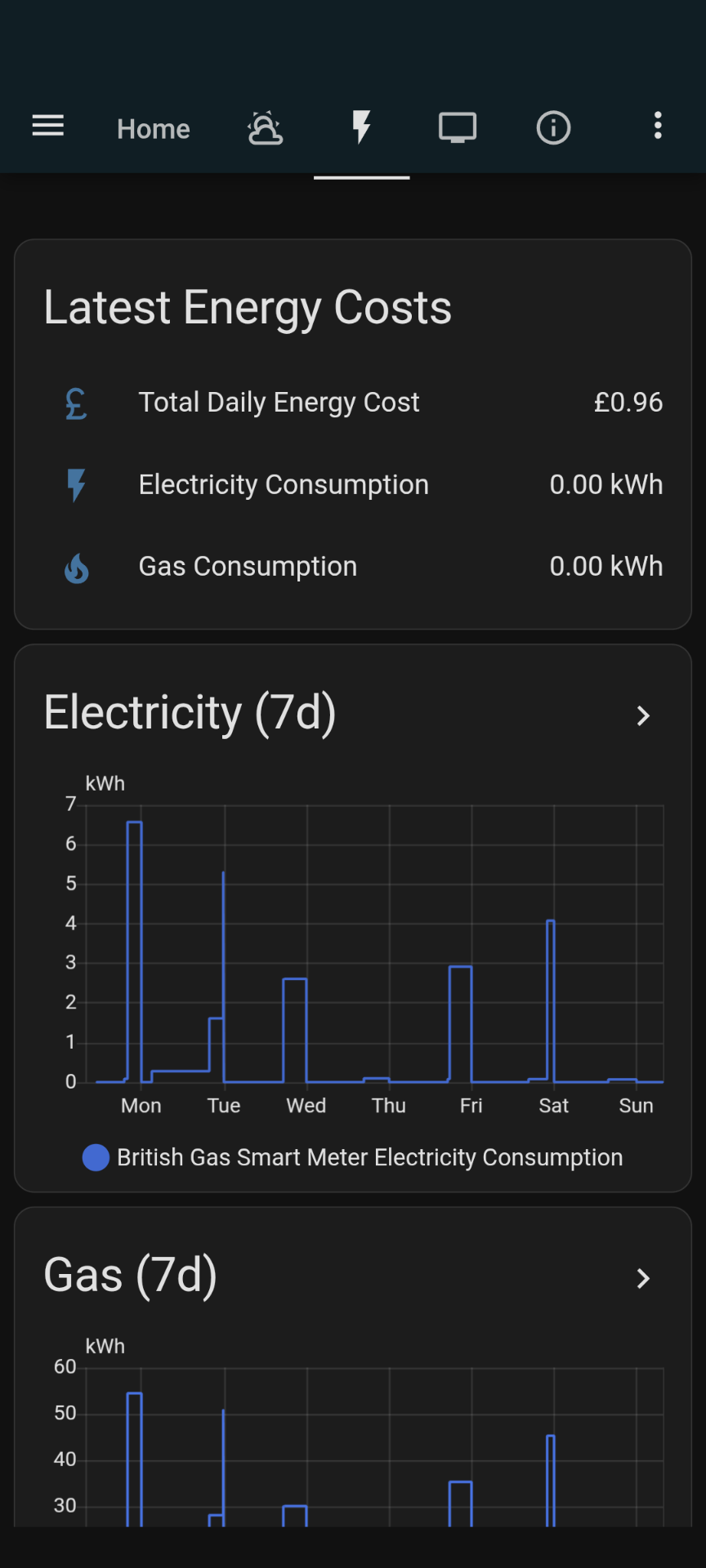
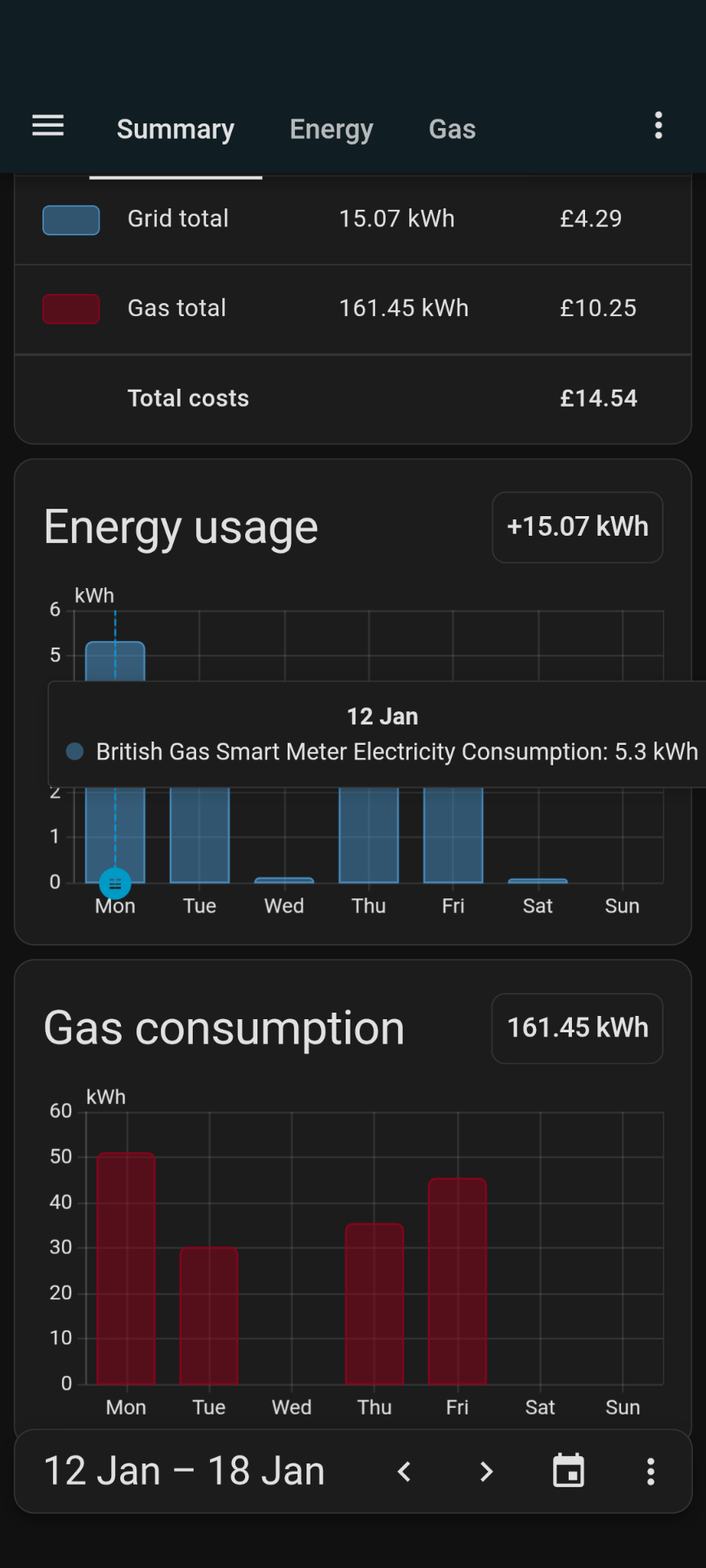
It is probably something I have done but I do not seem top begetting the data through that I expected, I have attached screenshots below of what I am getting and what is in the setup for the energy screen. I am getting data in my “Bright” app ( but it does seem slow / patchy to update ) so was wondering if this was a general issue or I have not configured something correctly somewhere ?
Screenshots -
Hi
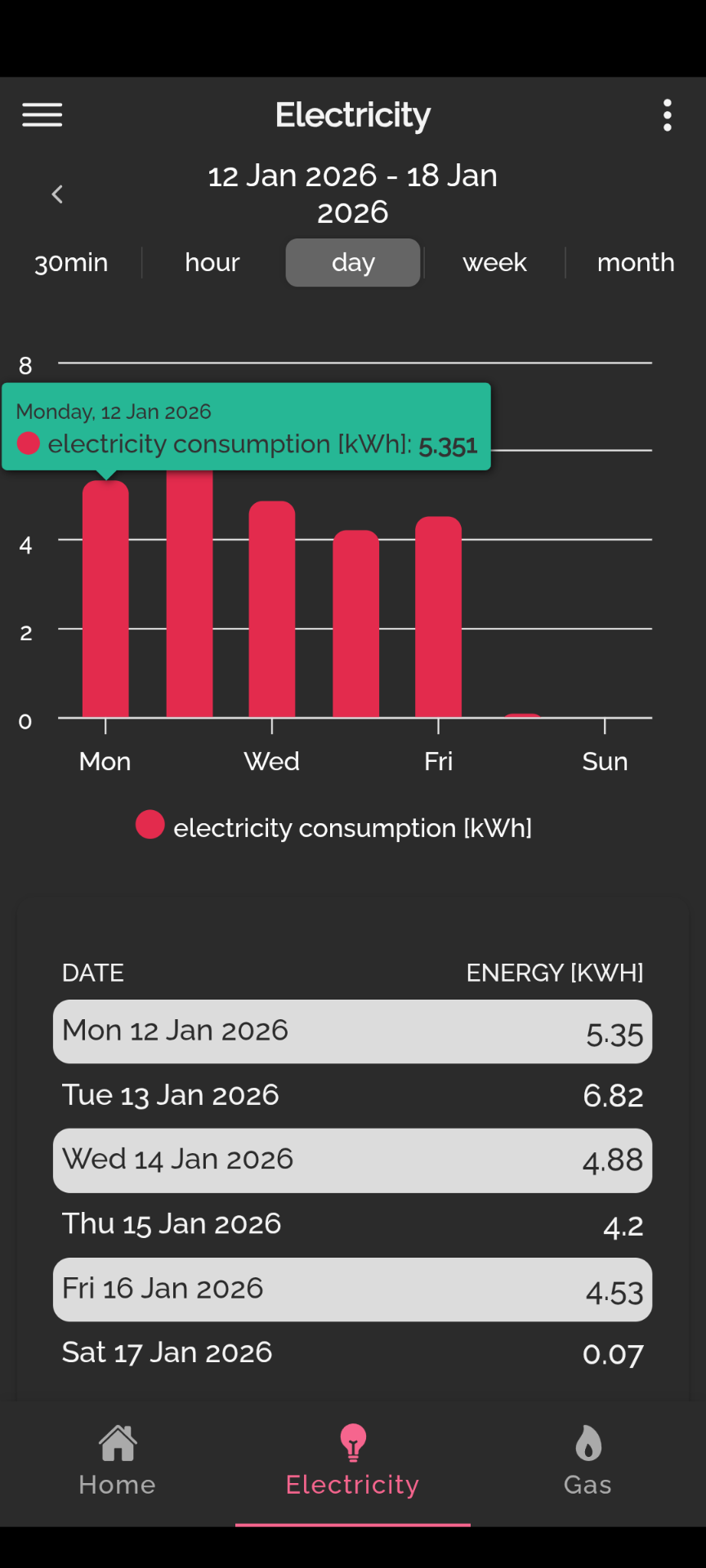
Thanks for sharing this integration. Got also some weirdness in my setup.: if I compare Monday on Bright and HA then they agree but not on Tuesday…I’ll post screenshots here. I feel it’s because of the erratic updates from Bright. I also post a history graph for electricity consumption which gives an idea how irregular the updates from Bright seem to arrive. Not sure if anything can be done but wanted to share. Thanks again.
PS as a new user the system does not let me post all pictures at one…so only history graph now. Will try to post the rest later
I’m struggling to get this work in on my stack. I have had a loign for Hildebrand for quite some time. I’ve recently renovated and I’m setting up my lab again. I came across this integration but it doesn’t seem to be populating my energy dashboard correctly.
Can someone help? I’m defiing the following entites:
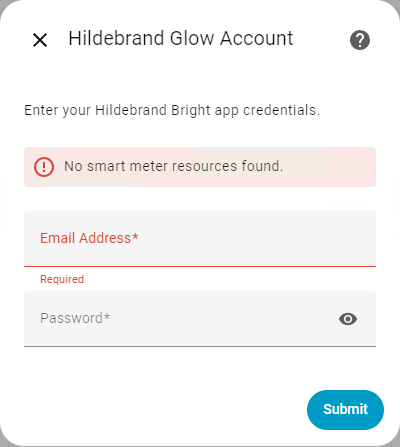
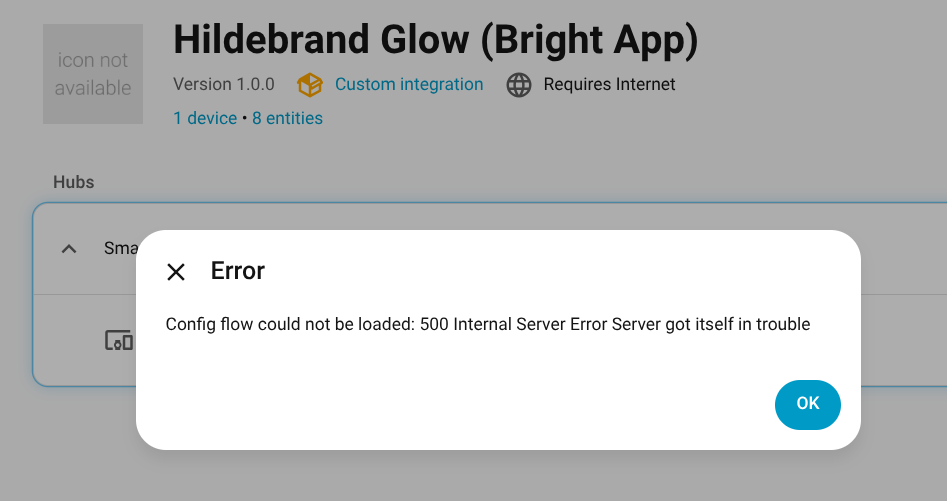
I wonder if someone could help - I’ve tried to set this up, and it appears to accept my username and password for Glow but when I click the settings, I get a 500 error. If I use the Glow website, I can see and download my usage.
Hi I used this integration for about 6 months now.. and I think there is an issue with the cost it reports back, specifically if you have E7. It seems the value returned is always against the current cost, rather than when the electricity was used. I only use (very little) overnight electricity and nothing measurable during the day because of solar and battery storage. Yet the cost always shows the usage at the day rate when viewed during the day rate time.

 8 Sensors:
 on GitHub would be appreciated!