Homepage Add-on for Home Assistant
Hey everyone!
I created this add-on based on GetHomepage and thought why not share it so everyone can enjoy it too? 
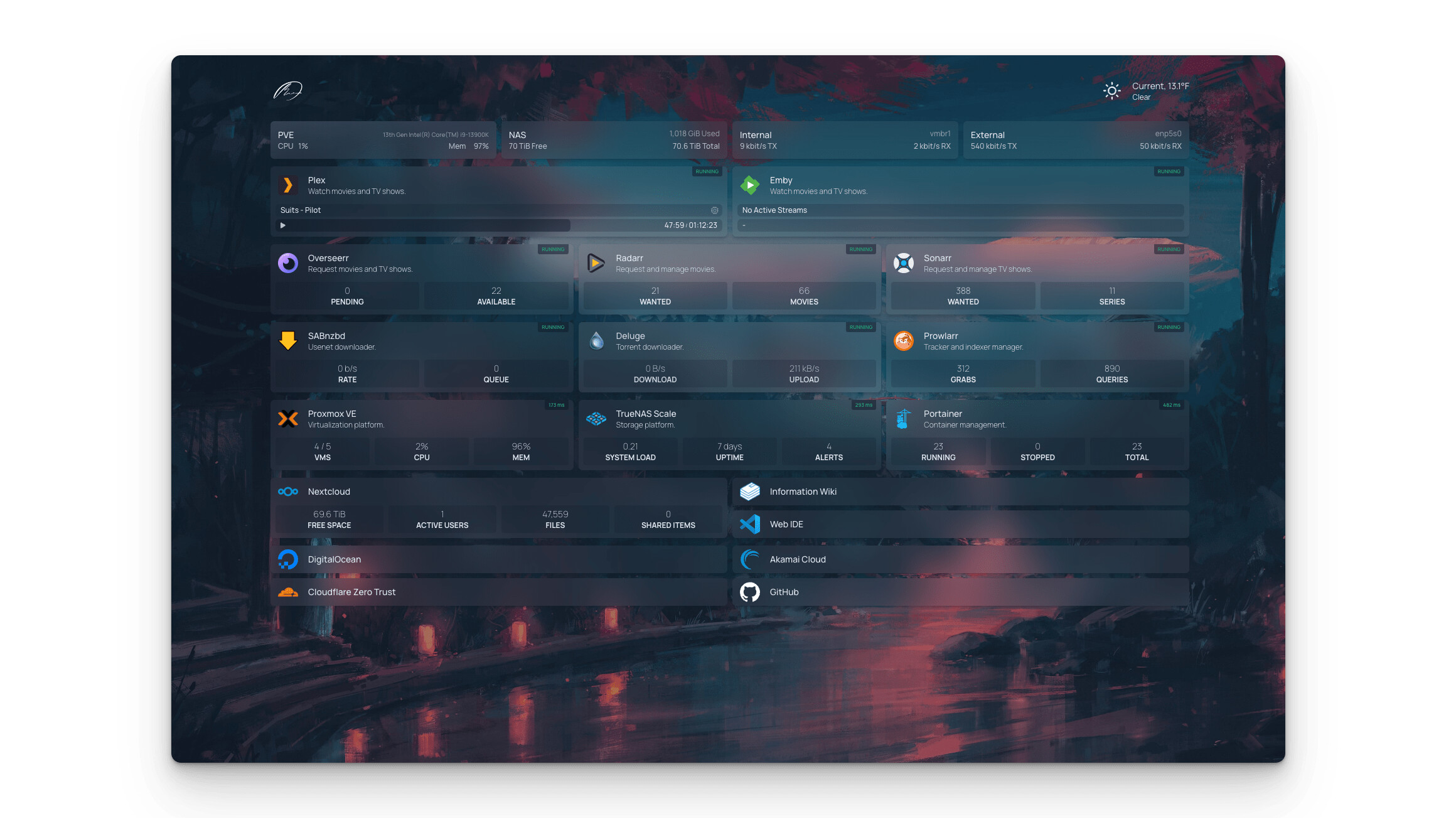
About Homepage
Homepage is a modern, fully static, fast, and secure application dashboard that is fully proxied and highly customizable.
It includes integrations for over 100+ services, multi-language support, and can be easily configured via YAML files or Docker label discovery.
Installation
- Add my add-ons repository to your Home Assistant add-ons.
- Install the Homepage add-on.
- Edit the add-on configuration as needed (currently you can only change the exposed port, which defaults to 3000).
- If you need
/var/run/docker.sockaccess or custom icons/images, see the notes in the GitHub repo. - Start the add-on.
- Done — enjoy your new dashboard!

Editing Homepage Configuration Files
- Use the File Editor add-on or connect to your Home Assistant via SFTP.
- Navigate to your
addon_configfolder. - Open the folder for the Homepage add-on, e.g.,
/addon_config/abcd123_homepage/. - Edit the configuration files as needed.
→ For detailed Homepage configuration info, check: https://gethomepage.dev/configs/
GitHub Repository
More info about the add-on:
Preview
Feedback is welcome!
Let me know if you run into issues or have suggestions for future improvements.
What addons are in repo at the moment?:
Homepage
Spoolman