So… This is a story about a small lovely black cat (called Salem, obviously because millennials…) that basically showed up on our new house.
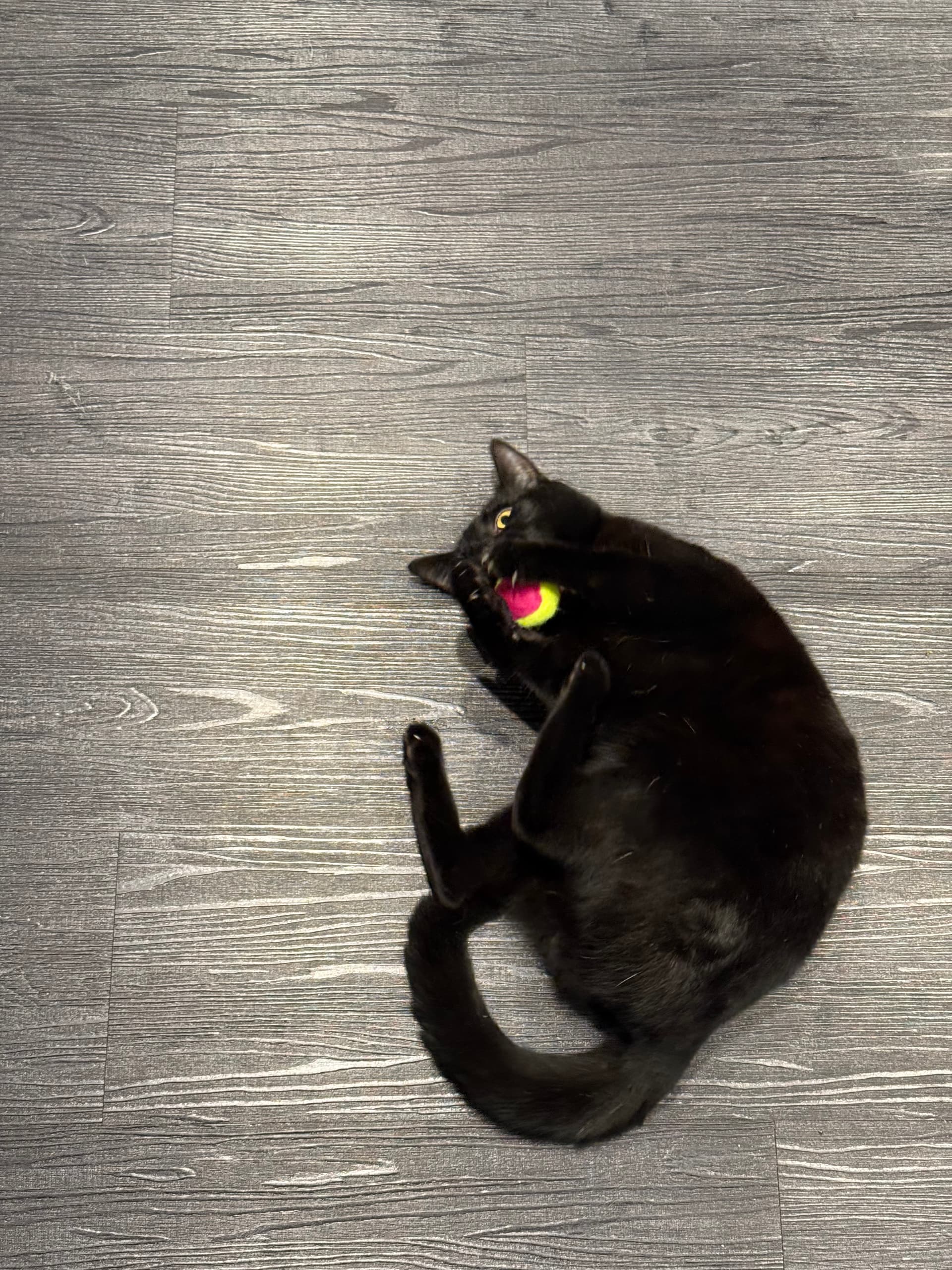
Being an outdoor cat, an owning a human that is constantly on the move, it needed an automatic feeder.
A cheap one from Amazon did the job, but ever the perfectionists (both Cat and Human), the Cat won’t show up to eat on schedule, and the Human wanted to make sure that food gets dispensed when the cat was around so it wouldn’t go stale.
Enter ESP32, the swiss army knife of electronics, and hopefully the simplest approach I could think of to integrate this feeder with HomeAssistant, use a GPIO PIN to simulate the button press that makes the feeder turn the wheel and dispense food. Because the feeder has a 5V input (USB-A to barrel jack
 ) I know I can use that to feed the ESP32.
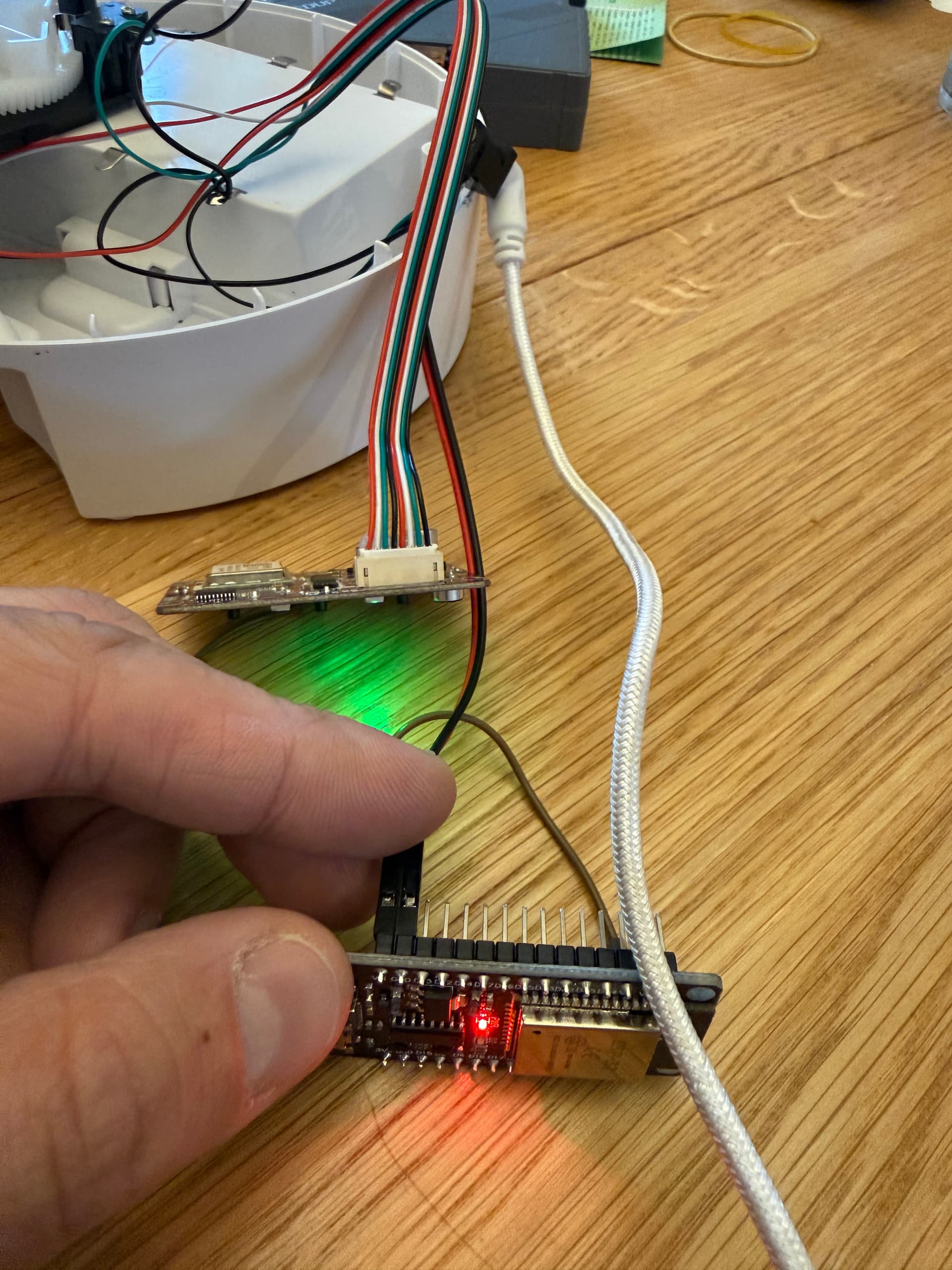
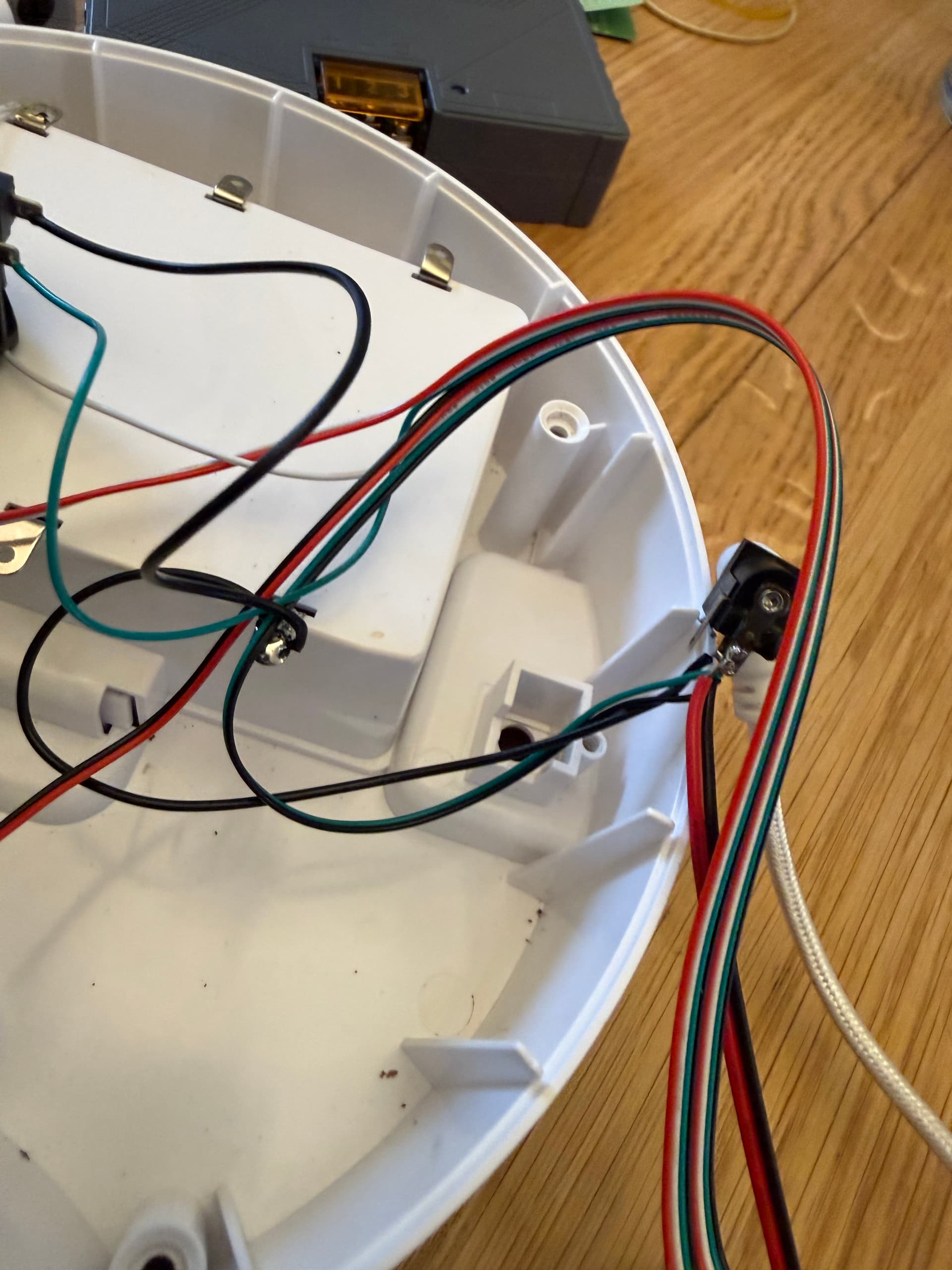
I’m no expert on electronics, not by a long shot, but I figured out with a couple of jumper cables and a normal run off the mill voltage tester that the switch had a high side on 3.3V (ideal for ESP32) and a low side to ground. When jumping 3.3V to a ground test point in the board (IE “Shorting to Ground”) the wheel spins, cat gets food  . That’s all I needed to know. I soldered a wire from the high side of the switch, to a cable with a manually crimped dupont connector (I think that’s what they are called) and simulated that “shorting to ground”.

The rest… was ESPHOME configuration:
esphome:
  name: esphome-web-aabbccc
  friendly_name: ESPHome Web aabbccc
  name_add_mac_suffix: false
  on_boot:
    priority: 600
    then:
      - output.turn_on: feeder_trigger_out
    # ON (active) with open_drain = high-Z (line floats to 3.3 V via feeder pull-up)

esp32:
  variant: esp32
  framework:
    type: esp-idf

# Enable logging
logger:

# Enable Home Assistant API
api:
  encryption:
    key: "aaabbbcccddd="

# Allow Over-The-Air updates
ota:
- platform: esphome

wifi:
  ssid: !secret wifi_ssid
  password: !secret wifi_password

output:
  - platform: gpio
    id: feeder_trigger_out
    pin:
      number: GPIO23
      mode:
        output: true
        open_drain: true

# Make sure we start in the "released" state (high-Z)


# Button exposed to Home Assistant
button:
  - platform: template
    name: "Cat Feeder Dispense"
    icon: "mdi:cat"
    on_press:
      # Press = pull line to GND
      - output.turn_off: feeder_trigger_out   # OFF -> logic 0 -> open drain sinks to GND
      - delay: 200ms
      - output.turn_on: feeder_trigger_out    # back to high-Z (released)
      - delay: 1000ms                          # Wait and do another turn
      - output.turn_off: feeder_trigger_out   # OFF -> logic 0 -> open drain sinks to GND
      - delay: 200ms
      - output.turn_on: feeder_trigger_out    # back to high-Z (released)
I hope this simple post (not being in-depth on ESP32) encourages people to hack these simple devices. This feeder has wifi with a Phone App, but no API, nothing to control it. I’m planning to disconnect the native wifi part of the device as soon as this proves to be reliable… as all I need now, is to press that button. Arguably, there are button bots that you could use if you don’t feel inclined to play with wires, but I guarantee you, this will feel more rewarding
In my case, because I already have a camera in the area where the feeder is with animal detection, that is now triggering the dispensing mechanism though a Home Assistant automation.
The cat was sort of already trained because when I got the notification, I used to go manually an dispense it. Imagine my laughs when I realized that the cat was smarter than me, as when I went and check the camera… she knew exactly where to be in the office to trigger the owner to feed her.  .
.