I have so far doing a Automation to turn light on to flash it for 10 times and for me to snooze it from my mobile as well as my Galaxy Watch 7, and for the lights back to normal colour when back into correct ranges, but I have done it so as soon \s you snooze it goes back to normal colour and goes off after 3 mins.
But for me testing this is what I thought might be the best way.
It be good if other type my two sensors with a 2mmols out from each other to also alert me for during the night. To prevent false readings and compession lows to alert you so if on a closed loop will prevent a over dose.
I have got two sensors already to do this!
I have not many Dash pods left to be fully testing any more after this week, until I get a good Dr to give me my needs and supply me with Dash Pods, has requested back in 2018 other wise I’m cannot help to do anything and and be back onto over 200 useless no good needles. I do not want to be back on!
Here is my YAML code so far, and yes I understand a lot more needs to be done!
description: >-
  Triggers when sugar < 3.9. Resets lamp and silences alerts when snoozed or
  safe.
triggers:
  - trigger: numeric_state
    entity_id: sensor.dave247_glucose_value
    below: 3.9
    for:
      minutes: 1
  - trigger: state
    entity_id: input_boolean.glucose_snooze
    to: "off"
conditions:
  - condition: numeric_state
    entity_id: sensor.dave247_glucose_value
    below: 3.9
  - condition: state
    entity_id: input_boolean.glucose_snooze
    state: "off"
actions:
  - action: notify.alexa_media_david_s_echo_show_21
    data:
      message: >-
        Warning, Dave. Your blood sugar is low at {{
        states('sensor.dave247_glucose_value') | round(1) }} millimoles.
      data:
        type: announce
  - action: notify.mobile_app_sm_s938b
    data:
      title: 🚨 Low Glucose Alert
      message: "Reading: {{ states('sensor.dave247_glucose_value') | round(1) }} mmol/L."
      data:
        ttl: 0
        tag: glucose-alert-loop
        priority: high
        channel: alarm_stream
        actions:
          - action: SNOOZE_GLUCOSE
            title: Snooze (Mins)
            behavior: textInput
            textInputButtonTitle: Snooze
            textInputPlaceholder: Minutes (e.g. 20)
  - action: script.flash_desk_lamp_red
  - repeat:
      while:
        - condition: numeric_state
          entity_id: sensor.dave247_glucose_value
          below: 3.9
        - condition: state
          entity_id: input_boolean.glucose_snooze
          state: "off"
      sequence:
        - delay: "00:01:00"
        - action: notify.alexa_media_david_s_echo_show_21
          data:
            message: >-
              Reminder Dave, sugar is still low at {{
              states('sensor.dave247_glucose_value') | round(1) }}.
            data:
              type: announce
        - action: script.flash_desk_lamp_red
  - action: media_player.media_stop
    target:
      entity_id: media_player.david_s_echo_show_21
  - action: script.turn_off
    target:
      entity_id: script.flash_desk_lamp_red
  - action: light.turn_on
    target:
      entity_id: light.desk_lamp
    data:
      rgb_color:
        - 0
        - 187
        - 255
      brightness_pct: 50
  - delay: "00:03:00"
  - action: light.turn_off
    target:
      entity_id: light.desk_lamp
mode: restart
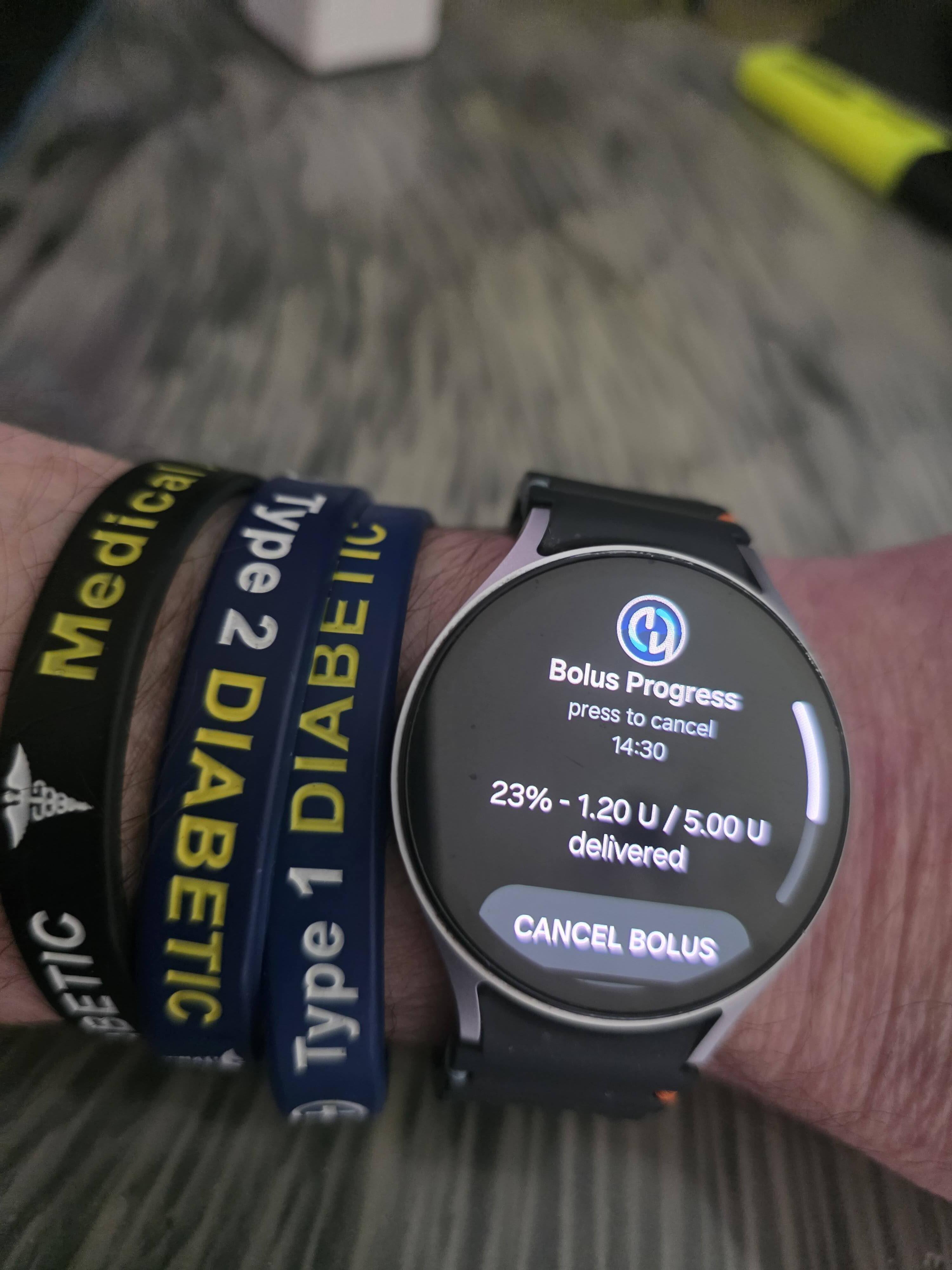
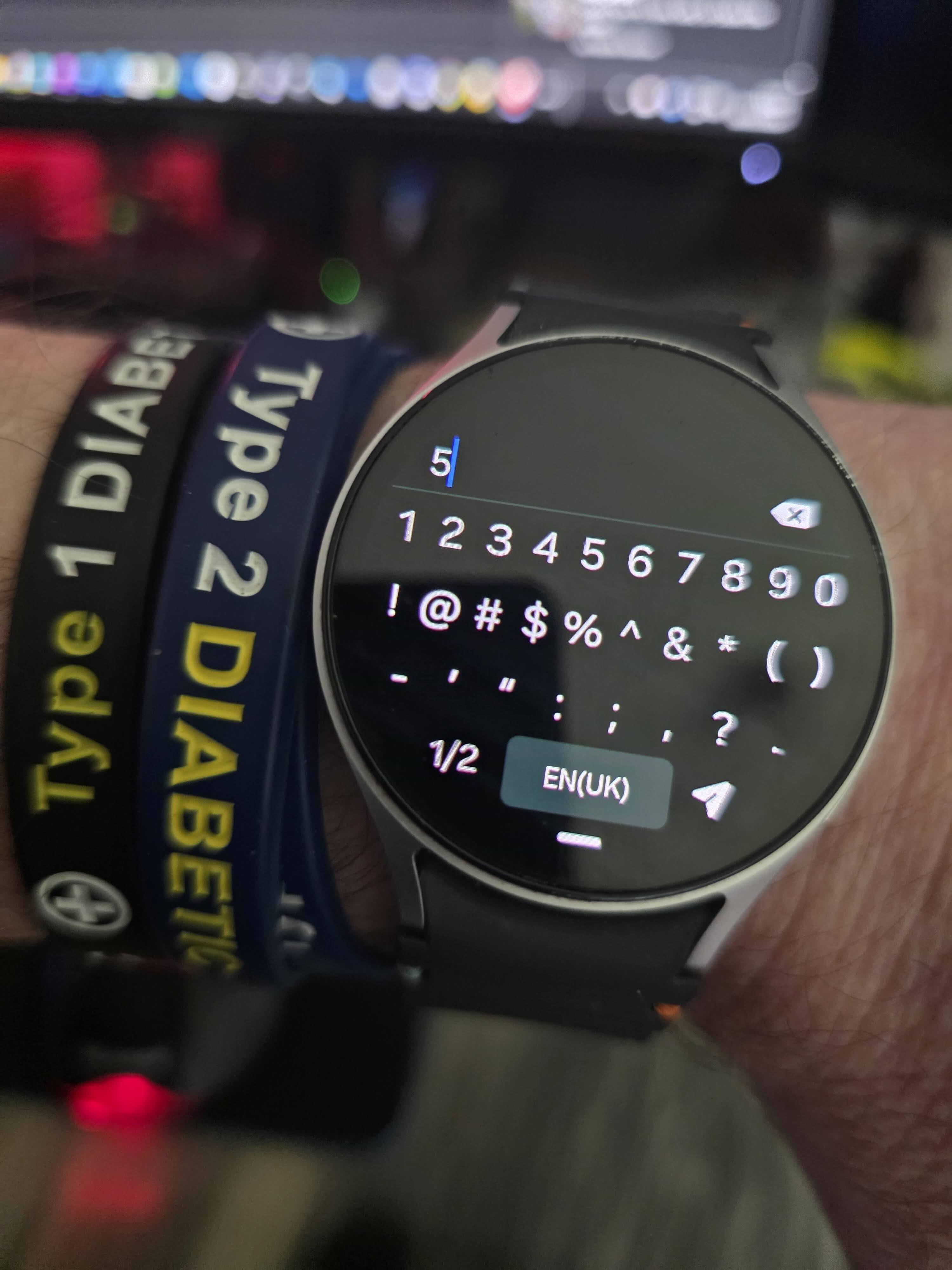
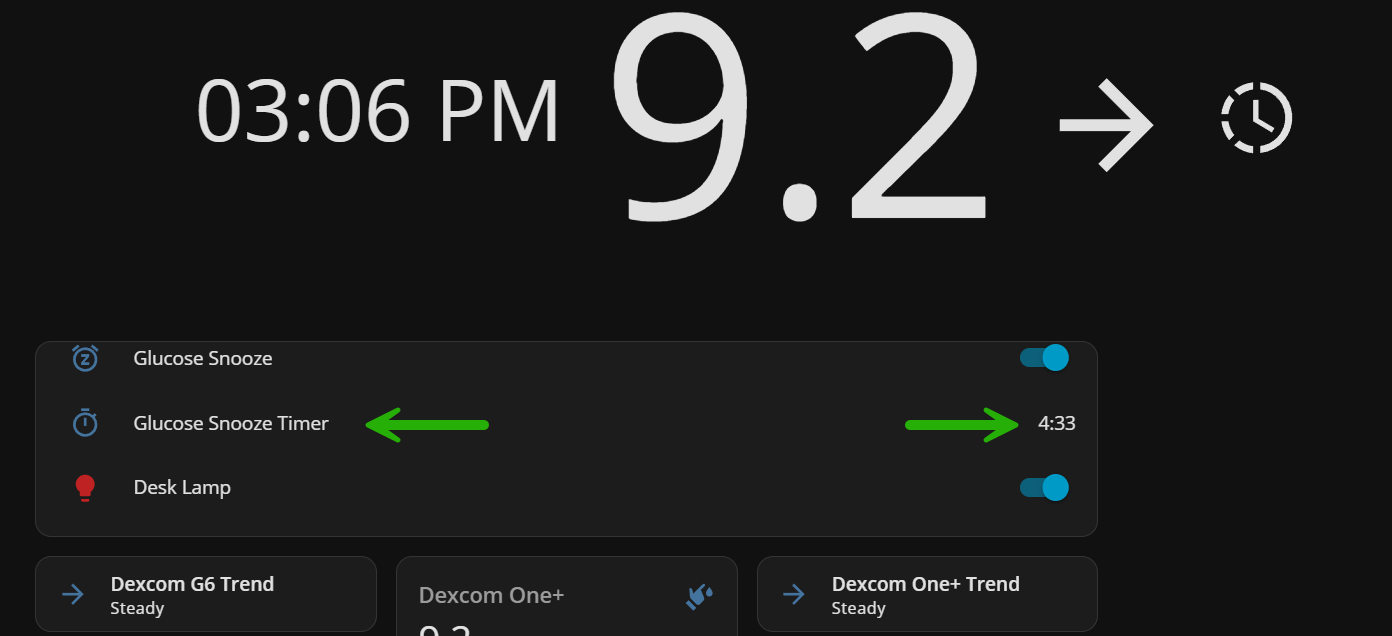
This is me giving myself insulin to get down from my high and a test alert for me to show you its possible to do it from your watch and mobile too snooze it, and what ever time you give it, you will get a countdown Snooze timer.
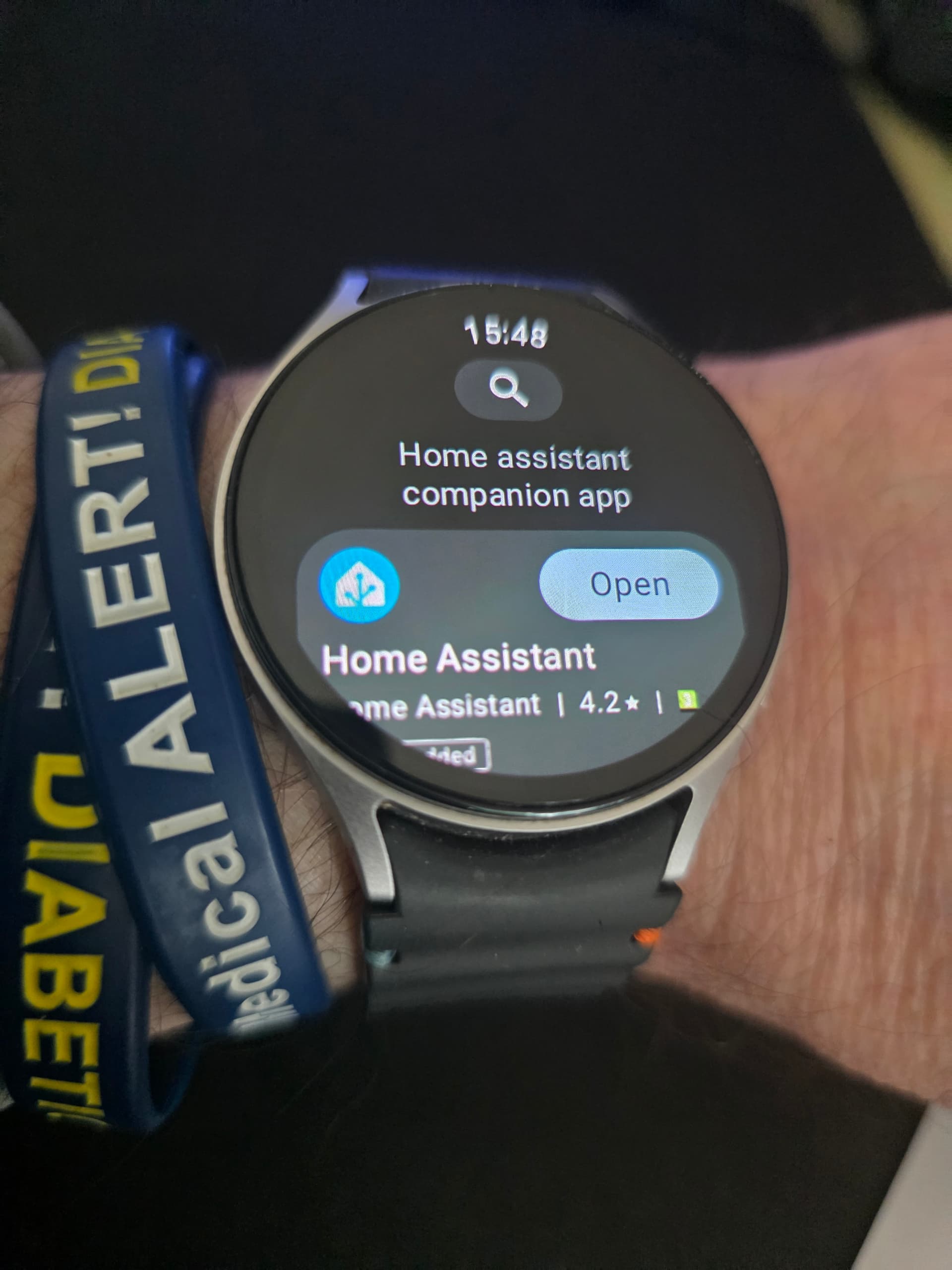
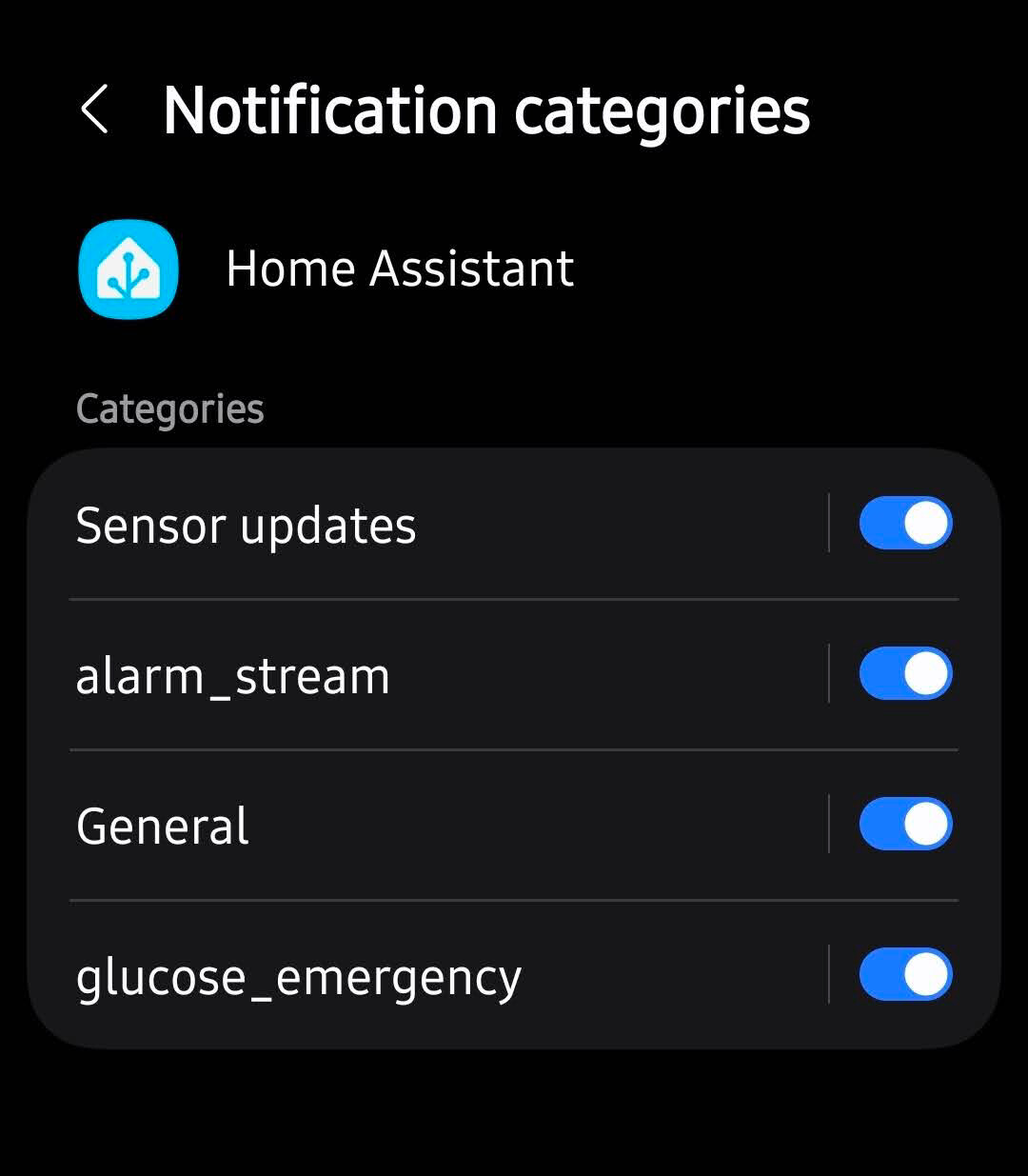
You just need to install Home Assistant Companion App onto your Galaxy watch 7 from the play store and allow permissions and notifications on your mobile!
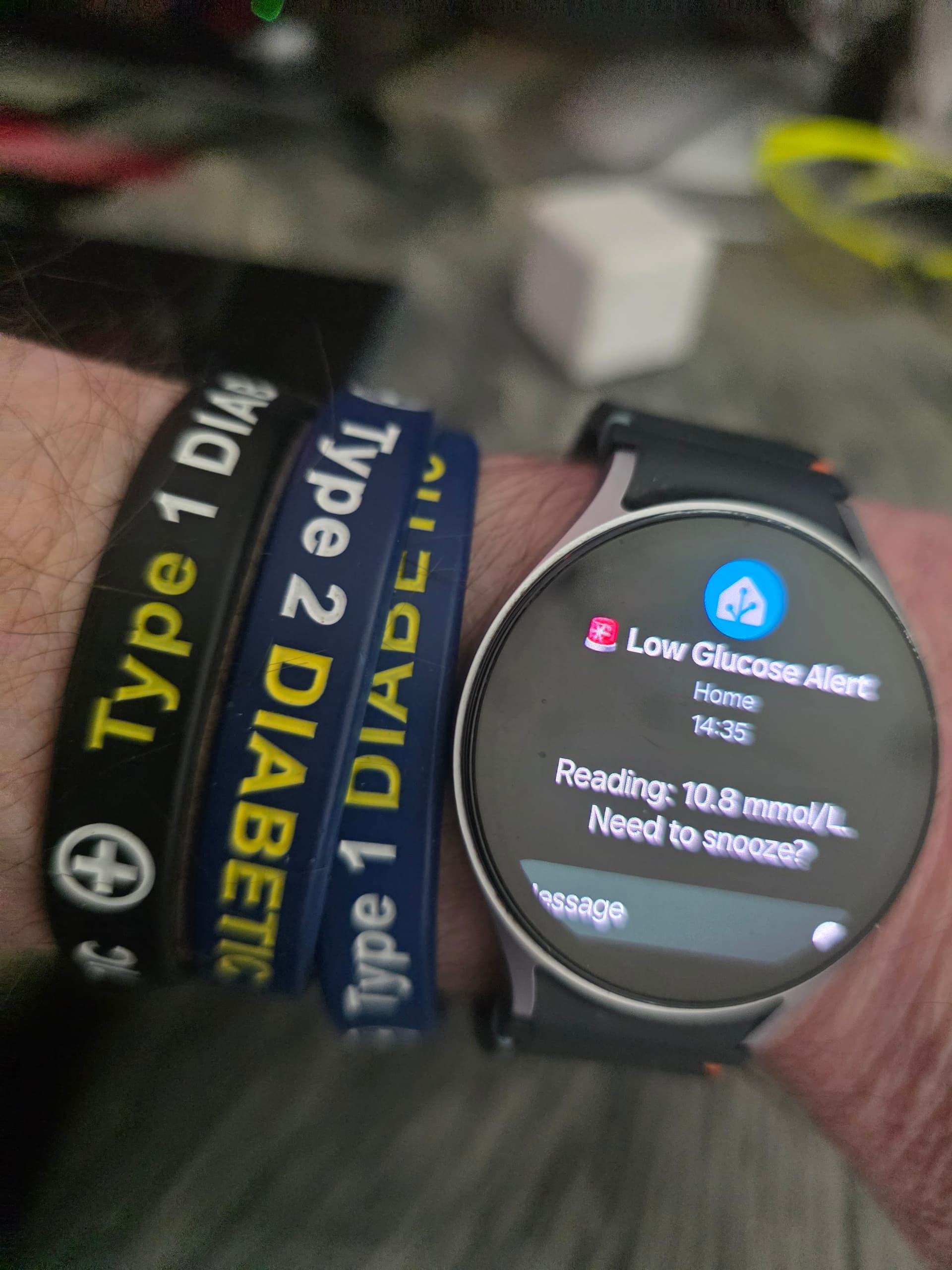
And the time I added!
And the countdown you can see with an Entity Card on your front end Dashboard.
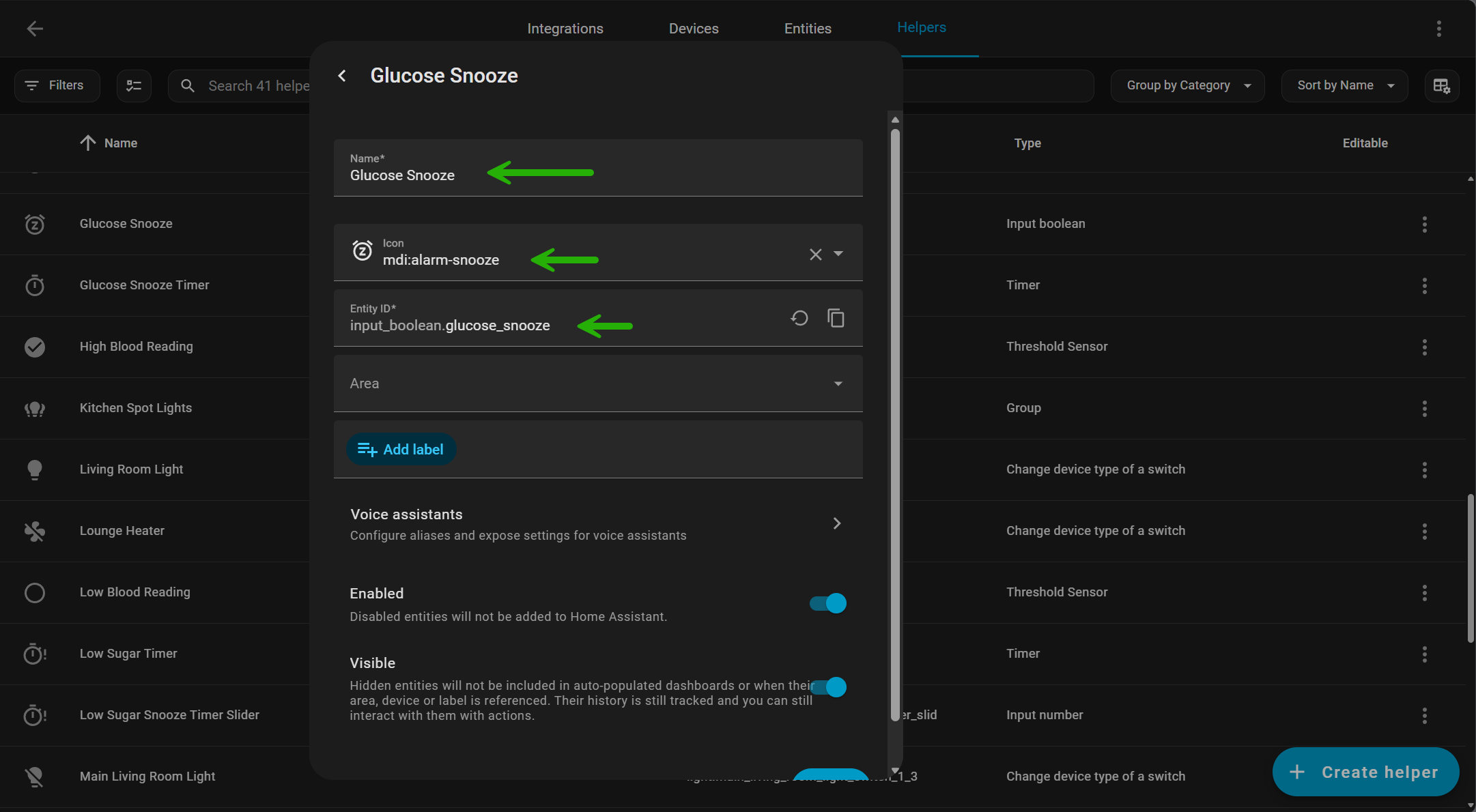
Helper:
Create a “Snooze” Helper
To handle the 20-minute delay, we need a “switch” that tells the automation to be quiet.
-
Go to Settings > Devices & Services > Helpers.
-
Click Create Helper > Input Boolean.
-
Name it Glucose Snooze.
(Entity ID:
input_boolean.glucose_alarm_snooze).
There is also a lot more Automations and helpers needed so far for this Automation to work.
And a few Automations will be needed as well.
Automation:
1. Glucose Snooze Timer Finished 1.0
description: Reliably resets the snooze boolean regardless of how the timer stops.
triggers:
  - trigger: state
    entity_id: timer.glucose_snooze_timer
    from: active
    to: idle
actions:
  - action: input_boolean.turn_off
    target:
      entity_id: input_boolean.glucose_snooze
mode: restart
Automation:
2. Handle Glucose Snooze input 1.0
triggers:
  - trigger: event
    event_type: mobile_app_notification_action
    event_data:
      action: SNOOZE_GLUCOSE
actions:
  - action: notify.mobile_app_sm_s938b
    data:
      message: command_stop_audio
  - action: notify.mobile_app_sm_s938b
    data:
      message: clear_notification
      data:
        tag: glucose-alert-loop
  - action: input_boolean.turn_on
    target:
      entity_id: input_boolean.glucose_snooze
  - action: timer.start
    target:
      entity_id: timer.glucose_snooze_timer
    data:
      duration: >-
        {% set val = trigger.event.data.text_input or
        trigger.event.data.reply_text %} {% set mins = val | int(0) %} {% if
        mins > 0 %}
          {{ mins * 60 }}
        {% else %}
          1200
        {% endif %}
Automation:
- Glucose Snooze Logic
description: Handles the timing for the glucose alarm snooze
triggers:
  - entity_id: input_boolean.glucose_snooze
    to: "on"
    id: started
    trigger: state
  - event_type: timer.finished
    event_data:
      entity_id: timer.glucose_snooze_timer
    id: finished
    trigger: event
actions:
  - choose:
      - conditions:
          - condition: trigger
            id: started
        sequence:
          - target:
              entity_id: timer.glucose_snooze_timer
            action: timer.start
      - conditions:
          - condition: trigger
            id: finished
        sequence:
          - target:
              entity_id: input_boolean.glucose_snooze
            action: input_boolean.turn_off
And without doubt prob more to come!
One issue I have noticed is that the snooze from the watch does not work the second time around if you are still under 3.9 mmol as it needs to be in the loop, but when adding into the loop, the sound stops working so it needs a fix for this?
I now got it up to this stage, for my projects seem to be going well on testing, and what I have written above has all changed to a more stable way.