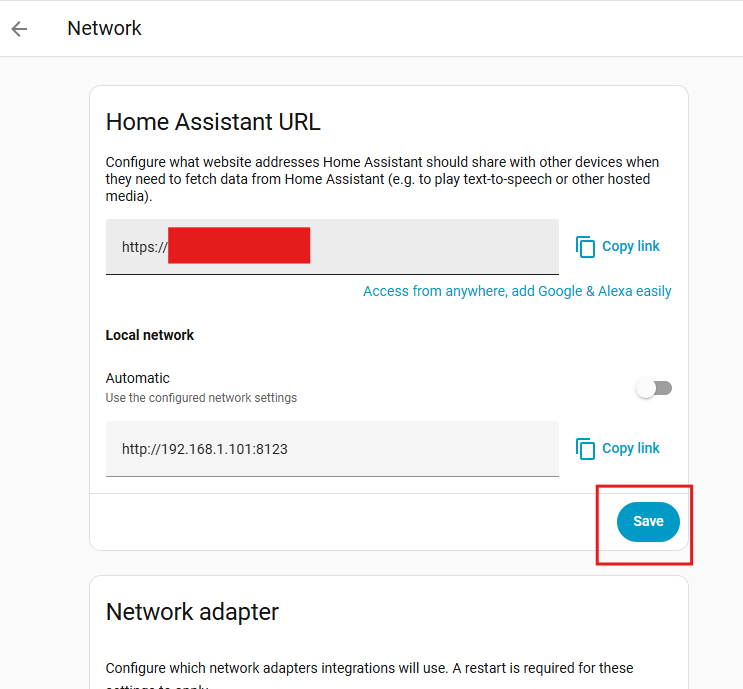
Suddenly the “Home Assistant URL” section under Settings > System > Network is missing.
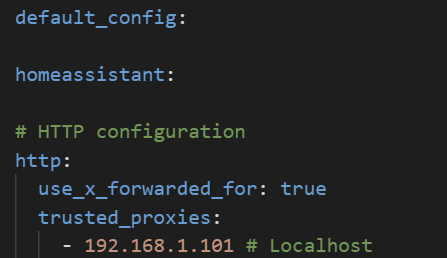
Only the basic configuration of HTTP is defined in the configuration.yaml
HTTP configuration
http:
Nor internal_url or external_url parameters are defined.
I think this happened after activating Advance
My user is admin and I have tried enabling and disabling the Adcance mode and using a private browser window (It doesn’t appear in the Android APP either)
I am running the latest HA version
2025.9.0
Any help on this would be appreciated.
Thank you.
Hello,
After updating to:
2025.9.3
The problem seems to persist, “Home Assistant URL” section is still missing:
Is anyone else having the same problem?
Thank you.
Please post a portion of your configuration.yaml silmilar to this
default_config:

homeassistant:
 media_dirs:
    local: www/media
frontend:
  themes: !include_dir_merge_named themes

automation: !include automations.yaml
script: !include scripts.yaml
scene: !include scenes.yaml
template: !include template.yaml
My configuration file is pretty much like the original one.
default_config:
homeassistant:
  internal_url: http://192.168.1.101:8123
# HTTP configuration
http:
use_x_forwarded_for: true
trusted_proxies:
- 192.168.1.101 # Localhost
# Database configuration
recorder:
db_url: mysql://homeassistant:[email protected] :3306/ha_db?charset=utf8mb4
purge_keep_days: 30
# Load frontend themes from the themes folder
frontend:
themes: !include_dir_merge_named themes
# Include external configuration files
automation: !include automations.yaml
python_script:
Thank you for your help.
homeassistant:
  internal_url: http://192.168.1.101:8123
If I remove that config from my config file and restart HA it doesn’t make any difference.
If I add an “external_url:” to the configuration.yaml:
homeassistant:
  internal_url: http://192.168.1.101:8123
external_url: https://app.xxxx.com
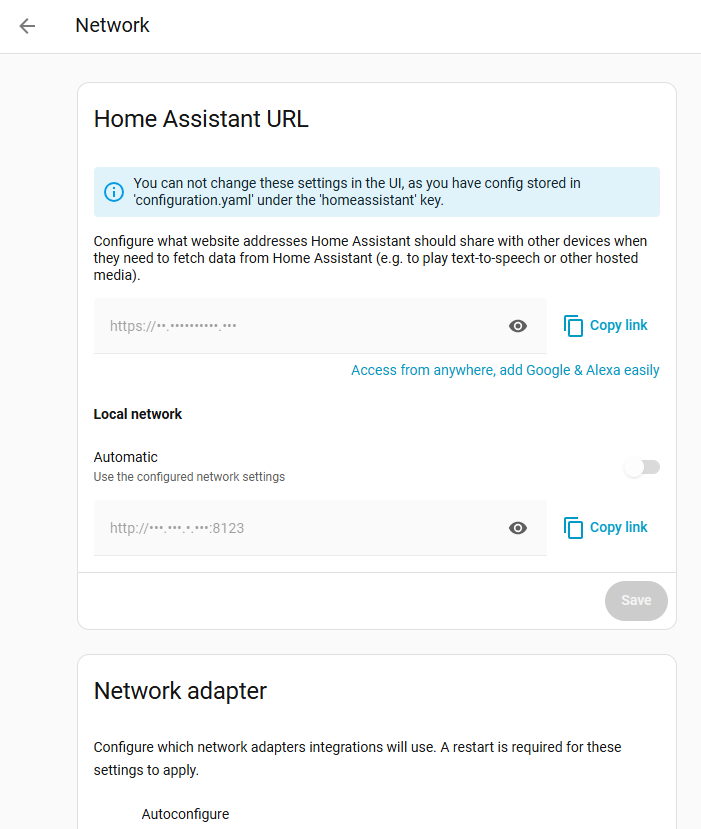
The section appears again in HA but it is not editable.
Did you clear the browser cache after removing those entries?
1 Like
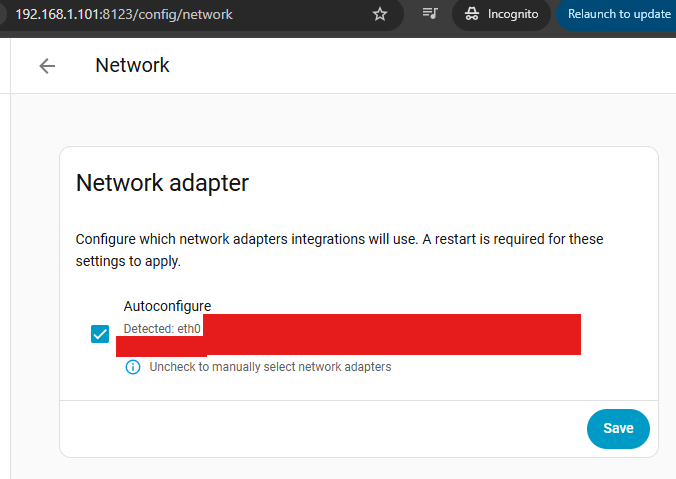
Yes, I even opened the HA UI in incognito mode:
BUT while doing the tests I “recovered” from this bug by mistake
Before removing this config from my configuration.yaml
I had left the HA Network tab open in my browser by mistake. The fields weren’t editable at the moment.
alejandr0:
image701×829 38.1 KB
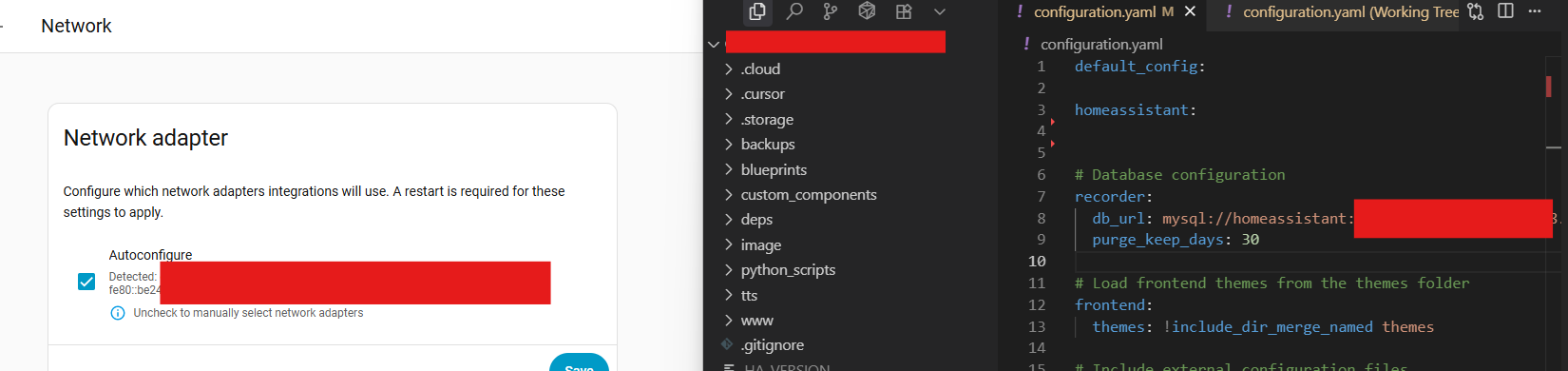
Then, I removed the homeassistant: config block from my configuration.yaml, leaving it like this:
I restarted the HA server. Suddenly, the “Home Assistant URL” inputs became editable again, and I was able to change the settings directly from the UI. Then I clicked the save button:
After restarting HA, the Home Assistant URL section was no longer missing and remained editable.
I hope these steps help someone else recover from this bug, and maybe also help the developers fix it.
Thanks again @LiQuid_cOOled for your help!
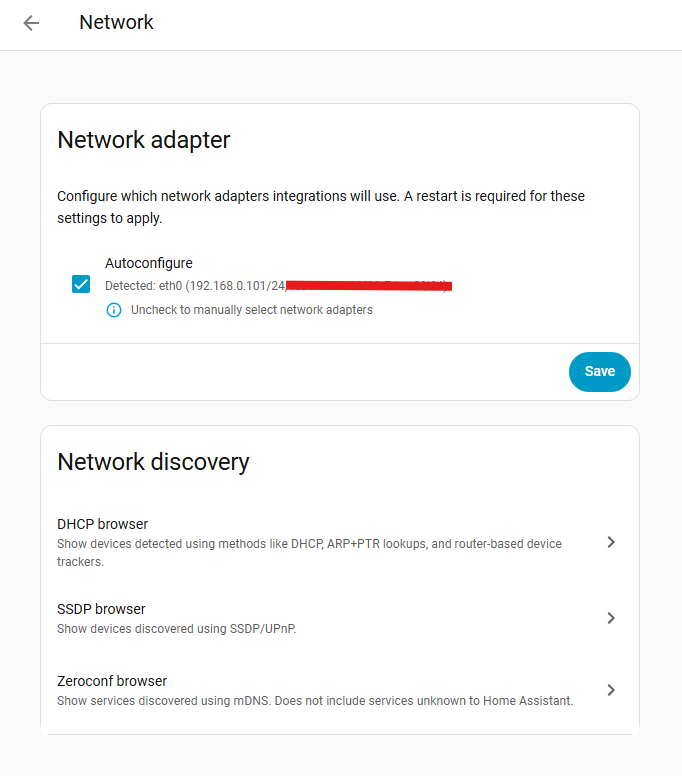

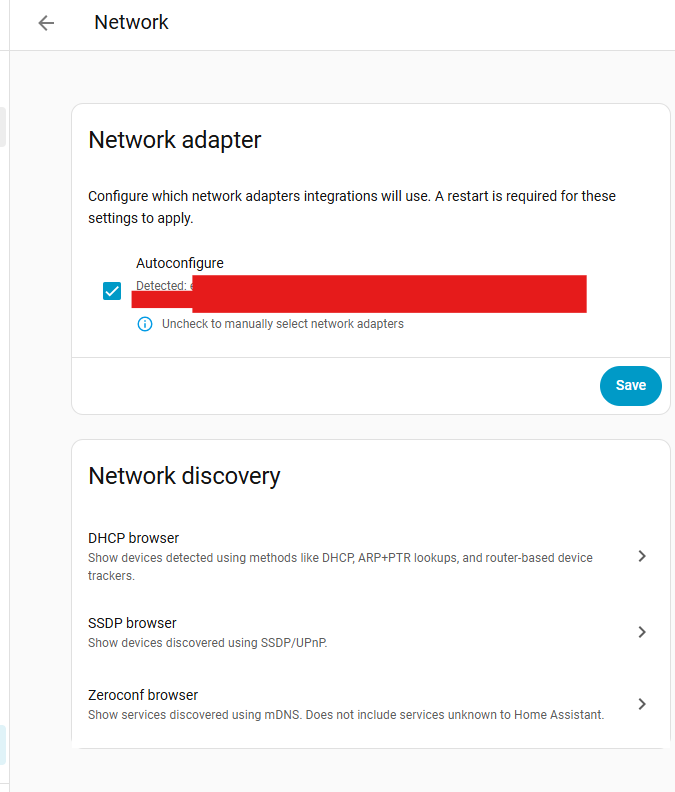
 . Here are the steps I followed in case anyone else is having this issue: