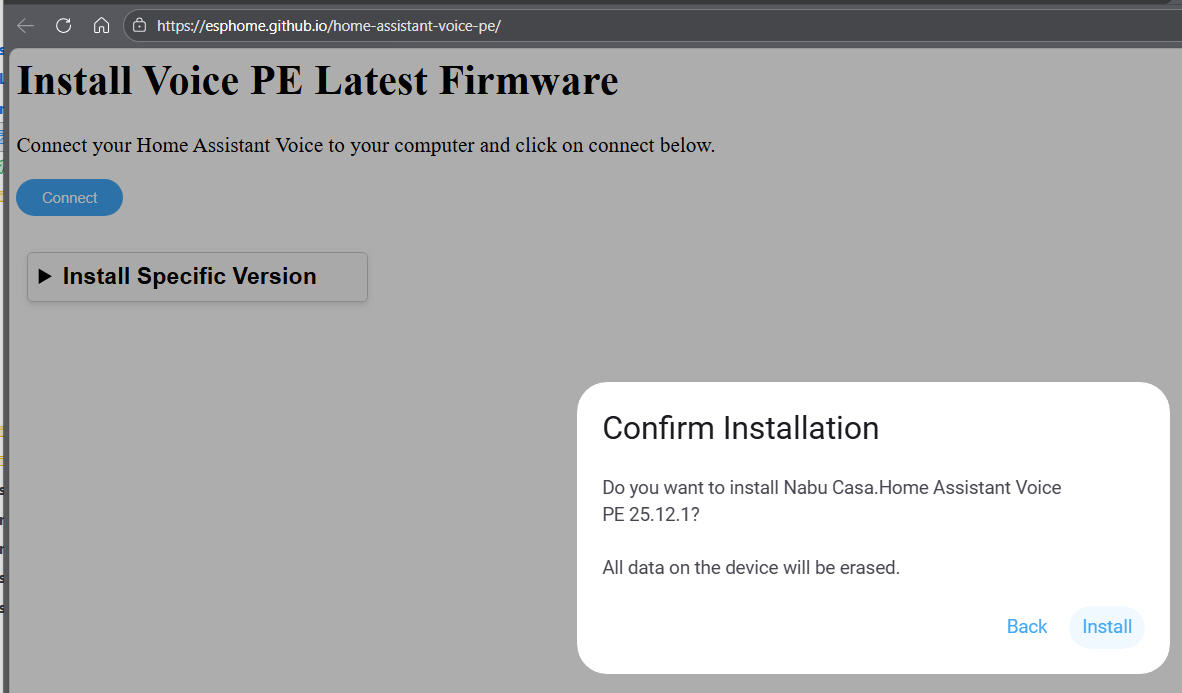
I finally got some time to start diving into Voice PE, and went to the Getting Started page.
I can’t get past step 3.
The device is discovered and I clicked “Add”
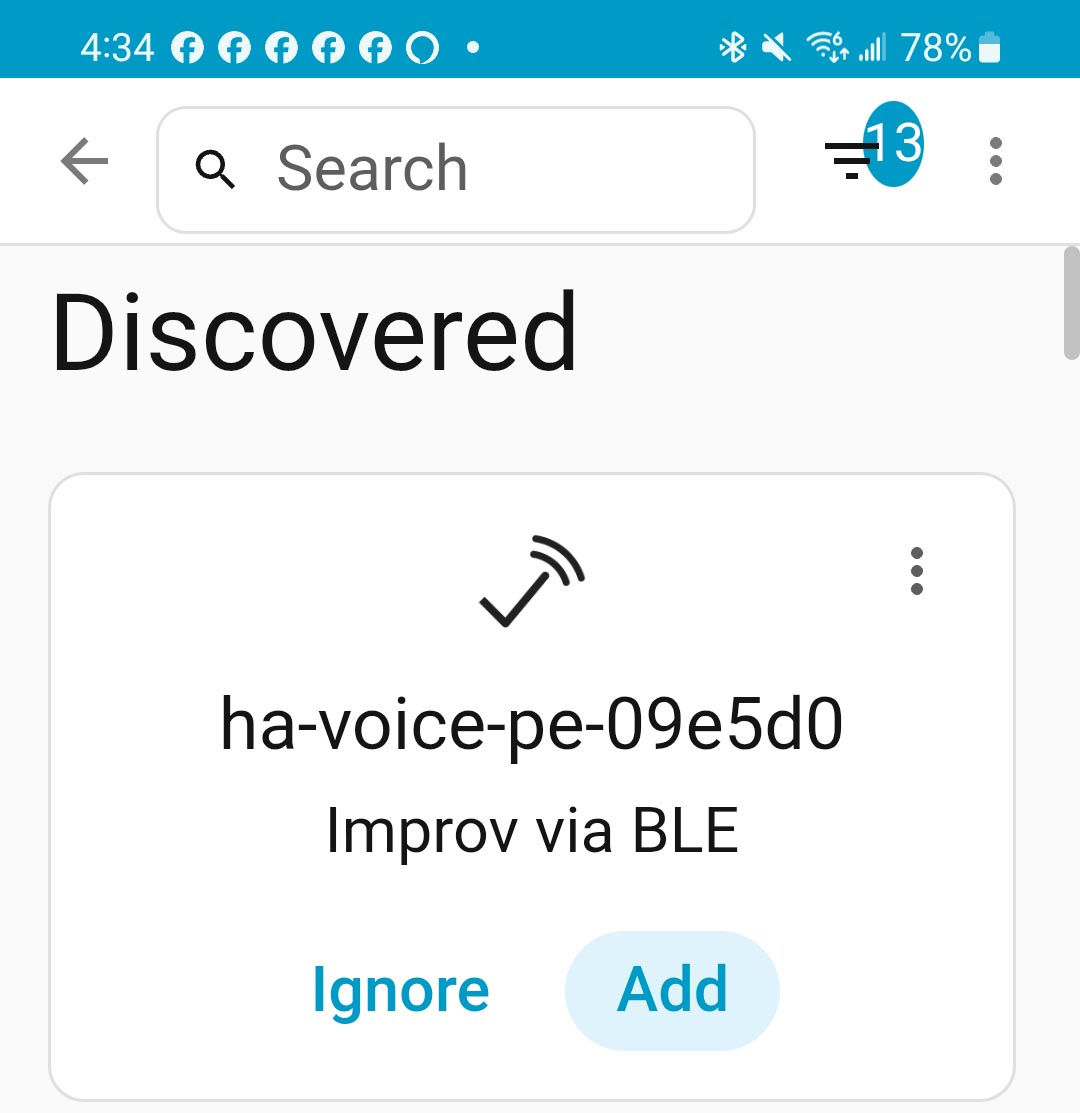
After about 30-40 seconds I got this:
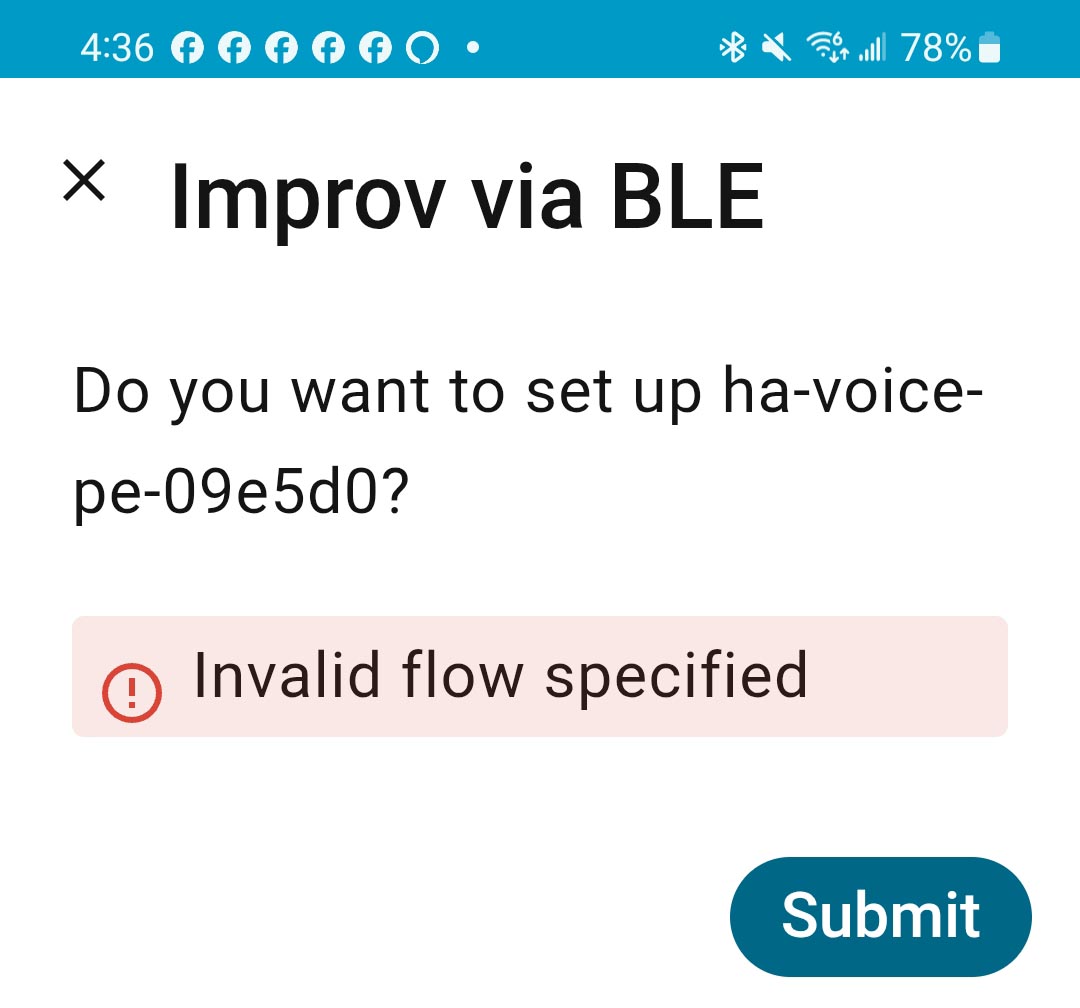
Now what?
I finally got some time to start diving into Voice PE, and went to the Getting Started page.
I can’t get past step 3.
The device is discovered and I clicked “Add”
After about 30-40 seconds I got this:
Now what?
Nothing? No ideas? Even AI is down to guessing; most recently telling me to delete the core container.
Do I have a $60 brick?
HA >> settings >> system >> network >> local network
Address or IP must be accessible by HAVPE
I don’t know if that causes this problem but it still needs to be accessible and it makes sense
OR
Another option is to use esphome and manually setup device
Thanks for the tip. I have more than 100 WiFi and Ethernet devices on Home Assistant, so accessibility is probably not an issue.
Interesting idea. I have dozens of ESPHome nodes, but they are all installed manually using ESPHome Flasher. My Home Assistant server host is an Intel NUC in the basement, so USB is not easily accessed.
How would I start and where would I find the latest binary?
Since I am resigned to this box as a $60 brick, please point me in the ESPHome direction… Thanks
Yes. It may be.
Most other things use mdns and don’t care about that setting but recently the devs have made use of that setting so if you haven’t checked you should
Esphome web flasher to get it on WiFi then flash away
That just installs a base ESPHome binary to the device. Where do I get the PE binary?
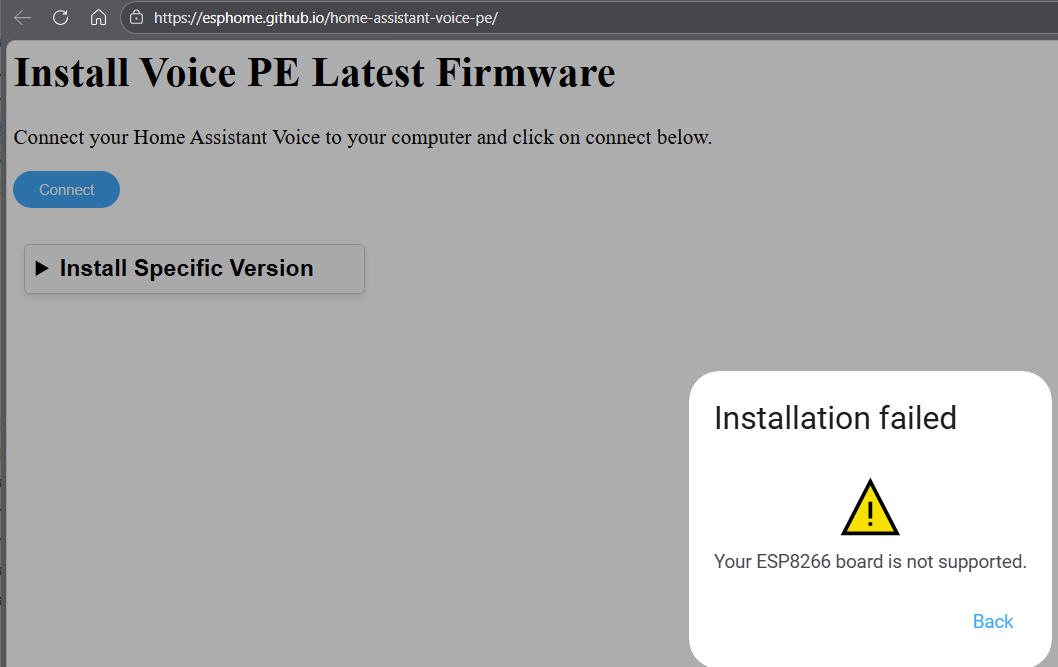
This looked promising ( Reinstalling the firmware on Home Assistant Voice Preview Edition from bootloader mode), but that resulted in yet another error:
ESP8266?? Did the PE ever have an ESP8266 in it?
The GIT is where I got the PE installer. I will try to compile the yaml file in ESPHome Builder since nothing else works.
Did you see the yaml files
You need to compile
I do appreciate your help. I think that the crux of my problem is that my Home Assistant host computer does not have Bluetooth and the “Getting Started” instructions doesn’t address this directly. I do have a Bluetooth proxy on my desk but all I have ever used it for is a couple of thermometers.
WHY require BLE?
If BLE is only used to enter the WiFi credentials, then BLE seems to be a solution in search of a problem. Virtually every ESP32 WiFi device uses a default AP for WiFi setup - except Voice PE?
adding from phone or PC with blutooth accomplishes same.
The BT proxy should allow it as well.
BT is the solution used for all iot devices to get it on wifi.
old way was connect to AP created by device but for some the connecting to wifi was a problem as they didnt know how to connect a device to wifi. Anyway, BT worked because, I presume, it created a more seamless experience.
I honestly dont use BT setup method enough to know the associated issues or process so I always add esp devices using device builder and yaml and occasionally the tool for initial esphome install and wifi setup
Were you able to get it setup?
After two days of trying, I rarely got a reliable BLE connection through the proxy or my phone. I never could enter my IP credentials.
I did finally get my IP credentials using USB and ESPHome, and now “hey nabu” works.